We remain fully operational. Our teams are working around the clock to ensure your deliveries continue safely.

قم بتنزيل التطبيق


معلومات عنا
حقوق الطبع والنشر © 2024 Desertcart Holdings Limited
قم بتنزيل التطبيق
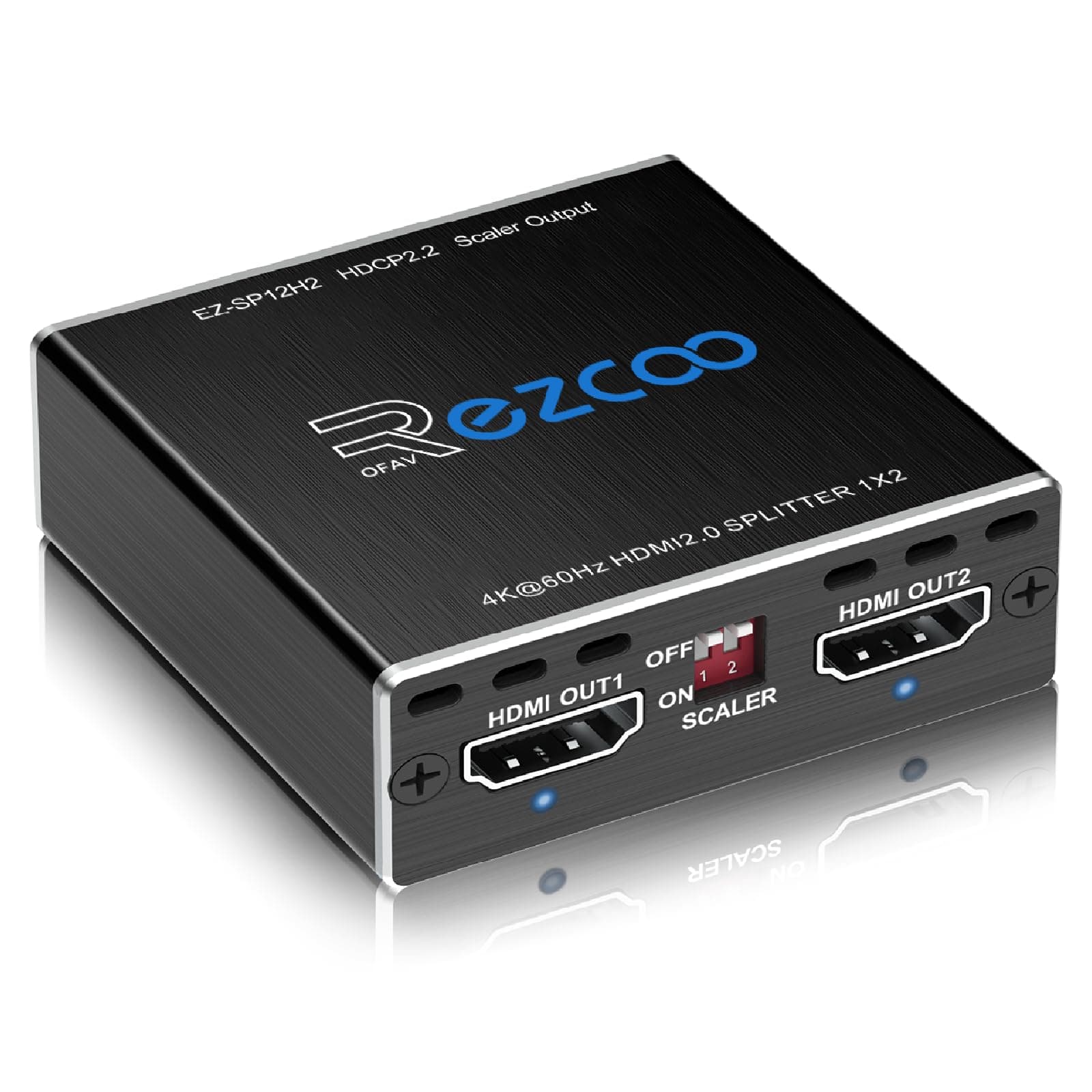
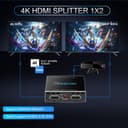
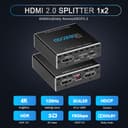
🎮 Elevate your home theater game with flawless 4K HDR & immersive sound!
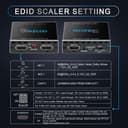
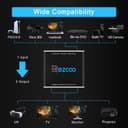
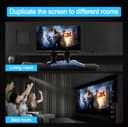
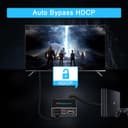
The EZCOO SP12H2 HDMI Splitter delivers dual 4K 60Hz HDR video outputs with independent downscaling to 1080P, supporting HDCP 2.2 and Dolby Vision. It enables simultaneous playback on two screens with full 7.1 Dolby Atmos and DTS:X surround sound compatibility. Designed for seamless integration with gaming consoles, streaming devices, and AVRs, it offers hassle-free USB-powered setup and advanced EDID/scaler controls, making it the perfect upgrade for millennial professionals seeking premium home entertainment without costly hardware replacements.


| ASIN | B07VP37KMB |
| Best Sellers Rank | #55 in Audio & Video Selector Boxes |
| Brand | EZCOO |
| Built-In Media | 1x Pin Key |
| Cable Type | HDMI 2.0 HDCP 2.2 |
| Color | black |
| Compatible Devices | DVD Player, Projector, Camera, Monitor, Television, Gaming Console, Laptop, Personal Computer, Blu-ray Satellite Receiver, Camcorder, VCR, Tablet, DVR, Soundbar, Game Capture Device |
| Connector Type Used on Cable | HDMI |
| Customer Reviews | 4.2 4.2 out of 5 stars (934) |
| Manufacturer | EZCOOTECH |
| Number of Ports | 3 |
| UPC | 657835496128 883522046998 |
| Unit Count | 1.0 Count |
| Warranty Description | Obey Amazon Product Return Refund Replacement Policy. |
J**R
Works with PS5, can split & send 4K HDR 60Hz video to TV & full 7.1 surround HD audio to your AVR
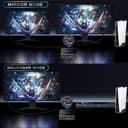
Super worth it splitter for PlayStation 5 streamers or those with home theater setups! I thought I'd need to upgrade either my TV or AVR to be able to fully enjoy 4K HDR Bluray disks & 60fps gaming on the PS5 along with HD/lossless audio. My Hisense TV doesn't have eARC, while my Sherwood AVR can't pass through 4K + HDR + 60Hz via HDMI. So it was a choice of either connecting direct to the TV via HDMI to get 4K HDR 60Hz, but with only standard 5.1 Dolby Digital or DTS as my audio options connected via optical or ARC. Or, if I use HDMI passthrough, I can get 7.1 Dolby TrueHD or DTS HD Master audio via the AVR but I'm limited to 4K 30Hz only with no HDR on the TV. I've already tried other supposed 4K HDMI splitters, but they would either downgrade the video to 1080p or audio to stereo when splitting the signal. But I found a YouTube review of this EZCOO splitter showing how it can properly split 4K HDR with full 7.1 HD audio. Saw it on sale on Amazon, and for the price I thought it would be worth trying. Out of the box, with the default settings, it didn't work right away. But after flicking some switches on the splitter and a PS5 restart, I was able to get what I wanted, 4K 60Hz HDR on the TV and full 7.1 HD audio (True HD, HD Master or PCM) through the AVR, without using passthrough! Proof is in the pictures. Here's what worked for me: TV connected to Output1, AVR connected to Output2. Set Scaler on Output2 to ON. Set EDID to 4K. Important things to take note: Make sure all your cables are at least HDMI 2.0 compatible. Plug the splitter into a USB port with enough power (I tried it with a USB hub and it didn't work, but it works with the PS5's USB plugs). And most importantly, especially during initial setup, make sure your TV and AVR are both already turned ON first BEFORE you turn on your PS5. Their customer service is pretty great too. When I wasn't able to get it to work at first, I messaged them and they quickly responded (although I was actually able to figure it out for myself before I got to read their reply). Anyway, thanks to this device, no need to upgrade my TV and AVR for now, or maybe until all the PS5 HDMI 2.1 issues get ironed out. 🙂
S**M
Enabled Fallout in Dolby Atmos in 1080P
Amazon Prime Video, for some reason, restricts anyone with a 1080i or 1080p display from seeing titles in Dolby Atmos (even though you pay for ad-free). The SP12H2 eliminates that restriction because it makes the Fire TV Stick think you have a 4K display. It works on both Fire TV 4K Sticks and Google TV 4K Sticks. In fact, on the Google TV, there is an added bonus: because since the Google TV Stick thinks you have a 4K display, it enables every single format below that, such as 1080p 30Hz, which your old display might be able to use but which is normally not a visible choice (forcing you to go down to 720P). This is a 5-star product!
T**Z
Awesome option for those with old 1080p 7.1 audio receivers
This is a powerhouse of a video/audio splitter/downconverter! I have an old 7.1 audio receiver that cannot receive a 4K signal, yet needs a connection from HDMI in order to properly deliver 7.1 audio. I found this device and was hoping it would work well, and it absolutely does the job. I have my Apple TV connected to the HDMI in (with EDID switched to 7.1 to trick the Apple TV into passing through proper audio) with my TV connected to HDMI out 1 (no downscale) and the receiver hooked up to HDMI 2 (1080p downscale). The build quality is great, features work flawlessly so far with current electronics (Apple TV even offers Atmos audio pass through which I wasn’t expecting) and the box even has details on how to update firmware if that becomes something in the future. The adapter works flawlessly once it’s working properly with SDR content, however I do have 2 issues: 1.) Sometimes the converter/splitter doesn’t work properly if the source becomes active AFTER the converter is booted up. I have the adapter plugged in to a USB port that becomes powered after the TV turns on (which is typically turned on by my Apple TV) so this is not a problem for me. However this can be solved by unplugging the converter then plugging it back in. 2.) HDR content will pass through to be down converted to 1080p, however HDR will remain active which may lead to an inaccurately colored image. Sadly you’ll need to turn HDR off if you’re using both displays at the same time, but if you’re like me the quality of the 1080p output doesn’t matter as it’s going into an audio receiver. Overall for the price I would definitely recommend. I’ve been using the device for a few weeks now with minimal issues. Hopefully it’ll last a while!
G**Z
Blocks HDCP stream
Successful at blocking HDCP stream (High-bandwidth Digital Content Protection, a technology developed to prevent the unauthorized copying of digital audio and video content as it travels between devices, such as from a Blu-ray player to a TV). I use this in combo with Avermedia recorder and a Firestick to record shows, etc. If you plug the Firestick into the Avermedia HDMI input, you get only a black screen. With this device between the Avermedia and Firestick, the output is normal. Working good so far!
S**S
Good divice and support hdr ultra hd but picture quality and colour bright less contrast tv and projector support missing clarity
J**L
Tenia problemas con mi barra de sonido Lg ya qué no podía optener Dolby Visin a través de está, con este Splitter obtengo dolby visión dolby atmos desde mi xbox one x, es muy pequeño y se puede conectar a la toma USB de la tv lo cual lo hace muy practico, super recomendable.
A**R
It works great! Very good
W**Y
Waste of money
A**O
No he podido activar la señal dolby atmos que viene de Netflix, y no lo he podido actualizar
ترست بايلوت
منذ أسبوعين
منذ أسبوعين