

Desert Online General Trading LLC
Dubai, United Arab Emirates
Desert Online General Trading LLC
Dubai, United Arab Emirates
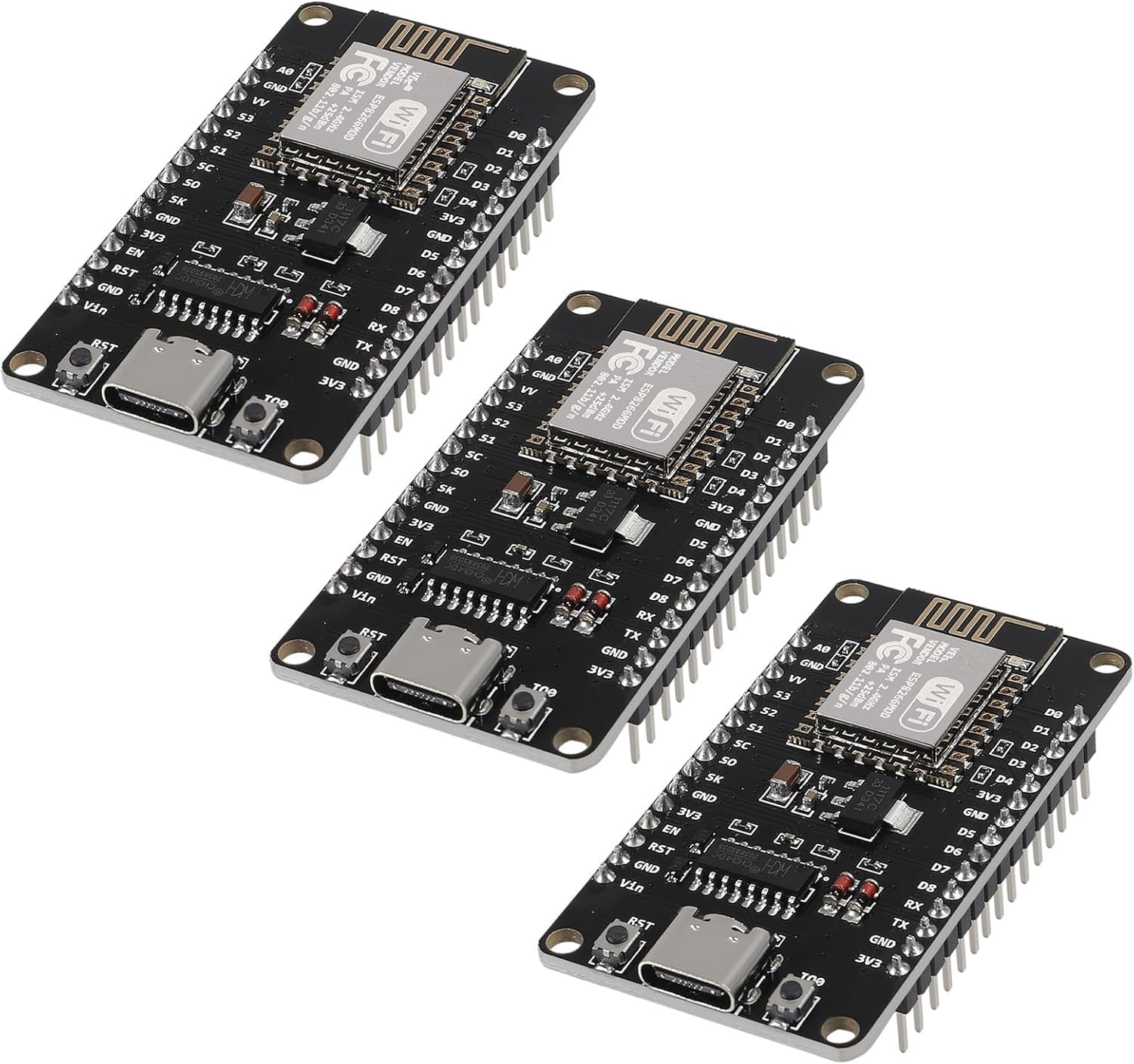
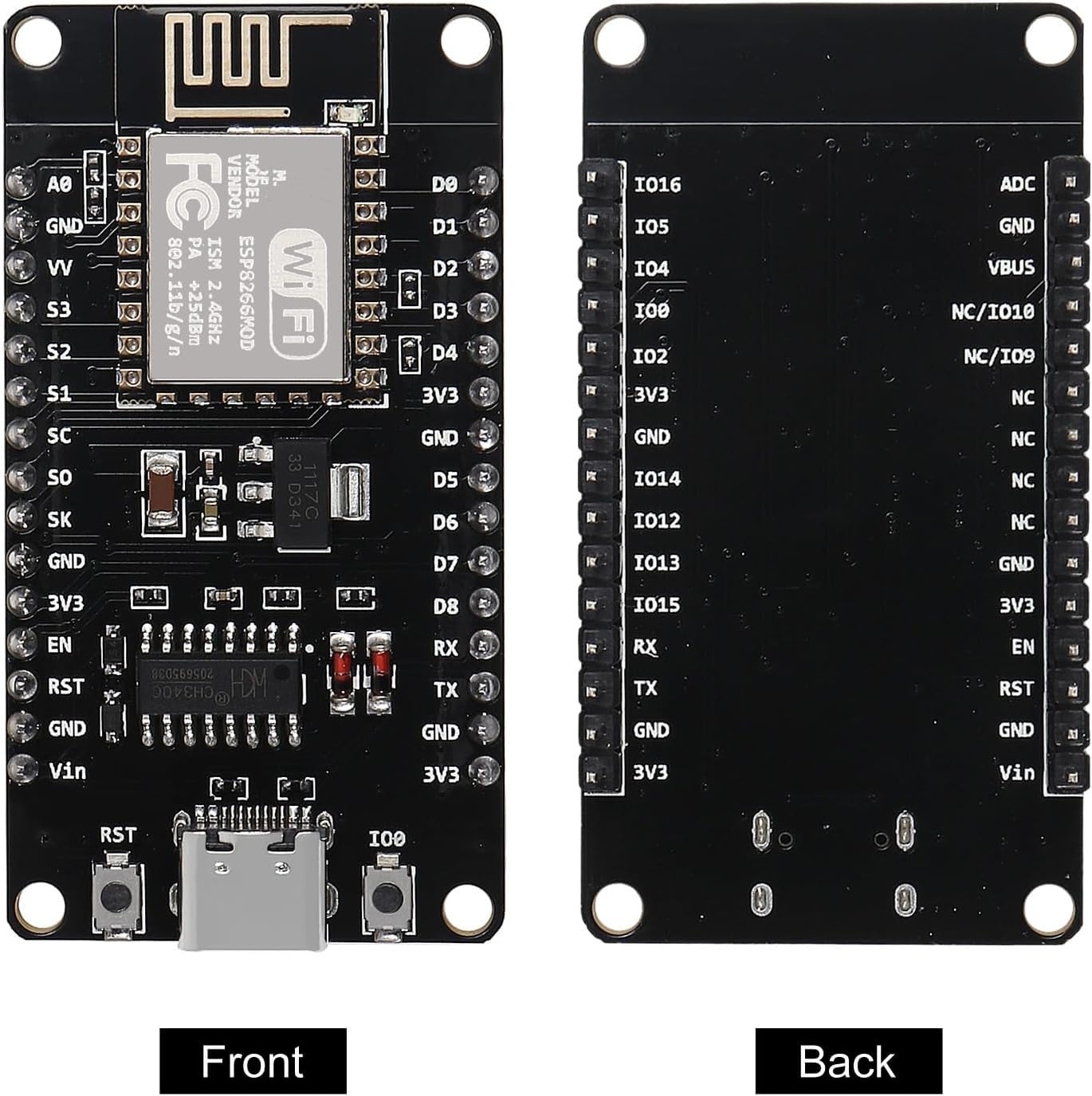
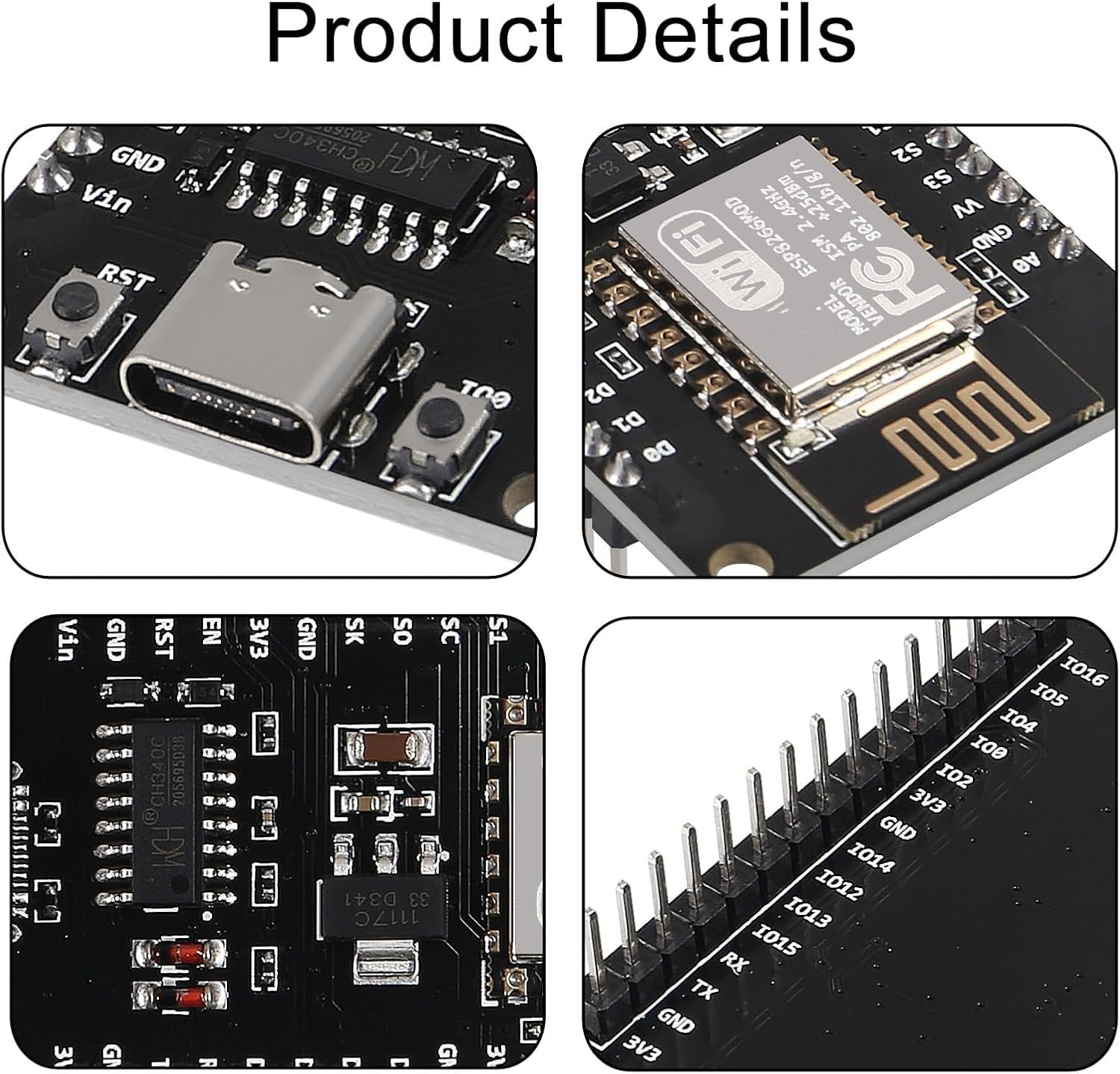
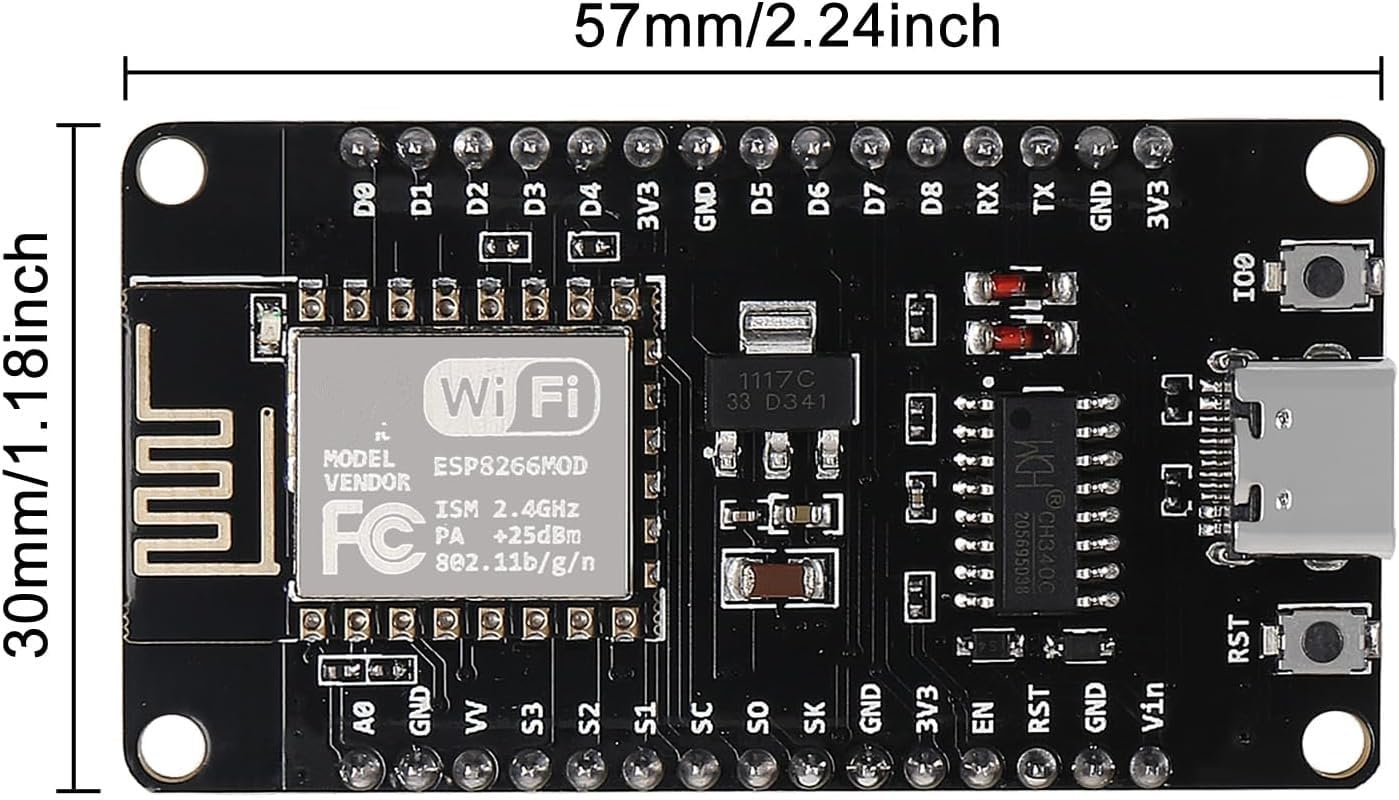
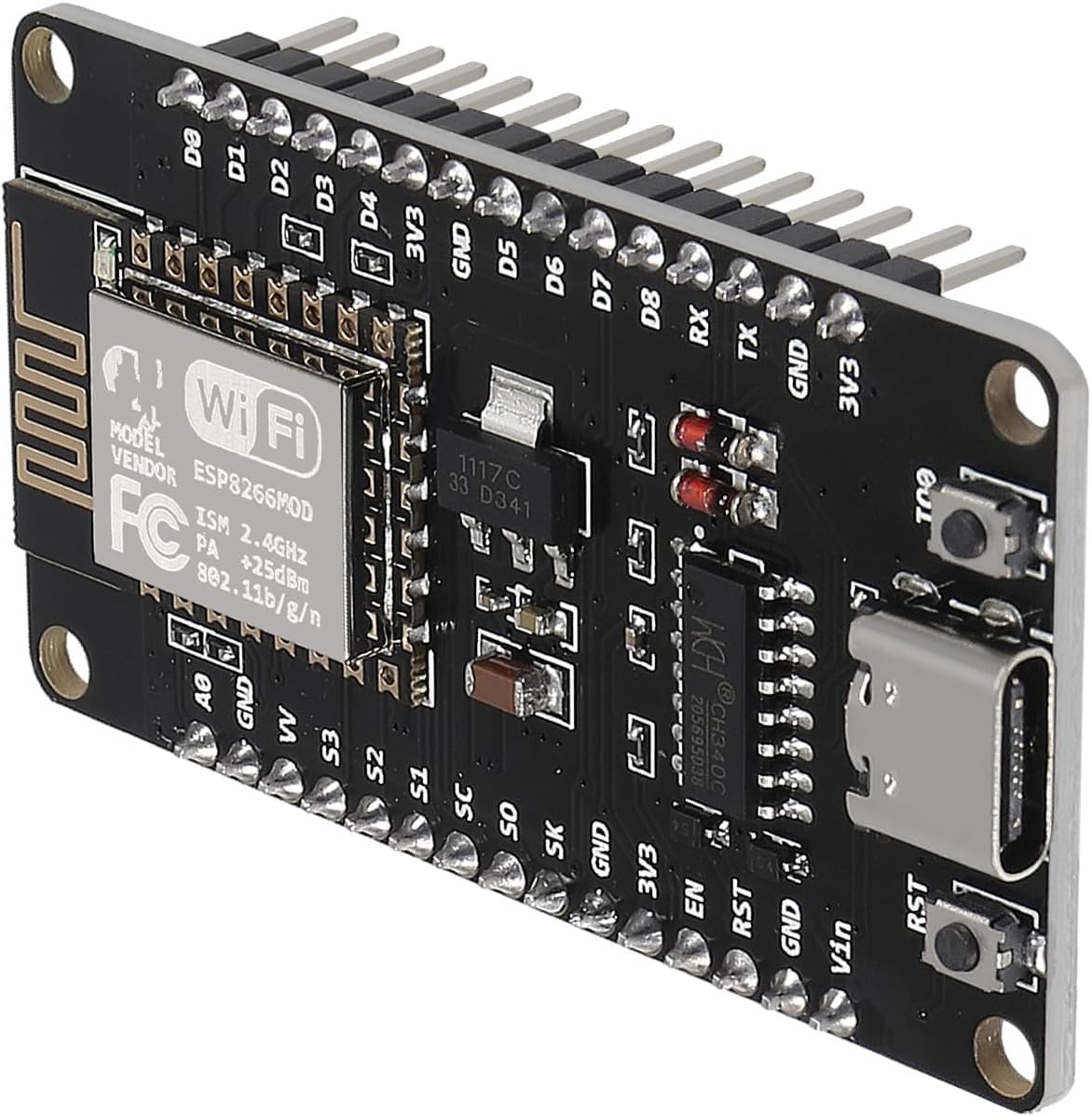
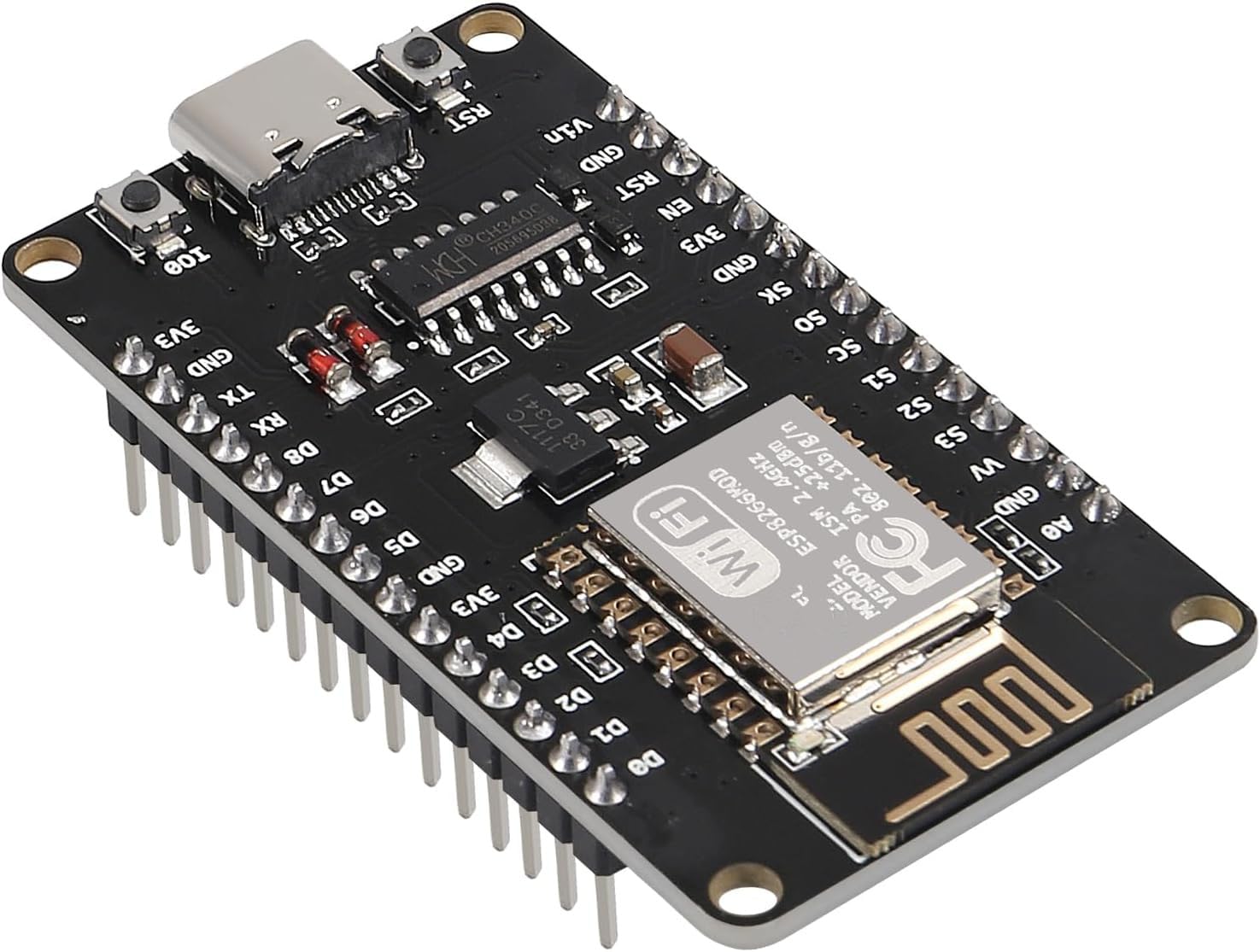
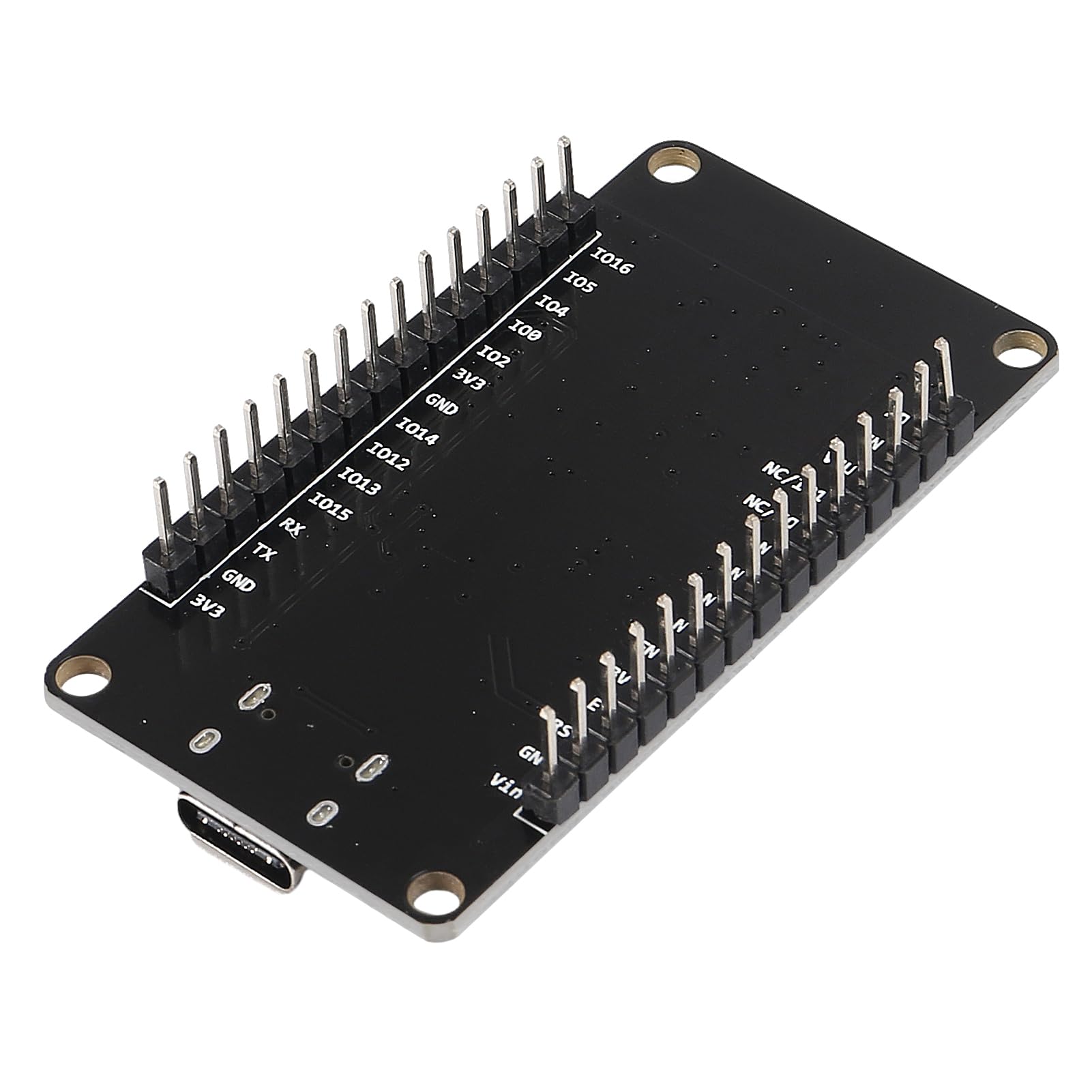
🚀 Elevate your IoT game with the ultimate NodeMCU V3 WiFi dev board!
This 3-piece NodeMCU V3 development board set features the powerful ESP-12E ESP8266 microcontroller with integrated 802.11 b/g/n WiFi and a robust CH340 USB-TTL serial chip. Designed for fast, flexible prototyping, it supports Lua, Arduino IDE, and MicroPython programming, all packed into a compact, breadboard-friendly form factor with modern Type-C connectivity.
| RAM | LPDDR3 |
| Wireless Type | 802.11b |
| Brand | ACEIRMC |
| Series | NodeMcu V3 |
| Operating System | Linux, MicroPython |
| Item Weight | 0.176 ounces |
| Package Dimensions | 0.79 x 0.79 x 0.39 inches |
| Color | 3pcs Type-C |
| Processor Brand | Espressif |
| Number of Processors | 1 |
| Manufacturer | ACEIRMC |
| ASIN | B0CPSJW255 |
| Date First Available | December 2, 2019 |
J**H
Works with Arduino IDE
These are my first ESP8266 boards after working extensively with ESP32s and Nanos previously. These ESP8266s are working fine. With such a good price point, I couldn't resist giving them a try for simple projects. At first, I couldn't get them to flash with Arduino IDE. The board was recognized, but sketches would not upload. Tried my old computer, and it worked fine. Turns out my Windows 11 CH340 drivers had an issue. I used a driver installer exe program to uninstall and reinstall the drivers, and now it's working like a charm on the old Arduino IDE using "NodeMCU 1.0 (ESP12-E Module)" under board selection.If you've tried everything and want to reinstall your CH340 drivers, this is what I did. I used the link titled "Windows (EXE) -- Driver executable" on the Sparkfun CH340 tutorial page. https://learn.sparkfun.com/tutorials/how-to-install-ch340-drivers/all Simply download "Windows (EXE) -- Driver executable", run the exe file, click uninstall, click install. Good to go. For anyone concerned, this driver update did not interfere with working with Nano boards with the old bootloader. Everything still works.
J**N
Nice Upgrade
This chip functions great. It seems to work exactly the same way as its microUSB predecessor but it of course has the USB-C adapter which is really cool that way you don't have to go dig up an old micro-USB cable.
E**R
Good value for the price
These ESP8266 modules work fine with the Audrino IDE. They are a good value for the price, although the quality might not be very high.
H**N
Can't beat the price!
My old ESP8266 unit failed and I needed a replacement. The ACEIRMC unit worked beautifully. I only needed one, but for the price, having spares suites me.
J**H
One of the boards malifounded after using the 5V Vin port.
One of the three boards is defective and appears dead. That happened after using the 5V vin pin. The other two worked as designed and I am using the USB port instead with the other two units. In reading the reviews, I noticed that issues with the VIN input having issues was meaned. So using the USB port should be used instead of the VIN port.
A**R
used for ESPHome with home assistant
super low power, easy to setup, also use them for clocks and various other strange yet fun things. they work perfectly with everything.
J**.
Little glitchy
Great for the cost. I do have to reset all the boards often to get the wifi back on.
A**R
Happy with my purchase!
Followed the simple instructions on the back of the board (installing the USB drivers) & was up & running in no time!
ترست بايلوت
منذ يومين
منذ 3 أسابيع
منذ شهرين
منذ أسبوع