Desert Online General Trading LLC
Dubai, United Arab Emirates
Desert Online General Trading LLC
Dubai, United Arab Emirates


Full description not available


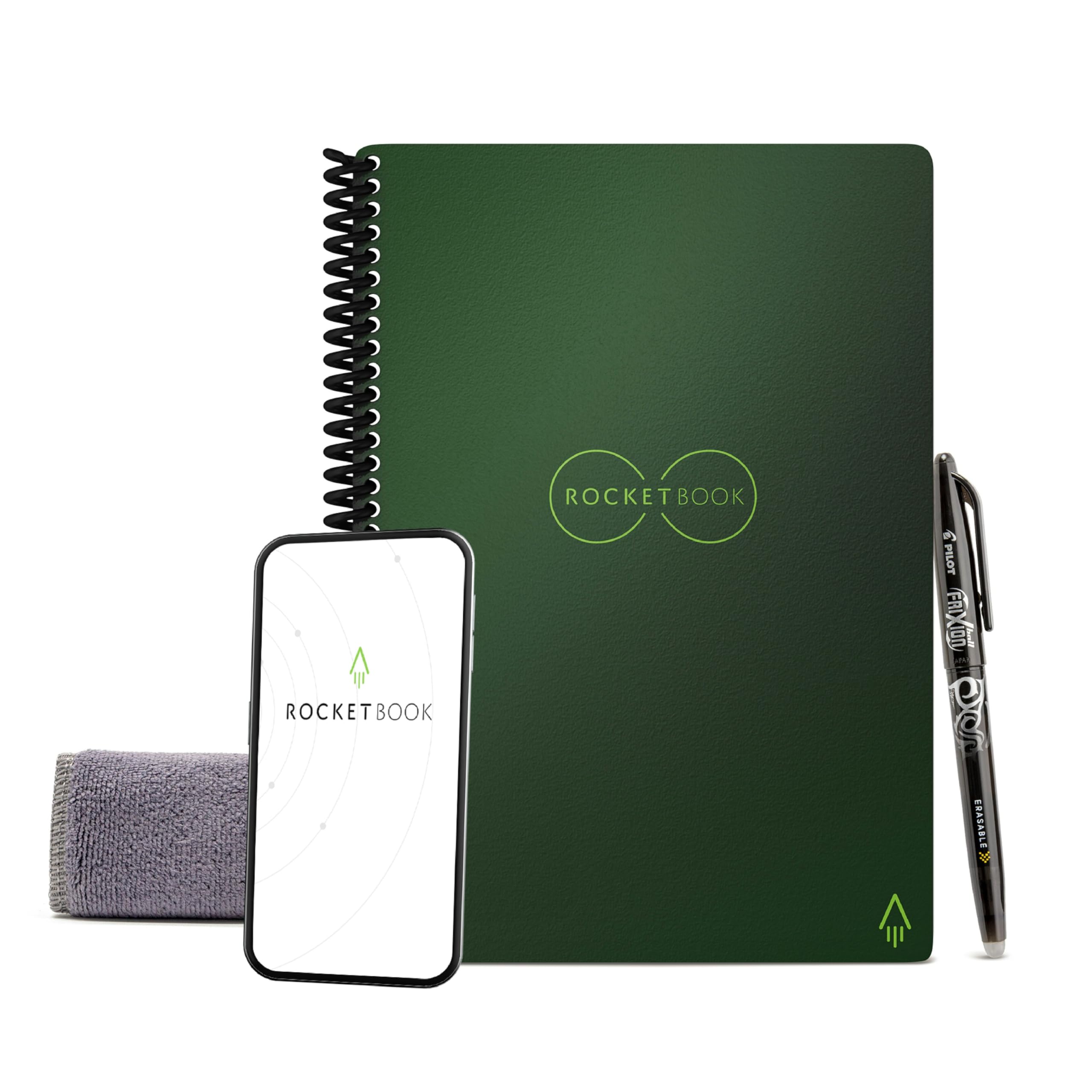
| Manufacturer | Trademark Innovations |
| Brand | Rocketbook |
| Model Number | EVR2-E-K-CKG |
| Product Dimensions | 22.35 x 15.24 x 1.27 cm; 191 g |
| Colour | Green |
| Cover Material | Cardboard |
| Material Type | paper |
| Number of Items | 1 |
| Size | Executive A5 |
| Ruling | Lined |
| Sheet Size | A5 |
| Paper Finish | Specially Coated |
| Manufacturer Part Number | EVR2-E-K-CKG |
| Item Weight | 191 g |
A**G
Gift for university student
Great for new university student
S**T
A great product.
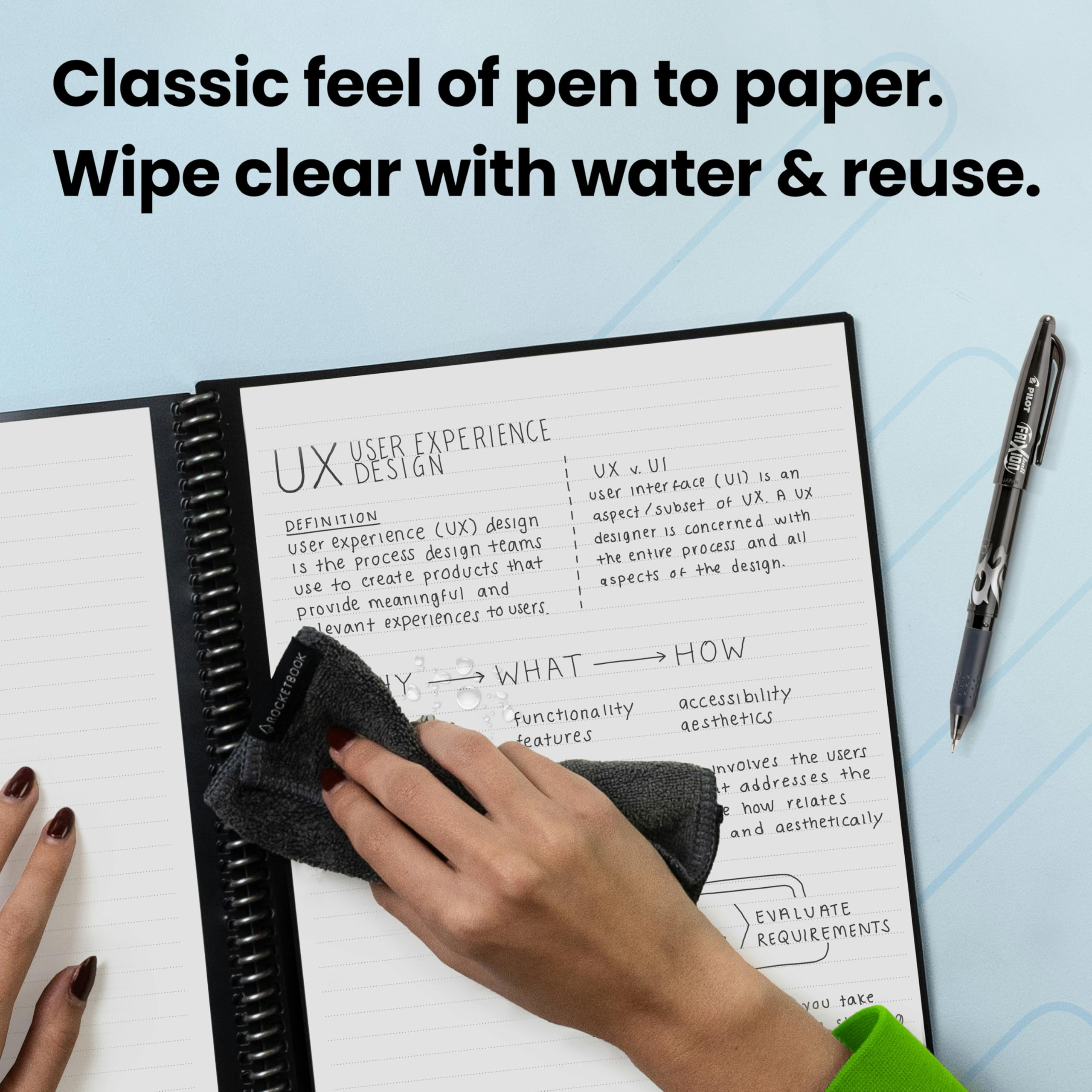
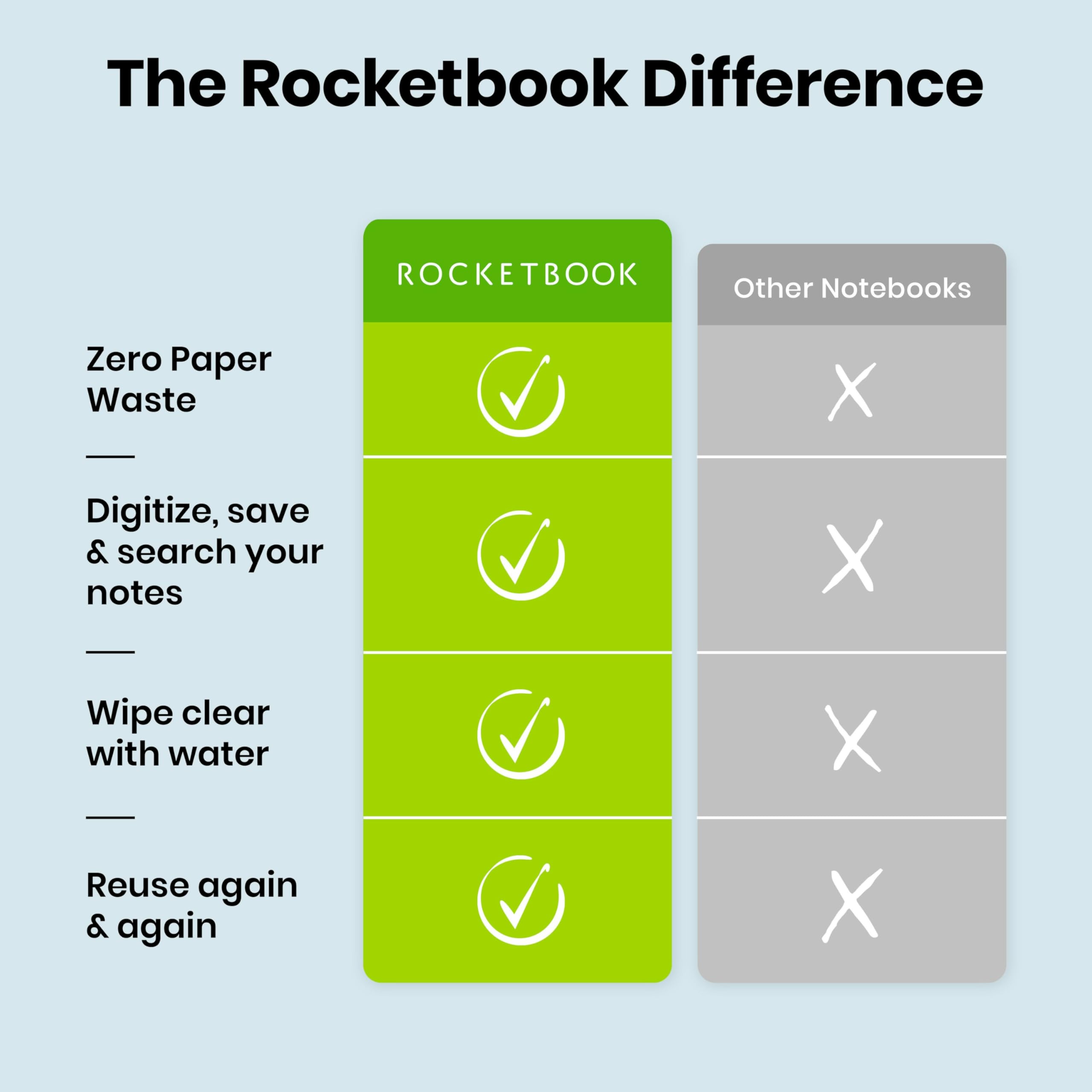
I'm always jotting things down, working through a computer algorithm on paper or writing some notes or some graphic designs, information I'm receiving during a telephone conversation and so on. For me that all works best on a traditional pen and pad. But the trouble with traditional notepads is they get messy very quickly after corrections, plus you might want more than one for different purposes. I find an A5 pad the right kinda size, not too big or small but there are A4 and A6 versions too.Now it's arrived and it works well, it's a bit over priced. But I use notepads all the time so it's something that I will get use out of. The pen flows nicely and it's just like writing on traditional paper (smooth paper not fibrous). Apparently 10 to 15 seconds for it to bond with the special paper then it will not smudge at all even after some vigorous rubbing (I tried). When you're home you could tidy up your corrections or erase pages completely, which is very easy with the supplied cloth (dampened). No residue what-so ever is left so it's like a new pad once again. You have 36 pages to use so you could keep some things permanently in the notepad. It comes with a black pen, but other colours are available.I downloaded the RocketBook app to my phone, set my email address because I want my notes sent via email (you can also use various cloud services like DropBox). You click the camera phone icon on the app and it recognises the page (and nothing else, not even the notepad ring binder or a background). It shows you what will be scanned by over-laying a green section on the page, processes and sends to the place of choice in PDF Format. You put a cross through one of the icons at the bottom of the page to idicate where you want the file sent.The scans are very good (unless in poor light I guess, but you can scan later in better light) with very smooth curves as used in handwriting and drawing (4K on my phone). The software has OCR and search facilities, although probably best to print key words unless your handwriting is very neat. As well as key words I use the heading feature so you don't have to type in a filename, just scan and the PDF gets sent automatically. You simply write some hashtags around the filename you require, so write on the notepad ## FILENAME ##So basically you can use it as a traditional notepad that never runs out, that can be edited, wiped and over-written without something like Tippex for a standard paper notepad which you can't really write over, or the Tippex tape-like solution that puts a white film across edits. Or you can very quickly get ideas, notes and drawings down, tidy up and then send as a PDF to view on phone tablet or computer as more of an organized work flow.
H**H
Mostly redundant but perfect in some ways
Since 2021 I've had endless phone calls with one of the utility companies about a fault that they have in their system, which continues to affect my house, although they are trying hard to fix it. And then there were other things: goods from unrelated companies that didn't arrive because of delivery issues, and so on. I knew that - particularly with the utility company - I had to keep a record of these things. I had a book - I called it the Meldrew index - in which I noted key points in every conversation. But a book isn't much good - you have to send messages to yourself e.g."cont. on p.27". I needed a loose-leaf folder. That would have worked. Did I think of that? No. I dreamed of something like an iPad that I could write on during a call, and keep. But the cost! So I got a rocketbook. The idea is, you take a picture of your notes to send to your laptop. Yes I know- you can do that anyway, you don't need this darn thing - and your writing turns into a scrawl on it. The only plus is psychological: I never forget to have the rocketbook with me when I'm calling suppliers of any kind. This is because it cost real money. Is it worth it? Well, I don't think so; I think a looseleaf folder would be better.
M**A
Good basic idea but quality control needs more attention
My Rocketbook came with about half the pages with an extra thick black border on the top and no black border on the bottom, this resulted in the scanning tool struggling to identify the page properly, I have remedied the situation by drawing a black border on the bottom with a permanent marker but in some cases this touched the QR code and seems to have rendered those couple of pages unusable...I would also like to get a version with a hard cover, the floppy sides don't work for me when I am having to take notes without a surface to rest it on.When it works it is brilliant though.
B**Y
Good.
Well I'm going to to keep it as I take & make a lot of notes. I just cant work out how to use it. I wish there was an video to show you how to use it. There was a post on you tube but it looks hard.
S**S
Expensive but amazing tech and really useful for note taking
So let's first talk about the price. £35 for a 36 page note books sounds crazy, but, in this case it is so worth it.Imagine how much money you would spend on pads over a 5 year period. I bough one of thse books for notes at work 5 years ago and it is still going strong, in fact it is going so strong I have now bought another for my new job (I bought a red cover previously where I wanted a more professional black cover this time)Writing is a breeze and although the "paper" does not feel 100% natural, it does not feel bad and does give a pleasing feedback when using the required Pilot Frixion pen (1 included with the pad)Once notes are completed you can put an X through and image at the bottom and it will automatically sent the document to a location of your choice (set initially in the menu) the scan will be just like the original but digital and if you have emails on your phone, your mobile will become your personal notes archive.When done, wet a rag, and erase all the notes ready for the next batch.Amazing product
A**R
Easy to use - impressive
So far impressed - easy to scan and clean. Not sure how clean the pages will become after time.
ترست بايلوت
منذ شهر
منذ شهرين
منذ شهر
منذ أسبوعين