We remain fully operational. Our teams are working around the clock to ensure your deliveries continue safely.

قم بتنزيل التطبيق


معلومات عنا
حقوق الطبع والنشر © 2024 Desertcart Holdings Limited
قم بتنزيل التطبيق
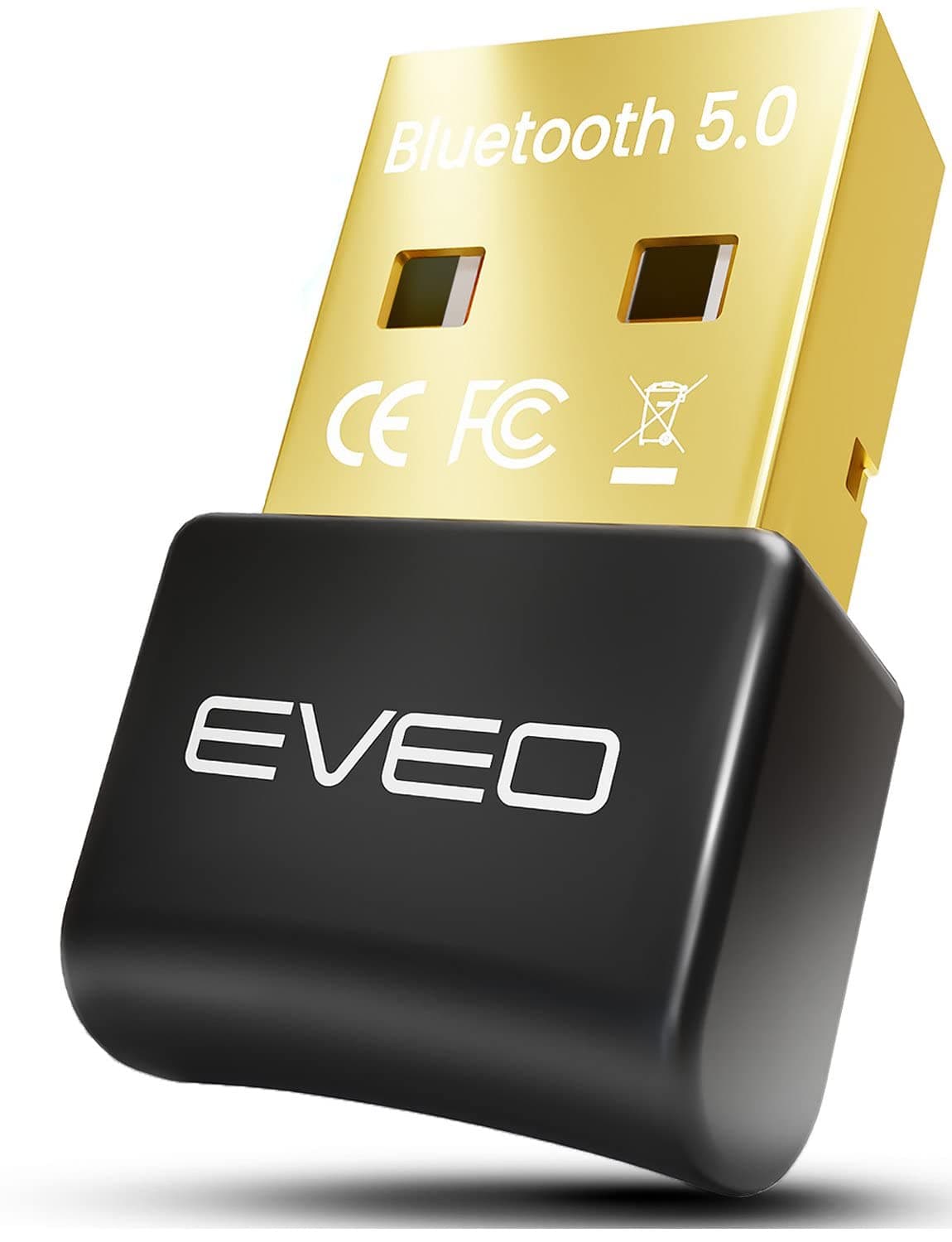

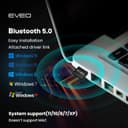
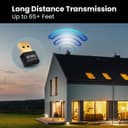



🚀 Elevate your workspace with lightning-fast, flawless Bluetooth connectivity!
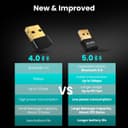
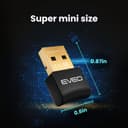
The EVEO Bluetooth Dongle 5.0 is a compact USB adapter designed for Windows PCs and laptops, delivering stable Bluetooth 5.0 connectivity with up to 3 Mbps transfer speed and a 65-foot wireless range. It supports simultaneous connection of up to 8 devices, ensuring seamless audio and data transmission for headphones, keyboards, mice, and more. Easy to install with quick driver setup, this dongle upgrades your wireless experience with professional-grade performance and reliability.


| ASIN | B08CF1H9WJ |
| Customer Reviews | 4.3 4.3 out of 5 stars (2,767) |
| Date First Available | January 16, 2021 |
| Item Weight | 0.634 ounces |
| Manufacturer | EVEO |
| Package Dimensions | 4.57 x 2.56 x 0.2 inches |
N**O
Replacing my OEM BlueTooth
Easy to install, Windows 10 picked up default drivers, grabbed new drivers. Works great with my Bose QC35 headphones around my small apartment. You can get a usb extension cable to mount this somewhere else besides near your metallic case for better coverage. I typically try to run up behind my monitor and place it somewhat close to line of sight to my headphones. The dongle worked great either way, and was able to get rid of my onboard BlueTooth which was like 2.0 or 3.0 and didn't support the Bose QC35's ability to do voice and data over two separate channels. Really annoying when you're trying to VOIP and game. This one solved it. Probably will pickup another one for my desktop at work as well. PRO: Compact Good Design Easy to Install Excellent Range Updated Drivers Con: Just wish it came with a USB Extender Cable
W**E
Great and affordable Bluetooth 5.0 dongle that works with my Sony headphones
This works like a charm. I had issues with my previous Techkey Bluetooth 4.0 dongle with audio stuttering while trying to connect to my Sony WH-1000xm4. Unfortunately my PC's motherboard does not have bluetooth built in so a usb dongle is my only other alternative. I decided to upgrade to a new one to this affordable bluetooth 5.0 dongle and the audio stuttering disappeared! It was a quick and simple less than a minute driver installation. I just went on eveoBT5.com, chose the right zip due to system requirements, and followed the steps to install. Love it!
B**H
If your computer has Bluetooth already this is not an easy upgrade
Purchased for Bluetooth speakers, when teaching or making presentations i use PowerPoint with some imbedded MP4 clips. The new Bluetooth unit comes closer to no delays with the audio. But my speakers are not Bluetooth 5. Product preforms as advertised IF YOU CAN INSTALL it. Little to no documentation with my unit after a day of going through online helps found out I had to completely uninstall the current Bluetooth device manually in the settings. Once installed working great. I also installed it on a old tower that did not have Bluetooth, it installed simply, quickly and worked Great. Did this just to prove to myself the unit was not dead on arrival.
G**S
First one didn't work, but have another one on the way!
When we received the EVEO Bluetooth Dongle 5.0 we never could get it to recognize ANY bluetooth devices. It just sat there and spun, and we tried in multiple computers However, upon returning the device, we were contacted by EVEO Customer Support...not only did they offer a refund on the product, but they offered to send us a replacement device!! We are looking forward to getting the replacement!! Fingers crossed! I have to give EVEO Five Stars for their customer support. I really do believe they want to stand behind their product and want to make sure their customers are satisfied with their products!! More to come...
G**A
NO issues with Apple Airpods so far...
Tip: Delete any existing bluetooth drivers you might have. I had a BT 4.0 device installed and needed to FIRST plug that in just to remove anything connected to my Apple Airpods. (Be sure to show hidden hidden devices from the Device Manager.) Once I did that I followed instructions and downloaded the driver. My Airpods connect just fine and I use it to listen to my music. I agree with all the "shady" comments. The company could do a better job of making an official looking site. However I did scan the driver file (exe) and it reported nothing suspicious. I hope that is the case...
A**O
NO WIN 11 compatibility! Scam! Deceitful company with shady practices, website, and drivers.
This is the second Bluetooth adapter I have purchased searching for one to work with Win 11. The company flat out lies in their description saying this works for windows 11 and has the audacity to have whoever does their graphic design for the product photos jump in on the scam too. All over this amazon page, it says it works for Win 11 and it doesn't. The package it comes in says windows 7/8/8.1/10 no mention of 11 like the amazon page. The website it take you too is super shady and has you download a driver from a random google drive link that prevented my computer from scanning it for virus. Download and installed to find out their were driver errors due to it not being coded for win 11. I looked through the files code and sure enough there was code for every version of windows except for 11. It blows my mind that companies like this waste peoples time thinking they can scam them out of money when I will be driving to return yet another Bluetooth device falsely claiming win 11 support. I will get my money back and all they will earn is 1 star review and an email with screen shots being sent to the better business bureau. who knows how sketchy that driver install was, I did not feel good installing it at all and am now worried about it potentially compromising my computer. Even if this works for other versions of windows, please buy from another company and don't support a company that lies to the consumer about features of their products trying to milk every penny they can out of its customer base.
J**H
Simple to setup, no headaches
So, I was in need of a new Bluetooth adapter when I came across this one. I wasn't sure because of some of the mixed reviews but decided to give it a try anyway. I'm glad I did. I went in knowing that I needed the driver from their website so I assume that saved me some headaches. I literally got it in the mail maybe an hour ago, plugged it into my PC only recently, downloaded and installed the driver for Windows, and it just worked. No hassle. I connected my PS4 controller to my PC (without my USB cord) in seconds! SIDE NOTE: Yes, it does say on the packaging that Windows users don't need any drivers for their adapter (they should really update that); but with any tech that comes with drivers, you should err on the side of caution and get the driver anyway tbh. Hope that helps the next buyer.
S**R
se resolvieron temas de intermitencia y falta de conectividad con dispositivos a corta o larga distancia funciona perfecto con los auriculares con Windows 10
A**8
اخذتة للكمبيوتر عشان اشغل علية كنترول اكس بوكس سيريس والحين له شهر وشغال تمام الحمدلله. بلوتوث 5.0 حقيقي .صح فيه تاخير بالشحن لكن يستاهل . ولازم تثبيت الدرايفر من الموقع الموجود خلف العلبة عشان يشتغل
H**M
المنتج اللى جالى مجهول الهويه وليس ما ورد فى الاعلان
M**7
It's a genwric cheap product at triple the price of the same dongle everywhere else. Disappointed!
M**L
Lo compré para la computadora de mi trabajo, y sin problema conecto audífonos, teclado y mouse.
ترست بايلوت
منذ 3 أسابيع
منذ شهر