
📁 Scan smarter, work anywhere—your portable productivity powerhouse!
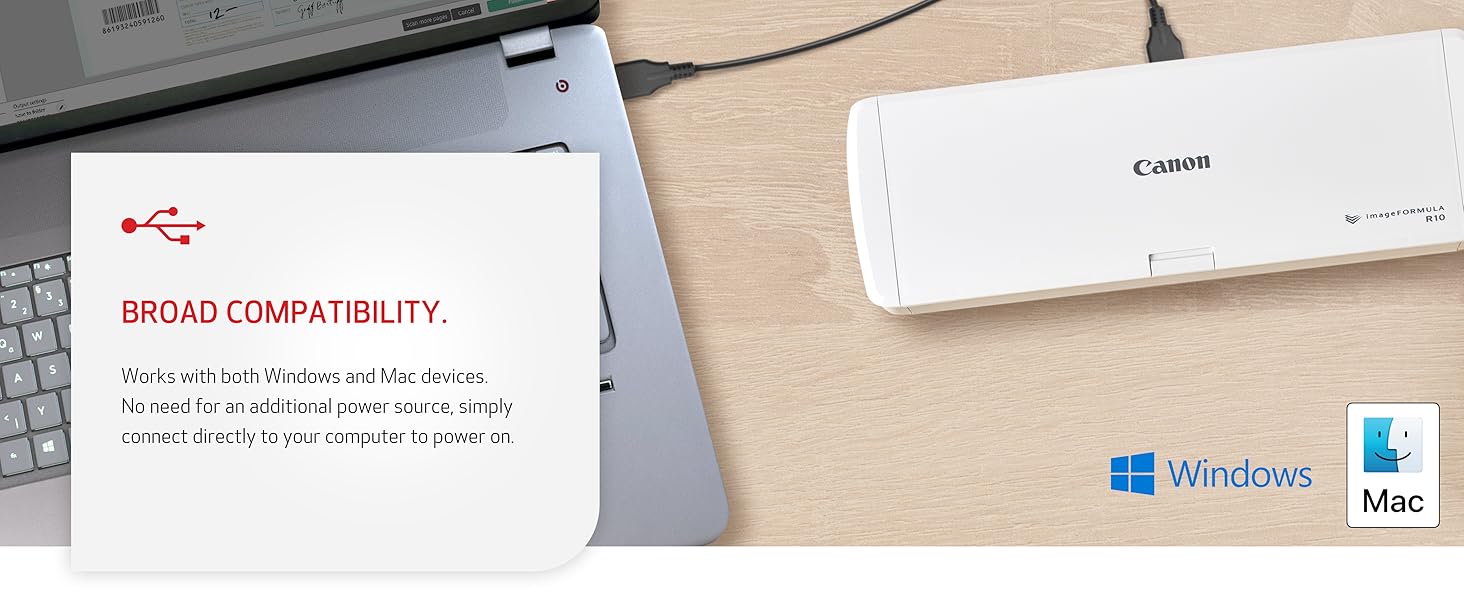
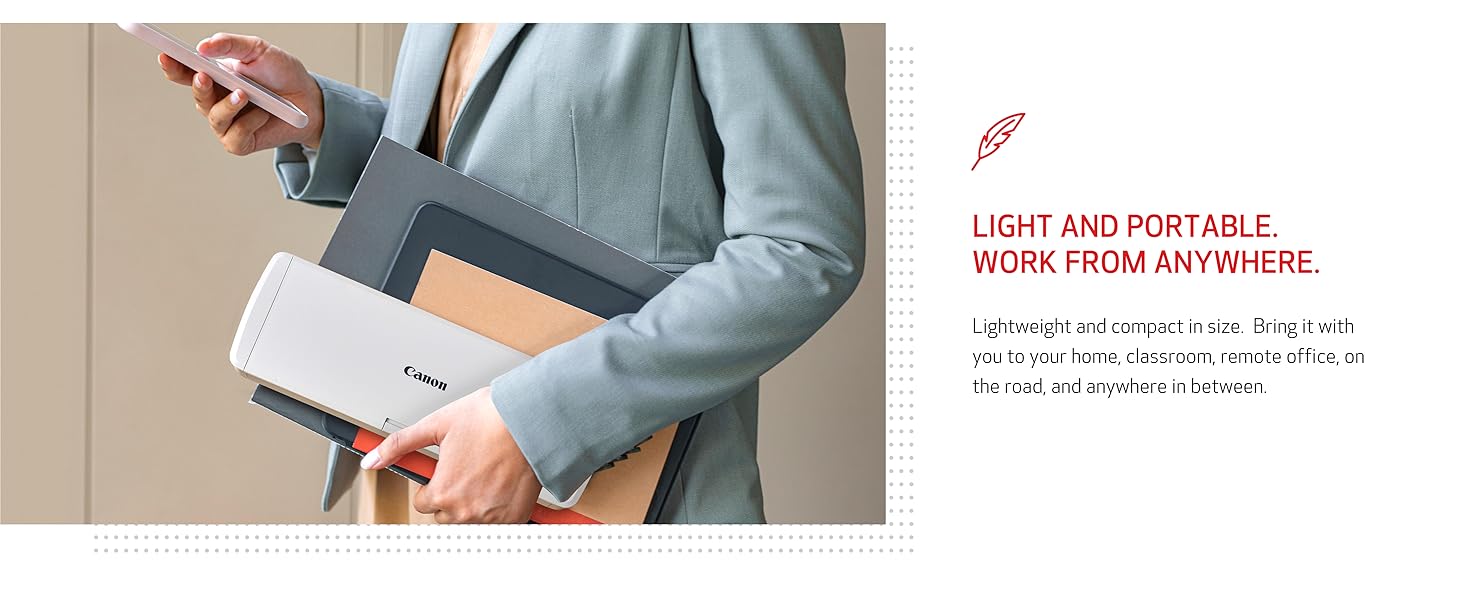
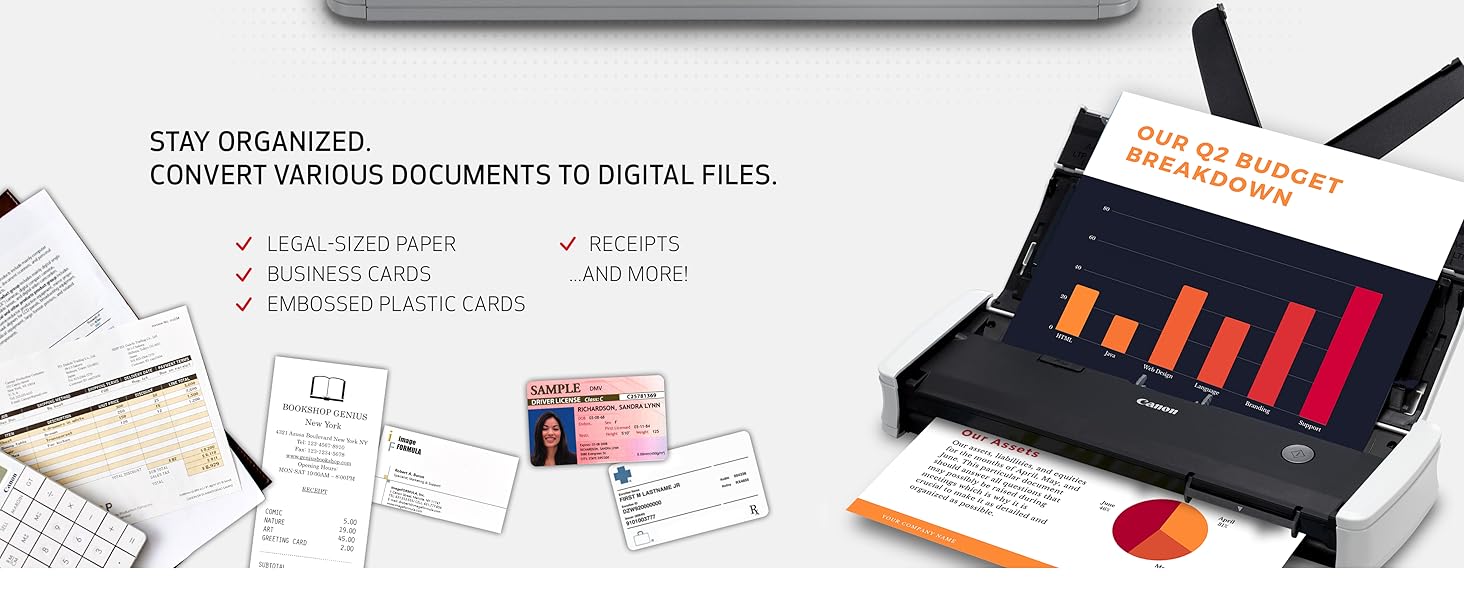
The Canon imageFORMULA R10 is a lightweight, USB-powered portable document scanner designed for professionals on the move. It offers duplex scanning at speeds up to 12 pages per minute with a 20-sheet automatic feeder, supports a variety of document types, and features built-in, auto-updating software compatible with both Windows and Mac. Its energy-efficient design and compact form factor make it ideal for remote work, home offices, and mobile professionals seeking fast, high-quality digital document management.





| ASIN | B08FBHTD9B |
| Best Sellers Rank | #6,049 in Office Products ( See Top 100 in Office Products ) #7 in Document Scanners |
| Customer Reviews | 4.0 4.0 out of 5 stars (2,217) |
| Date First Available | August 31, 2020 |
| Item Weight | 2.2 pounds |
| Item model number | 4861C001 |
| Manufacturer | Canon USA |
| Product Dimensions | 3.75 x 11.2 x 1.57 inches |
E**T
Plays well with M1 Mac Mini - Update 8/2025 -new firmware compatible with MacOs Sequoia
Updated review 8-18-2025: Once I upgraded my Mac Mini to Sequoia, the scanner no longer worked on my Mac and I had to use my Parallels Windows 11 partition to use it (and it was quite awkward about where it’d post the scan). BUT, the good news is when I plugged the scanner in yesterday I was offered an update to the firmware of the scanner (R10_UpdateTool.app) which took 20 minutes to complete. They warn you not to allow your Mac to sleep and not to unplug the scanner during the update process (standard fare for firmware updates). (After I copied the R10_UpdateTool.app to my applications folder I noticed the date on the file was March 18, 2024 (see picture of this attached to this review) which suggests this existed last year but wasn't released until recently? - Odd.) After that it worked perfectly on my Mac again. As before when you plug it in to a USB port on your Mac (or to a powered USB hub attached to my Mac which I tried, and it worked just as well) you get the pop up with the CaptureOnTouch Lite software which appears to be the same as before - dated Mar 30, 2020. Double click on that icon and the scanning interface appears. Select Color/Black & White/Automatic, and you can edit the location where the scanned document(s) are saved. Click SCAN and you’re good to go. I ALMOST bought a new scanner from another company and was very pleased to see the updated firmware offered up. Back to quick double sided quick and good (not excellent) quality scanning. (BTW, I found no mention of this firmware update on Canon’s support website). Thanks for the update, Canon! ------ Prior Review: Once I plugged this in to my Mac Mini (M1) chip, a popup indicated an update was required to work with an M1 computer. After update was completed, there was software "CaptureOnTouch Lite" that was installed on the Mac. Then I just loaded max of 20 pages, and selected my options in the software app, then [SCAN] it quickly scanned (both sides at once) all the documents flawlessly. Then it gives you the option to [SCAN MORE PAGES] so that if you have a document more than 20 pages, it will add them to your first scan so you end up with just 1 PDF in the end. It is very small, light, and portable. At one point after my computer had entered sleep mode, and I then tried to scan additional documents it said "DRIVER NOT FOUND" - I rebooted the Mac and it was back to scanning documents again. Duplex scanning and the simplicity of the scanning interface (and high quality scans) make this a sure fire winner. Addendum: I plug the scanner into a USB A port on my Mac Mini - I have not tried it on a USB hub, but would suspect it’d be less reliable through a hub.
N**N
So easy and compact - works great too.
What a great little scanner. The computer sees it as an external drive. So, when you turn it on, it connects and opens that "drive" folder and that's where the application to scan is. Just run that - very easy to customize - when your done, turn it off and your computer disconnects. Nothing to install. Scans both sides at once and auto detects color or black and white. Of course, you can override to what you want very easily if you need to. Very compact and easy to take with you - we work from the RV some so it's perfect. Also got the case for it.
D**T
A lousy product not worth purchasing!
If "no stars" was a choice, that would be my rating of this piece of garbage scanner. When it arrived, I installed it exactly as the directions stated. It worked . . . for about a week. Then, it stopped communicating with my laptop. After a lengthy phone conversation with various "experts" at Canon, one person agreed to send a replacement scanner to me to see if it would pair with my PC. No such luck. Same problem. I even replaced the "new" connecting cord with an even newer cord. Useless. For a while Canon was sending me emails telling me I needed to return the first unit. I responded by telling them I'll return BOTH defective units once they've refunded my full purchase price. Guess what? I haven't heard from Canon since. Tells me all I need to know about this company.
D**S
Learned to like it
I'm coming back a year and half after buying this for a review. First I'll explain my personal purpose for it. I wanted it so I could use something for over the road traveling in an RV. I wanted something that didn't just use wifi as that can be a challenge on the road sometimes. I wanted something that could do multiple pages and both sides of pages. My level of technical ability: LOW. When I bought this and opened it, I began the trial at home to get used to it. I love the size - it's perfect. I love that the program pops up everytime I open it, making it easy to start using. I dislike At first I struggled with how to save my stuff. Like everything once you figure it out, it's very easy. RESOLVED It eats pages, you can't do more than about 3 pages. However once you accept that and work with it, it is very easy to scan 3 then continue to add more and click the scan more pages to continue. I've come to terms with this and accept it. RESOLVED. It will eat just a single page and scan it crooked. It's not hard to re-scan it and continue on. I've come to terms with this and accept it. RESOLVED. I'm still learning things about it and I honestly don't use it much, however it is my primary scanner and overall I'm very happy with it, I've really learned to like it and accept it's imperfections because at the end it gets the job done, it's never quit (so far), it's been reliable, it's very small and compact. OVERALL I do recommend the purchase. Maybe bundle it with a package of patience and realistic expectations.
D**E
Best Tool I Bought in 2025 so far!!
This is the best and easiest tool I have purchased in months! It is plug and play, and all I had to do was connect it via the USB cable provided to my laptop. I loaded a two sided document, chose black and white and hit scan. A few seconds later I have a duplexed image scanned and all I had to do was choose the folder where I wanted to store it. The font in their control panel is very small, but can be adjusted to a larger size. That's my only negative...and it's really not a significant issue. It is so small, it is fast and super easy to use. When you plug it in you are able to see and launch the executible file for it's app and that's it.
M**E
Fonctionne super bien facile d’emploi
Y**R
Tengo w11 22H2, todo bien, la experiencia es bastante fácil e intuitiva, normalmente Canon el proceso es tardado y suele ser tedioso hasta tenerlo bien instalado, para este escáner es todo lo contrario, excelente producto, la imagen escaneada tiene buena resolución. Esperemos que cumpla con su vida útil.
M**O
Muy práctico. Ningún problema con el uso. Me gustó mucho
P**D
Very good, portable scanner. Working perfectly.
Y**E
Hardware looks good and well priced. Unfortunately the software is garbage and then scanner can not be used with standard OS support. Would only scan after a Mac reboot.
ترست بايلوت
منذ شهر
منذ شهر



