We remain fully operational. Our teams are working around the clock to ensure your deliveries continue safely.

قم بتنزيل التطبيق


معلومات عنا
حقوق الطبع والنشر © 2024 Desertcart Holdings Limited
قم بتنزيل التطبيق
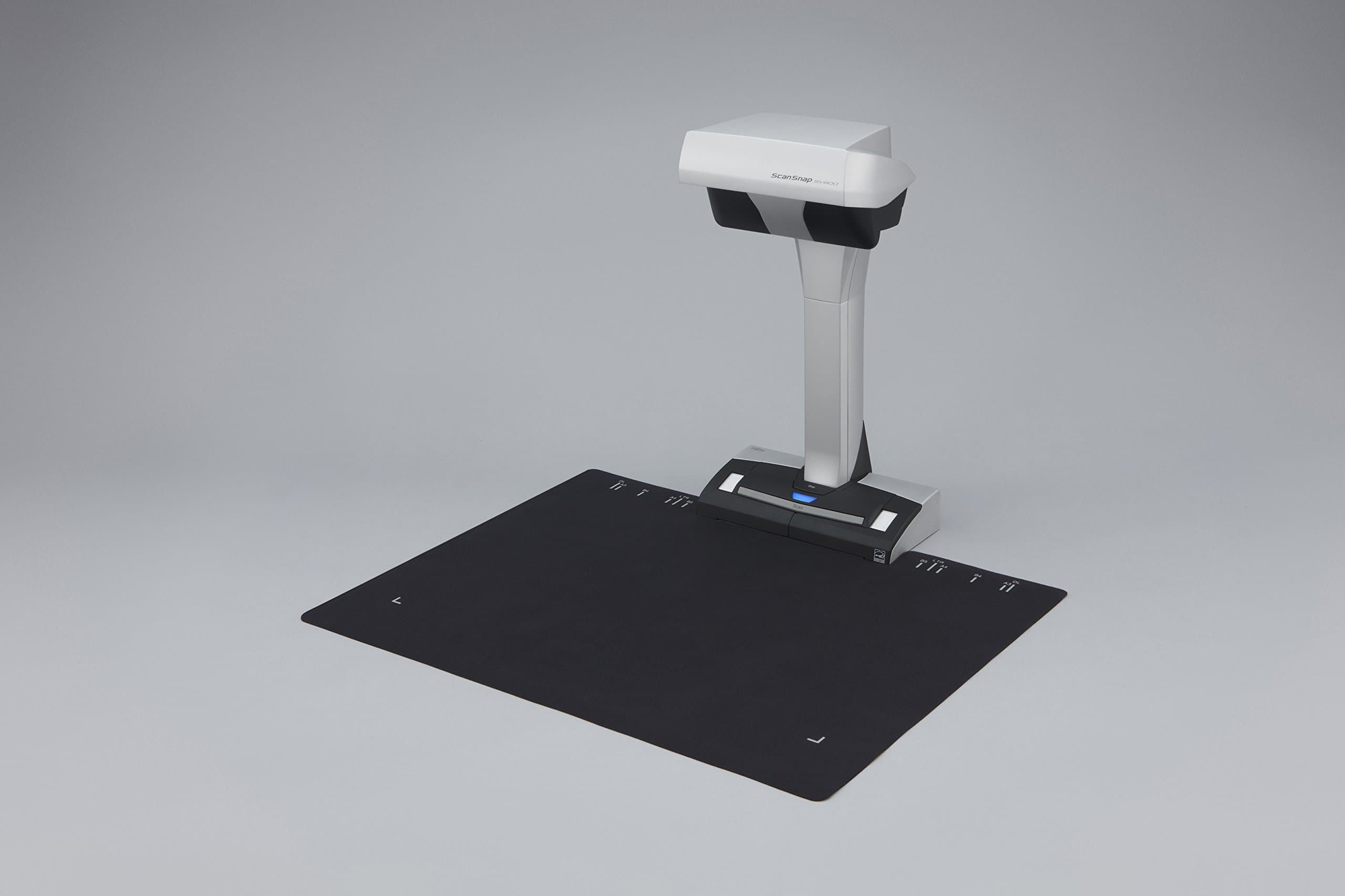
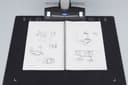
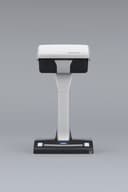
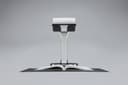
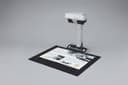
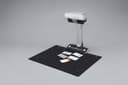
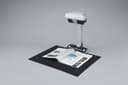
📚 Scan smarter, not harder — elevate your workspace with Fujitsu SV600!
The Fujitsu PA03641-B301 SV600 ScanSnap is a cutting-edge overhead document scanner featuring a 1x CCD sensor and dual white LED lights for crisp, contactless scanning. It handles document sizes from A8 up to A3 and thicknesses up to 30mm, making it ideal for books, lab notebooks, and varied media. With USB 2.0 connectivity and a comprehensive software package compatible with Windows and Mac, including Rack Filer Smart and Adobe Acrobat XI, it empowers professionals to digitize and organize documents efficiently, supporting a modern paperless office environment.
| ASIN | B00EPU73TW |
| Best Sellers Rank | #1,195,622 in Office Products ( See Top 100 in Office Products ) #1,569 in Document Scanners |
| Brand | Fujitsu |
| Connection Type | USB |
| Customer Reviews | 3.7 3.7 out of 5 stars (54) |
| Item Weight | 3000 Grams |
| Light Source Type | LED |
| Manufacturer | FUJITSU |
| Media Type | Business Card, Paper, Photo, Post Card, Receipt |
| Minimum System Requirements | Windows 7 |
| Model Name | SV600 |
| Optical Sensor Technology | CCD |
| Paper Size | A3 |
| Resolution | 600 |
| Scanner Type | Document |
| Wattage | 20 watts |
A**N
Perfect of Scientists needing to scan lab notebooks!!!
I ordered one of these through my job so it might not show up as a 'verified purchaser review': I work in Research Integrity and scan a lot of lab notebooks; I was using a Brother flat bed multipurpose device and was having a really hard time getting anything usable. Lab notebooks are variable in size, often larger than two 8.5x11 pages and I was getting the edges cut off on the Brother. With this ScanSnap, not an issue anymore. Admittedly, I'm in a niche usage case... but.... The SV600 is awesome for my uses. The software to remove your fingers is a bit clunky, but been getting better with the updates, if you don't care about that, you can just scan on max everything and crunch your way through it. The Timed continuous mode is great, I use about 3seconds delay for a total of 5-6 seconds per page set. I'd suggest breaking your PDFs into 10/20 page batches in the software for editing purposes, and then using Acrobat to stick all the batches together into a single PDF. I crashed the software trying to edit a 400pg PDF at one point, but that was probably my bad since I was on max quality and on a laptop. After that, no issues. It really saves on time, handles gloss extremely well, and picks up light handwriting surprisingly well. If I had a need, I'd get one for personal use in a heartbeat. I'd suggest getting a good quality Razer Mouse with this so the cropping and deschew edits go smoother. A DeathAdder is like 20 bucks and the high DPI really helps getting everything lined up perfectly. The software license lets you use the scanner with five computers at once, then you have to deactivate the software on one of them, I have my work laptop active, and an older All-In-One PC as the active accounts for us, and the All-In-One has been handling it like a champ. I would recommend to turn off the scanner when you're done, otherwise you can run into some hickups with the computer not recognizing the scanner correctly when you turn it back on. The built in troubleshooting wizard handles it in about 10 seconds however. The Black background pad that comes with this isn't accurate for where the max edges are; I used a piece of scotch tape over top, and mapped out the real maximums on that. It's close, but enough to be annoying if you're really close to the edge. I assumed the pad was wooden for some reason, but it's just a thin mousepad material in-case anyone else assumed that.
H**.
Okay, nach dem Wälzen der Bewertungen und Videos auf Youtube, habe ich mich entschieden diesen Scanner zu kaufen. Warum bei Amazon? Weil hier das ganze Software Paket dabei ist. Rack Filer Smart und Adobe Acrobat XI Standard. Gerade auf anderen Plattformen gibt es den Scanner zwar günstiger, aber es fehlen eben die beiden genannten Anwendungen. Wer darauf verzichten kann, der kann unbedenklich den Scanner kaufen. Die Software ScanSnap läuft auf beiden Plattformen Windows/Mac. Sie bildet das Herzstück des Scanners. Mir gefällt dir Software wirklich gut. Einfach, Sauber und schnell werden hier PDF oder Bilder erzeugt. Bücher scannen Ja, das geht und zwar mit der aktuellen Software (2015). Die gibt es bei Fujitsu als DOWNLOAD auf der Webseite. Hier werden die Buchseiten automatisch korrigiert und das Ergebnis ist prima. Für Taschenbücher die nicht offen auf dem Tisch liegenbleiben ist das scannen natürlich schwieriger. Hier würde ich anders vorgehen. Ansonsten kann ich die negativen Bewertungen der anderen Käufer nicht verstehen. Ich musste keine Seite nacharbeiten. Der Text ist absolut gerade und lesbar. Okay jeder hat eine andere Anforderung. Mir genügt es, um Bücher zu digtalisieren. Papierloses Büro Auf Jedenfall. Mit der Software Rack Filer Smart. Hier wird ein virtuelles Regal erzeugt. Und es lassen sich virtuelle Ordner anlegen. Mit dem installierten Drucker Rack Filer können sämtliche Dokumente gedruckt und in die Ordner abgelegt werden . Das direkte scannen geht natürlich auch Das Blättern ist wie in einem echten Ordner. Mit dem Werkzeug lassen sich dann Anmerkungen, Stempel, Memos und andere Formen einfügen. Der Ordner kann auch wieder als PDF exportiert werden. Außerdem lassen sich per IOS App, die Ordner auf das Ipad/Iphone übertragen. Hammer. Die Software Rack Filer Smart läuft auch auf Windows 10. Ich habe keine Fehler entdecken können. Mein Fazit: Scanner mit gesamten Software - Paket kommt dem papierlosen Büro sehr nah. Ich würde direkt bei Amazon bestellen. Bei anderen Anbietern würde ich nach dem Software Paket fragen. Gerade ob Rack Filer und Adobe Acrobat XI Standard dabei ist.
M**N
I bought this scanner as I wanted an A3 scanner. I like the rapid startup and the ease of use on the desk. It only has a small footprint and is elegant in how it scans. It works well in most lighting conditions and is quick to scan. Colour reproduction is mostly very good. Files can be scanned as either JPG or PDF but finding the settings took some time (it is on the bottom right program bar). It is easy to transfer scanned images to my smartphone (Galaxy S2). The software is mostly good but takes quite a time of trial and error to get used to it. There is a pdf storing program bundled with the machine called Rack2 File which is useful. Adjusting book views is sometimes a bid fiddly and not quite as easy as it appears on the video on the fujitsu website. I will now be able to clear my filing cabinets and be able to scan magazines, newspapers etc with ease. The bundle also includes a full version of the latest Adobe Acrobat reader/writer. I think it is well worth the money as a cheaper upstanding A3 scanner (approx £150) didn't work due to poor illumination and poor software.
C**O
Muy buen escáner, fácil manejo y con software Adobe Acrobat Profesional y Fujitsu SnapScan para todo tipo de trabajos de escáner. Muy buen resultado en el escáner de libros grusos y muy grueso, y para trabajar con OCR los resultados son inmejorables.
P**.
Molto facile da collegare ed usare, unica pecca è la sua notevole altezza, per chi deve collocarlo fra uno scaffale e l'altro, conviene prendere le misure in modo accurato. Inoltre per i libri voluminosi è consigliabile per appiattire la superficie del volume di appoggiare sopra un pannello di vetro.
A**E
je faisais de la reproduction de vieilles revues avec un trépied et mon appareil photo digital, que je sauvais ensuite en pdf après avoir corrigé la luminosité de mes images. Beau, mais long et complexe. Le Scansnap fait fort bien tout çà, et il est léger et travaille en quelques secondes par page, avec un résultat très satisfaisant. Je suis enchanté du système simple et automatique de déclenchement du scan, simplement en tournant les pages. Ce n'est bien sûr pas un appareil professionnel, mais son prix reste accessible pour un hobby.
ترست بايلوت
منذ أسبوع
منذ شهر