We remain fully operational. Our teams are working around the clock to ensure your deliveries continue safely.

قم بتنزيل التطبيق


معلومات عنا
حقوق الطبع والنشر © 2024 Desertcart Holdings Limited
قم بتنزيل التطبيق

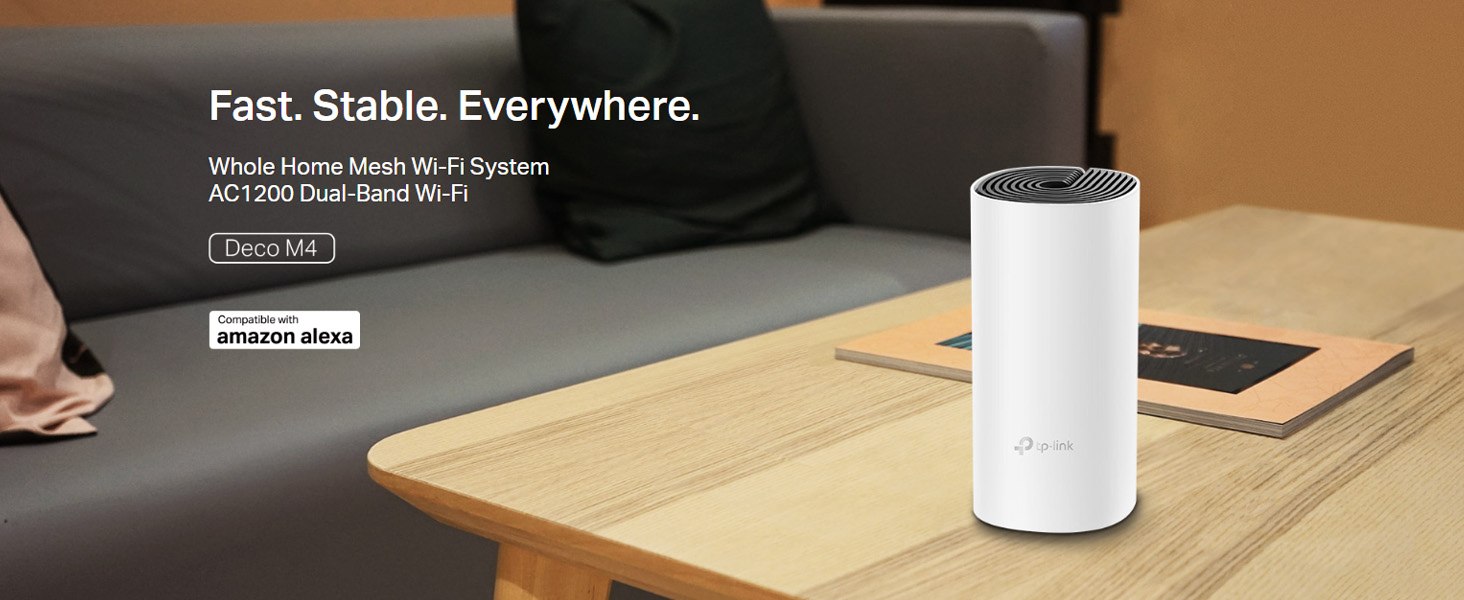
🚀 Elevate your home Wi-Fi game—fast, smart, and everywhere you are!
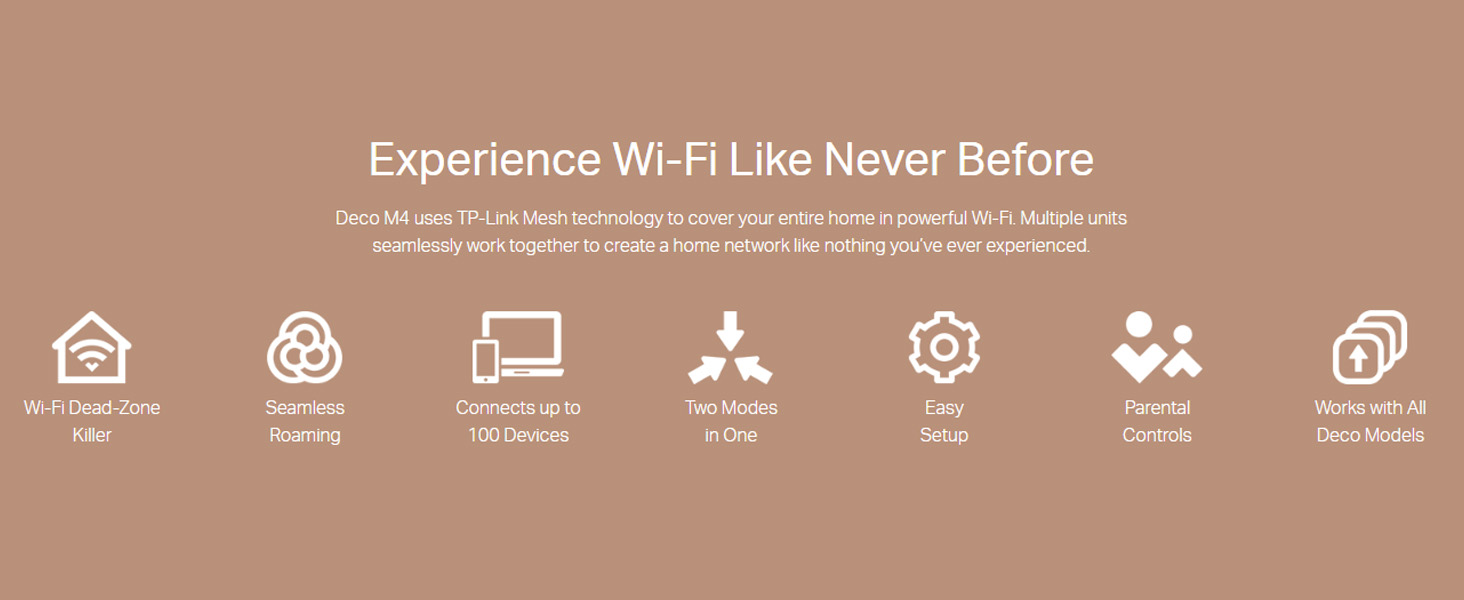
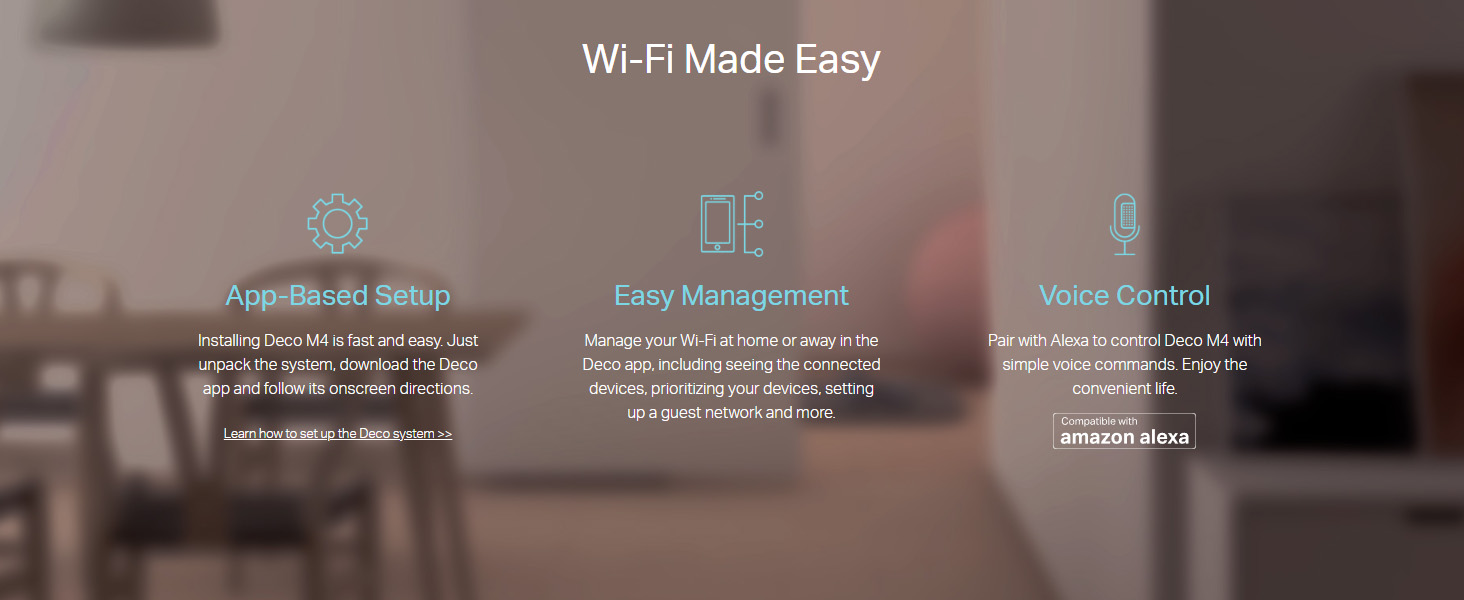
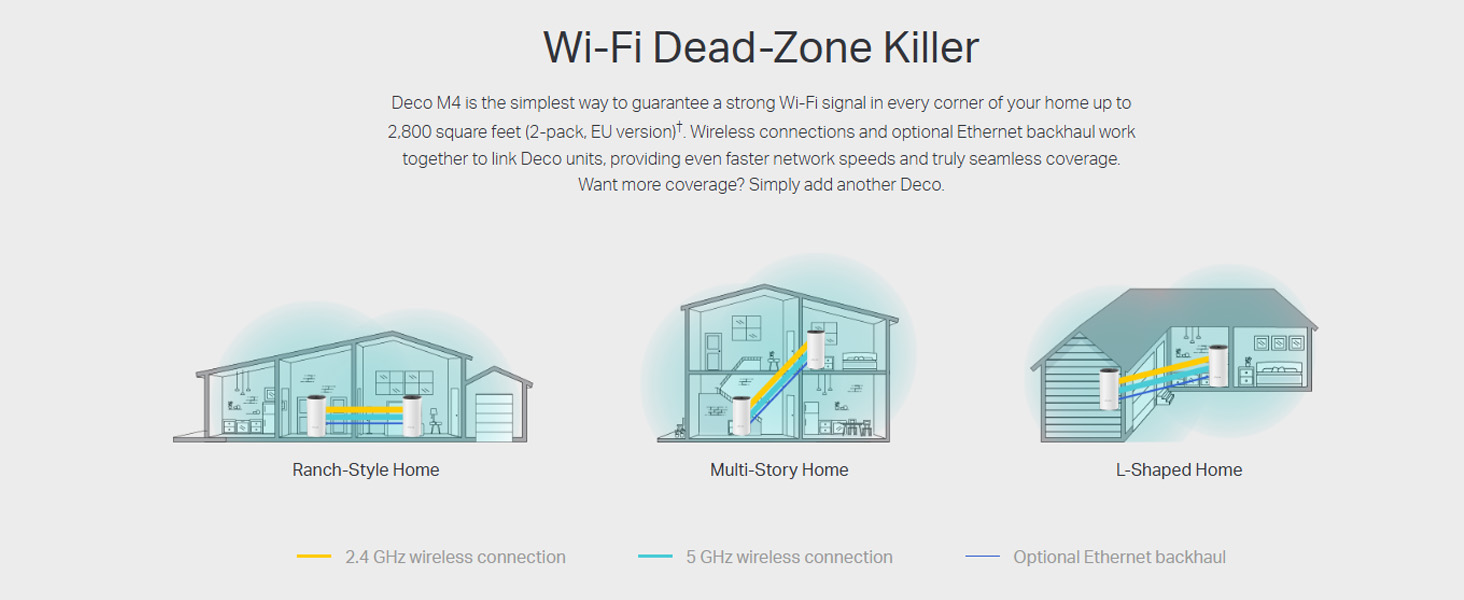
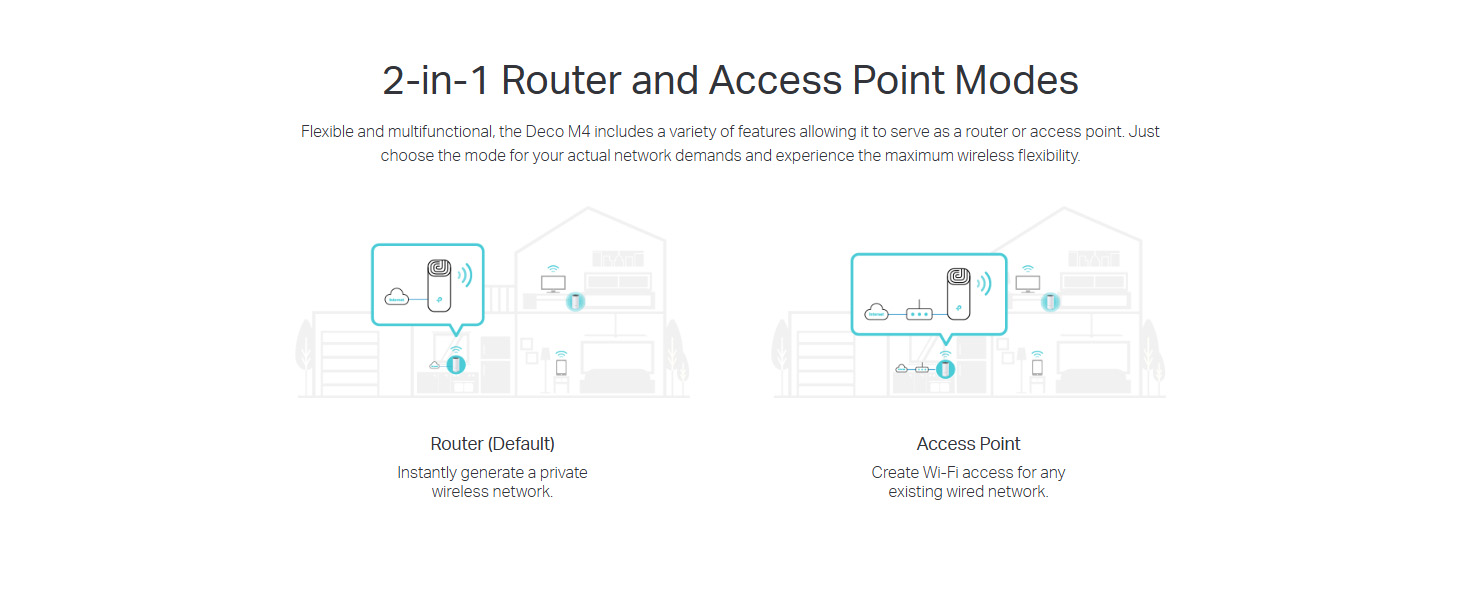
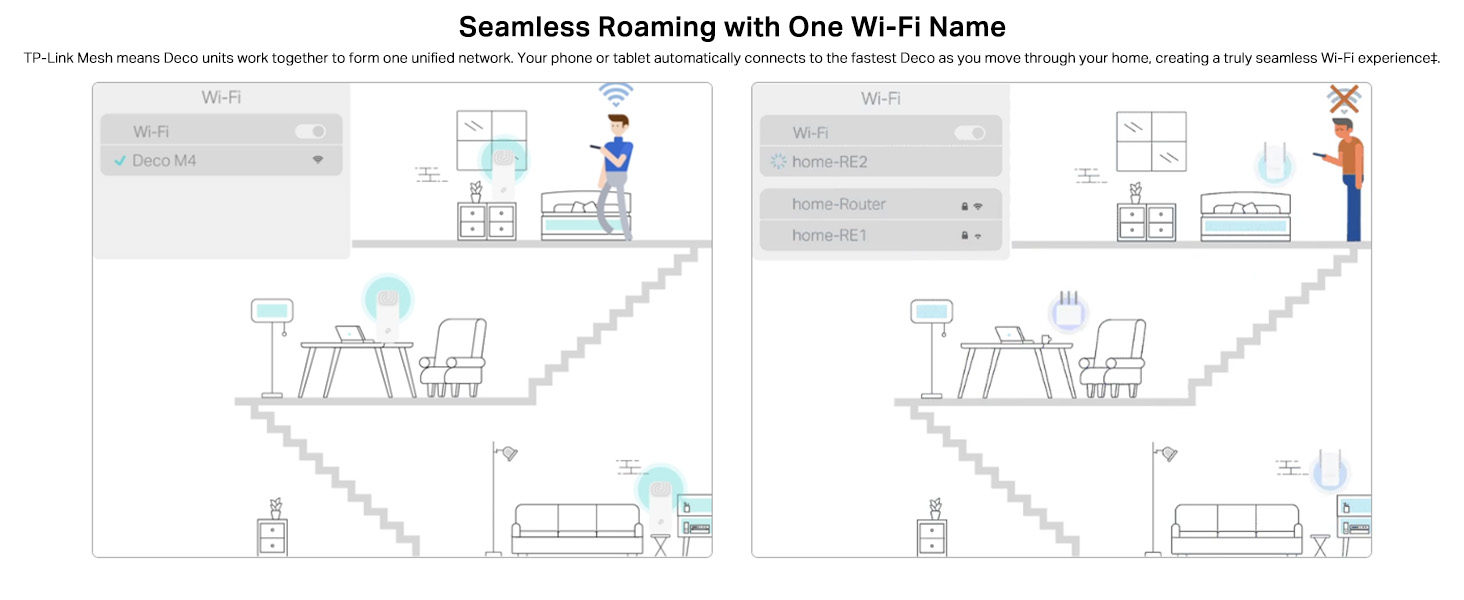
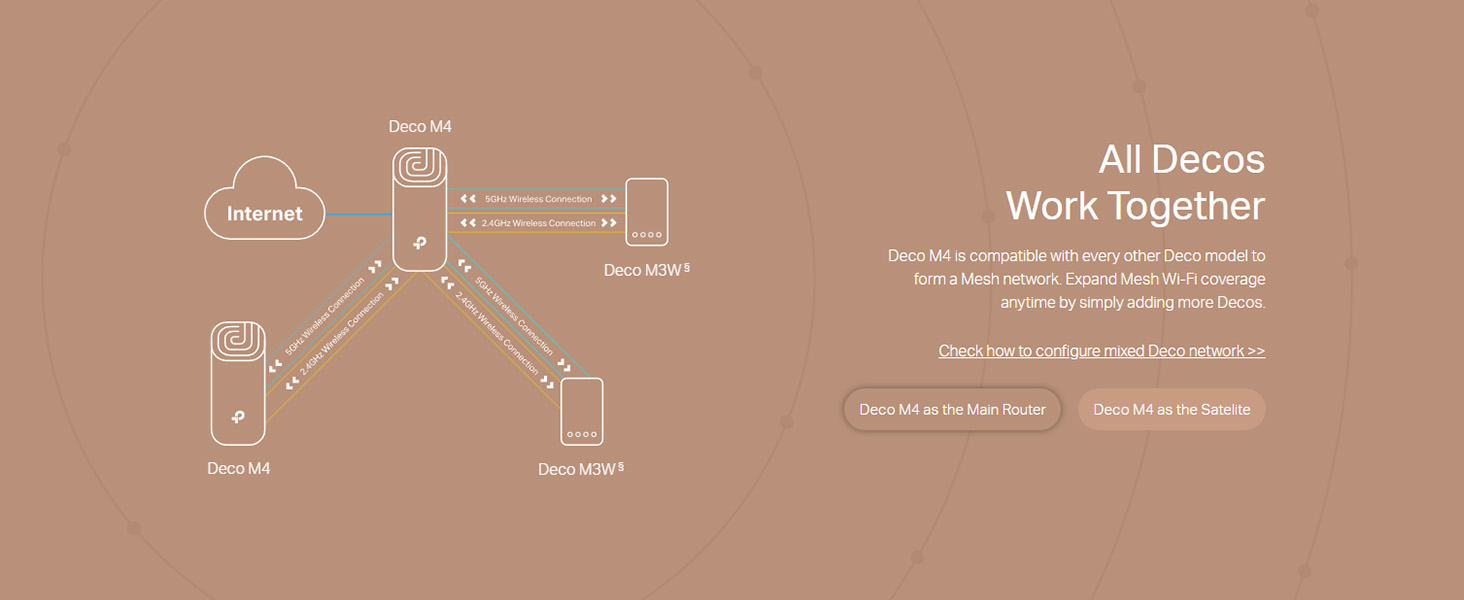
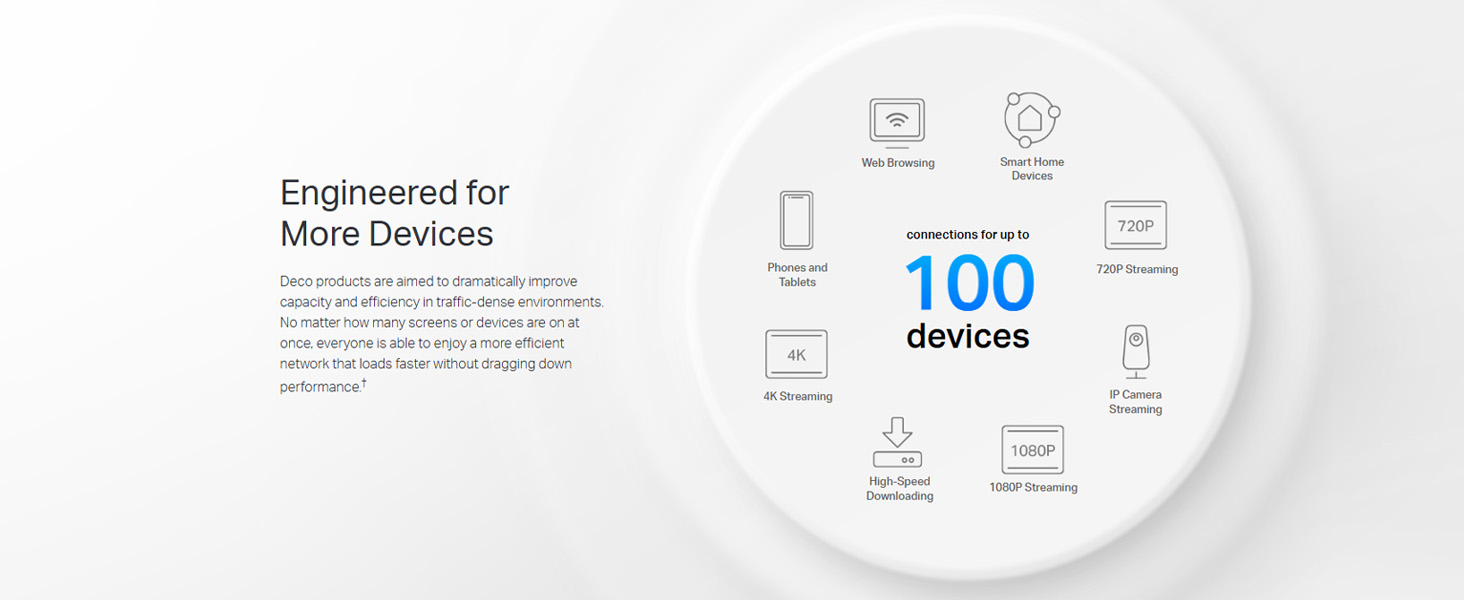
The TP-Link Deco M4 is a powerful AC1200 mesh Wi-Fi system designed to blanket up to 2,000 sq.ft with seamless, high-speed internet. Featuring Qualcomm CPU, it supports up to 1167 Mbps speeds and 100 devices simultaneously. Easy setup via the Deco app, Alexa compatibility, and advanced parental controls make it ideal for modern connected homes craving reliable, lag-free coverage.





| ASIN | B07L44RHC2 |
| Are Batteries Included | No |
| Batteries | 1 Lithium Ion batteries required. |
| Best Sellers Rank | #334 in Computers & Accessories ( See Top 100 in Computers & Accessories ) #1 in Whole Home & Mesh Wi-Fi Systems |
| Brand | TP-Link |
| Colour | white |
| Computer Memory Type | DIMM |
| Connectivity Type | Wi-Fi |
| Country of Origin | India |
| Customer Reviews | 4.3 4.3 out of 5 stars (32,666) |
| Date First Available | 17 January 2019 |
| Generic Name | Mesh Router |
| Importer | TP-Link India Private Limited Office No.1, Tower 2, Level 2, Raiaskaran Tech Park, Andheri Kurla Road, M.V Road, Andheri East-400072 Contact: Toll Free 1800-209-4168, [email protected] |
| Included Components | 1 Deco unit |
| Item Dimensions LxWxH | 9.1 x 9.1 x 19 Centimeters |
| Item Height | 19 Centimeters |
| Item Weight | 370 g |
| Item Width | 9.07 Centimeters |
| Item model number | Deco M4(1-pack) |
| Lithium Battery Energy Content | 2 Kilowatt Hours |
| Lithium Battery Weight | 2 Grams |
| Manufacturer | TP-LINK CORPORATION LIMITED |
| Net Quantity | 1 Count |
| Number of Lithium Ion Cells | 5 |
| Number of Lithium Metal Cells | 5 |
| Operating System | Windows |
| Packer | Pacific Technology Private Limited Survey No, 57/3/55, 57/2/56, 57/1/57, Silver Industrial Estate, village Bhimpore, Nani Daman, daman Dadra and Nagar Haveli and Damn and Diu, India 396210 |
| Product Dimensions | 9.07 x 9.07 x 19 cm; 370 g |
| Series | Deco M4(1-Pack) |
| Voltage | 12 Volts |
| Wireless Type | 802.11ac |
A**S
S7 Mesh (Wifi 5)
My main router (zyxel wifi5 provided by Airtel fibre-300mbps) was outside my room, and there were still plenty of dead zones in specific corners, especially the reading corner of my room (probably due to the thick brick walls). I had researched quite a lot, and ended up with buying a single unit of the Deco S7 at first. Connected it via a Cat6 Lan (with the main router), installed the Deco app, and the setup took less than 5mins. The main router 2.4 Ghz range was plenty, but what I lacked was the speedy 5Ghz. Although the S7 is dual mode, you can programme it to work in only one Frequency (5Ghz for me). Concrete brick walls are not even an issue now. Excellent throw. Now, one info is that if you have multiple floors, S7 has excellent horizontal spread, but less of a vertical spread (not too bad, but still less if mono-5Ghz used). Unless you connect multiple units via Ethernet from the primary. (If using on purely satelite mode, ie Non-ethernet, I will not recommend this). Wall mounting the M5 would be better (since S7 doesn't provide a wall mount). 3 Gigabit ports per unit works great (Disclaimer: Not exactly 1Gbps as the company says, slightly lesser). No hiccups. The unit's Wifi transmission is as good as the M5. M5 has more antennas, but not much real time difference (if ethernet back haul is used). The latest 1.4.1 firmware update of the S7 Deco has cleaned out most of the bugs. No drops of internet seen till now. And even if you are outside, and not connected to the wifi, you can still control the wifi settings (included in the new update)..."beware children". Provision of Parental Controls, Sleep time, Guest Mode, Network Optimization will be a benifit for those who need it. Also, in case you still have a main router, try not to use the primary Deco S7 as the router, and stick to the AP mode. I have heard complaints of when the S7 gets used as the router. For AP mode, it's brilliant. Or, you can just set the main router in bridge-mode (no wifi), and let the S7 units do it's thing. P.S.Every unit has its own proprietary power pin, so click a picture of the power adapter values, and buy an extra for emergencies (cheap enough). Overall, a good purchase.
T**R
Good investement
Brilliant , does what it says, setup is also easy. Good speeds too , full home coverage. A good product and a good investement
S**Y
Excellent long term solution
Build quality: Very nice product and finishing. Formfactor will accomplish the home interior unlike other boxy routers. As I read in some blogs, Deco M5 should be placed Horizontal on table or flat surface as antenna are placed horizontally. I have no option to place horizontal and for me those are hanging vertical on the wall. Should have been shipped with mounting holder Ease of use: Very easy to set up. Even pure non technical person can just follow instructions and set up in just few minutes. Technical: I have purchased 2 Devices to cover my 3 floors approx 3000 sqft) . ISP router at Ground floor- First/ Main Deco (Ethernet connected) on first floor and Second Deco (Wirelessly connected) to second Deco. Mandatory to connect the first Deco M5 to ISP router can be little clumsy unless you already have Pre wired house. Second Deco M5 can be Wirelessly connected to First Deco. However it must be in proximity of better WiFi range otherwise it shows Weak Signals. Performance of WiFi coverage is Preety decent in most areas of the house except the 2nd floor where Second Deco is connected wirelessly to first one. For 100Mbps connection I get around 90+ Mbps almost everywhere and around 30-40 Mbps on second floor with my phone/ Laptop connecting to Deco over Full WiFi. Meaning the WiFi connection between two Deco is not that great. Roaming from floor to floor or in the house is damn seamless without any interruptions or any signal drop I am still figuring out better position of second one and will update my review upon receiving any better results. Reconnection of Deco device to main ISP router or Deco to Deco connection are seamless in case of Reboot or Power outage. Operations: Managing Deco M5 Mesh network is super easy via app provided. Dashboard is very dynamic to display all information of real time data transfer/ connected devices/ internal Deco to Deco connectivity/ overall Internet speed at main Deco/ individual Deco device speed etc. Conclusion: Overall it’s decent device if you are looking for robust solution of whole house coverage. It great value for money. Total worry free once you set up correctly. It is fully scalable to accommodate any mode and speed you have subscribed. This devices are excellent and worry free long term solution compared to any other range extender or second router comnfigured as bridge/ extender.
P**Y
Absolutely Fantastic!
Absolutely fabulous device! Deco app is fantastic and setup was done in 5 minutes. I am using it as mesh pod in my bedroom which is connected wirelessly to main deco unit and despite of wireless connection it’s giving more than full speed on wireless. I am using 500 mbps plan and I am getting close to 600 mbps wireless speed. Worth every single penny spend!!!
N**K
Reliable Whole Home Coverage with Easy Setup!!
I’ve been using the TP-Link Deco M4 for a while now, and it has completely transformed my home Wi-Fi experience. The setup was quick and straightforward using the Deco app, and the step-by-step guidance made it effortless, even for someone not highly technical. The coverage is excellent — I get strong, stable signals in every corner of my home, with no more dead zones. Seamless roaming works perfectly; I can move between rooms without experiencing drops or buffering, whether I’m on a video call, streaming, or gaming. Performance-wise, the AC1200 speed is more than enough for my needs, and it handles multiple devices without slowing down. The Qualcomm CPU ensures smooth performance even when several people are connected. I also appreciate the parental controls, which make it easy to manage and monitor internet access for the kids. It works perfectly with my Amazon Echo, and Alexa integration makes basic Wi-Fi management hands-free. Overall, the TP-Link Deco M4 is a reliable, high-performing mesh system at a very reasonable price. If you want whole-home coverage, easy setup, and useful smart features, this is an excellent choice. Rating: ⭐⭐⭐⭐⭐ (5/5)
M**D
Great. Unboxed it and they’re supplied with eu plugs. Now I’ll need an adaptor.
ي**ي
ممتاز
A**H
Great device, easy to setup directly to the NBN modem. Additional Deco Mesh can be added seamlessly as needed throughout the house. The parental controls are bonus through Deco app, can control your kids laptop internet access duration and block any websites. Overall great product by TP Link, thanks Amazon for the awesome deal and fast shipment.
C**M
Evde hayat kurtardı.
M**E
Génial j'ai booster ma connexion internet ×8. Cependant après quelques mois d'utilisation, je trouve l'application peu intuitive.
ترست بايلوت
منذ أسبوعين
منذ 3 أيام