We remain fully operational. Our teams are working around the clock to ensure your deliveries continue safely.

قم بتنزيل التطبيق


معلومات عنا
حقوق الطبع والنشر © 2024 Desertcart Holdings Limited
قم بتنزيل التطبيق
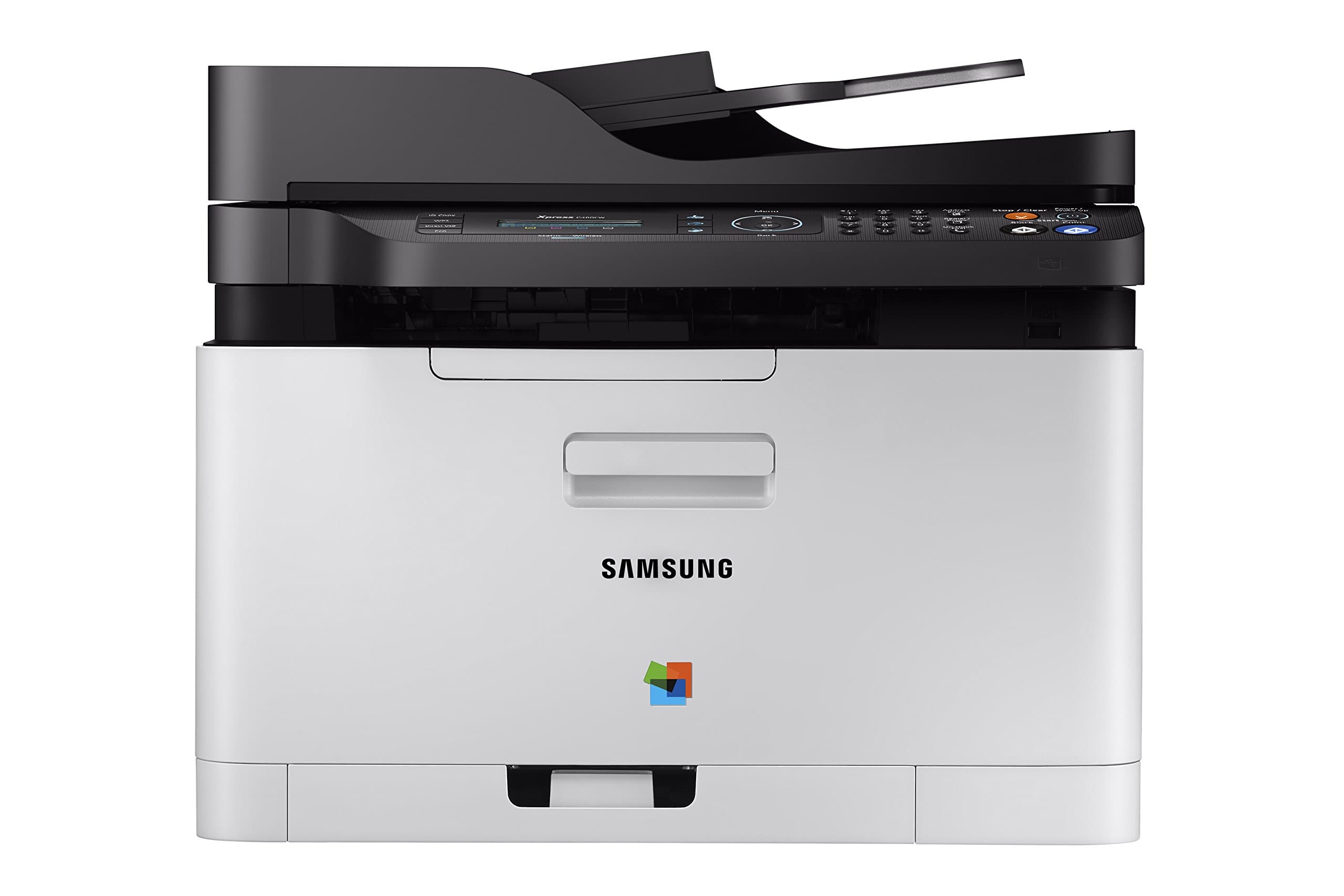
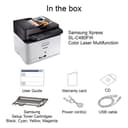
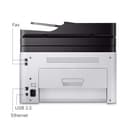
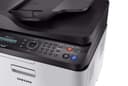
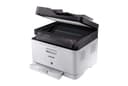
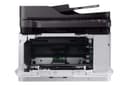
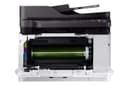
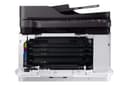
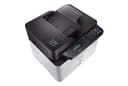
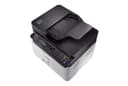
🖨️ Elevate your workspace with color, speed, and savings—because your productivity deserves the best!
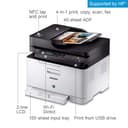
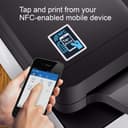
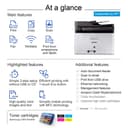
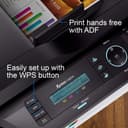
The Samsung Xpress SL-C480FW/XAA is a wireless color laser multifunction printer designed for cost-conscious professionals. It features mobile printing compatibility, an eco-friendly mode that reduces operating costs by 20%, and advanced ReCP technology for sharp, vibrant prints. With an 800 MHz CPU, it delivers fast, high-quality output while combining printing, scanning, copying, and faxing in one sleek device ideal for home offices and remote work setups.


| ASIN | B0196HHD7U |
| Additional Printer Functions | Scan |
| B&W Pages per Minute | 19 ppm |
| Best Sellers Rank | #582,062 in Office Products ( See Top 100 in Office Products ) #839 in Laser Computer Printers |
| Brand | Samsung |
| Built-In Media | Set / Toner Catridge / Imaging Unit / Power Cable / Line Cord / Quick setup guide / Wireless install Guide / Manual User's Guide / S/W CD ROM |
| Color | black |
| Color Depth | 24 bpp |
| Color Pages per Minute | 1 ppm |
| Compatible Devices | Laptops, PC |
| Control Method | App |
| Controller Type | Vera |
| Customer Reviews | 3.8 3.8 out of 5 stars (262) |
| Display Type | LCD |
| Dual-sided printing | Yes |
| Duplex | Automatic |
| Global Trade Identification Number | 00191628502929 |
| Hardware Interface | USB 2.0 |
| Ink Color | black, cyan, magenta, yellow |
| Item Type Name | Laser Printer |
| Item Weight | 24.98 Pounds |
| Manufacturer | HP |
| Maximum Copies Per Run | unlimited |
| Maximum Copy Resolution Black and White | 1200 x 1200 dpi |
| Maximum Copy Resolution Color | 1200 x 1200 dpi |
| Maximum Copy Speed Black and White | 19 ppm |
| Maximum Media Size | 8.5 x 14 inch |
| Maximum Print Resolution Black and White | 1200 x 1200 dpi |
| Maximum Sheet Capacity | 250 |
| Maximum print Resolution Color | 1200 x 1200 dpi |
| Model Name | Samsung Electronics Xpress SL-C480FW/XAA Wireless Color Printer |
| Model Number | SS256H#BGJ |
| Model Series | Xpress |
| Number of Trays | 1 |
| Other Special Features of the Product | Auto Document Feeder |
| Output sheet capacity | 250 |
| Paper Size | 8.5 x 14 |
| Print media | Paper (plain) |
| Printer Connectivity Type | USB |
| Printer Output Type | Color |
| Printer Type | Laser |
| Processor Count | 1 |
| Resolution | 1200 x 1200 |
| Scanner Type | Sheetfed |
| Specific Uses For Product | home office |
| Total USB 2.0 Ports | 1 |
| Total Usb Ports | 1 |
| UPC | 887276110202 191628385126 779184239161 191628502929 |
| Warranty Description | Limited Warranty |
| Warranty Type | Limited Warranty |
T**E
Why Pay More? This One Does it All!
Wow! A laser printer that does it all (color, copy, scan, fax, wireless)! I also have a b/w Samsung I got for a low price and it's provided great service for years, so when our inkjet cashed it in, I naturally looked for a Samsung color laser. It has all the features your can shake a stick at and the price is amazing! (just look for those Amazon offers that come and go.) It works well as a wireless printer and is nice and quiet. My only quibble is the fact the pages don't automatically flip on 2-sided printing. I suspect that Samsung opted not to use it so that it won't cause mechanical problems over time. (You may get this feature on more expensive models, but at the price, this one's fine without it. All you need do is take the pages, reload them in the tray and push a button.) When you're faced with replacing that inkjet printer, why not go with laser? You'll love the quality printing and the length of time you'll go before replacing toner. Over time, the higher cost of toner will actually be less than the cost of the not-so-cheap inkjet cartridges.
W**D
Inexpensive color laser printer that does a lot of extras
I was originally looking for a new laser printer, but found this scanner, copier, fax, printer for only $20 more than the Samsung laser printer alone. It was easy to setup as a network printer. I haven't tried all the features and never plan to use the fax capability. My son commented that the pages he printed were "sharp" . I also downloaded the user guide pdf from the internet. So far it works well, and I have no regrets buying it.
A**N
Installation instructions were very poor (I'm an engineer
Ordered this for my home office because I was tired of an HP inkjet I had that never worked. This took me a few hours to set up including unboxing and connecting to my PC via the USB. When I finished it said it was connected wirelessly and I could unplug the USB, but once unplugged it was not connected to my network. It took me another hour to try to connect it via the WPS button on my router before finally entering the network key manually from the printer, which worked. Installation instructions were very poor (I'm an engineer, I'm good at following directions). Once connected it worked very well, good print quality and fast printing (compared to what I'm used to). However, when I tried using the scanner, it simply said "Not available." After an hour of googling I haven't found a solution that has worked, just vague mentions of a "Scan Manager" download that doesn't seem to exist on the Samsung support website. I'm now talking with Samsung customer service but honestly I've put 6 hours into this product and it's still not working, and I am a technical person. It seems like a good product but on the software/driver side it definitely does not work out of the box. Update 11/13: I've mostly struggled by with this thing for months now, despite frequent unexplained disconnects, paper jam errors when there is no paper jam. And now I'm trying to print cardstock for and event, and despite setting the paper type to cardstock (or thick, or anything else), it jams, every time. This printer is absolute garbage.
J**D
Print quality is so much better than any of the ink-jets I’ve purchased before
I have been replacing ink-jet printers about every year, so I decided to spend a little more this time and see if I can stop the cycle. I was worried about set up because there are a lot of reviews here that said set up was frustrating and time consuming. That’s not the case at all! I had this set up and test page printed within 10 minutes of opening the box. The tray does stick out about 4 inches (it is not flush as shown - it comes that way in the box, but as soon as you release the tray it stays out). Print quality is so much better than any of the ink-jets I’ve purchased before. The eco-friendly display (if you choose to use it) that shows on the computer print screen is wonderful, as it also shows you how much toner will be used and gives a preview of what the document will look like if you reduce the quality. Fingers crossed I don’t need a new printer for a while!
E**C
A nice printer/Copier with poor Software and Samsung service lacks.
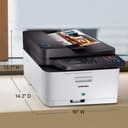
This is a nice compact All in one, priced competitively. I noted that the price has been up and down. My price was $185. I have only owned it for a few months, so have not had a need to change toner, etc. The design has separate toner and imaging units as well as a used toner collector. I would have preferred the simpler toner with imager embedded design, but those models were much pricier. The paper tray sticks out 3 -1/2 inches the bottom which is not shown in the picture. So you might want to be aware of that if you have a very tight space. The footprint is then 16 wide by 16-3/4 deep. The copier is fairly slow, but the document feeder makes up for that as long as you can wait. For instance, a color 8.5x11 copy takes about 40 seconds. Warmup time is another a minute or so. The supplied scanner software-"Easy Document Creator" is terrible. It is counter intuitive, extremely slow and often issues "out of memory" errors. Fortunately there is plenty of 3rd party software available. I replaced Easy Document Creator with NAPS2 (Not Another PDF Scanner 2) freeware and am very pleased with the simplicity, speed, and file options. For comparison, I can now scan a document in a few seconds rather than minutes. I strongly recommend using NAPS2 rather than the delivered scanner software. The printer was delivered missing 2 of 4 rubber feet on the bottom. I tried to get assistance from Samsung to send me some since it was not worth the hassle of returning the unit for such a small issue. However after several chats, EMAILs and calls, they were unable to help (other than suggesting a return). I cut some rubber pads to make feet so it doesn't wobble.
A**.
Tenía cierta desconfianza al adquirir esta impresora, pero cuando llegó cumplió con mis expectativas, tiene todas las funciones anunciadas y funciona al 100.
G**R
love the printer
ترست بايلوت
منذ شهر
منذ 3 أيام