
قم بتنزيل التطبيق


معلومات عنا
حقوق الطبع والنشر © 2024 Desertcart Holdings Limited
قم بتنزيل التطبيق

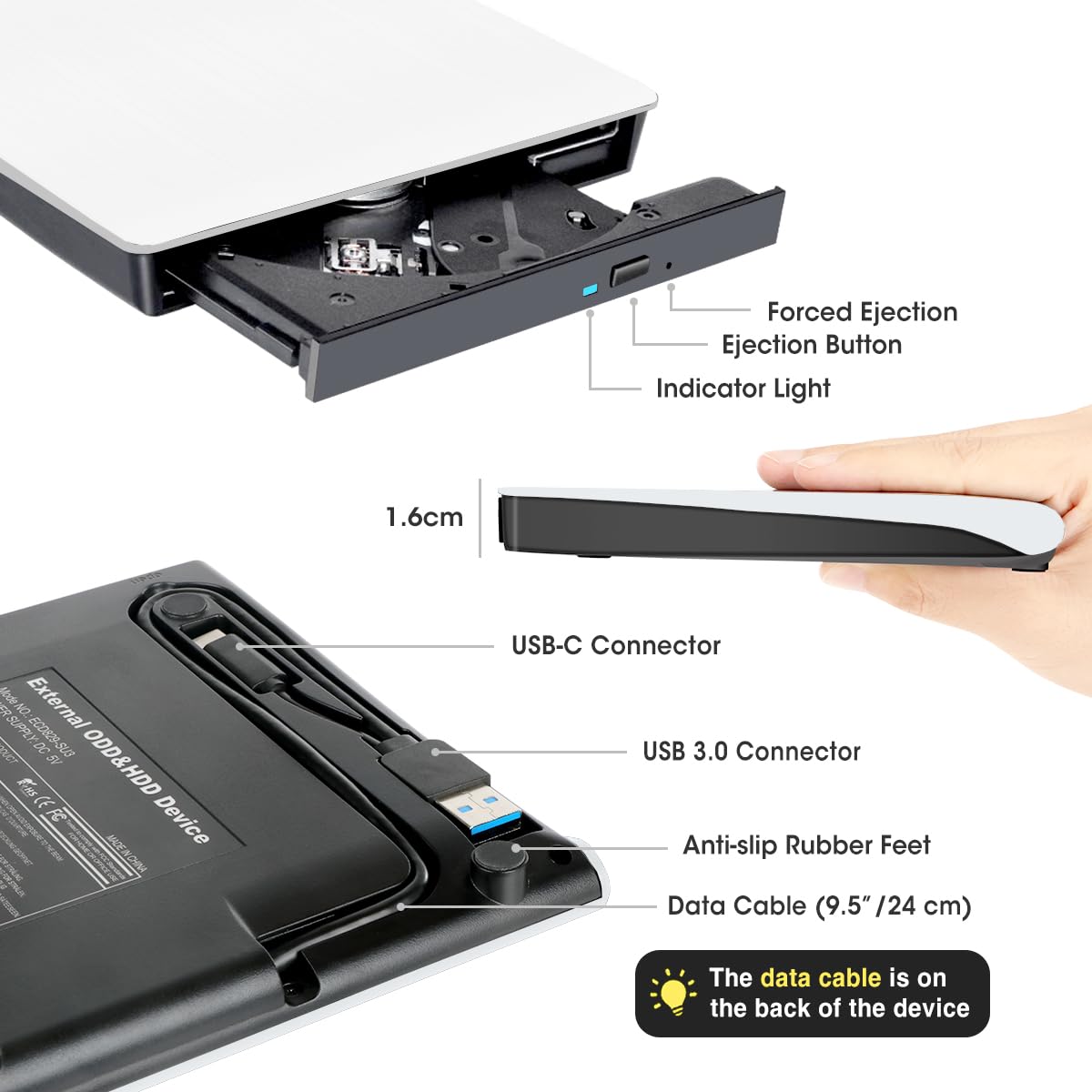
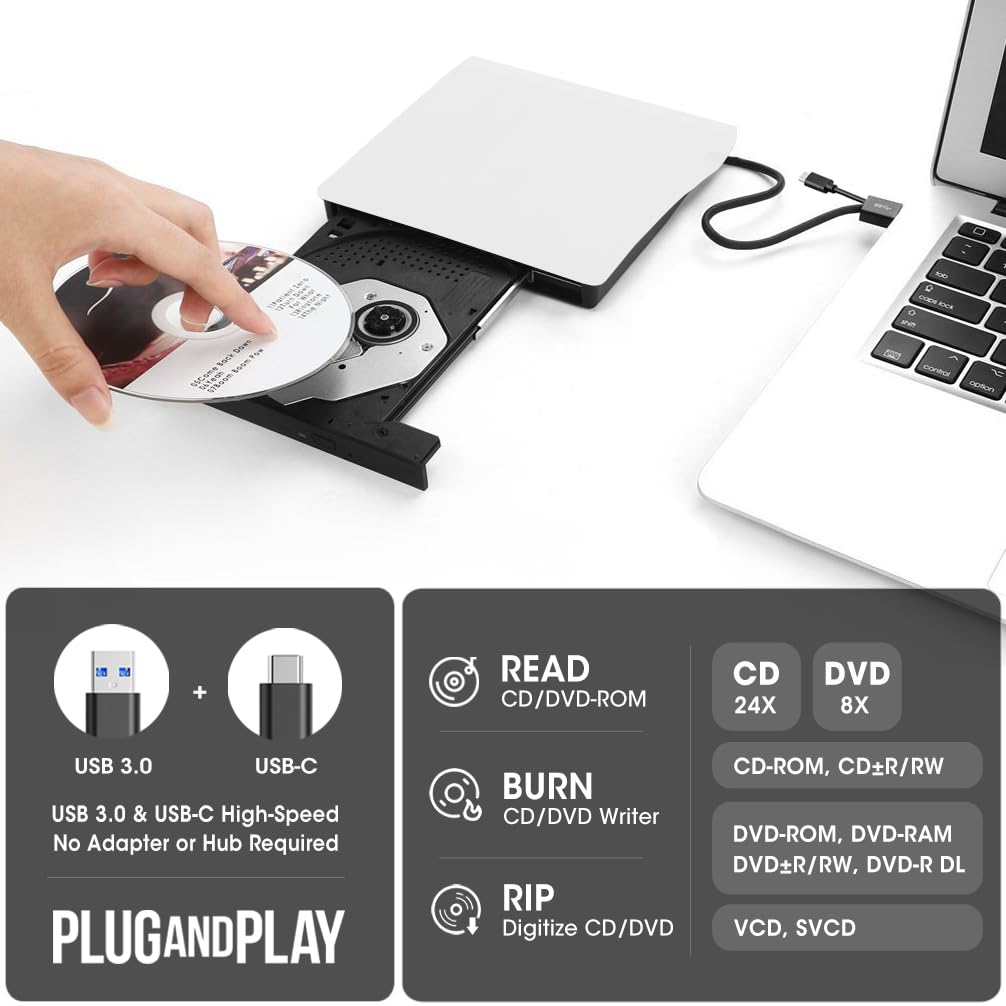
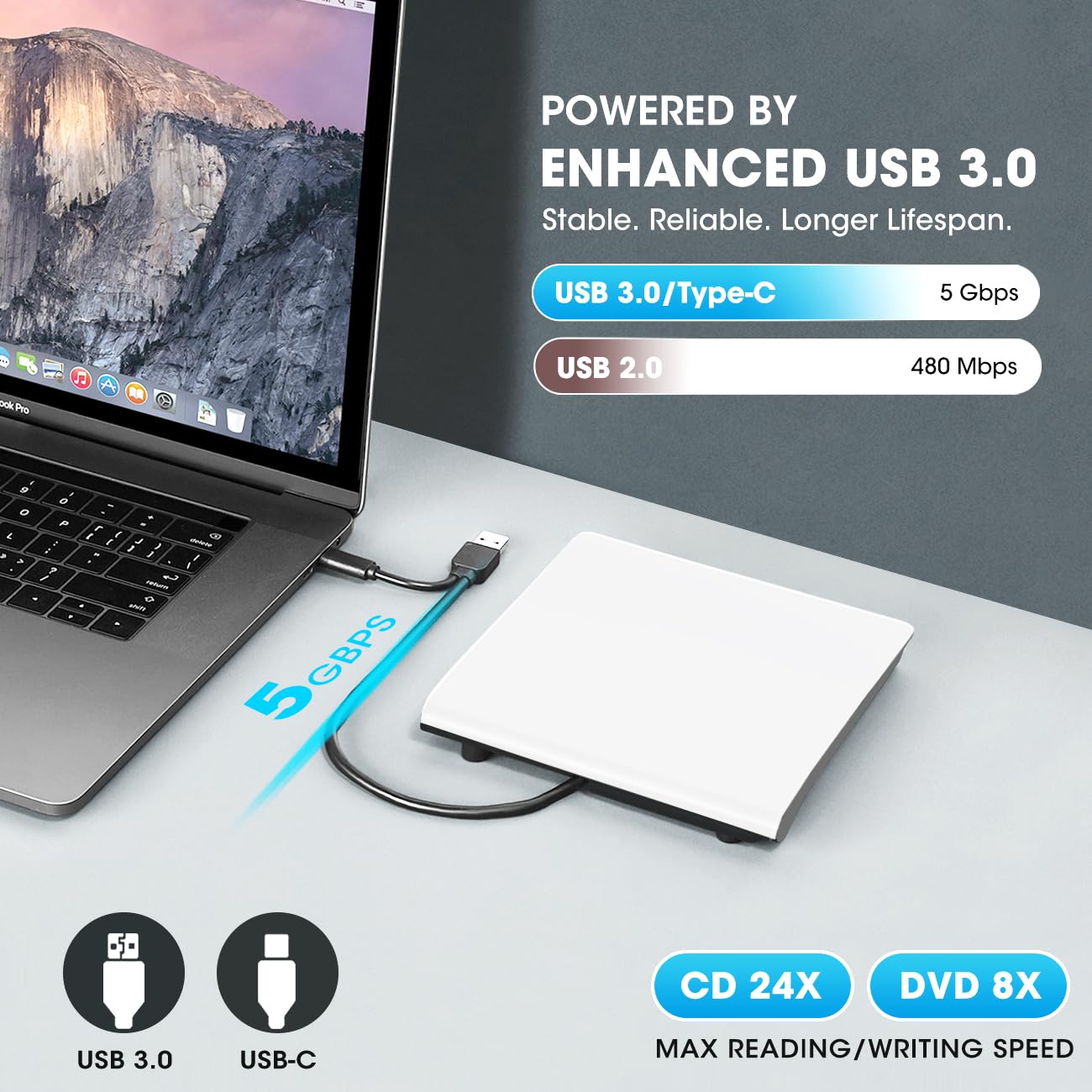
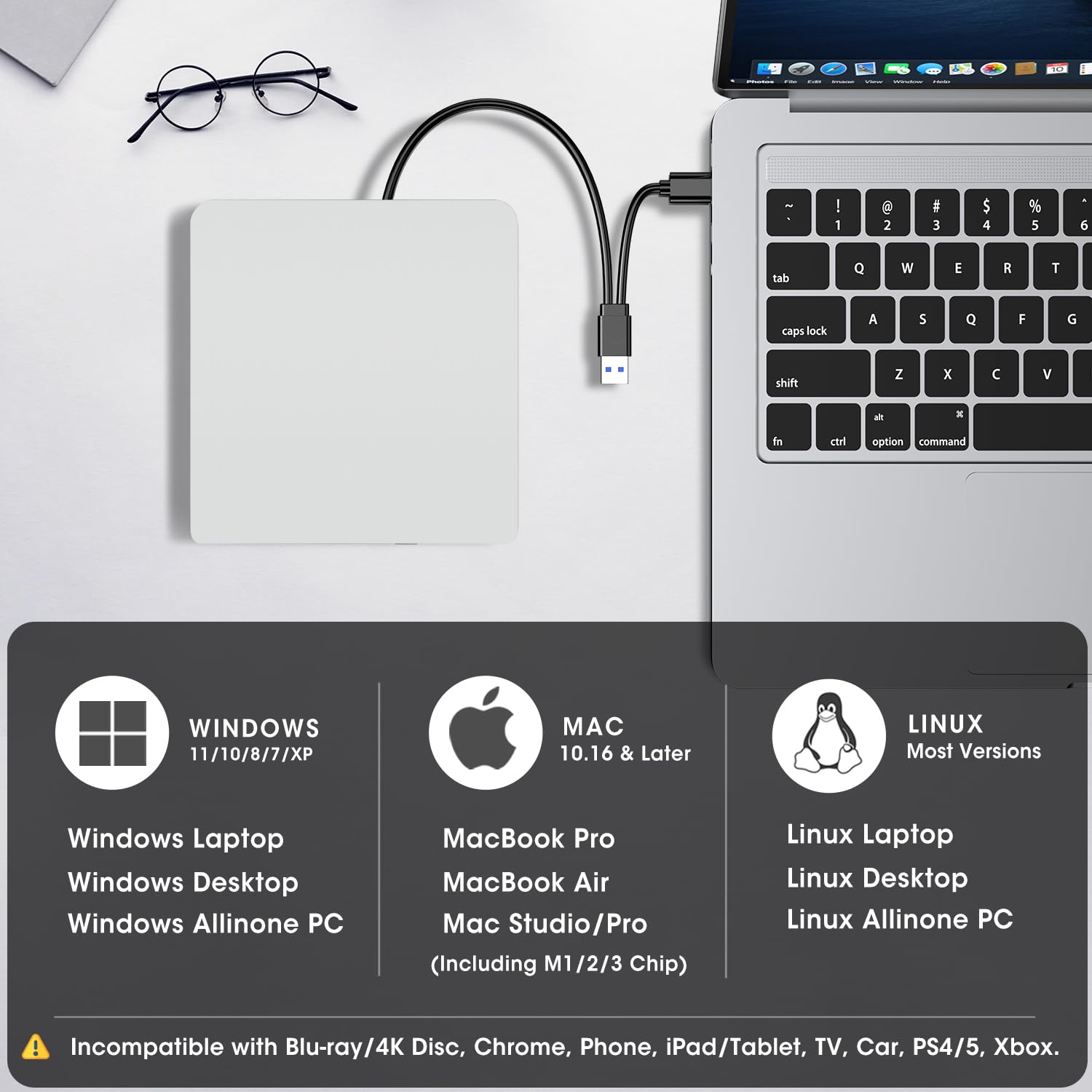
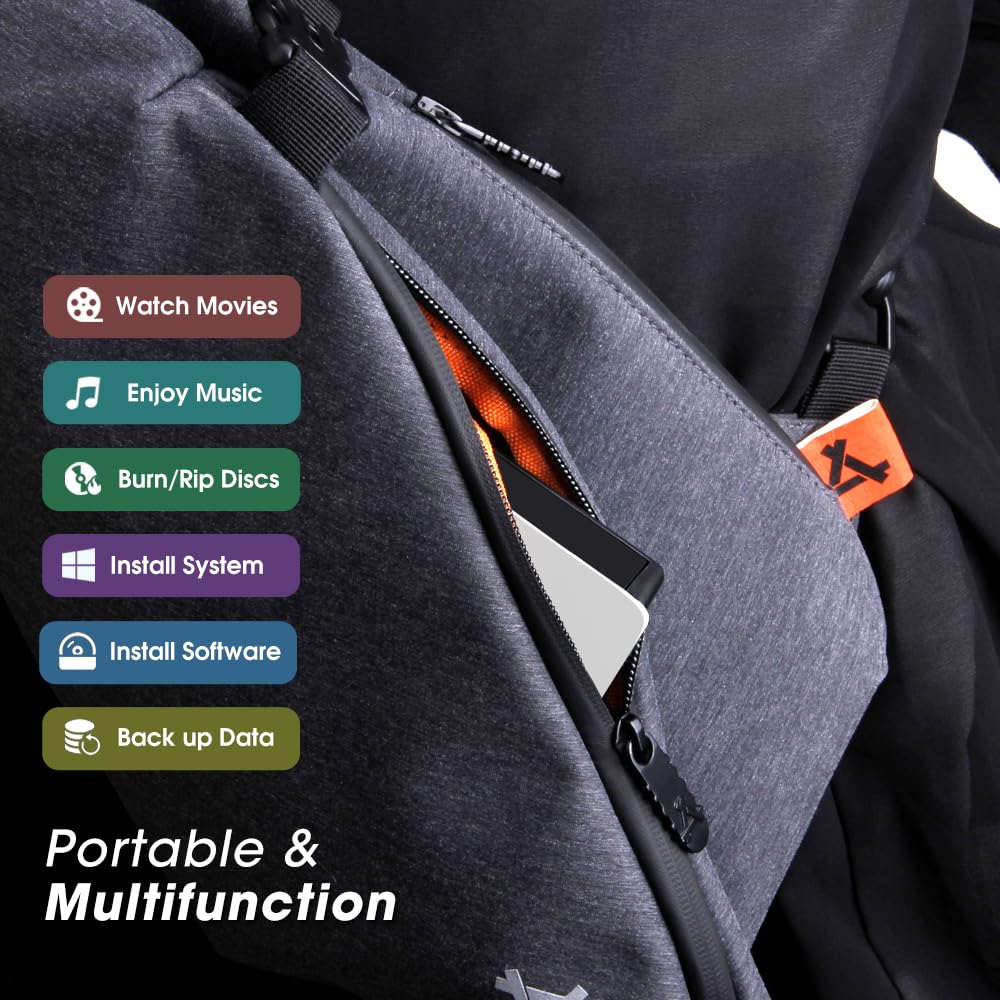
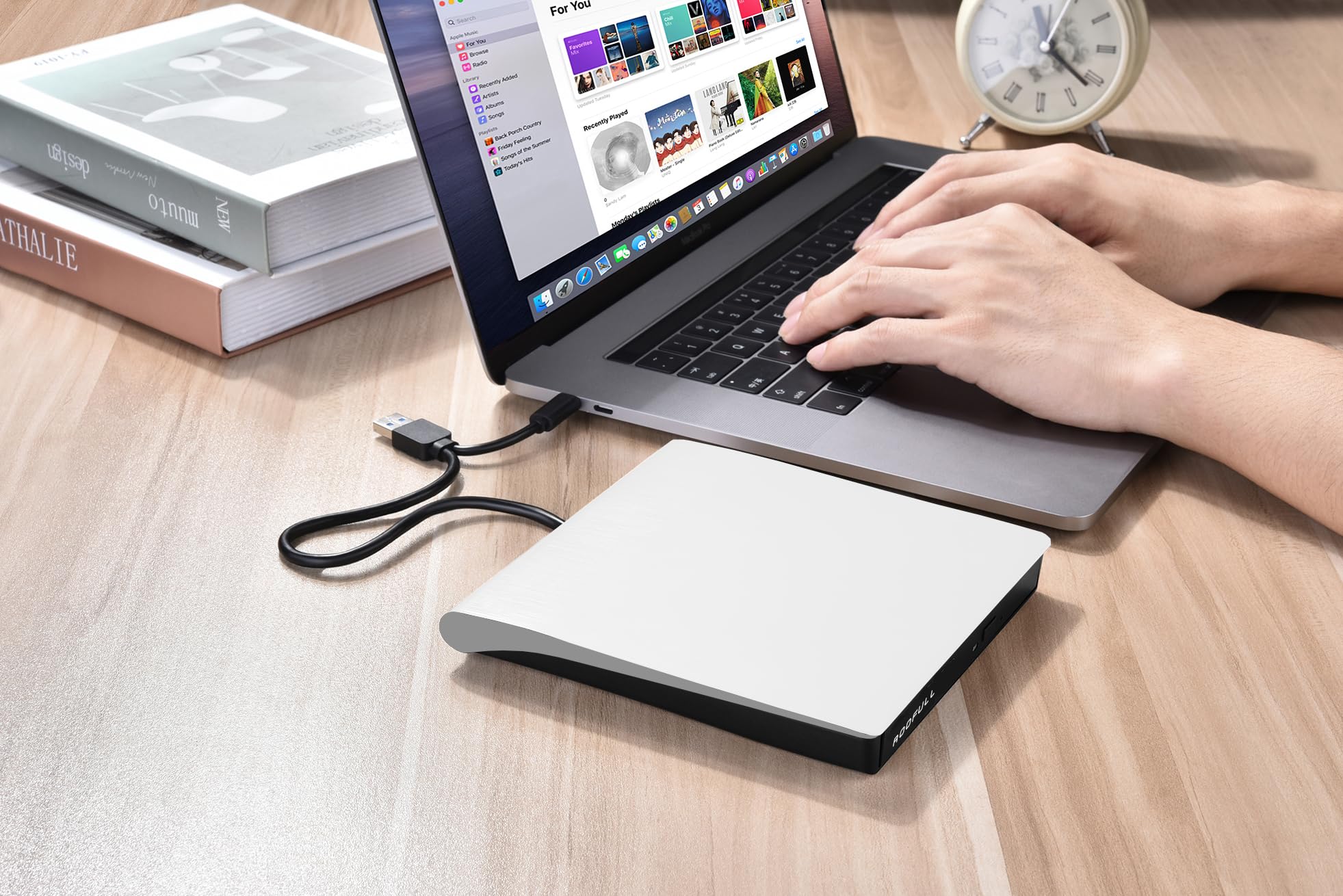
📀 Unlock timeless media magic with ultra-portable power!
The ROOFULL External CD/DVD Drive is a compact, USB 3.0 and USB-C compatible optical drive designed for professionals who need reliable disc reading and writing on Mac, Windows, and Linux systems. Supporting a wide range of CD and DVD formats, it delivers fast data transfer speeds up to 5 Gbps, plug-and-play convenience, and an optional power cable for stable performance on power-sensitive laptops. Its slim, lightweight design makes it the perfect companion for modern laptops lacking internal drives, ensuring you never miss out on legacy media or software installations.




| ASIN | B0895Y8ZQW |
| Are Batteries Included | No |
| Brand | ROOFULL |
| Color | White |
| Customer Reviews | 4.2 4.2 out of 5 stars (1,790) |
| Date First Available | 6 August 2020 |
| Form Factor | External Slim Drive |
| Hard Disk Description | SATA |
| Hard Drive Interface | USB 3.0 |
| Hardware Platform | Laptop, PC |
| Item Weight | 300 g |
| Item model number | ECD829-Y-W |
| Manufacturer | ROOFULL |
| Operating System | Mac, Windows 11/10/8/7, Linux |
| Optical Drive Type | CD-ROM,CD-R,CD+/-RW,DVD-ROM,DVD+/-R,DVD+/-RW |
| Power Source | USB 3.0 / USB-C / Extra Power Supply Cable |
| Product Dimensions | 14.58 x 14.22 x 1.65 cm; 300 g |
| Series | ECD829-Y-W |
M**N
If you have a Windows 10 PC and need an external CD/DVD drive, this is the one for you! The Rooful External CD/DVD drive is as simple and easy as it gets - just plug it into a USB-C (or USB 3.0) port and Windows instantly recognizes the newly-connected drive. A few additional pros: - It is very lightweight. - The cable fits nicely into a cutout on the bottom of the drive, making it very easy to store and carry. - Both data and power come from the single USB-C (or USB 3.0) cable. There is no need for a separate power cable or bulky adapter. A few additional thoughts: - Just as with any CD/DVD drive in Windows, you must have the right software to read from or write to discs. This is not a limitation of this product - it's a well-known and long-standing "feature" of Windows. The instructions sheet that arrived with my drive included recommendations to 3 separate CD/DVD software players. If you are unable to overcome this then you should contact your child or grandchild for assistance! - I would highly recommend purchasing a padded carry case for this drive if you plan to store or carry it. Just like any other electronic equipment it could be easily damaged from bouncing around in a laptop bag unless it's properly protected. I found links to several of these cases in the "Related Products" links on the Amazon product page. - The performance of this drive is much slower than internal drives. Again, this is a limitation of the design (external/USB), not a deficiency of this product. - The cover of the model I purchased is White, like really White. I couldn't tell from the product photo whether it was gray or white. My laptop is gray and I was hoping to get a match, but there didn't seem to be a gray option (only black and white). This is not a problem, just an observation. Bottom line - this product works exactly as expected and is a perfect solution, especially for this price point!
K**B
i still like cds, so going away was a problem. this played cds and dvds. so plenty to listen to when getting going, then watch when winding down. was a brilliant choice. just used with laptop. should connect with mobile also. at this point i am happy enough not to doubt it
A**S
LOVE IT!
R**E
Needed a new CD/DVD player/burner for my desktop MAC after my old one wasn't reading some of my DVDs and this one had the best recommendations and more good reviews than bad. Sadly, it arrived, fully sealed in its packaging but with two of three connectors on its front grill (where the button is) completely unconnected. I was not able to get them to attach. Still, I put a relatively new DVD in and it loaded. I saw the studio logo and the FBI notice, then just a black screen. Tried a second DVD and this time a pop-up told me I needed to change the device's region from 2 to 1. Shouldn't it have been set to 1? When I did that, the film began to play. Presuming that was the issue, I put the previous DVD in. Still a black screen. I tried a third and a fourth and they just rolled around inside like it couldn't read them at all. Getting a refund and I will go back to shopping DIFFERENT brands.
L**S
Awesome! Purchased to transfer photos from old discs to usb hard drives, worked like a treat! Worked with my Mac laptop no problem..
ترست بايلوت
منذ أسبوع
منذ شهر