We remain fully operational. Our teams are working around the clock to ensure your deliveries continue safely.

قم بتنزيل التطبيق


معلومات عنا
حقوق الطبع والنشر © 2024 Desertcart Holdings Limited
قم بتنزيل التطبيق
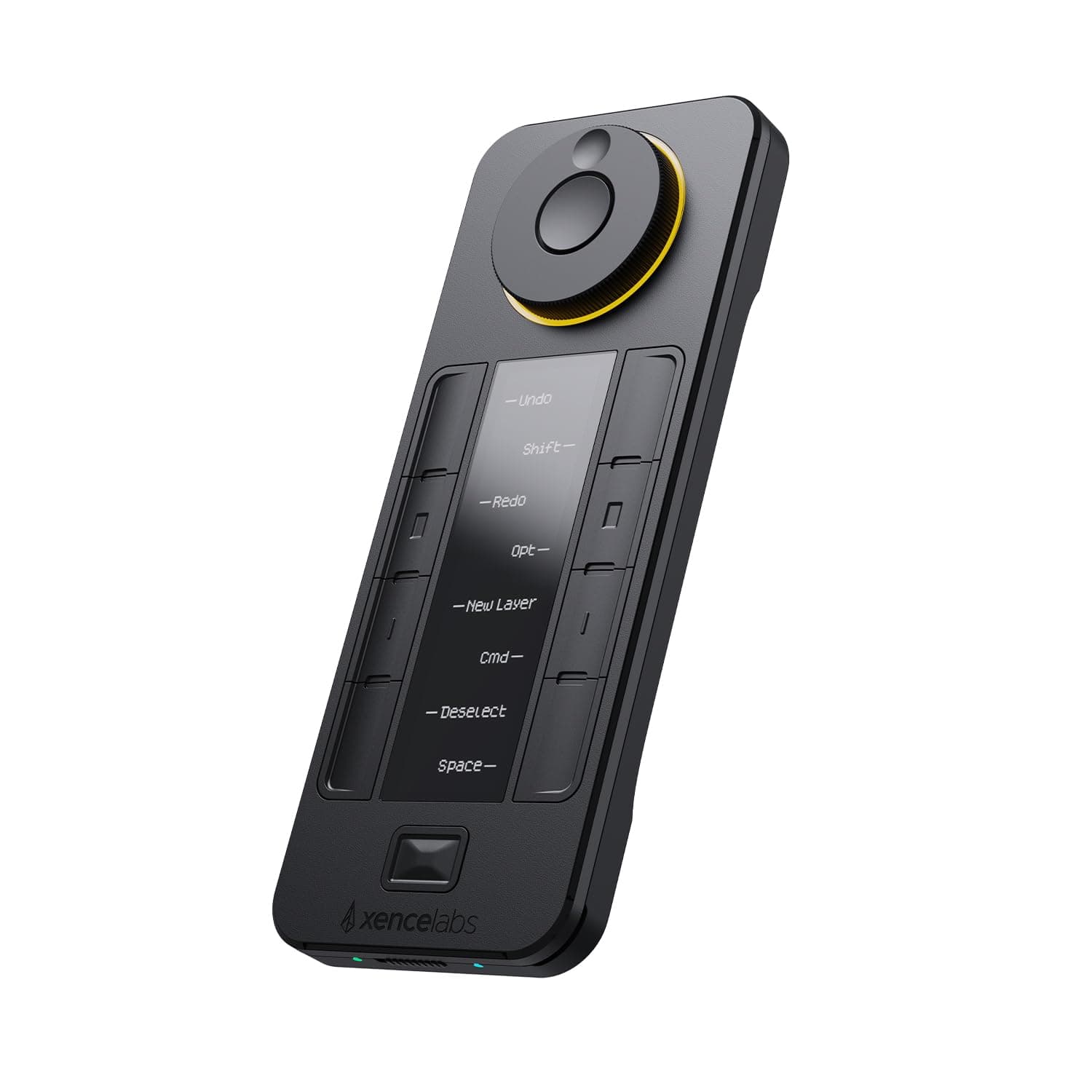

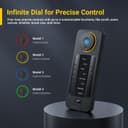
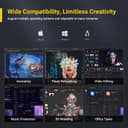
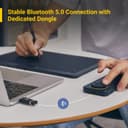
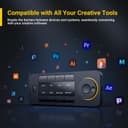
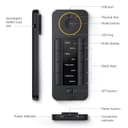
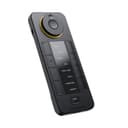
🎨 Elevate your creative flow—shortcut mastery at your fingertips!
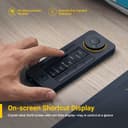
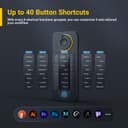
The XENCELABS Quick Keys is a premium shortcut keypad featuring 40 programmable keys and a multi-mode rotary dial, enhanced by a crisp OLED display for real-time shortcut visualization. Designed for professionals across digital art, video editing, and photo retouching, it offers wireless Bluetooth 5.0 connectivity with a dedicated dongle for stable performance on Windows, macOS, and Linux. Its intuitive customization and robust build quality make it an essential tool for streamlining complex workflows and maximizing creative efficiency.


| ASIN | B08VNCLDTK |
| Active Surface Area | 15.87 square inches |
| Additional Features | Customizable Shortcuts |
| Best Sellers Rank | #584 in Computer Keyboards |
| Brand | XENCELABS |
| Built-In Media | Inc |
| Color | Black |
| Compatible Devices | Tablet |
| Connectivity Technology | Bluetooth |
| Customer Reviews | 4.4 4.4 out of 5 stars (1,229) |
| Display Type | LED |
| External Testing Certification | Não aplicável |
| Global Trade Identification Number | 00850013593088 |
| Item Dimensions L x W | 6.2"L x 2.46"W |
| Item Type Name | Quick Keys |
| Item Weight | 0.3 Kilograms |
| Manufacturer | XENCELABS |
| Model Name | K02-A |
| Model Number | K02-A |
| Operating System | macOS, Windows, Win 11 ARM and Linux |
| Pressure Sensitivity | 2048 Levels |
| Specific Uses For Product | Painting, Drawing, Editing, Designing, Animation |
| Target Audience | Teacher |
| UPC | 850013593088 |
| Unit Count | 1.0 Count |
O**L
Reliable, Customizable, and Easy to Set Up
The Xencelabs Quick Keys device is extremely well designed and works seamlessly across my setup. The buttons are responsive, the dial is smooth, and the overall build quality feels premium. It adds a lot of efficiency to my workflow, especially for creative software where shortcuts matter. Setup is simple, installation is quick, and the software is intuitive to customize. Connectivity is stable whether using it wired or wireless, with no lag or dropouts. The device is lightweight but still solid enough to stay in place during use. The display is clear, the customization options are excellent, and the available color themes for the UI are a nice touch. Overall, this is a professional-level shortcut controller that performs reliably and feels great to use.
I**L
Quality build, highly flexible application
This review is for the Quick Keys, which I am using in a photography-related workflow on a Mac Studio setup. I am using this in conjunction with Narrative (an application for culling photos), Lightroom Classic, Photoshop, and a Huion tablet. Quick Keys is probably the best shortcut pad I've used. What drew me to the Quick Keys is the wireless operation, for the modern "clean" workspace, and the OLED, which allows for quick identification of what keys do what, and also quickly stating what mode the wheel is in when shifting between states. A much better way to work considering the high level of programmability this device has, rather than, for example, putting labels on keys. What really surprised me was the build quality. It's hefty and made from metal. The wheel is solidly mounted, and the turning very smooth. Compared to competitor products, I'd say Quick Keys was designed by a team who have an intimate understanding of how creatives work, and know the value of a great user experience for something that would be used every day. By far my favourite experience is using this with Narrative for culling photos. Sitting back and scrolling through the photos on the wheel, tagging and untagging my selections, is a much more satisfying (and faster) experience than hunching over the keyboard, tapping the arrow keys. I also use this in Lightroom in conjunction with my mouse. I mouse over the adjustment sliders and use the wheel to make the adjustments. Again, the entire Lightroom grading process can be executed without laying a hand on the keyboard. Finally, I use this with Photoshop. Some shortcuts are better suited for the buttons on the tablet itself, but the remote on the side gives access to additional tools and adjustments. For example, I set the wheel to adjust brush size by default on Photoshop, while the touch bar on the tablet is used for zooming. The OLED labelling of the buttons is also invaluable when adjusting workflows.
A**M
Very good craftsmanship
Great little piece of hardware. The scroll wheel is VERY free spinning, but I LIKE it! The wheel feels...smooth, very pleasant spin, the action isn't super sensitive so yeah, you might bump it and increment up, INCREMENT BACK lol, its NOT that serious. The buttons feel nice, a pleasant little click that requires a satisfying push, not light, not hard, "Copy-paste-hellyeah"-satisfying little clicks. I am using in conjunction with UE5 and Blender. The program switching seems to not work reliably, hence the 4 stars, but with five tabs, I was able to set myself up for success. Im going to continue to tinker with it, the above could be me, I've noticed it likes to be turned off and on again when you apply settings, but I have no regrets. It's exactly what I needed in a small form factor. Sexy too 😍 The driver and assignment program are very easy to use, no problems with setup. Look in the sweet little case it comes with for the dongle, it has its own tiny little pouch IN the mesh pouch I dont know what this is about "lag". Helpless noobs? No delays or anything, I love it.
T**R
Great remote
Bought this Shortcut remote after buying a Wacom drawing tablet and after a couple months of use, its great! First off I never got any issues with drivers so maybe I got lucky but after getting all setup I was good to go. The software is pretty simple and easy to navigate. There were already presets for some of my apps like CSP and adobe so I didn't have to worry about setting up any macros. Onto the feels and usability. For me it worked great, the wheel was spinning smoothly and being able to switch between zooming in and rotating with just a push of a button was great. The screen is also great and is easy to read, hardly any issues with viewing angles and reflections obstructing the view of the text. It is an OLED after all. Battery life works great and last a long time and with a ton of customizable buttons, this thing is very versatile. Now I only really used this thing while I draw or while using adobe so im not sure about using it like a elgato but overall it fit my drawing needs and I highly recommend it
A**R
I’m using this as a macro keypad and it’s amazing, works on both my Mac and windows. Software would auto switch to my custom shortcut depending of the software. The text makes it super easy to remember what the keys are. After a year the bottom rubber is falling. Which is annoying but a little bit a glue hopefully should fix it
B**N
macOS işletim sisteminde kullanıyorum. En çok kullandığım programların kısayollarını, çeşitli web sitelerini ve sistem araçlarını kısayol olarak tanımladım. Çalışma mantığını anladığınızda kolaylıkla programlayabiliyorsunuz. Ayrıca bilgisayardan video ya da film izlerken de uzaktan kumanda olarak programladım, ileri, geri, dur ve başla butonları ile ses ayarı ataması yaptım. Hem işte hem de evde vazgeçilmez bir araç oldu. Uzaktan kontrol işlerinin hepsini yapabiliyor. Sunumları oynatma ve durdurma, video oynatma ve durdurma, programları ve web sitelerini açma, ses ayarı ve daha birçok iş için kullanıyorum. Dilerseniz bilgisayarda yazdığınız betik ya da kestirmeleri de çalıştırıyor. Benzer ürünler içinde en iyisi bu, araştırmalarım ve deneyimim bunu gösteriyor. Almayı düşünenler için tavsiye ederim.
A**R
ممتاز كما في الوصف
D**Y
Overall a good product but I didnt like the buttons. Hard to press and not responsive as I’d like.
T**S
Excelente como macro keypad
ترست بايلوت
منذ شهر
منذ 3 أسابيع