🔌 Elevate your workspace with flawless VGA clarity — don’t get left behind!
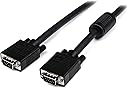
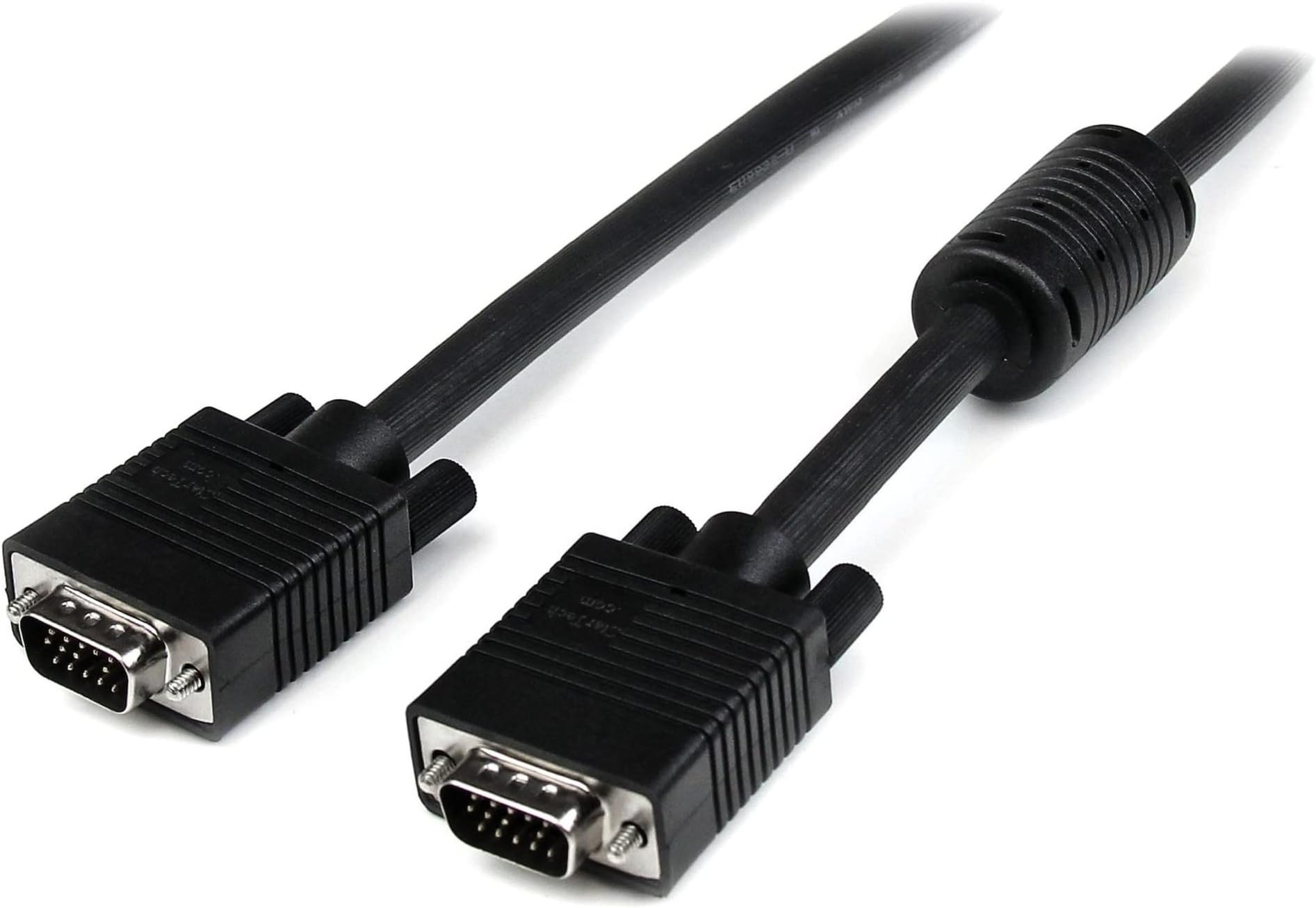
The StarTechcom 10 ft VGA to VGA Cable (MXT101MMHQ10) features HD15 male connectors, triple-coaxial plus twisted-pair wiring, and a ferrite core to deliver high-resolution, interference-free video signals. Designed for monitors 1024x768 and above, its 75 Ohm impedance matching ensures vibrant colors and sharp images, making it an essential upgrade for professionals demanding reliable, crystal-clear display connections.
| Brand | StarTech |
| Series | 10ft Coax High Res Monitor VGA Cable HD15 M/M |
| Item model number | MXT101MMHQ10 |
| Item Weight | 12 ounces |
| Product Dimensions | 120 x 1.3 x 0.8 inches |
| Item Dimensions LxWxH | 120 x 1.3 x 0.8 inches |
| Color | Black |
| Manufacturer | StarTech.com |
| Language | English |
| ASIN | B000ANOZ58 |
| Country of Origin | China |
| Is Discontinued By Manufacturer | No |
| Date First Available | August 1, 2005 |
N**R
Great cable, but a bit stiff
Startech cables are VERY well made. If you are shopping for a 12 inch long VGA cable, it is likely for a very special application. In my case, I'm connecting a USB-to-VGA adapter (Plugable UGA-3000, with included DVI-VGA adapter) and I wanted something short so that I don't have a coiled up 6' cable behind the monitor. This cable works perfectly.That said, it is a bit stiff, especially the end with the built-in ferrite bead. If you need something more flexible, you may need to go to a 1.5ft or 2ft cable to give you some 'service loop' to work with.
S**L
Well manufactured cable
I originally went to Best Buy to pick up a new 6' VGA cable to connect my PC to my 42" LCD TV (VGA inputs). They only had their own generic brand available, and wanted $25 for the cable. Frustrated, I also stopped in Radio Shack and walked out because they too wanted $25 for a video cable.I decided to visit Amazon and after reviewing several listings, I purchased this Startech monitor cable. It's hard to tell from the photo whether the quality of the cable would deliver a nice image. I am replacing another cable I bought over the web that was flimsy (thin) and delivered a sub par image - greenish and an strange yellow shadow behind all the images on screen. So this time I really wanted to find a cable that had a diameter like a dime, instead of a pencil - which I think is a good proxy for the overall quality of the materials used throughout the manufacturing process.I was very happy to see that the Startech cable is quite substantial in diameter and produced an excellent image on my 42" monitor. This cable performs very well and is a steal (I was able to get it for around $10) if you need to replace an OEM cable or if you bought a PC without a monitor and want to connect to a flat screen TV like me.
D**I
Excellent, especially for the price!
I currently use an ATi x800 video card with two LCD displays, one of which is VGA. For the past year or so, I've been using a cable that came with the monitor, and recently, it's been causing all sorts of problems--color flickering, display signal loss, etc. When looking for a replacement VGA cable, this one caught my eye.After installing it, I found that the picture quality and brightness was better than I remember originally, and all the previous problems were gone. I've never had a problem with ghosting, even with fast-paced FPS games, but I can say for sure that this cable doesn't ghost. It feels very well-constructed (is about twice the diameter of my previous cable), and comes with a lifetime warranty from the manufacturer. The only caveat is that because of its sturdy construction, the ends don't bend too well if you need to fit them in at an angle. Otherwise, excellent cable, and definitely far better than any in its price range!
U**T
Well made, high quality cable.
I have used various VGA cables to hook up to TV's and projectors. Most of them seem to work OK, but over 15' I have often seen blurring of the image and color distortion / colored fringes around images.This 20' cable performed great at 800 x 600 with no visible distortion or image quality problems. I would expect it to be equally good at 1024 x 768 and higher, based on the image quality I have seen so far.What I liked particularly was that being a branded item, I could expect to get the exact same item as reviewed by other buyers. With other VGA cables listed, it seems that it is something of a lottery as to exactly what cable you get - obviously the connectors should be as described, but too often the over-all quality and manufacturer can be completely different between vendors.Definitely happy with the product.
K**N
Works as expected
Purchased this cable to replace another whose internal braiding partially failed after a year of use (although I expect this was due to some poor handling on my part). The failure resulted in all images being heavily tinted green, and although this was fine for my Teenage Mutant Ninja Turtles marathons, regular humans didn't look so great (although Titanic becomes a hilarious comedy with Leonardo DiCaprio suffering from constant seasickness).At the price, however, it was easy for me to justify a new purchase and knock off a single star for durability. The 25-foot length is more than enough to comfortably display video on my TV while still having my laptop close at hand. I'd recommend the product for purchase knowing that you get good video quality for a low price.
A**A
Works well for connecting Sony laptop to HDTV
I use this to connect my Sony Vaio to my HDTV (Samsung). The cord works really well to let me watch online shows on my TV through my computer.Just a note for anyone struggling with hooking up their Sony: My TV initially would not recognize that there was any input. You may have to update some various things (go to the Sony website to get those upgrades that are specific to your type of laptop. I did this and still couldn't get it to work, but it at least saw that there was input, it just said something about not being able to use the data or something along those lines. After some fiddling, I changed one of the settings to 60Hz (sorry I can't remember exactly where it was, somewhere under Control Panel and then Other... it's the same place where you tell it to use two screens). That did it! I've been pretty pleased with the quality- it's not superfantastic like watching a bluray but definitely better than watching TV on my laptop.
ترست بايلوت
منذ شهر
منذ شهر