


Desertcart purchases this item on your behalf and handles shipping, customs, and support to EGYPT.
🎥 Own your virtual presence with Logitech Brio 500 — where clarity meets control.
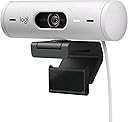
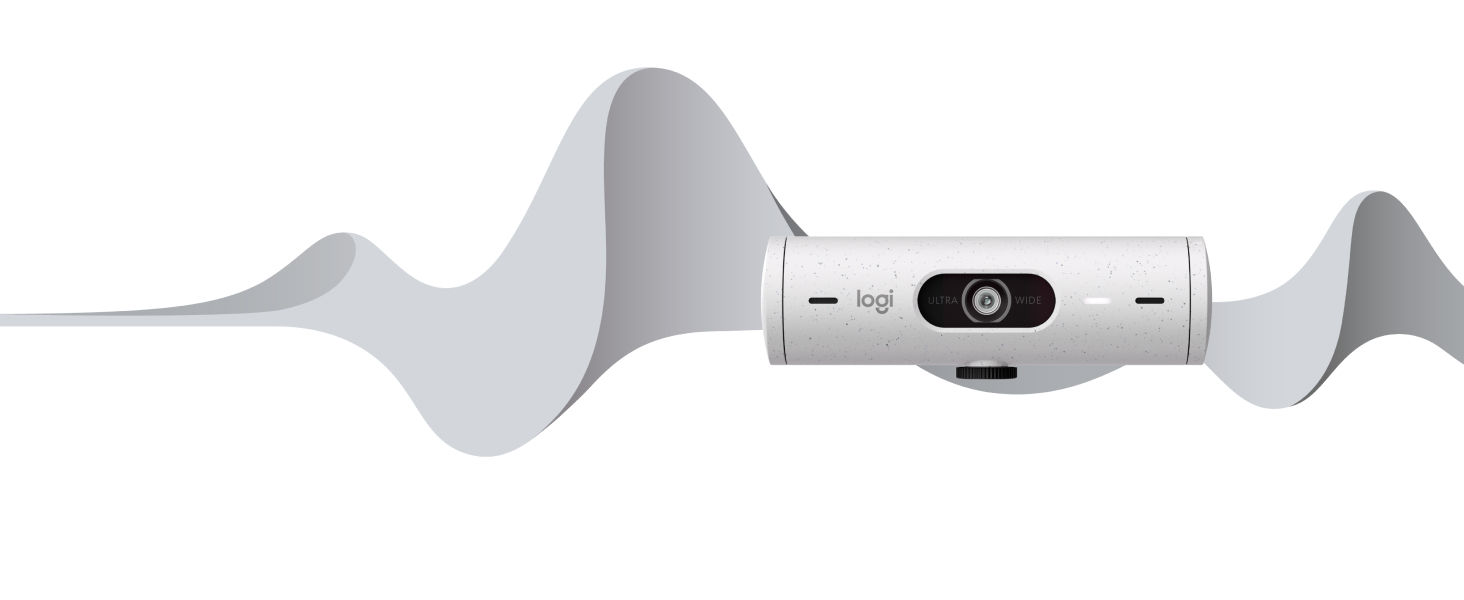
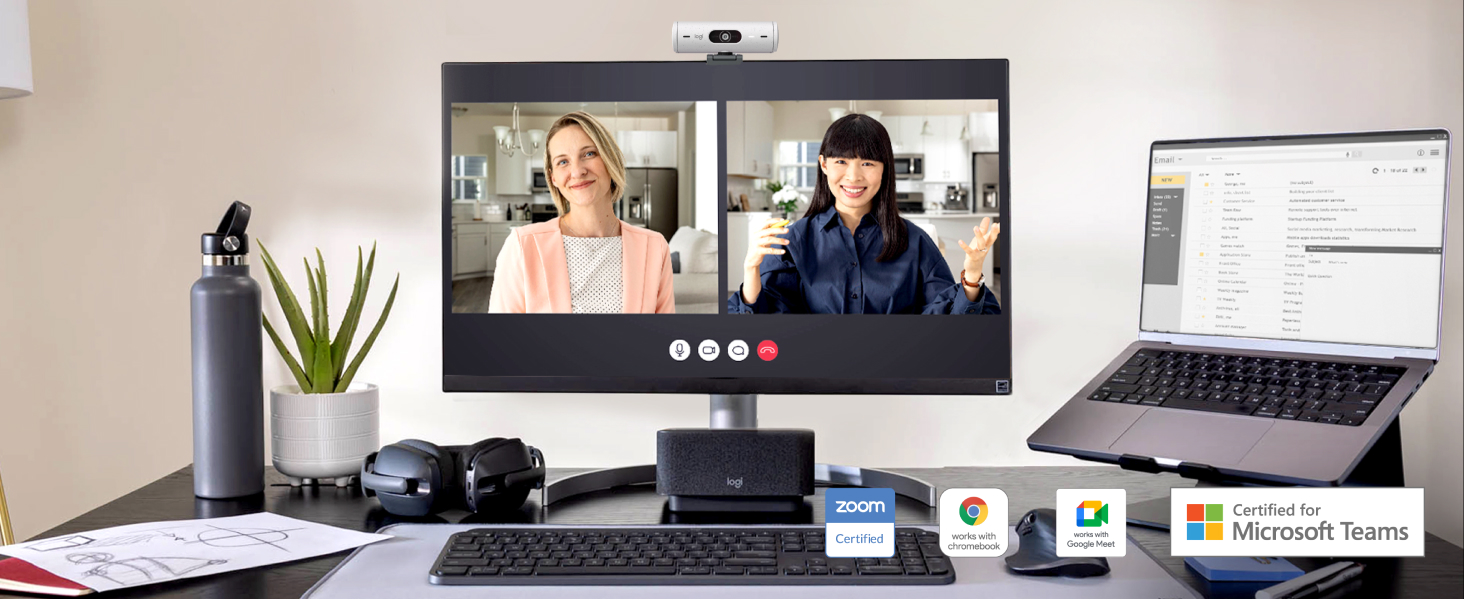
The Logitech Brio 500 is a sleek, ultra-compact Full HD 1080p webcam designed for professionals who demand superior image quality and smart features. Equipped with RightLight 4 for automatic light correction, RightSight auto-framing to keep you centered, and dual noise-reducing microphones, it ensures you look and sound your best in any environment. Its privacy shutter and customizable settings via Logi Tune software make it a versatile, secure, and user-friendly choice for seamless video conferencing.




| ASIN | B07W6J9X2L |
| Antenna Location | Video conferencing or streaming |
| Are Batteries Included? | No |
| Best Sellers Rank | 1,964 in Computers & Accessories ( See Top 100 in Computers & Accessories ) 13 in Webcams |
| Box Contents | USB Cable, User Manual |
| Brand | Logitech |
| Brand Name | Logitech |
| Camcorder Type | Webcam |
| Colour | White |
| Compatible Devices | Personal Computer, Laptop |
| Customer Reviews | 4.2 out of 5 stars 1,604 Reviews |
| Digital Zoom | 4 x |
| Effective Still Resolution | 4 |
| Effective Video Resolution | 1080 Pixels |
| Exposure Control Type | Automatic |
| File Format | JPEG |
| Flash Memory Speed Class | C10 |
| Flash Memory Type | SDXC |
| Flash Memory UHS Speed Class | C10 |
| Flash Memory Video Speed Class | V10 |
| Flash memory type | SDXC |
| Focus Type | Auto Focus |
| Form Factor | Ultra Compact |
| Has Image Stabilization | No |
| Image Aspect Ratio | 16:9 |
| Image Stabilization Type | False |
| Item Dimensions D x W x H | 3.2D x 11W x 3.1H centimetres |
| Item Type Name | Webcam |
| Item Weight | 0.2 Kilograms |
| Lens Type | Wide Angle |
| Manufacturer | Logitech |
| Maximum Aperture | 2 f |
| Maximum Display Resolution | FHD |
| Maximum Focal Length | 90 |
| Maximum aperture | 2 f |
| Maximum focal length | 90 |
| Minimum Focal Length | 90 |
| Model Name | 960-001428 |
| Model Number | 960-001428 |
| Network Connectivity Technology | USB |
| Operating System | Chrome OS, Windows 8 or later (Windows 8.1 or higher required for resolutions greater than 1080p), macOS 10.10 or later |
| Optical Zoom | 2 x |
| Photo sensor technology | Other |
| Product Features | Microphone Input |
| Screen Size | 1.2 Inches |
| Sensor Type | Other |
| Shooting Modes | Automatic |
| Style Name | Webcam |
| Supported Audio Format | AAC, MP3 |
| Supported Image Format | JPEG |
| Unit Count | 1.0 count |
| Video Capture Format | MP4 |
| Video Capture Resolution | 1080p |
| Video capture resolution | 1080p |
| Water Resistance Level | Not Water Resistant |
| Wireless Compability | Bluetooth |
| Zoom | Optical, Digital |
S**R
This is just the best webcam!
I wanted a webcam that had an excellent microphone, great low light picture quality and a changeable field of view. After trying countless different brands, ranging from budget Chinese products to Anker, I found the Brio 500. Let me just say this, getting a good mic on a webcam is extremely rare and generally falls into two camps: either too distant / muffled, or harsh and over processed. I loved my Anker Powerconf C200 for the picture quality, design and value, but the mic made your voice sound robotic. The Brio 500 sounds natural and not too far off the quality of a dedicated mic. The picture quality is also something else - it is ‘only’ HD and not 2K/4K (in reality this is overkill for most people) but nails it just right with perfect levels of sharpness (not too sharp) and colour tone. The best thing thing about the cam is that it will auto adjust your face in low lighting but with hardly any detectable grain or loss of quality compared to other webcams that I have used. This was important for me as I work in a dark corner of a loft room. I also like being able to adjust the FOV depending on whether I am having a group call or not. However I believe this is achieved via digital magnification rather than a true zoom. There is also a RightSight mode that will adjust the camera so that your face is always roughly in the centre of the frame. Generally this works quite well but I definitely prefer a fixed camera as I don’t usually move around a lot in calls (does anyone?). You can also rotate and tilt the camera but make sure to tighten the screw otherwise it won’t hold its position well. The auto focus is also excellent and so far, I have not had any trouble or lag with the webcam focusing on my face despite being in a a fairly dark room or with harsh light overhead. The Anker in particular sometimes needed a few seconds to find my face or would sometimes randomly move in and out of focus despite no movement from myself. There is also the Show Mode feature that allows you to flip the webcam down to view a document in your desk. However I haven’t had to used this yet and it seems a little gimmicky to me but I’m sure someone out there will find this feature useful! The LogiTune software is intuitive to use and allows you to adjust the image quality and a host of other settings. There were some bugs in the early versions of the software, where your settings were not stored, so make sure you update the software online. I’ve carried out hours of research and have compared all of the Logitech cameras on YouTube and the Brio 500 definitely seems to be one best. If you don’t need 4K then this is the perfect webcam for you. I actually bought two, one for home and another for my office.
U**E
Excellent functionality and image appearance in low light. A bit expensive
I got my Brio 500 for a discount (£80). The Brio has three big advantages over other webcams I've tried: - weight (lack of it) - software (!) - low light image quality I bought it mainly for the third as my existing camera, even with my new and expensive corporate laptop offering "AI [allegedly] image processing", is completely hopeless, and I finally have a camera which is viable in my particular situation - of necessity my setup is in a corner and natural light is indirect through French doors some distance away. Finally, I no longer look as though I am proclaiming mysteriously from the depths of Aladdin's Cave or have to turn the room lights on in the middle of the day. The image is 1920x1080 pixels. There are 2K and 4K cameras around - one of my old ones is 2K - but the Brio image is far superior to the 2K image. The camera itself is a tiny cylinder, about four inches long and an inch in diameter, and weighs next to nothing. This matters, as I use a monitor bar (BenQ) and it lies very nicely on a flat segment in the middle with the mount stretched out. Previous cameras have been much heavier and bulkier and were - literally - shaky in that situation. (I can't understand why monitor bar manufacturers don't provide a screw thread in the middle of the bar). It has a permanent, good-quality soft plastic cable about 6 feet long with a USB-C connection. From reading around it appears that permanent connections are less likely to fail than removable connections, so the first seems like a good decision. There is a very bright (about an inch long) rectangular white LED showing when the camera is on, and the privacy shutter is set or removed simply by twisting the right-hand end of the case. I never thought I would ever praise Logitech Options+, the Windows and Mac driver software, but it offers a lot here. As well as the usual image controls (colour, brightness, saturation, sharpness) there are some unusual ones. There are three fields of view (65, 78 and 90 degrees) but also software zoom (100 to 400 percent) and an immensely useful "software nudge" (pan/tilt) which lets you centre yourself in the image without physically moving the camera. There are low light and HDR exposure settings, both of which actually materially improve the image, and also options for manually or automatically altering the shutter speed and ISO. Finally, there are autofocus and auto white balance which can, again, be overridden with manual options. A recent update introduced a hard reset to restore all factory settings and also "auto-follow" (in effect image stabilisation - your head is kept in the centre of the frame after "software nudge" positioned it there). As with "software nudge" it is done through software as the camera doesn't move but, surprisingly, it is effective. It also stops if the deviation from centre is too large - I have used professional setups which kept the subject in the centre of the frame no matter what but the image behaved like being on the deck of a boat in a rough sea. Interestingly, one option that is not provided but commonly seen elsewhere is to reduce the image dimensions. Those are fixed at 1920x1080. My usual advice applies with Options+ - install the business (offline) version rather than the online version. That cuts out a lot of fluff. I can't comment about Mac, but Linux is not bad. The standard Logitech peripherals software (solaar) is mouse and/or keyboard only, which is a shame as it offers customisation way beyond what Options+ supports, but guvcview works straight off. Unfortunately some options aren't supported, most notably HDR, field of view and image stabilisation, but it does support zoom, pan, tilt, white balance, autofocus, brightness, contrast, saturation and sharpness, which is more than enough. Unlike Options+ it allows the video resolution and frame rate to be changed with presets all the way down to 160x90 and 5fps, which brings back the 1990s. Finally, with Options+ I was surprised to be offered a firmware upgrade straight away (1.0.328). I cannot recall the previous time my Logitech mouse or keyboard had their firmware upgraded! Firmware updates may or may not be possible on Linux - gufw recognises the camera but, unfortunately, the Windows firmware update had already taken place. Only 4 stars rather than 5 because the Brio 500 is expensive and, if you have direct light shining on your setup, it isn't necessary. (I would not have bought it myself at the £130 undiscounted rate). But, for my situation, it is excellent.
J**J
Great webcam
Love this, it works really well, It can zoom in and provides great quality sound and picture. Very easy to use and I have no compatibility issues. It is not the cheapest webcam, but it works and works well. It sits on the monitor securely. You can shut it off physically if you are more security conscious.
M**K
No problems with this at all.
Clear picture, good sound, lots of mounting options, plus a privacy shutter. Don’t understand the negative comments. It's a great quality camera which dues the job just fine. Plug n play in Windows or OSx.
D**D
Poor service
The product is fine, but the Company not so much. I have been chasing them for an invoice and they have not forwarded this to me and irt has been requested now 3 times.
C**G
Great quality at good value
Super simple to setup out the box and good price video quality is also good for the pricepoint
A**R
Good quality webcam
Good quality 1080p, wide angle image. Sturdy construction. Particularly like the privacy shutter. Positive action, shuts the camera down when not in use. A bit on the expensive side so can only give it 4 stars.
K**E
Drains power from other usb devices
I want to like this more, but it is constantly disconnecting all of my usb devices as it's draining the power, which means I choose to use my laptop camera instead... I wouldn't recommend this unless you're using a desktop pc. Otherwise it's a nice size and the customability is great... It just doesn't work most of the time.
B**R
Great quality and easy to set up
This was simple and play. The video quality is great and am told the microphone works very well. Quite happy with this.
D**N
Great webcam!
Auto focus is great and the webcam adjusts to room lighting perfectly.
م**د
ممتازة
ممتازه
A**L
Produto entrega o que promete!
Simplesmente compacta, versátil. Recomendo. O potencial máximo da webcam é explorado no software com diversas configurações e parâmetros importantes.
L**A
Logitech cam
Ich hab nach einer einfachen cam für videoanrufe gesucht, und hab etwas viel besseres bekommen. Die Cam hat ein sehr scharfes Bild, was schon mal die ersten Sterne aus macht. Dazu kann man verschiedene Filter auflegen, und somit den kontrast/ die Sättigung ändern, oder die automatischen Einstellungen nutzen (autofokus und automatische helligkeit). Man kann zoomen, das Bild spiegeln und die cam von aussen drehen. Abgesehen von der Kamera Funktion hat die Cam auch ein eingebautes Mikrofon, welches ganz gut ist. Auch gut: wenn die Kamera an ist leuchtet ein weißes Licht und wenn das Mikrofon benutzt wird leuchtet ein gelbes Licht. So weiß man immer, ob eines der beiden Features an ist. Die blende ist dann nochmal ein extra Punkt oben drauf. Zusammengefasst war das ein guter Kauf und ich kann das Produkt sehr weiter empfehlen
Trustpilot
2 months ago
1 month ago