

Desert Online General Trading LLC
Dubai, United Arab Emirates
Desert Online General Trading LLC
Dubai, United Arab Emirates

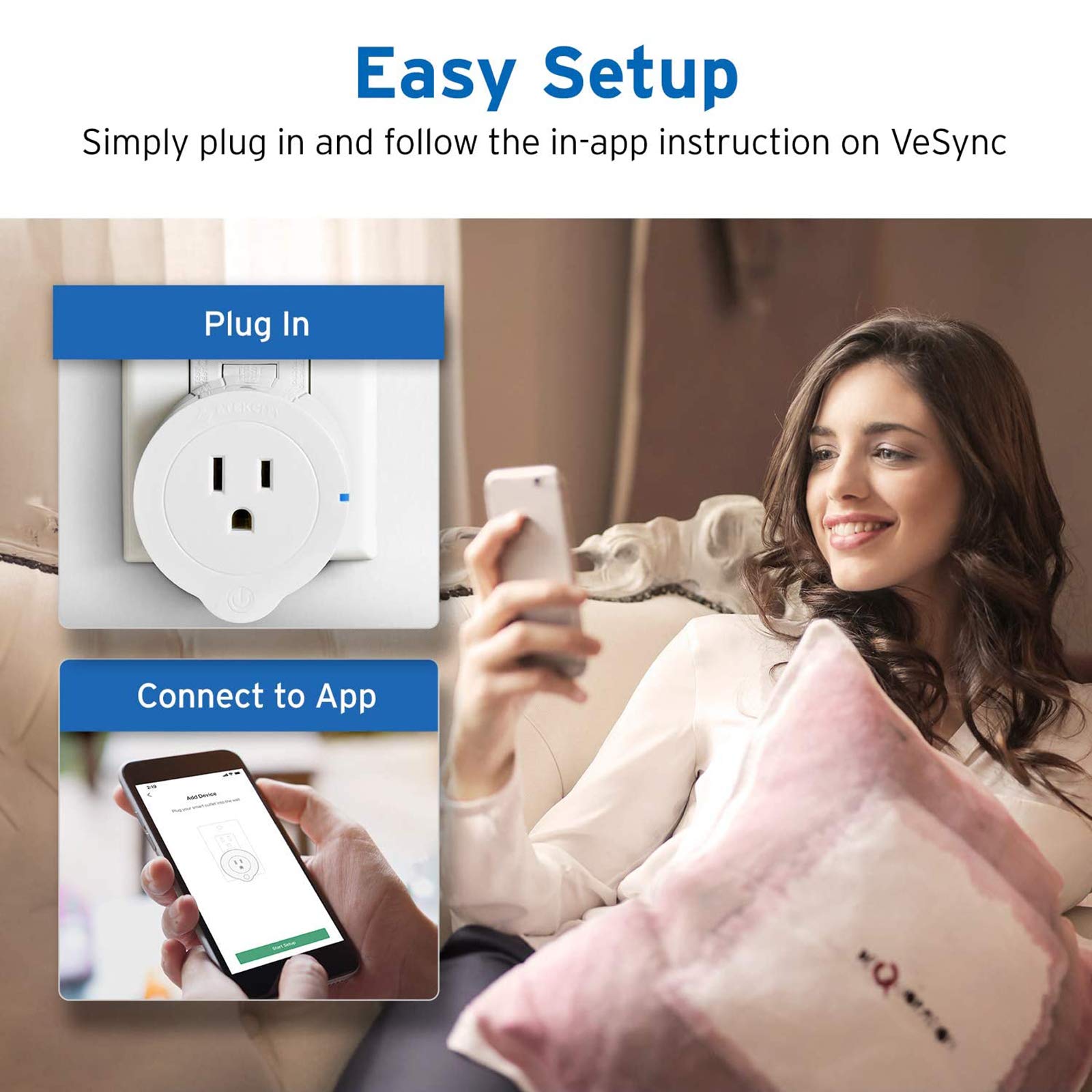

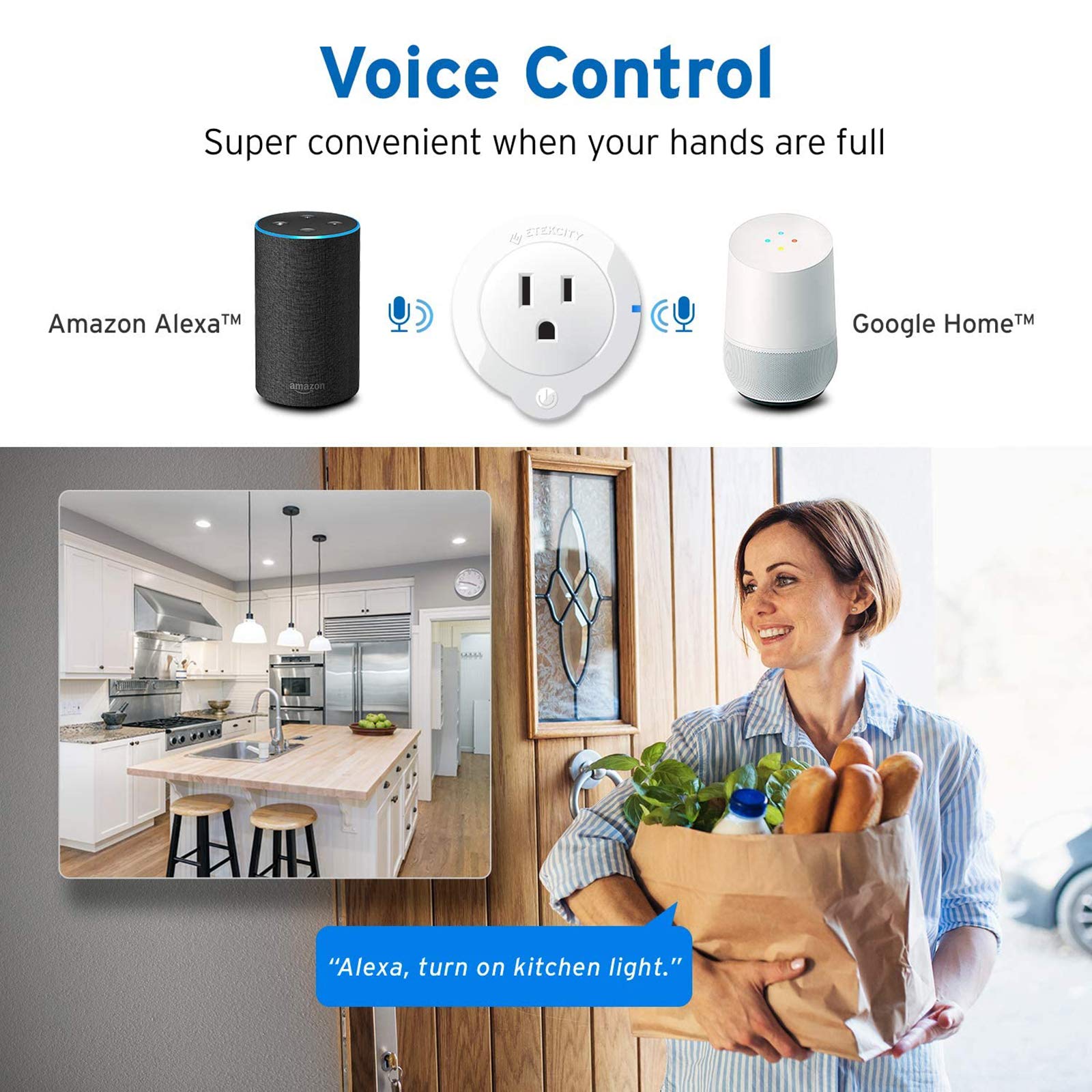

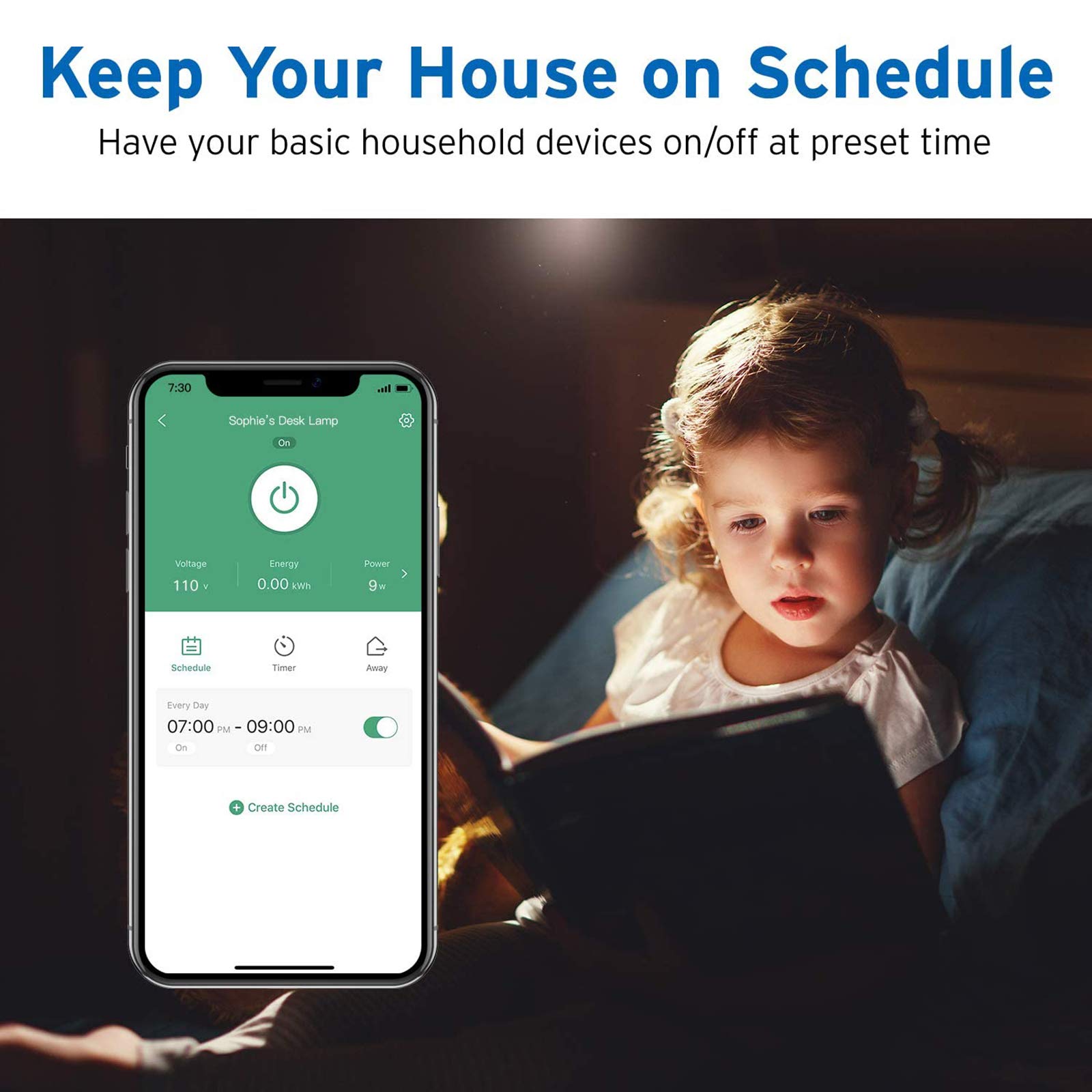
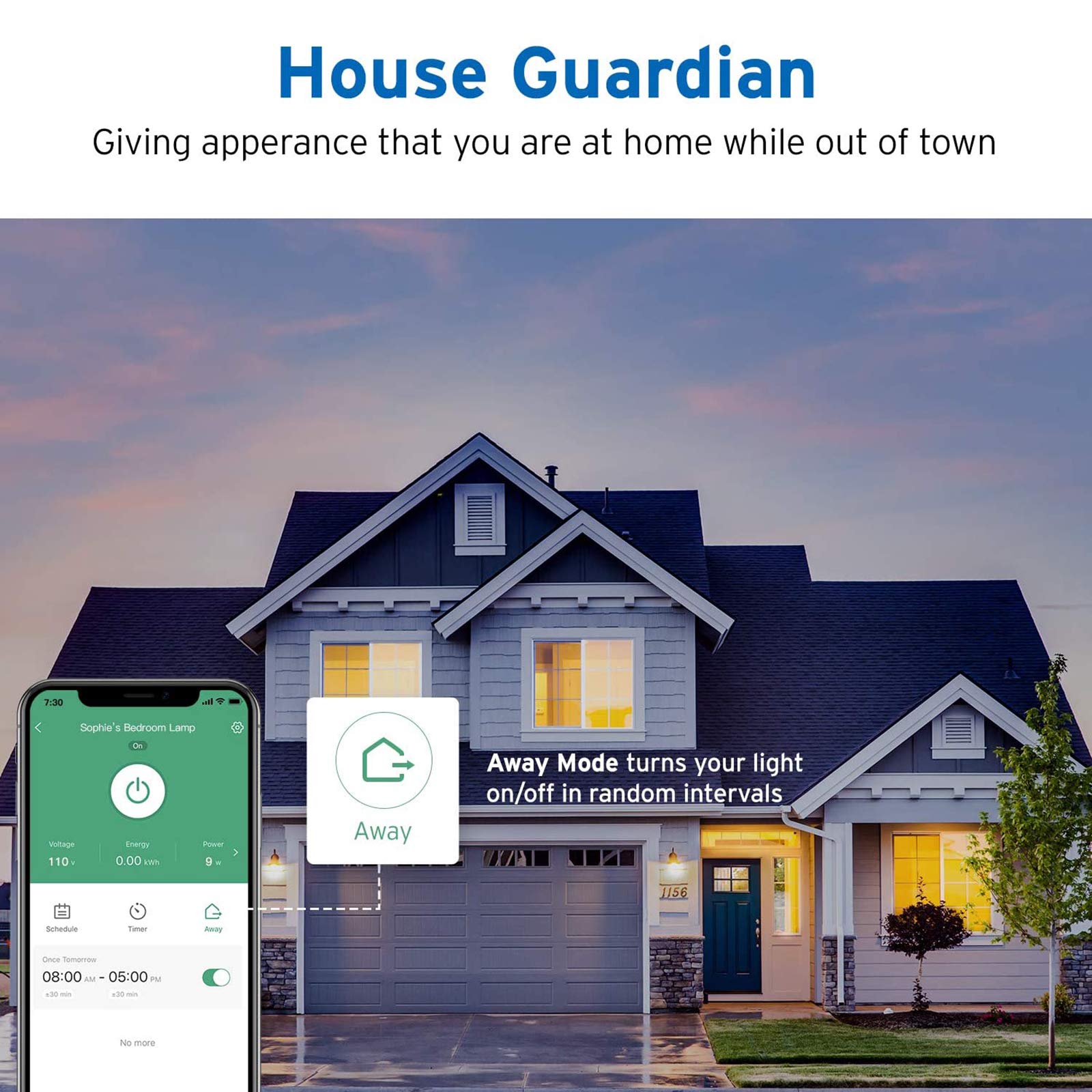
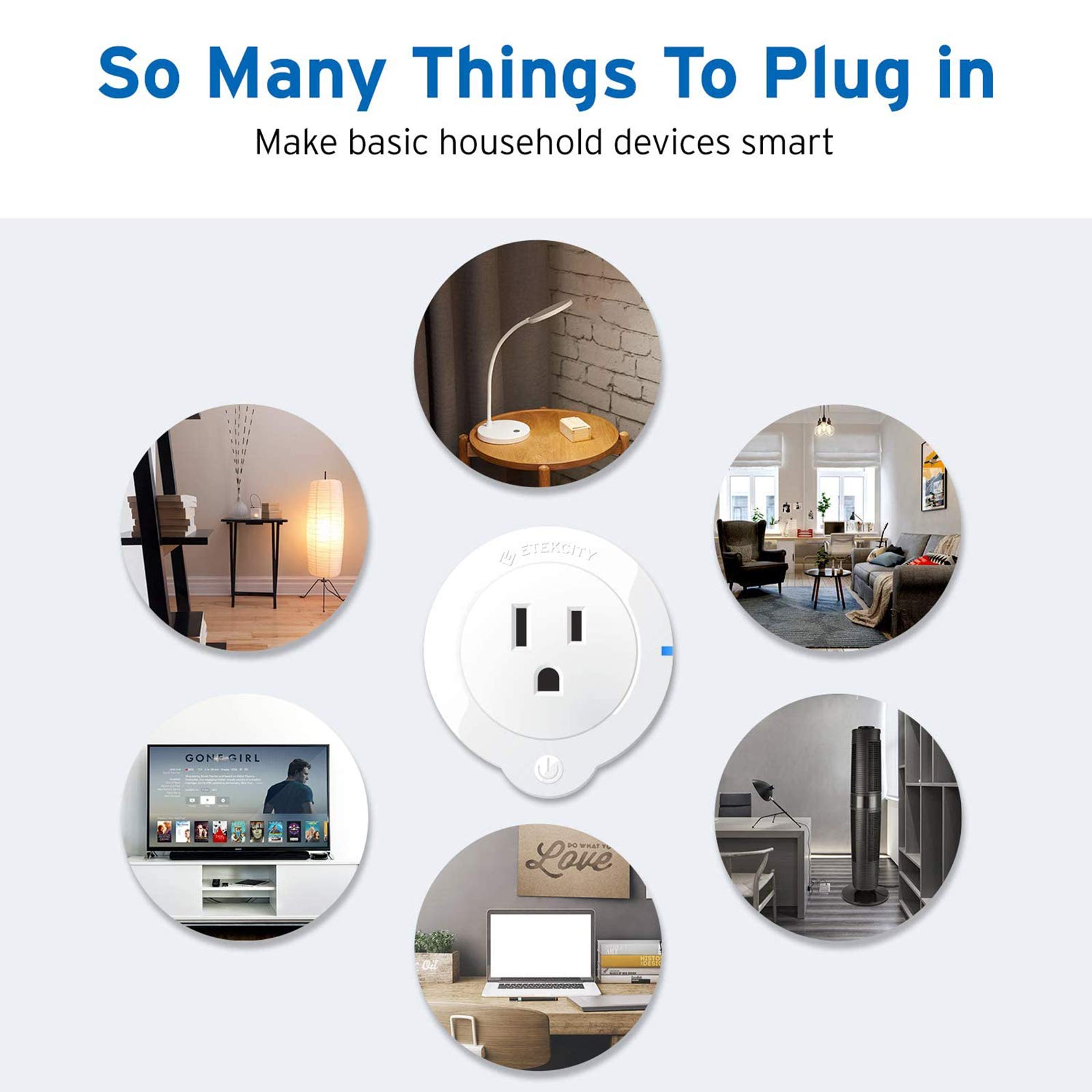

🏠 Power up your smart life with effortless control and security!
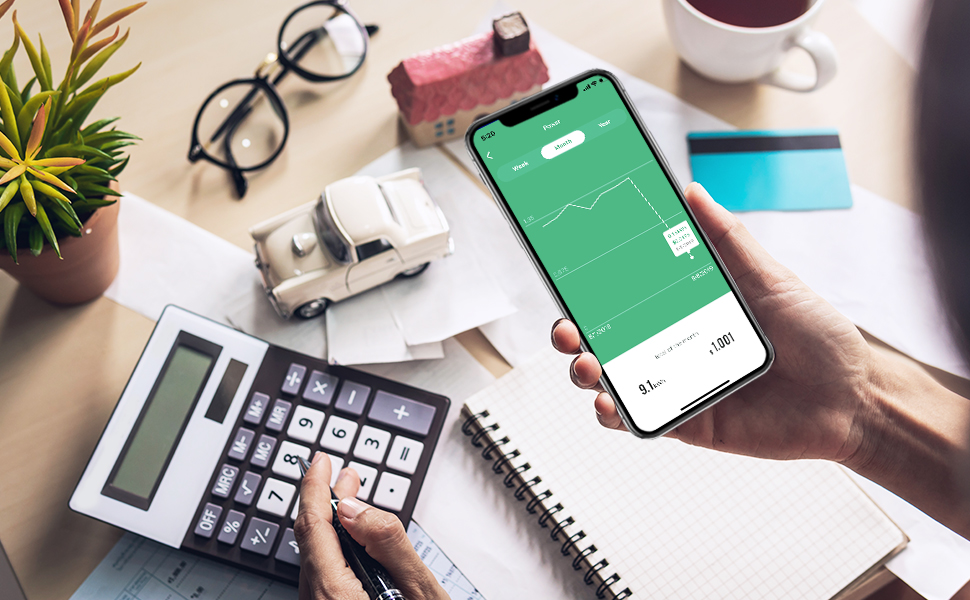
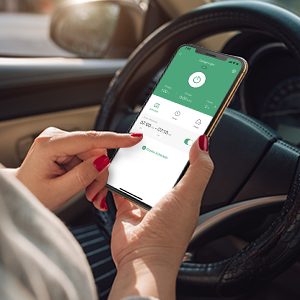
The Etekcity ESW01-USA Mini Smart Plug is a compact, Wi-Fi enabled outlet supporting up to 960 watts, featuring voice control via Alexa and Google Assistant, energy monitoring, overheat protection, and smart scheduling. Compatible with IFTTT and VeSync app, it offers remote control and group management to enhance home automation and security.




| Operation Mode | Off |
| Current Rating | 7 Amps |
| Operating Voltage | 120 Volts |
| Contact Type | Normally Open |
| Connector Type | Plug In |
| Brand | Etekcity |
| Terminal | Blade |
| Item dimensions L x W x H | 2.4 x 2.2 x 2.05 inches |
| Circuit Type | 1-way |
| Actuator Type | Push Button |
| Contact Material | Phosphor Bronze |
| International Protection Rating | IP00 |
| Number of Positions | 3 |
| Upper Temperature Rating | 104 Degrees Fahrenheit |
| Controller Type | IFTTT, Google Assistant, vera, Amazon Alexa |
| Control Method | Voice |
| Connectivity Protocol | Wi-Fi |
| Color | White |
| Wattage | 960 watts |
| Unit Count | 1 Count |
| Number of Items | 3 |
| Manufacturer | Etekcity |
| UPC | 817915021408 |
| Part Number | ESW01 |
| Item Weight | 8.8 ounces |
| Product Dimensions | 2.4 x 2.2 x 2.05 inches |
| Item model number | ESW01-USA |
| Is Discontinued By Manufacturer | No |
| Voltage | 120 Volts |
| Item Package Quantity | 1 |
| Included Components | 3 * ESW01 Smart Plug, 1* QSG |
| Batteries Included? | No |
| Batteries Required? | No |
| Warranty Description | 2 years warranty and lifetime support |
C**T
So much nicer than the old style timers.
These work really well - I bought them during the holidays so I wouldn't have to run around the house turning lights on and off. I like having an app to set these up because it's so much easier than the old fashioned kind where you have to fuss with it every time you want to change a time on it. The app itself is okay, but could be better and more intuitive; it took me awhile to figure out where to change the name of each one so I could keep track of them. They were pretty easy to set up - although I did find that I had to find a good outlet to set them up before moving them to other places - so if you think one doesn't work, you might need to try setting it up in a different outlet first. I haven't had any issues moving them to different outlets after they've been set up. I've been using one of them outside for a couple months now with no issues at all, even with rain and snow. I did have one that keep losing connection, and I reached out to Etekcity who sent me a replacement super fast. I'm really happy with these and with Etekcity.NOTE: I've seen people saying they've had problems setting this up when they have a dual band router when it says 'your device must be on a 2.4 g network' - the device it's talking about is the one you're using to set it up, not the plug. Example - if you're using a phone to set it up, you must go into your phone's wifi and select your 2.4 band. You can switch it back after you're done setting up the outlets.UPDATE: I just got an Echo Dot, and I was able to get these working with it without much hassle - when I bought them, Etekcity sent an email that had instruction on how to do it, and it only took a few minutes to set it up.
J**Y
Works like a charm after I figured out the 2.4 GHz connection obstacles
The biggest problem I ran into when having to set these up is finding the 2.4 GHz signal that my router should be outputting. A lot of router/modems nowadays are outputting the 5 GHz and 2.4 GHz signal over the same SSID (my case) or the router/modem has an option to "turn on" guest settings which, in the end, is the 2.4 GHz signal from your box (gf case).In my case, I didn't have admin rights to my router/modem because it is controlled by the company that supplies internet to us so I had to open a ticket with them to rename the 2.4 GHz signal to a unique name so I can decipher the 2.4 GHz signal to the 5 GHz signal (something like "YourWifiName 2.4GHz"). Then continued with set up while connected to the 2.4 GHz connection.In my gf case, I just accessed the admin console to the router/modem and turned on guest settings which require you to set up another password for it as well. Once that was done, I continued with the set up while connected to the guest wifi. Just know, if you turn off the guest wifi, the smart plugs might not work and will have to be set up again.One last thing, when you're holding the button and waiting for the blue light to blink, be sure that you did not "turn on" the plug before holding it down. Essentially, you want to plug in the smart plug and without pressing anything, hold down the power button until you see the blue light start flashing. If you press the power button once, and then hold it down, the device you're setting it up with will not be able to detect the smart plug.Enjoy!
B**N
The WORK GREAT for my daughters start of making a Smart Home, Going to Buy Some for myself.
Bought these for my daughter to use with her Amazon Echo, She loves her studio apartment right off the Gulf of Mexico she got after a job transfer, but the light switches did not work well for the light locations, and the Landlord would complain when she left her air conditioner on all day (Electric included in Rent and Landlord lives downstairs), So I got the three pack, one she hooked up her 3500/5000 BTU window air (I checked and this Smart Plug can handle up to 10 amps, for more than the expected 5-7 amps the A/C draws), Once hooked up my daughter from work just before she leaves can turn on the A/C form HER PHONE and come home to a nice cool apartment without upsetting her little old lady landlord (It was a digital face A/C - I was surprised it kept the settings getting completely shut off), She also can monitor how much power from each Smart WIFI out is using with is a huge bonus. She then used the (2) others to hookup lights, and not long offer got 2 more similar outlets that came with her Black Friday Echo Dots to Fans and similar. She now had a total of 5 outlets (there are her favorite) operating her SMART Studio Apartment and SHE LOVES IT, she just walks in the door and say "Amazon I am home" and the lights come on... (also a big security plus for a single lady)
ترست بايلوت
منذ أسبوعين
منذ أسبوعين
منذ أسبوع
منذ 3 أيام