We remain fully operational. Our teams are working around the clock to ensure your deliveries continue safely.

قم بتنزيل التطبيق


معلومات عنا
حقوق الطبع والنشر © 2024 Desertcart Holdings Limited
قم بتنزيل التطبيق


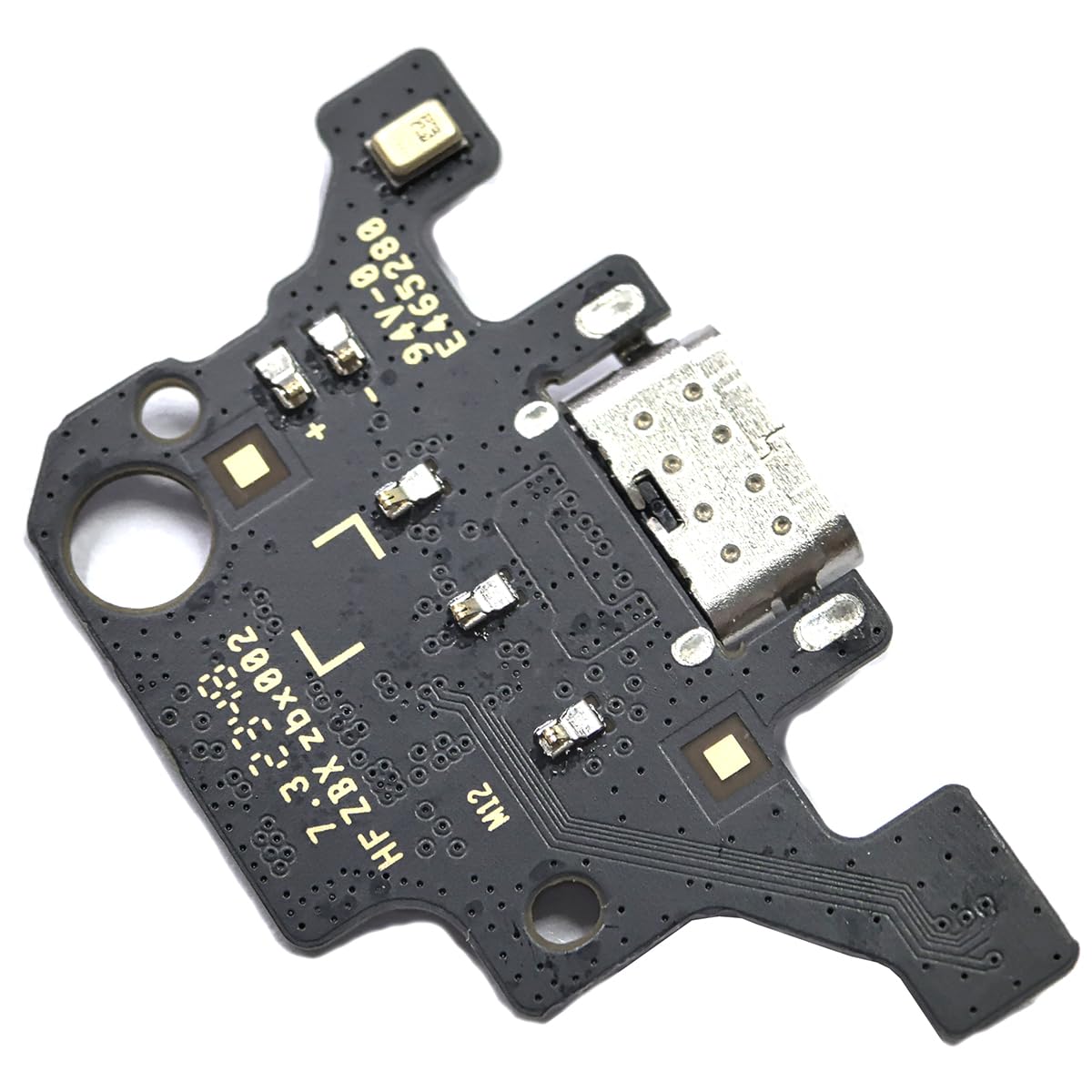
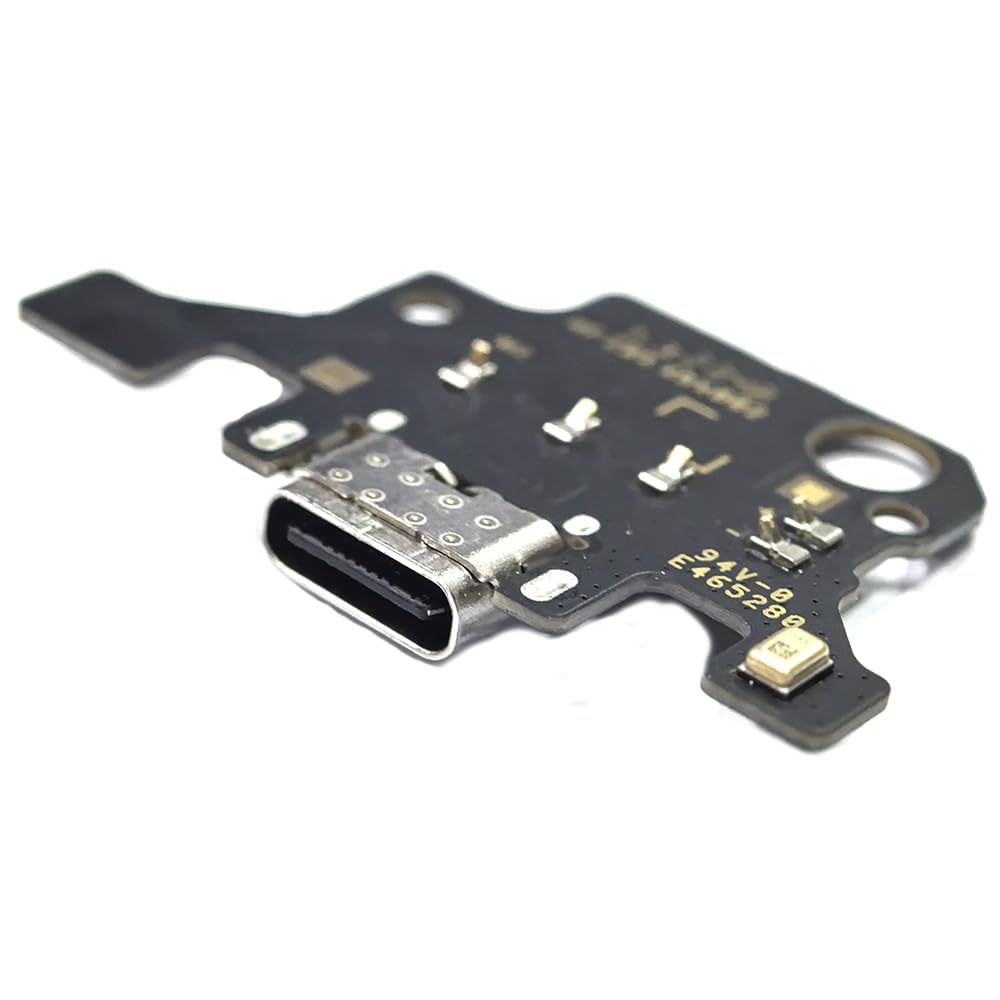
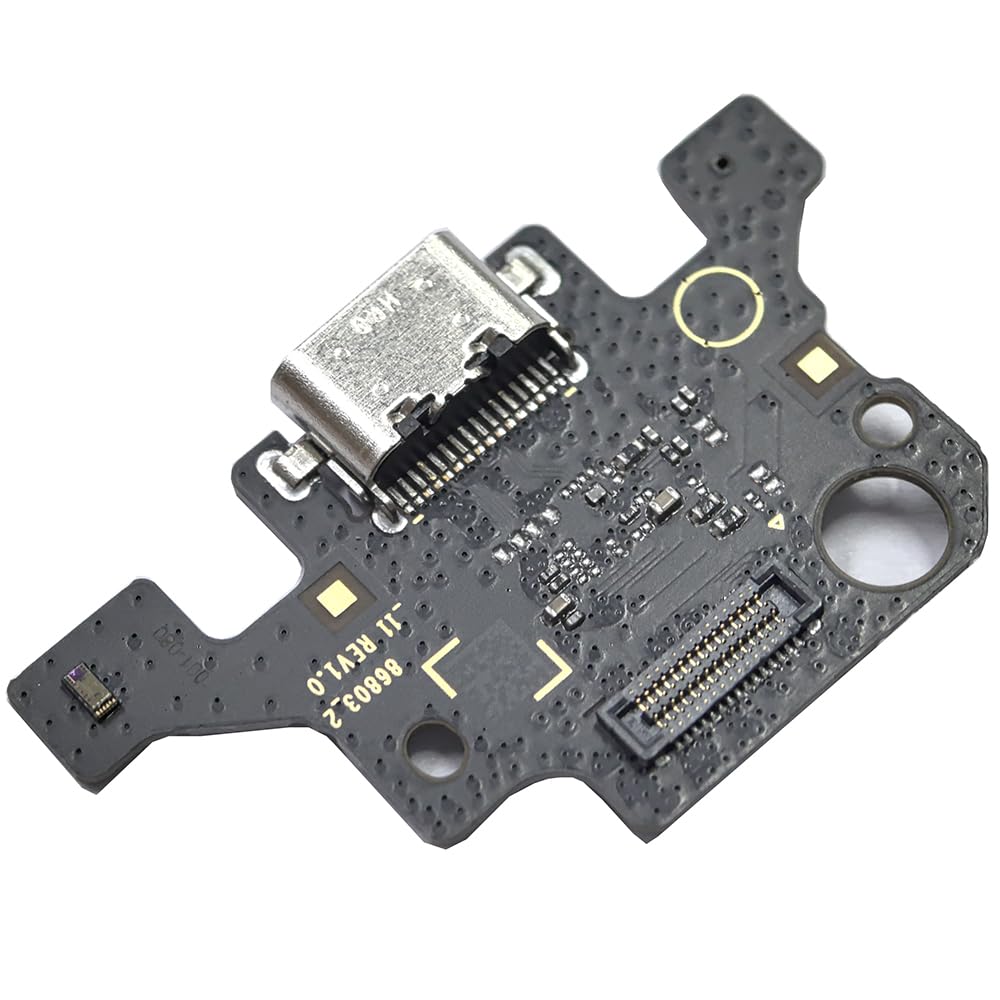
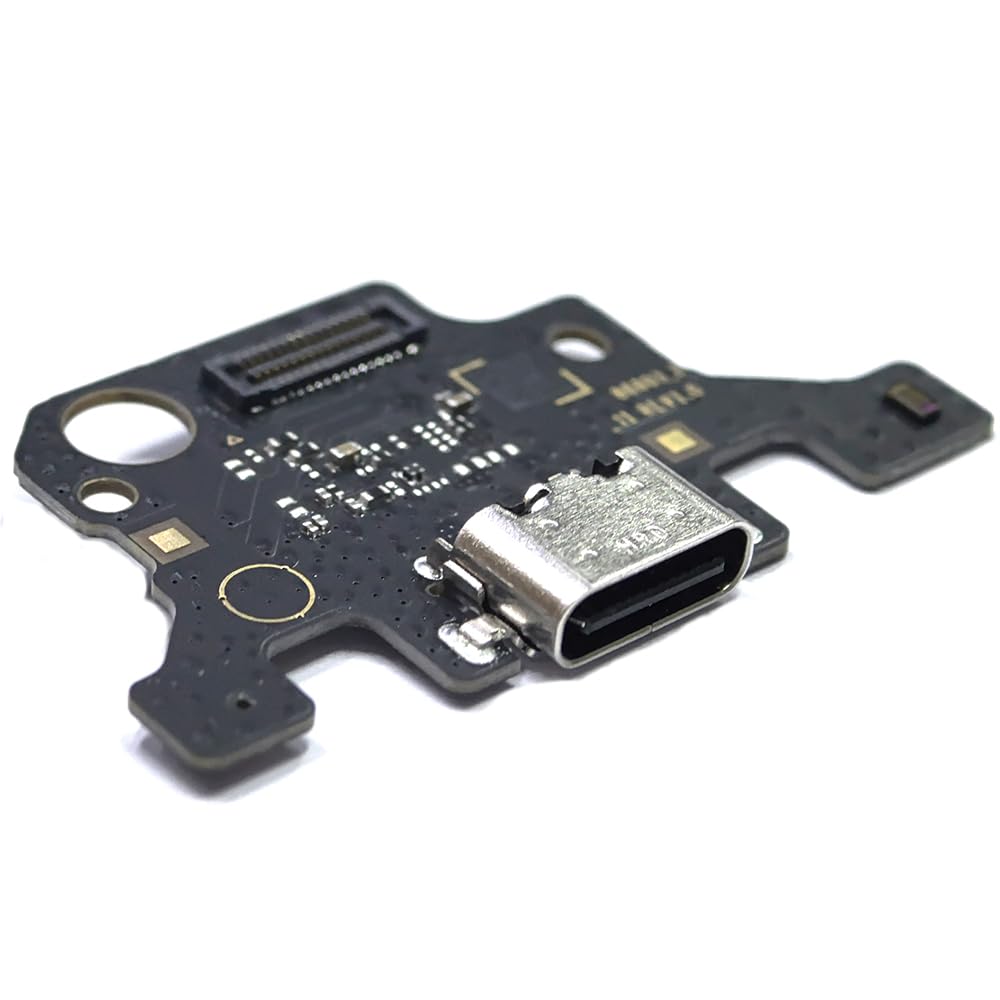

🔧 Fix it fast, charge it faster — don’t let a broken port slow your hustle!
This Tab A9+ 11.0 X210 USB Charging Port Flex Cable Replacement is a precision-engineered Type-C connector designed exclusively for the Samsung Galaxy Tab A9+ 11.0 SM-X210 model. It includes a full set of repair tools and undergoes rigorous quality testing to ensure perfect fit and reliable charging performance, making it the ideal DIY fix for damaged or non-functional charging ports.
| ASIN | B0CZ739FBV |
| Best Sellers Rank | #18,706 in Electronics ( See Top 100 in Electronics ) #3 in Tablet Flex Cables |
| Brand Name | Bestdealing |
| Cable Type | Type C |
| Compatible Devices | for Samsung Galaxy Tab A9+ 11.0", for Samsung Galaxy Tab A9+ SM-X210 |
| Compatible Phone Models | for Samsung Galaxy Tab A9+ 11.0", for Samsung Galaxy Tab A9+ SM-X210 |
| Connectivity Technology | USB |
| Connector Gender | Male-to-Female |
| Connector Type | USB Type C |
| Customer Package Type | Sealed anti-static bag |
| Customer Reviews | 4.4 4.4 out of 5 stars (80) |
| Gauge | 0.01 |
| Included Components | 1 PieceTab A9+ X210 Charger Port Replacement,1 Set Tools |
| Indoor Outdoor Usage | Indoor, Outdoor |
| Item Shape | Flat |
| Item Weight | 6 Grams |
| Manufacturer | Bestdealing |
| Maximum Voltage | 5 Volts (DC) |
| Model | X210 Port Replacement |
| Model Name | Tab A9+ 11.0 |
| Number of Items | 1 |
| Number of Pins | 24 |
| Other Special Features of the Product | Data Transfer |
| Recommended Uses For Product | Replacing damaged or non-functional charging ports for Samsung Galaxy Tab A9+ 11.0 (SM-X210) |
| Unit Count | 1.0 Count |
H**A
worked perfect
perfect. simple to change and fixed my charging problem. price was good too
A**E
Works!
Once you ease the screen out and lift a couple cables the port drops right in and works great.
T**S
Perfect fit and worked great a9+
First time replacing a part on a tablet. It was a bit tricky getting the screen off. The part fit perfectly and worked great. This part fixed the issue of the tablet not charging.
B**4
Quick, relatively easy charging port replacement.
The kit had a lot of the stuff you need to replace your charging port for the Samsung Tab 9+. I did end up using a heat gun to loosen the screen adhesive and razor blade to start the screen removal. I started with the plastic guitar pick looking item first, but the plastic started to bend. Once i got the initial separation of the screen I used the tools/part in the kit to finish the job, which is actually pretty easy if you have the finger dexterity for tiny screws. I would recommend getting some new adhesive since you break the seal on the original adhesive to get to the part and its not part of the kit. Long story short, charging problem solved for under 15 bucks.
D**Y
Money well spent
Wow! I had tablet that I only got on twice and somehow my charger port was loose so it would charge and I couldn’t enjoy my tablet for over a year. I’ve went to places to get it fixed but got turned down because they were saying I’m better off just buying a new one because of how much it would cost to get fixed . So I thought why not do it myself and it was the best decision!! It was easy to put in, and it functioned so well, started charging immediately. Definitely money well spent!!!
I**C
Works just like OEM
Wife has a habbit of going through 2-3 USB ports and year on her tablet. This USB port is really easy and quick to install. Haven't had any issues with these ports(except for my wife's abuse) always keep a spare at this price.
K**R
Did Not Last
This part fit great as OEM replacement. It solved the loose cable not charging problem. Then it stopped working after 1 month. I replaced the battery and confirmed the charger port quality was the problem. Two stars because I enjoy tinkering and my kids think it's pretty cool I got their devices working again (again).
P**O
Perfect Replacement for A9+
So I own THREE Samsung A9+s. When they are on deal - great value. One of the three 6 months into ownership ... stopped charging.. The other two no issues. So with multiple chargers cables and tablets to test on I can easily determine "known" good chargers. This left the diagnosis IMO to the tablet itself. I did attempt Samsung warranty service... they wanted a $109 hold just to look at it ... which is 2/3 the cost of a new tablet on deal. So I figured either I'd just buy a new one or attempt to repair for the price of this replacement charge port. I found videos on others cracking open this tablet - followed along - was able to get the tablet open SAFELY. I happen to have tools from previous times I've cracked open iPhones and such... so keep in mind if you dont have a METAL super thin thing to jam on the sides to start to pry open the screen I'd NOT attempt this repair. So quick summary of the tools you need. Heat Gun Slim super thin pry tool Spudger tool The other tools from this replacement kit (comes with screwdrivers picks etc) What did i do? Heated up the sides of the screen with the heat gun. Work slowly and evenly. Then chose 1 corner to start with and heated a area I wanted to start the prying of the screen from and heated that corner up a little more than the others. Pry'd up that corner area and slipped a pic in to keep it up. Took another pic and started to slide it down to pull up the screen with it but I DO add / heat it up as to keep the glue soft and loose. Eventually you get around the perimeter of the screen and can angle the screen to expose the cable to tthe screen. Remove the cover on the screen cable to the main board (2 screws) and then use the spudger to "pop" the cable of the screen to the main board. At this point the usb charging board is accessable - remove the 4 screws there - pop off the cover. That exposes the ribbon connector to the usb board we need to replace.. pop the ribbon off and with the spudger you can pop off the defective usb port board. Of course at this point you insert/rest/seat the new board and reverse the steps above and voila - saved this tablet. Total time for me was 15 minutes to complete this fix.
C**I
Item worked as expected. Had to wait for a bit after installation, but its good. A good quality as well. My local shop had quoted me the exact price of the tablet to change this. For a fraction of the cost and a few tools I changed it myself and gained a new skill
P**E
Product is fine but to go to the parts, you need to get off the screen... not sure what I did wrong but now the screen is scrap... Tricky repair to do.
ترست بايلوت
منذ أسبوعين
منذ أسبوع