We remain fully operational. Our teams are working around the clock to ensure your deliveries continue safely.

قم بتنزيل التطبيق


معلومات عنا
حقوق الطبع والنشر © 2024 Desertcart Holdings Limited
قم بتنزيل التطبيق
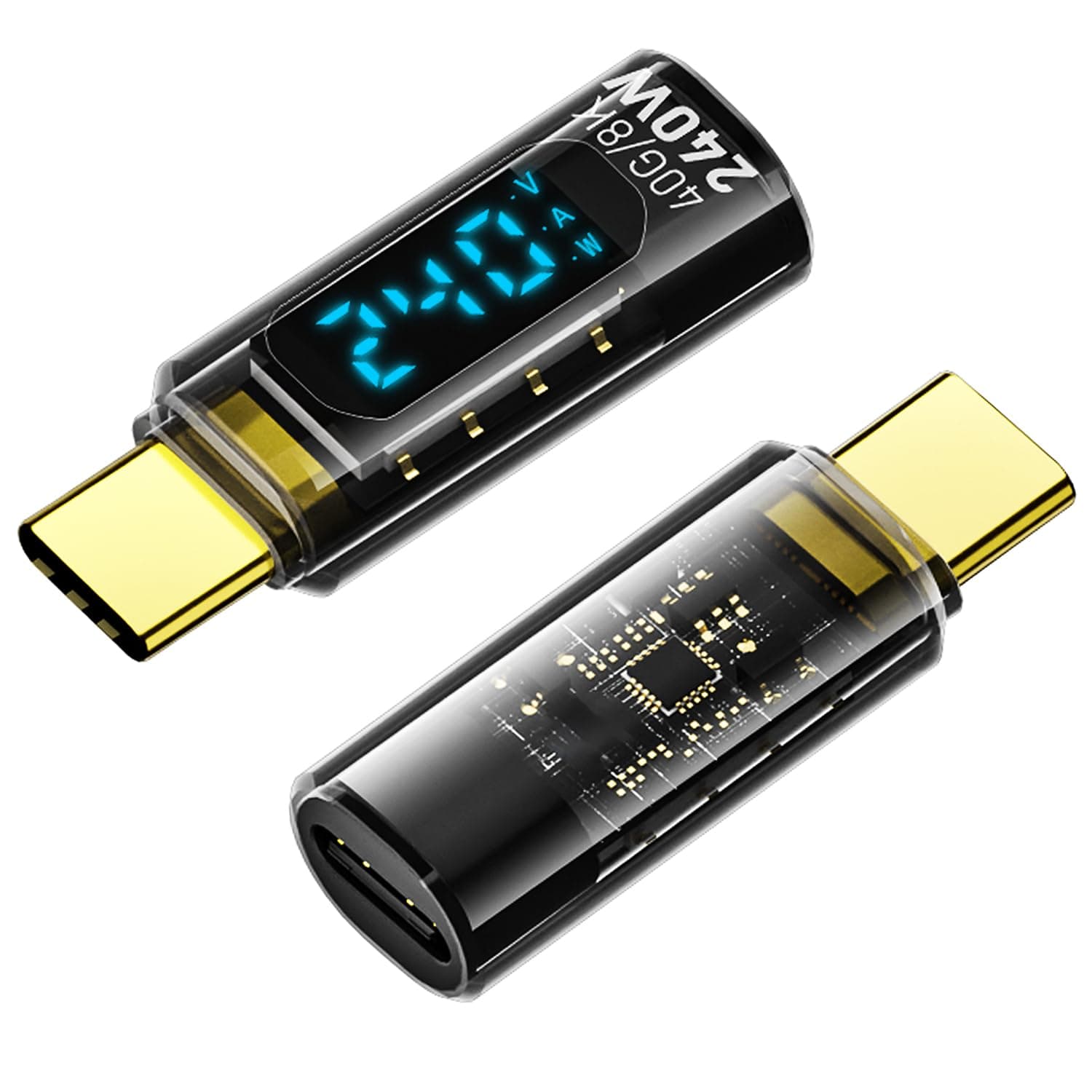
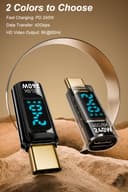
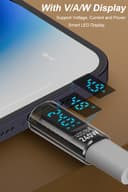
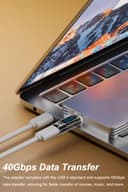
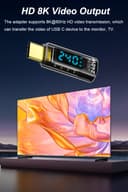
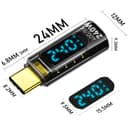
⚡ Power Up Smarter, Not Harder!
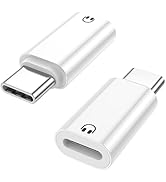
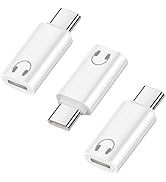
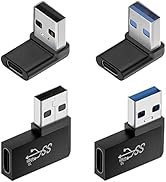
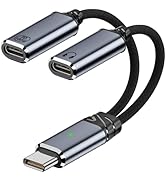
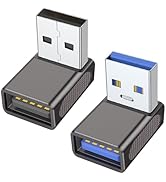
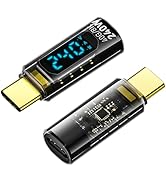
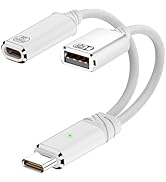
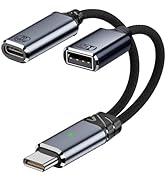
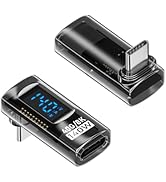
The Jadebones 2 Pack USB C Adapter with Digital Display delivers up to 240W PD fast charging while providing real-time voltage, current, and power monitoring via a sleek LED screen. Supporting USB4 with 40Gbps data transfer and 8K@60Hz video output, it’s engineered for seamless compatibility with the latest iPhone 15, iPad, MacBook, and top-tier USB-C devices. Transparent design and dual-pack convenience make it a must-have for tech-savvy professionals who demand speed, insight, and versatility.





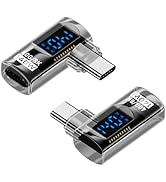


| ASIN | B0D7T7Q858 |
| Best Sellers Rank | #107 in USB-to-USB Adapters #2,091 in Computer Cables & Interconnects |
| Brand | Jadebones |
| Color | Transparent |
| Compatible Devices | iPhone 15/15 Plus/15 Pro/15 Pro Max,iPad Air/Pro,Galaxy S23/S23 Ultra/S23+/S22/S21/S21 Plus/ S20/Note 20/20 Ultra/10/10 Plus,Galaxy Z Flip 5,Galaxy Z Fold 5,Pixel 7/6/5/4, laptops, tablets and other usb-c devices. |
| Connector Type | USB Type C |
| Current Rating | 0.5 Amps |
| Customer Reviews | 4.4 4.4 out of 5 stars (402) |
| Finish | Glossy |
| Input Voltage | 48 Volts |
| Item Weight | 0.01 Kilograms |
| Manufacturer | Jadebones |
| Model Number | ccd8433d-33c3-40e3-8286-c2b1d8ec1899 |
| Nominal Power | 240 Watts |
| Number of Items | 2 |
| Number of Ports | 2 |
| Package Quantity | 1 |
| Power Plug Type | Type A - 2 pin (North American) |
| Specific Uses For Product | With V/A/W Display |
| Warranty Description | 6-month warranty |
K**5
Great product that is easy to use and is very useful.
These are a great product. It is often very handy to know how quickly your electronics are charging, or how many watts your laptop actually using. This can help you select a proper charger. Often you will know that a USB device is charging, but not how quickly. There have been a few cases where I have rearranged which device is using which charger by knowing the current how much current is drawn. You can compare charging speed by simply swapping chargers and taking a look. These will handle 240 watts which is way more than your most power hungry laptop. I haven't tested up to that much current since I don't have any devices that draw that much. I have tested up to 117 watts. My Dell laptop charger is rated at 130 watts, but I wasn't sure that this was actually necessary (wanted a spare for another room). It is. It is very nice to have 2 come in a pack since it is easy to temporally lose track of one.
T**.
Works well...does the job.
These work well... it is interesting to see how much current the device being charged is using. One can see the current draw decreasing as a smart battery gets closer to full charge.
A**E
Useful power meter with clear, bright display.
These are very good for making certain your power delivery system, including hubs, is supplying the right power to your laptop. It shows the power, sequentially, from volts to amp to watts, then back to volts. The display is bright and clear. I actually put one inline between my power supply and hub and then one between the hub and laptop. It identified when my laptop was not being charged and I could reset my power supply, retoring my laptop before it fully discharged. Easy-peasy. My only “complaint” is that depending on your setup, the display is not oriented to read right-side up. When the USB-C connector is hooked to a device to the left, the display is oriented correctly. To the right, it is upside down, requiring a mental translation each time. Not major, just an annoyance. A “fix” would be to add a second, identical display on the bottom and right-facing connections would read right-side up. Maybe version 2.0?
S**2
Great way to verify your cords, chargers, and devices are all working as specified or needed.
All my power sources and devices suggest they work together perfectly to power and charge properly. This little USB-C adapter lets you check up on them to verify they behave as needed. It indicates wattage, volts, and amps. Pretty Cool! The is an awesome little gadget!
D**C
Valuable tool to put you in the know.
The Jadebones USB C Adapter with Digital Display, PD 240W, is the first tool I have had to help me understand the actual performance of USB cables and adapters. It simply provides the numbers (Volts, Amps, Watts) and lets you assess if your cables are performing up to the claims of their ratings. It is doubtful that they will be. The Jadebones adapter diagnosed underperformance of one USB-C to USB-A adapter versus another when charging my Android tablet. I separately tested three versions of such an adapter on one end of a high-quality USB-C cable for the situation where USB-C is not available at the source plug end. All registered 5.0V on the Jadebones display, but two (purchased on Amazon) registered just 0.4A. The 3rd (purchased via a big box store) registered 1.5A, more than a 3x improvement over the others. I also tested a variety of USB-C cables with the Jadebones and was surprised to NOT find differences in V, A, W whether I used a 40Gbps '8K' cable or a simple charging cable. Of course I expect the cable choice to make quite a difference with data transfers, but my testing thusfar was simply for charging.
A**R
Very dim readout, but useful
Why did you pick this product vs others?: These are basically impossible to read in daylight. They fuction well and are useful. They are great unless you need them to be readable outside. I even tried to see the numbers with my shirt pulled over my head on a bright day but could not see it. Overall for the price I am happy.
M**Z
Shows wattage, voltage, current as expected. may be different from app-tracked values
does what it's supposed to in displaying charging voltage, current, and total wattage. one thing to note is the value displayed may be different than what your phone displays. On my Samsung Galaxy A53, this adapter will display 9V ~1-2A, for an average of around 15W, which is correct for my phone's specifications. When tracked on the phone via the AccuBattery app, it will show as 5V ~2.5-3.9A, also average around 15W. I'm thinking the phone downsteps the voltage into higher current so it shows differently to what it would look different from the adapter. In any case, the adapter is working well. Another thing to note is that it lingers on the wattage display a bit longer than the voltage or current display. Not so long that it's an issue, but interesting to note.
J**N
Works as advertised, only minor irritations
Works as advertised, I've used it to monitor how much power different devices (phone, tablet, laptop, Raspberry Pi) draw while running or while charging their batteries. The outer plastic shell can slip off, especially if you hold it by the edges while un-plugging a cable from the unit's "female" end. Also, the display switches between volts, amps, and watts every few seconds. There is no way to disable the switching, for example if you want to *only* monitor watts.
ترست بايلوت
منذ شهر
منذ 3 أيام