
قم بتنزيل التطبيق


معلومات عنا
حقوق الطبع والنشر © 2024 Desertcart Holdings Limited
قم بتنزيل التطبيق


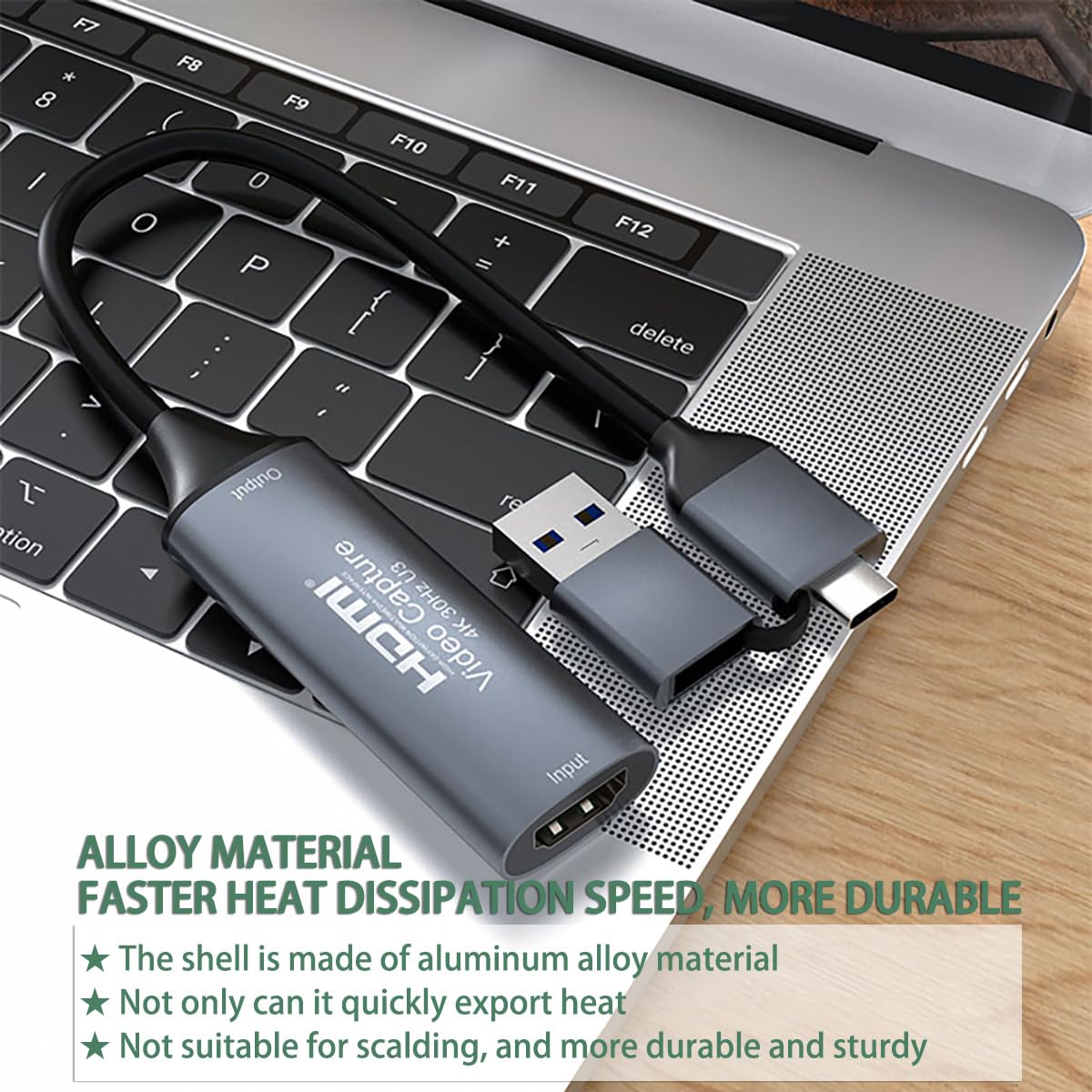
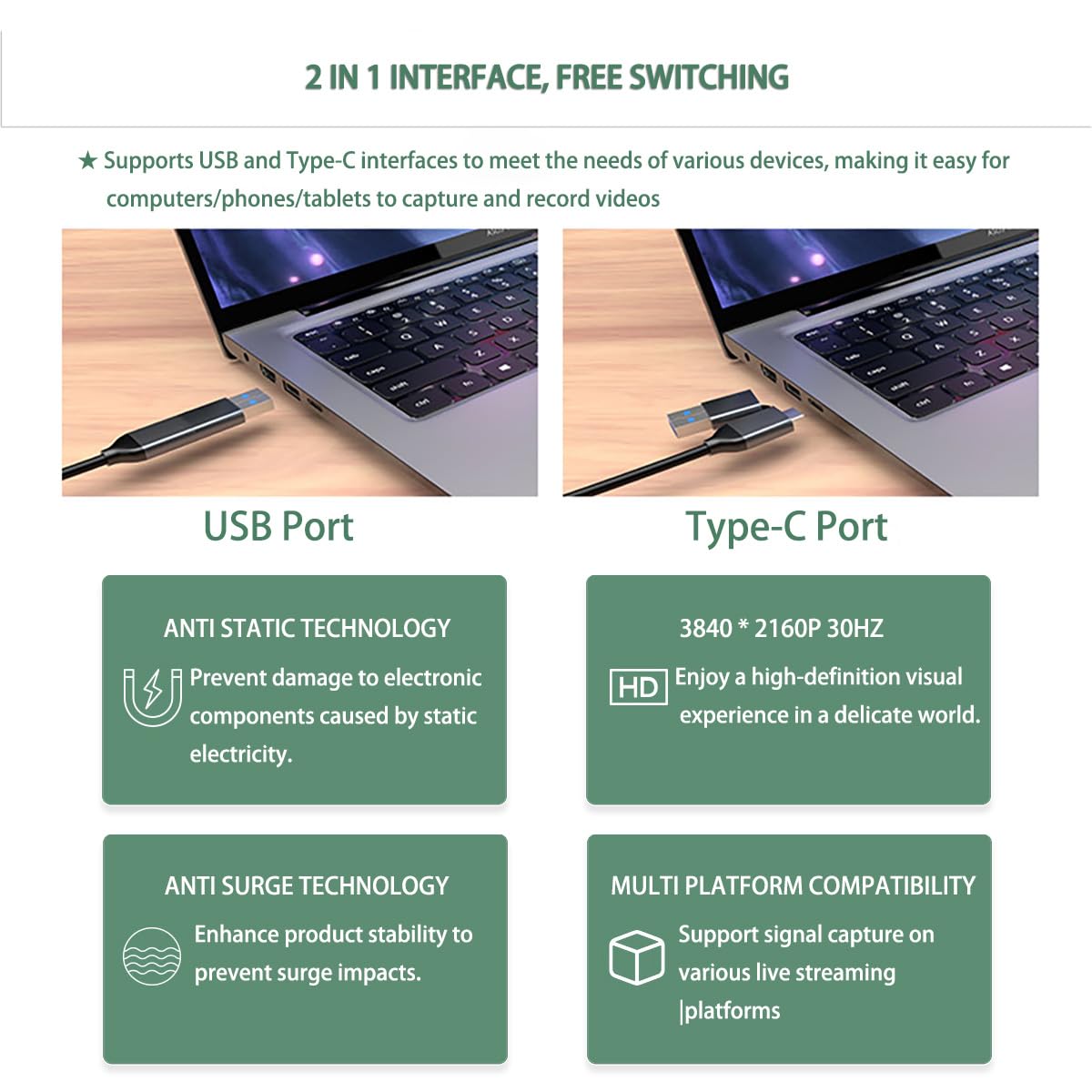
🎬 Capture Every Moment in Stunning Detail — Stream Like a Pro!
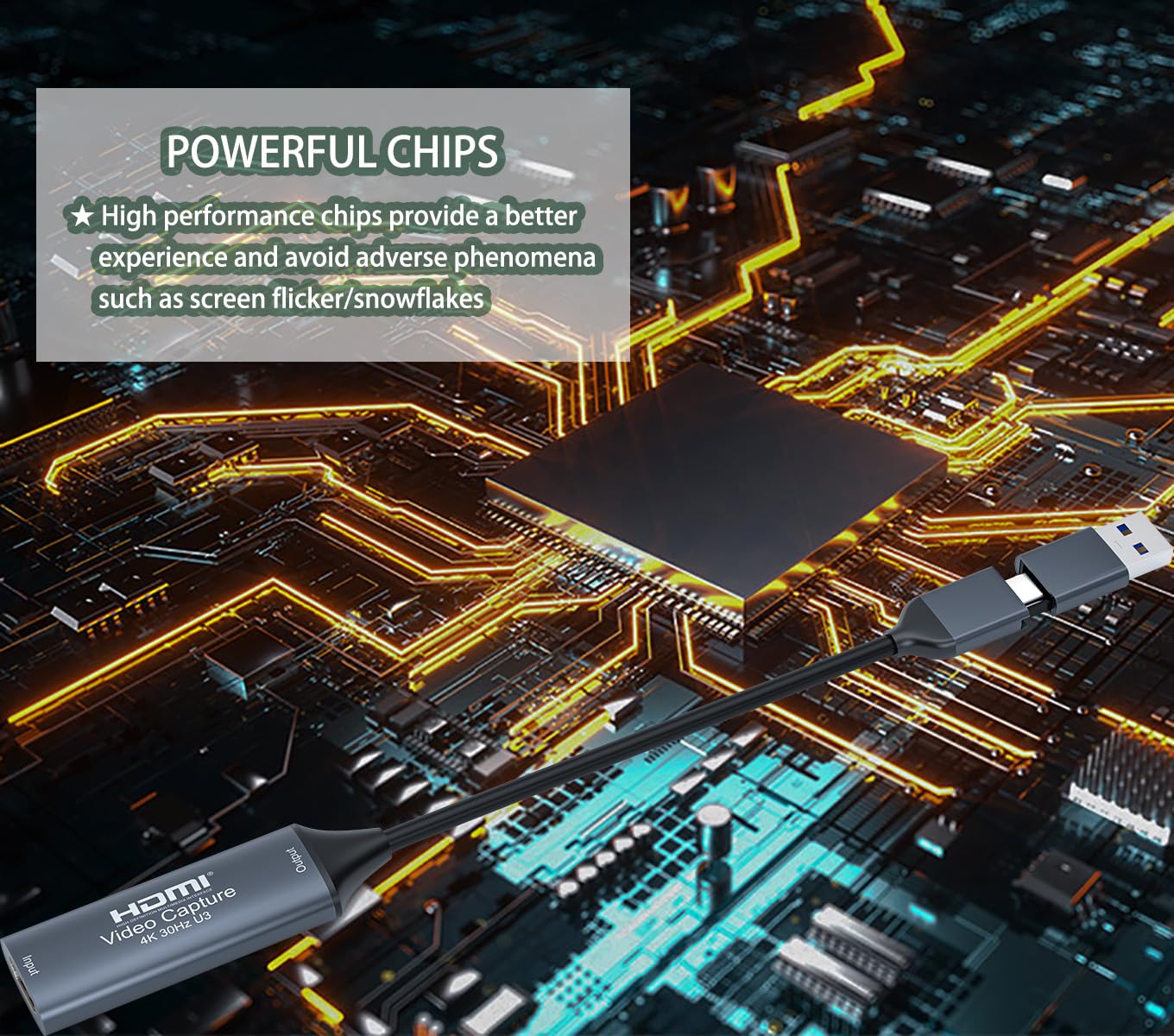
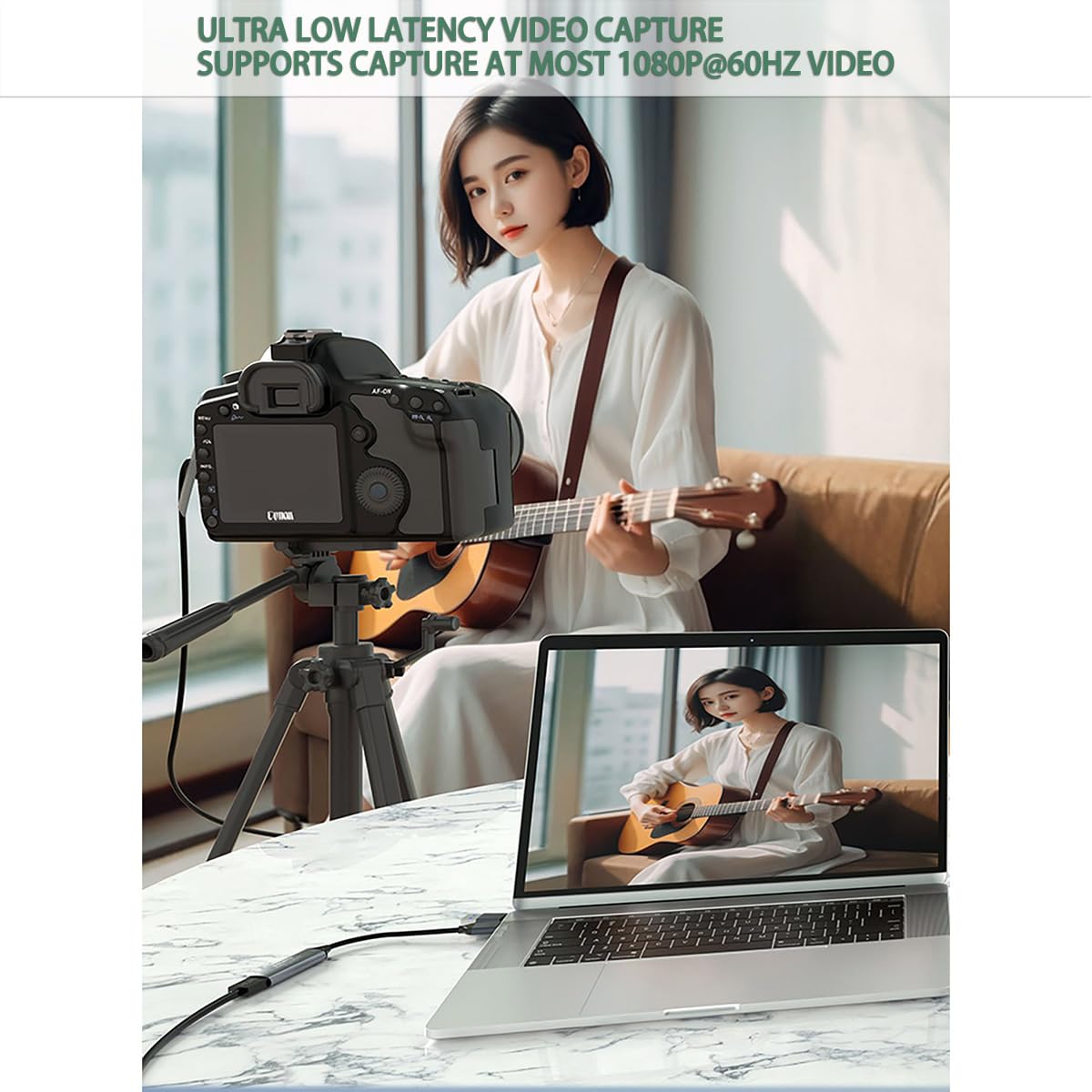
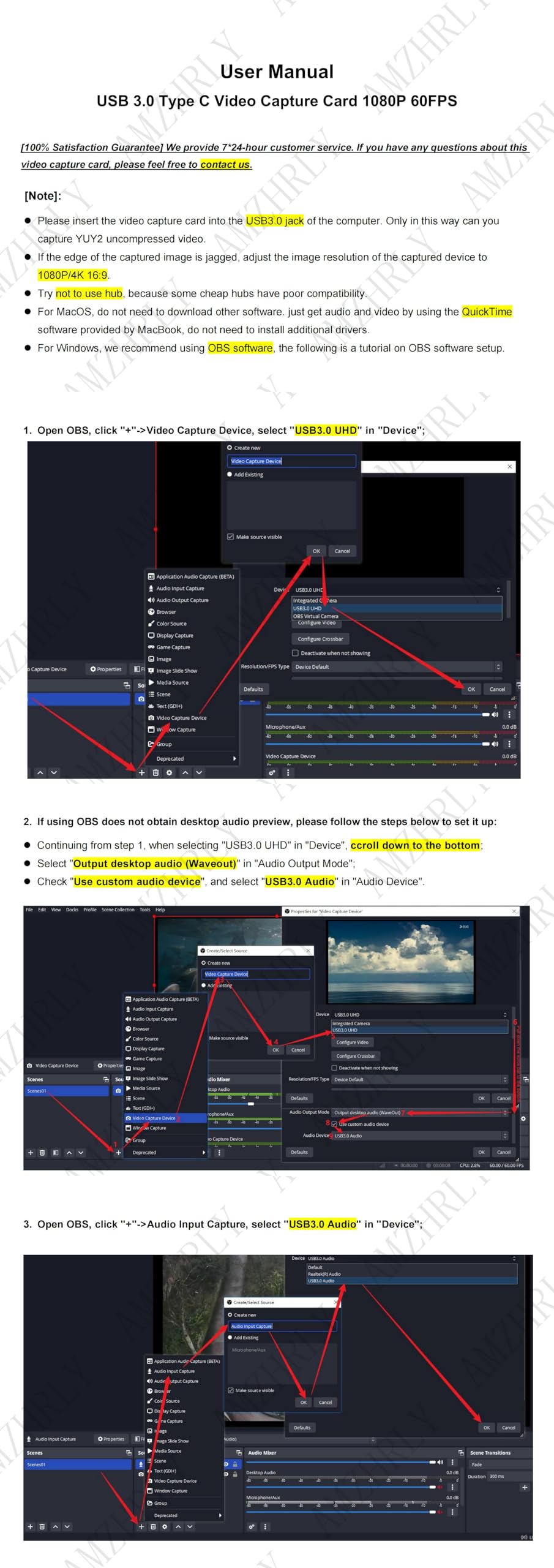
The AMZHRLY 4K HDMI to USB 3.0 Type C Video Capture Card delivers ultra-low latency, uncompressed 1080P 60FPS video capture with 4K HDMI input support. Designed for seamless plug-and-play use across Windows, MacOS, and Linux, it’s perfect for streaming, gaming, live broadcasting, and professional video conferencing. Compact, metal-built, and highly compatible, it transforms your DSLR, camcorder, or gaming console into a powerful streaming setup.


| ASIN | B0D4J8926G |
| Best Sellers Rank | #21 in External TV Tuners |
| Brand | AMZHRLY |
| Color | Grey |
| Customer Reviews | 4.3 4.3 out of 5 stars (853) |
| Date First Available | May 18, 2024 |
| Item Weight | 2.08 ounces |
| Item model number | ZKHTAVCC24VU3C |
| Manufacturer | AMZHRLY |
| Operating System | Windows 10 |
| Package Dimensions | 5.87 x 3.94 x 0.67 inches |
| Series | ZKHTAVCC24VU3C |
S**.
Works perfectly!
Works perfectly from mirrorless camera into my laptop and treats the camera as an optional camera choice in the setting.
J**R
This works on Nintendo Switch 2
This was ultimately the work around needed for me to use my Canon EOS R50 on the Nintendo Switch 2. Looks very sharp and conveniently includes a USB extender. There's a bit of lag, but not too much. My signal chain also used USB C OTG Adapter just to plug it into the top USB C port on the Switch 2. I like that it's made of metal as well, which is surprising for a device that's around $21. It's ultimately a cost effective work around for Mirrorless cameras that aren't recognized by Switch 2 over USB.
A**R
3 years of flawless performance, then minor issues
For 99% of people, this is all you need. Don't pay extra for the name-brand Elgato stuff. I used this daily for multiple hours of video calls on my Sony A5100. Never had a single issue. Sadly, after about 3 years of constant use, it started to do odd things. I'd join a Zoom call, and instead of the video appearing instantly, it'd show a SMPTE color bars test pattern (as it does when there is no HDMI feed). Then after a few seconds, the video would show up. This always happened upon joining a call, and sometimes a second time a few seconds after the first "glitch". No bueno for me as an IT consultant - where I'm supposed to be helping the caller with _their_ technology problems LOL. I probably could have gotten by, but it was annoying and was a bit jarring for the others in my video call, so I finally gave it up. I went with the Elgato CamLink 4k just to see what it was like. The cheap one I'm reviewing is honestly just as good. I guess I'll know in 3 more years if Elgato was worth 4x the price. There is a non-zero chance that this issue was the fault of a Windows Update and not the device. YMMV. Regardless, I recommend this device to anyone. I will still find a use for it, just not in my mission-critical video call apparatus.
G**R
At that price how can it be this good?
I am surprised how well this works given how inexpensive it is. I bought it to use a laptop as a display for a Raspberry Pi through the laptop's USB port. I also used it along with a video to HDMI converter to transfer VHS tapes to digital format. I used the OBS Studio free download with the USB to HDMI converter. This device exceeded all my expectations and I recommend it to anyone who wants to play video through a computer's USB port. I haven't had it long enough to say anything about the reliability but so far it has been excellent.
K**.
Excellent product
We have a bunch of old VCR tapes recorded by loved ones who are no longer with us. Because of the sheer volume, it wasn't economical to send them off for processing, so they were just sitting around. Time to act before they are lost completely. We have an old but usable VCR and the necessary Video to HDMI converter but needed a video capture card. Voila! Works great. It took a little trial and error to find the right configuration, but the hardware is very inexpensive. If you have been putting off digitizing family memories, don't wait. It's not that difficult.
K**M
Works good. Linux compatible.
Works as it should. Pretty decent video quality. Linux compatible. Worked flawlessly in OpenSuse and OBS. Plug and play.
T**E
I shoulda known
I had read reviews saying the knock-offs of industry standard "thecat" (think Spanish) card were hit and miss. Mine was a foul ball. I connected a brand new mirco hdmi to hdmi adapter to my Lumix G7 camera and the other end to the capture card, finally connecting it using the connector it came with straight into my relatively new 3.0 usb card in my pc. I opened my software and found it was instantaneously recognized and had an image. While spending time making image adjustments I realized my screen went black. Even though my software recognized a usb capture device was connected, nothing I did brought the image back. Sure...I might have been the cords or even the connection to the camera. But my bet is on the capture card since it seems to have been an issue with others. My wife keeps telling me you get what you pay for. Someday, I'll listen. I'll try something else. If I end up with the same problem, then I'll retract this review. In the meantime, I'm sending this back.
N**N
Works great!
I’ve used this to create a second monitor out of my iPad Pro 12.9” and either of my laptops I carry with me. I usually carry two different laptops along with my iPad and all work with this for making a second screen easily on the fly when needed! I love that no proprietary software was needed for this purpose either. Practically any software you can find will do. On my computer, OBS also worked so I was able to record a screen from another computer. The iPad has various apps you can use for this purpose too.
M**D
منتج رائع
A**A
ممتاز
K**R
The description said USB 3.0. However, the technical specs indicated that it is USB 2.0 Works fine though.
ترست بايلوت
منذ شهر
منذ شهر