We remain fully operational. Our teams are working around the clock to ensure your deliveries continue safely.

قم بتنزيل التطبيق


معلومات عنا
حقوق الطبع والنشر © 2024 Desertcart Holdings Limited
قم بتنزيل التطبيق

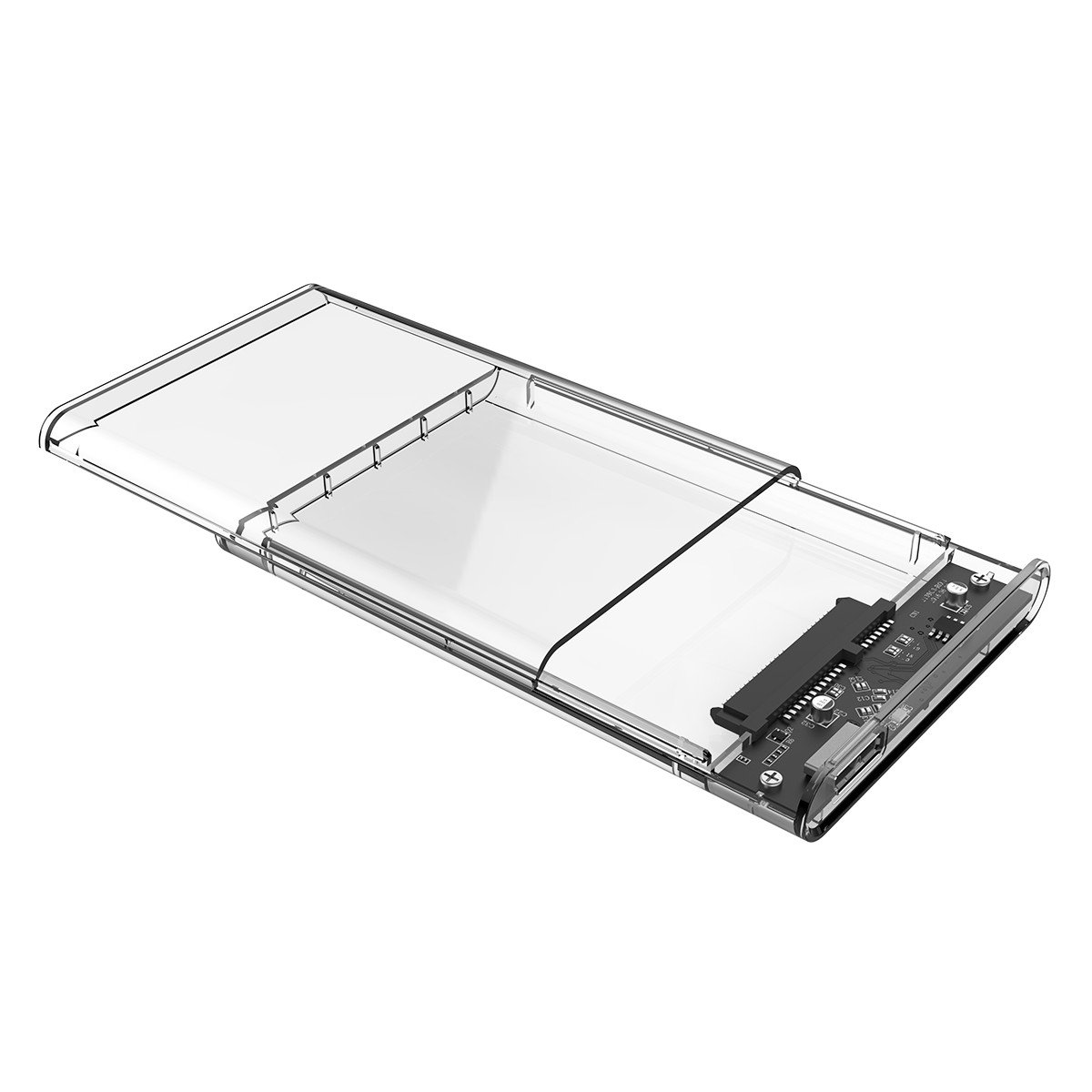
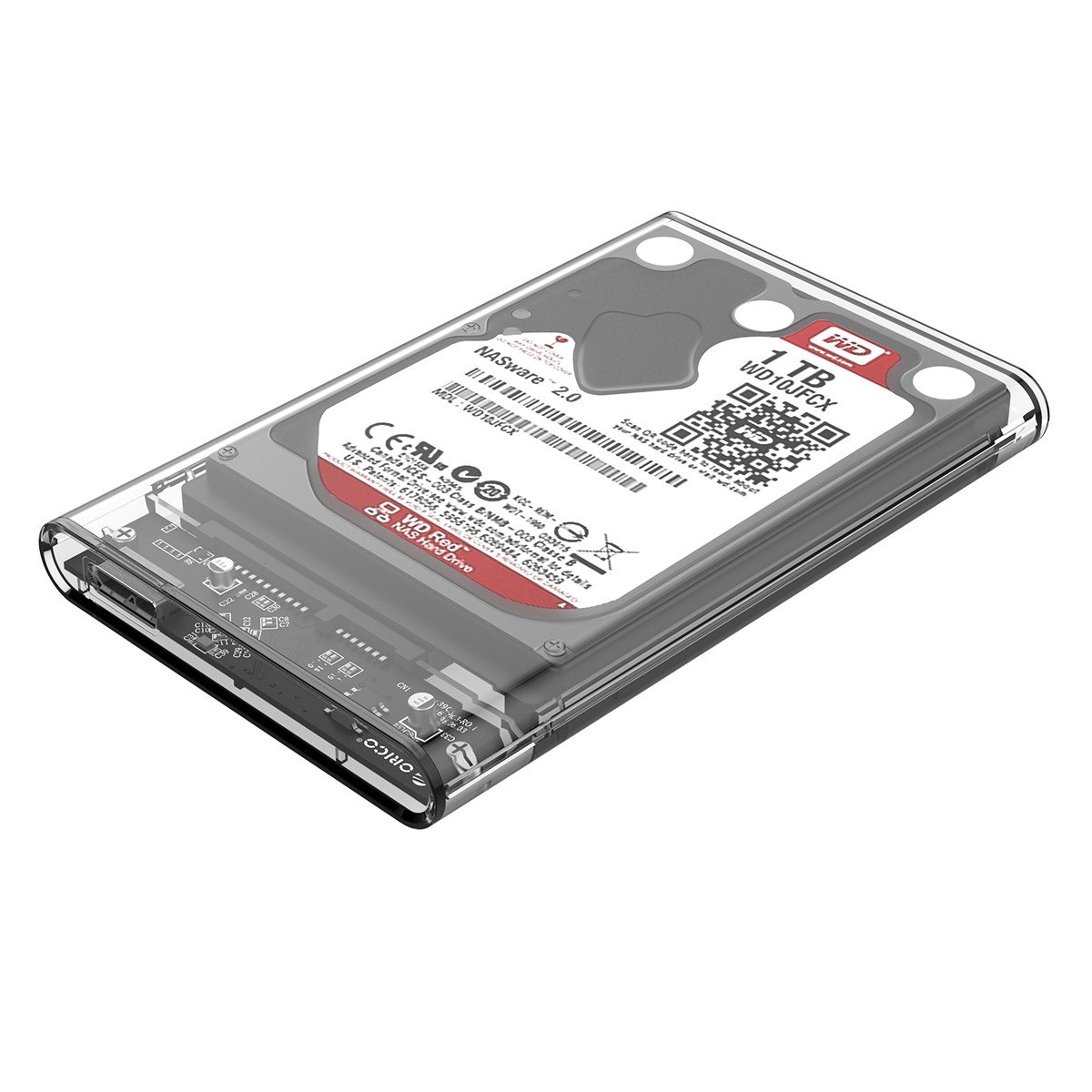

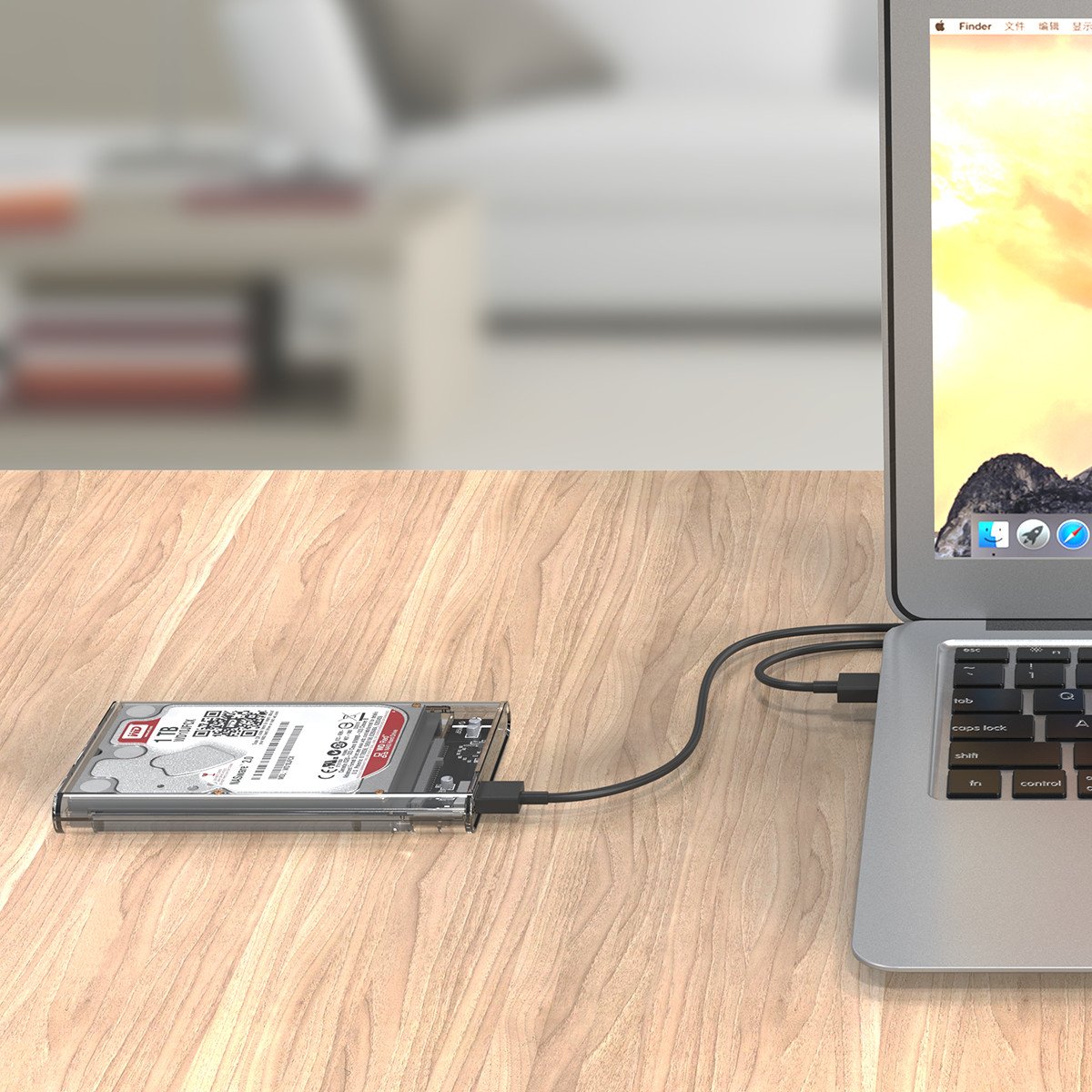
🚀 Unlock Speed & Style: Your SSD’s New Best Friend
The Orico 2.5-inch transparent external SSD/HDD enclosure offers USB 3.0 connectivity with up to 5 Gbps transfer speeds, tool-free installation, and broad OS compatibility. Crafted from fireproof acrylic with a blue LED indicator, it revitalizes old SATA drives into sleek, portable storage solutions ideal for professionals seeking fast, reliable, and visually striking data access.
| ASIN | B01N07NBLA |
| Are Batteries Included | No |
| Best Sellers Rank | #13,653 in Computers & Accessories ( See Top 100 in Computers & Accessories ) #67 in Enclosures |
| Compatible Devices | Desktop, Laptop |
| Connectivity Technology | SATA, USB |
| Country of Origin | China |
| Customer Reviews | 4.4 4.4 out of 5 stars (13,160) |
| Data Transfer Rate | 5 Gigabits Per Second |
| Date First Available | 20 February 2017 |
| Form Factor | 2.5-inch |
| Generic Name | HDD Enclosure |
| Hard Disk Form Factor | 2.5 Inches |
| Imported By | Raj Electro-Tech (PP-2, Gali No.10, Anand Parbat Industrail Area, New Delhi 110005) |
| Importer | Raj Electro-Tech (PP-2, Gali No.10, Anand Parbat Industrail Area, New Delhi 110005) |
| Included Components | 1 x ORICO 2.5" Hard Drive Enclosure, 1 x USB 3.0 Cable, 1 x User Manual. |
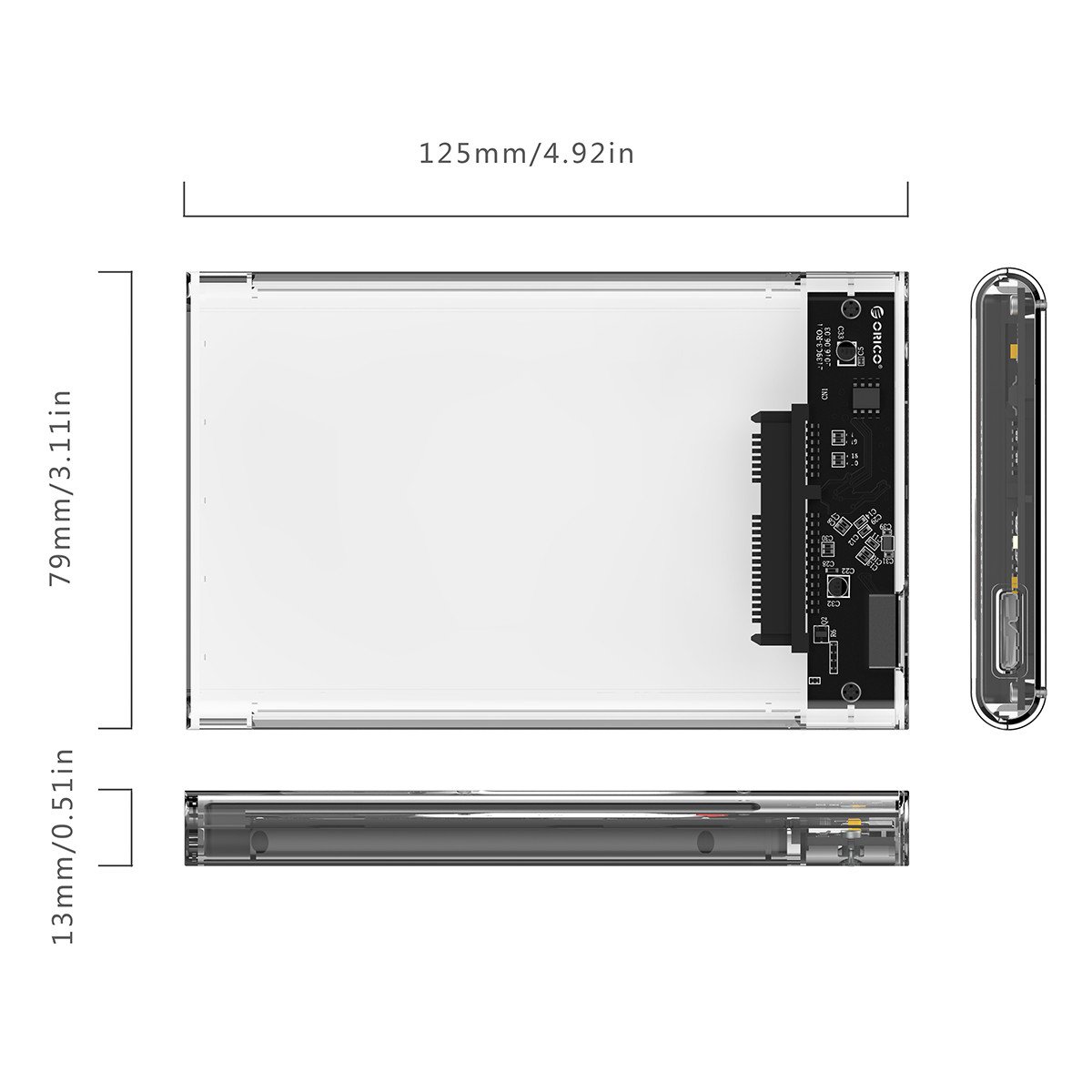
| Item Dimensions LxWxH | 12.4 x 7.9 x 1.3 Centimeters |
| Item Height | 13 Millimeters |
| Item Weight | 20 g |
| Item Width | 7.9 Centimeters |
| Item model number | 2724463470771 |
| Manufacturer | ORICO Technologies Co., Ltd. |
| Max Number of Supported Devices | 1 |
| Memory Storage Capacity | 2 TB |
| Net Quantity | 1 Count |
| Operating System | Windows, MAC and Linux |
| Packer | ORICO Technologies Co., Ltd. (903-904, 14A, Zhonghaixin Innovation Industrial Park, 6th Gan Lee Road, Buji, Longgang District, Shenzhen, China) |
| Product Dimensions | 12.45 x 7.9 x 1.3 cm; 20 g |
R**H
Excellent Product for Your Spare 2.5" HDD
The Orico transparent case of 2.5" SATA HDD or SSD is a very good value when compared to 2x expensive Transcend case and 0.75x expensive Terabyte case. The Orico case actually exceeds both ends of the competition in looks, performance and pricing. I fitted the drive with a new & unused Seagate 1 TB HDD that I had purchased about 2 years back and was lying with me unused. Performance: 1) When compared to the Internal Seagate 2TB HDD on my Lenovo i7-7500U laptop, the Orico case and Seagate 1TB HDD actually delivered better performance. The internal drive topped out at 92 MB read / 72 MB write speeds while the Orico case turned in 115 MB read / 94 MB write speeds. 2) When compared with a 2 TB (3.5") External USB 2.0 drive connected to the USB 3.0 port on my laptop, while the USB 2.0 drive only showed expected speeds of of 30 / 24 MB per second speeds, the performance from the Orico case was a leader by a huge margin. Physical: The drive is made entirely of Acrylic kind of material. It looks really good but will not be rugged like a Lacie or a Transcend drive. This needs to be handled with care. Inserting the 1 TB Seagate HDD was simple. Simply slide back the top case and lift it up. Place the Seagate drive in the shell, press it down and then slide the top cover back in. Don't forget to connect the circuit board to the HDD when slide in the HDD. The drive fits snugly into the case and does not move at all once the top cover is put in. In case your drive is a little loose in the chassis, you can use some thick paper / plastic etc. to seal the gap. In case your drive is too thick / big to fit into this case, do not apply pressure - the case will break. The case does not use shock absorption / drive cage suspension etc. to save the HDD from vibrations. You should not move the HDD at all once you have connected it to your computer and started to work with it. To move, ensure that you eject it safely, disconnect the cable and then move the drive. The circuit board has a Blue-Red LED, which glows bright blue to indicate Power and blinks Red to indicate activity. Its rather cheap in appearance because of it's garish colour. A frosted Cool-white and Warm-white LED would have been much more elegant. Mind you, the LED has absolutely nothing to do with drive performance. In my case, the drive is resting behind my laptop and I can only make out a dull glow on the wall to realize that the drive is connected to the laptop. It does not make sense to buy this case and a HDD separately since at actually lower cost, you can buy an integrated external drive from a reputed manufacturer. But in the event you have 2.5" HDDs lying around, this case is certainly terrific at bringing these drives into use. Let me know if the review was "Helpful".
T**E
Orico 2.5 inch HDD Case
Received the product on 10 Feb. The packaging was proper. It was a cute little box. Inside the box there was one case wrapped in plastic, one cable wrapped in plastic, user manual, Registration Information. The packaging was really good. Build Quality: The case is transparent plastic case which in my opinion is okay quality. Don't drop it or get burdened under something. The Slide mechanism of the case will start to fail after certain amount of its use. The cable looks like it is of good quality. It is not loose on the connecting point. Installation: I have a Hitachi Travelstar HDD which I wanted to convert as an external HDD. The installation is very very easy. I had to remove the fitting panel on my HDD which is required while using with laptop 'cause otherwise it won't fit. Its easy just slide open the case & attach your HDD inside & close the case properly. Easy Peasy... Using: Super Easy. Just Plug n Play. You may have to wait for some time on the first run as it might install the drivers. Performance: Haven't been using much but with the usage that i had i can say that the read speed was nice topping 100 MBPS for my HDD and average would be 85 MBPS. This means it is USB 3.0 & I will check the write speed in some time and will update the review. Final Verdict: The product is really good for the price point that i brought it for ₹540 if you don't have to do a lot of swapping of HDD in the case 'cause the slider mechanism will eventually fail. But otherwise this is a great product. USB 3.1 (Gen 2) could have been there instead of USB 3.1 (Gen 1) [USB 3.0 is USB 3.1 (Gen 1) capped at 5 Gbps while Gen 2 is capped at 10 Gbps theortically] But my HDD couldn't have used the Gen2 properly because of its own speed which is very less so that's why it doesn't bother me much. Also, the company is seriously focused on feedback which is very good and that's why i am writing this review 😂 😂 😂 That's my review. Thanks for reading😁
B**.
I can't remove the HDD once inserted.
ترست بايلوت
منذ 5 أيام
منذ 3 أسابيع