We remain fully operational. Our teams are working around the clock to ensure your deliveries continue safely.

قم بتنزيل التطبيق


معلومات عنا
حقوق الطبع والنشر © 2024 Desertcart Holdings Limited
قم بتنزيل التطبيق
Buy anything from 5,000+ international stores. One checkout price. No surprise fees. Join 2M+ shoppers on Desertcart.
Desertcart purchases this item on your behalf and handles shipping, customs, and support to EGYPT.
🚀 Unlock your data’s potential with speed, safety, and style!
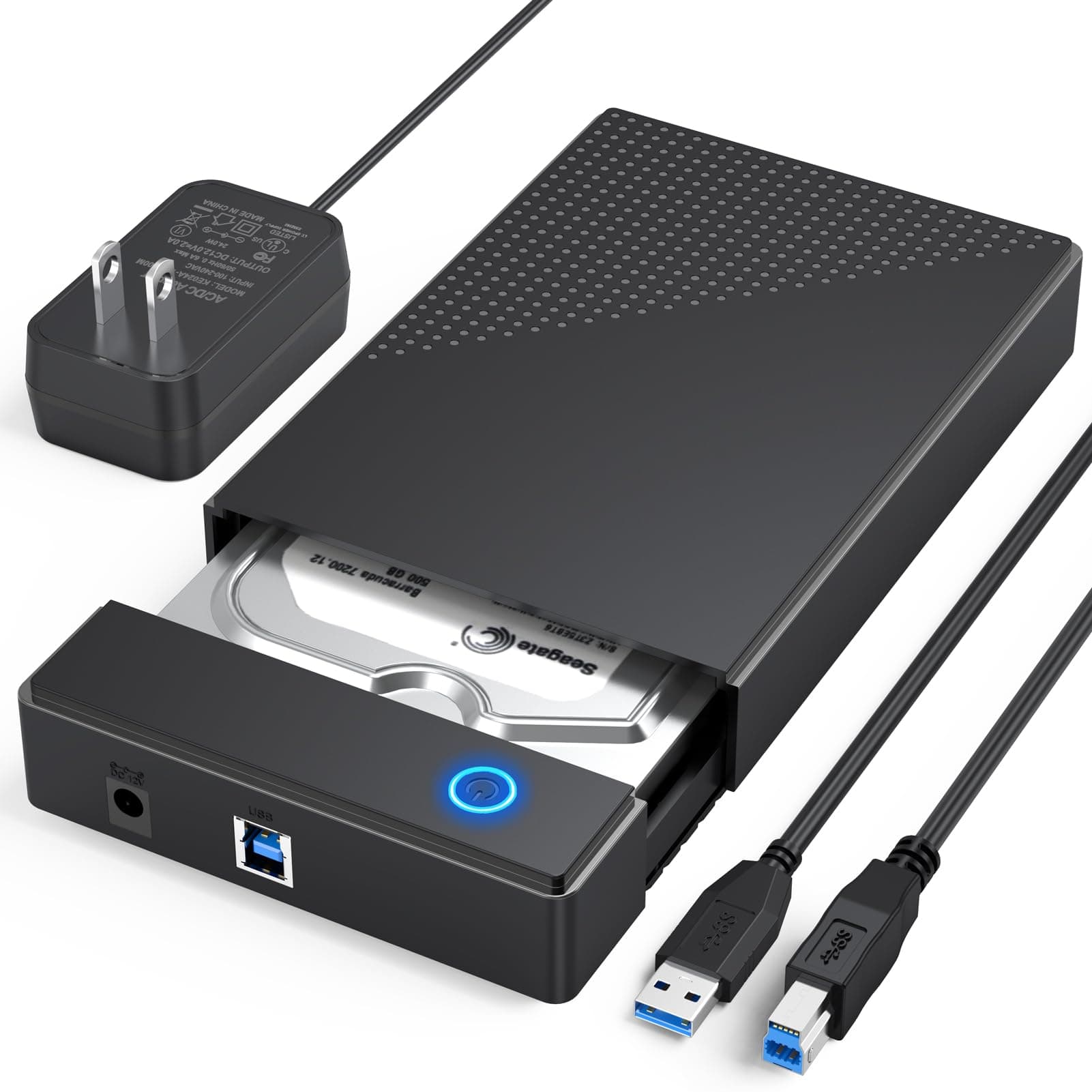
The CLAVOOP 3.5 Hard Drive Enclosure is a sleek, lay-flat dock station designed for 3.5" and 2.5" SATA HDDs/SSDs up to 20TB. Featuring USB 3.0 with UASP protocol, it delivers high-speed data transfers up to 5 Gbps and read speeds up to 336 MB/s. Its durable ABS build includes shock-proof sponges and ventilation for stable, cool operation. Compatible with multiple OS and gaming consoles, it offers plug-and-play convenience, LED status indicators, and an energy-saving auto-sleep mode, making it the ultimate tool for data recovery and secure drive management.

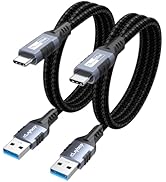

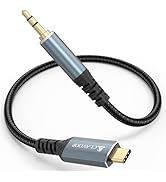


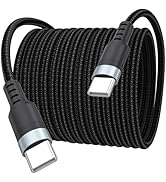


| ASIN | B0D6RH6JBH |
| Best Sellers Rank | #26 in Enclosures |
| Brand | CLAVOOP |
| Built-In Media | USB Cable |
| Color | Black |
| Compatible Devices | 2.5" SSD/HDD, 3.5" HDD, Desktop, Laptop |
| Customer Reviews | 4.4 4.4 out of 5 stars (383) |
| Data Transfer Rate | 5 Gigabits Per Second |
| Enclosure Material | Acrylonitrile Butadiene Styrene (ABS) |
| Hard Disk Form Factor | 3.5 Inches |
| Hardware Interface | SATA 1.5 Gb/s, SATA 3.0 Gb/s, SATA 6.0 Gb/s, USB 3.0 |
| Hardware Platform | Windows |
| Item Dimensions L x W x H | 7.7"L x 1.5"W x 1.3"H |
| Item Weight | 0.44 Kilograms |
| Manufacturer | CLAVOOP |
| Memory Storage Capacity | 20 TB |
| Supported Devices Quantity | 1 |
| Warranty Description | Not |
M**S
salvaged my old hard drive thanks to this enclosure
my 15 yr old laptop finally became unusable, i don't remember why. i loved everything about that old hp. but my great grandson was able to remove the hard drive and save it for me. he put my documents on a thumb drive, but later i realized i had a lot of music and photos that he didn't save for me on a thumb drive. i knew nothing about hard drive enclosures at the time, so i just held on to that drive, figuring i would go later to some computer wizard to access those files. but then i learned about these enclosures, so i decided to take a chance. i wasn't sure whether i should get a 2-1/2" or a 3-1/2" enclosure. this drive was a reasonable price, and it turns out the size is great. it didn't seem to work the first time i plugged it in, but i waited too long to try to return it. tried it again recently, did something right this time that i had not done the first time, and YAY! - I'm able to access all those files again. now that i've figured it out, it works well, it's not noisy, and it's almost like using my old hp. i am very happy with this. (it ain't easy gettin' old with the way technology is advancing these days!)
U**P
Perfect solution to perform secure erasures of my old NAS drives
I bought this enclosure to erase two NAS drives that I am retiring and preparing to sell. I could do the erasure inside my NAS unit, but for $18 or so, why risk it? It took minutes to set up, with the hardest part being figuring out how to open the plastic case. Popped my drive in and it worked immediately with my Mac. The unit came with 2 foam strips that were not explained in the included instruction sheet. I'm guessing they are for the hard drive. The bottom of the enclosure has 4 rubber feet. The included USB cable is nice, but they should consider throwing in a USB-C adapter. The power adapter works fine as well just note it's a wider wall wart so I had to make some room on my power strip for it.
D**E
Reasonably Priced HDD Enclosure that works great/
The HDD Enclosures arrived on time and in perfect New condition. They were easy to set up and are working perfectly.
E**M
It works
Works fine. One star off because opening the case is harder than it should be. There's no clear indication of where to press or slide. And the included instructions must be for a different version of the product. All OK considering the cost - a good value. I'm using it with a Western Digital 12 TB drive that was removed from a server.
R**S
easy to use
This is a nice enclosure, feels really solid getting the cover off and on can be tricky if you are near sighted or have big sausage fingers like me It's speed seems correct for drive using can be used for sata 2.5inch drives if you have a 2.5 to 3.5 adapter or are careful about moving it. I like the extra feature added to power too it to use installed hard drive into enclosure connect usb cord to computer and enclosure connect power to enclosure press button to turn on (it lights up and blinks when being used)
C**B
Plug an Play Is A Reality With This Enclosure
Worked out of the box.
R**.
Good enclosure for HDD
I bought an 8 TB HDD (spinning drive) for long-term storage and needed an enclosure for it. This one was well-reviewed and I have been pleased with it so far. Installation and operation are easy.
W**E
CAUTION - the the connection is not stable
At first this looked like a nice component to save my HDD that had years of data on it and let me access the data while I considered getting a new desktop computer and use my laptop for a while. The transmission rate was reasonable and it was easy to figure out how to place my ard drive inside the case. After putting the assembly together with my hard drive inside I plugged in the supplied cables (usb 3.0 cable) and (DC5.5 mm plug with cable) into the case. Then I connected the cable to the laptop port and plugged in the power adapter to a 110V outlet. Lastly I turned on the device with the Power Switch on the case. Everything seemed to work well. Then a few days later I got a screen message of hard drive failure. I removed the powere adapter and unplugged the usb cable and tried it on another laptop. I got the same message. So after diconnecting power again I opened the case. It seems like the design of the case can allow the hard drive to slide away from the connector partially. In my opinion this caused a power interuption. I DO NOT RECOMMEND using this case. A case that is vertical so that by at least gravity the connection is maintained would be better, such as a StarTech or Inland docking station would be better. Alternatively if the case could be made so that the HDD could be secured from sliding in the case, that might solve the problem. I think I have lost the data - do not use this.
ترست بايلوت
منذ شهر
منذ يوم واحد