Desertcart purchases this item on your behalf and handles shipping, customs, and support to EGYPT.
🚀 Supercharge your Raspberry Pi 5 with dual NVMe power – speed, storage, and stability in one sleek HAT!
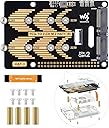
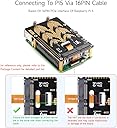
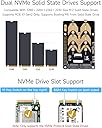
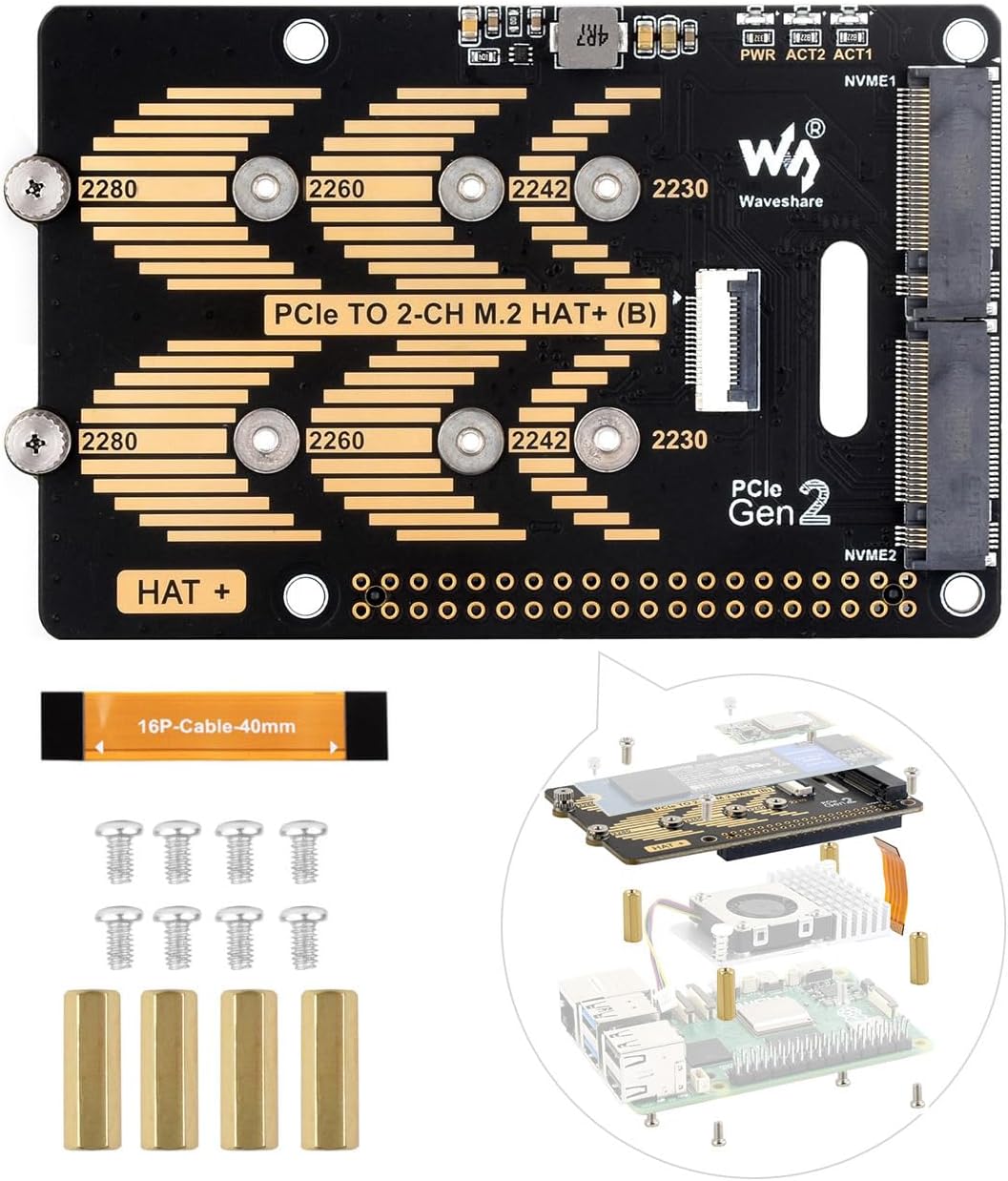
The Waveshare PCIe to 2-CH M.2 HAT is a high-performance adapter designed exclusively for Raspberry Pi 5, enabling dual M.2 NVMe SSD installation with PCIe Gen2 x1 interface. Supporting multiple SSD sizes (2230 to 2280), it offers significantly faster read/write speeds than traditional TF card slots, supports booting directly from NVMe drives, and features real-time power monitoring for stable operation. Ideal for professionals building high-speed NAS, media servers, or advanced Pi projects.


| ASIN | B0D8FPNLYR |
| Best Sellers Rank | #2,734 in Single Board Computers (Computers & Accessories) |
| Brand | waveshare |
| Built-In Media | PCIe TO 2-CH M.2 HAT+ (B) |
| Compatible Devices | Raspberry Pi 5 |
| Connector Type | PCIe |
| Customer Reviews | 4.4 out of 5 stars 102 Reviews |
| Item Package Quantity | 1 |
| Item Weight | 0.05 kg |
| Manufacturer | Waveshare |
| Mfr Part Number | PCIe TO 2-CH M.2 HAT+ (B) |
| Model Number | PCIe TO 2-CH M.2 HAT+ (B) |
| Number of Items | 1 |
| Number of Ports | 2 |
| Package Quantity | 1 |
| Warranty Description | 1 year |
S**N
Works well with my Raspberry Pi 5 NAS
This PCIe two channel M.2 Pi HAT works very well with the RPi 5. It is relatively easy to install even without instructions. It came with all the screws and standoffs needed to mount the device to a RPi 5, including small knurled thumbscrews to hold the NVME drives in place. You do have to be careful when aligning the GPIO pins to the connector on the HAT, but that is true of any HAT you are installing on a Raspberry Pi. Once I figured out a mistake I had made orienting the small PCIe interface cable it came online and I was able to install the two NVME drives I had purchased for my NAS project. This HAT is compatible with the OpenMediaVault NAS software I am using, although that is not a surprise. It should be compatible with almost any software or operating system given that it comes online so easily. The price point is good, too. Overall I am pleased with this purchase.
A**E
Good Product
Easy to install. Worked for me right out of the box.
R**E
No Nonsense Drive Expansion
Very easy to install - Ubuntu recognizes the drives without headaches …
J**.
Only supports PCIe gen. 2
Sleek design and functions as advertised. Unfortunately, it only supports PCIe gen. 2. Feedback I received from Waveshare support indicated that there are no plans for a PCIe gen. 3 refresh of this product.
F**3
Great product, good price
This is a great product and the shipment was prompt, price was good, and installation easy.
R**S
Too much wrong to be a good product
I was disappointed with this product. It was more difficult than necessary to come up with what little documentation there is for this product. There are no clear instructions for attaching it to the Pi 5 or how to properly use the NVMe retaining screws. The design of the board places the NVMe's so close to each other that using many types of NVMe heatsink is impossible. In my case, a board component interfered with one of the NVMe's, causing it to be bent. I have to keep the NVME not fully seated to prevent it being bent. Sadly, there doesn't seem to be any other clear winner for this product category.
Y**!
Works with SSD and AI accelerator
I'm using this hat with a Samsung V-NAND SSD 970 EVO Plus 1TB and Hailo AI accelerator. It works great so far. The ribbon cable is a little short; and that makes it a bit tricky to connect. If it were a tiny bit longer, you could connect the cable first and then seat the hat. But as it is, you need to seat the hat first and then connect the cable. And there's not much wiggle room. I actually used a small pair of pliers to gently plug it in. Still, this is pretty much just a pet peeve. Overall, this has been working great, and I would definitely recommend.
J**K
Works as advertised
Great product, easy to install and automatically recognized nvme ssd and hailo 8l ai chip.
P**E
Tout est OK
Tout est OK
D**B
Calidad y compatibilidad
Llevo ya bastante tiempo con él y funciona a la perfección con dos discos. La RPi5 tiene docker con unos 15 contenedores como SQL Server, Freepbx, Jellyfin, Plex, etc. y nunca ha dado ningún problema. Es cierto que poner disipador a un disco puede complicar mucho ponerselo al otro porque estan demasiado juntos pero a parte de eso va perfecto.
A**E
Tout est parfait
Tous marche parfaitement
I**A
Dual NVME
If you need two NVME drives, this board works very well. I installed 2 nvme's and tested both for speed, here are the results using "dd" command. #"-NVME0 Write Test." #> dd if=/dev/zero of=/home/pinox/xnvme0/xtst bs=500M count=1 oflag=sync 1+0 records in 1+0 records out 524288000 bytes (524 MB, 500 MiB) copied, 2.15291 s, 244 MB/s #"-NVME0 Read Test." #> dd if=/home/pinox/xnvme0/xtst of=/dev/null bs=500M count=1 oflag=sync 1+0 records in 1+0 records out 524288000 bytes (524 MB, 500 MiB) copied, 0.339717 s, 1.5 GB/s . #"-NVME1 Write Test." #> dd if=/dev/zero of=/home/pinox/xnvme1/xtst bs=500M count=1 oflag=sync 1+0 records in 1+0 records out 524288000 bytes (524 MB, 500 MiB) copied, 2.16044 s, 243 MB/s #"-NVME1 Read Test." #> dd if=/home/pinox/xnvme1/xtst of=/dev/null bs=500M count=1 oflag=sync 1+0 records in 1+0 records out 524288000 bytes (524 MB, 500 MiB) copied, 0.414051 s, 1.3 GB/s #"-Copy NVME0 to NVME1 Test." #> dd if=/home/pinox/xnvme0/xtst of=/home/pinox/xnvme1/xtst0to0 bs=500M count=1 oflag=sync 1+0 records in 1+0 records out 524288000 bytes (524 MB, 500 MiB) copied, 2.19423 s, 239 MB/s I hope this helps you in deciding if you want to buy this board.
L**D
Tutto ok
Ottimo prodotto perfetto per l'utilizzo su Raspberry 4
Trustpilot
2 weeks ago
1 day ago