We remain fully operational. Our teams are working around the clock to ensure your deliveries continue safely.

قم بتنزيل التطبيق


معلومات عنا
حقوق الطبع والنشر © 2024 Desertcart Holdings Limited
قم بتنزيل التطبيق
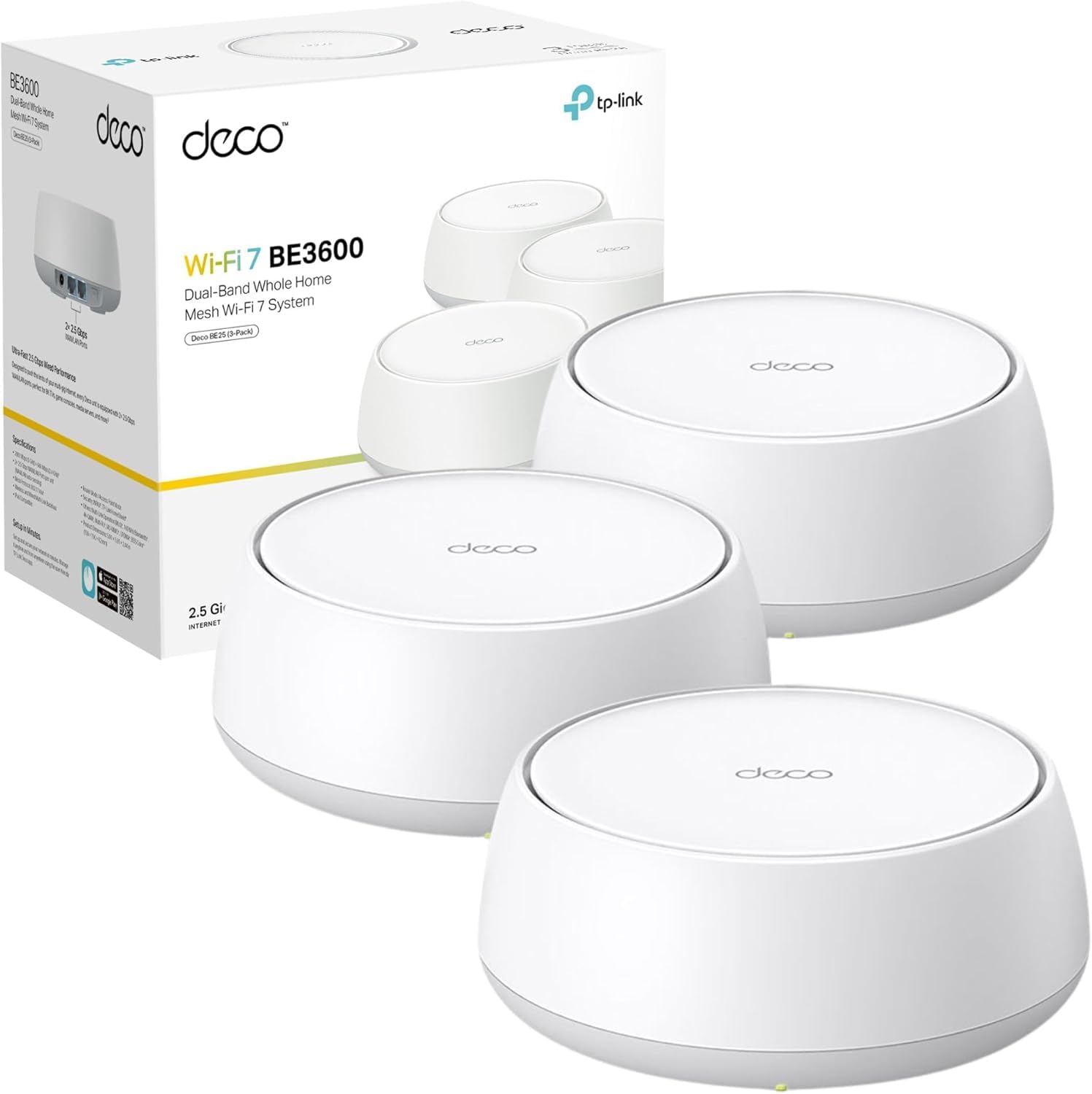


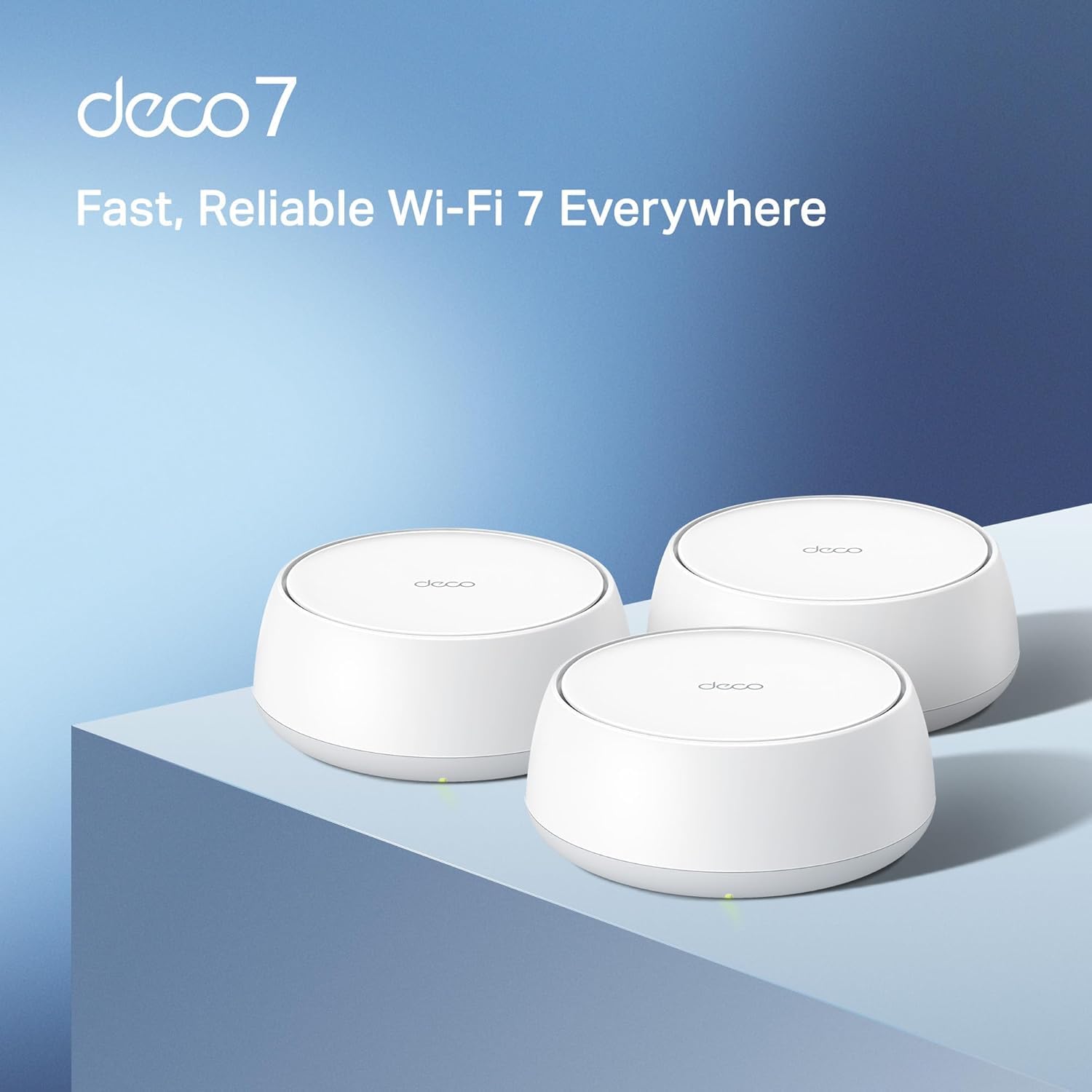
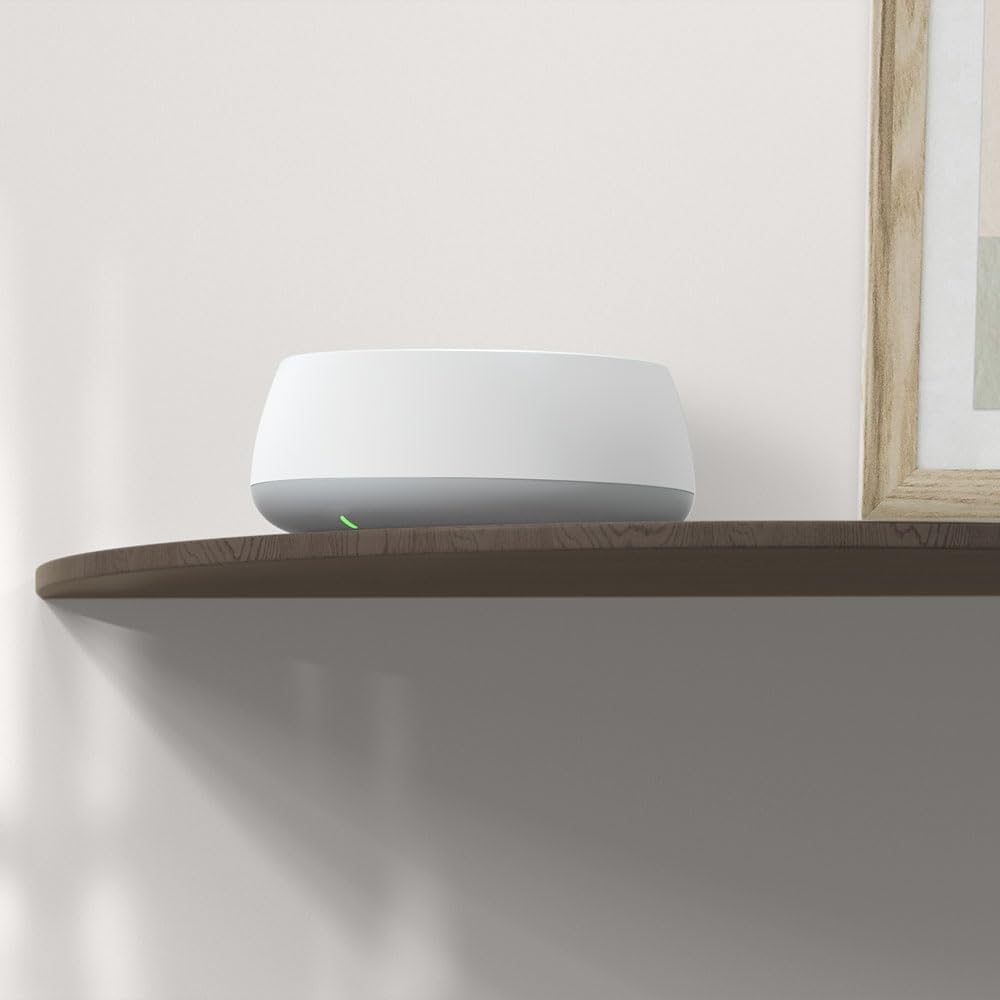
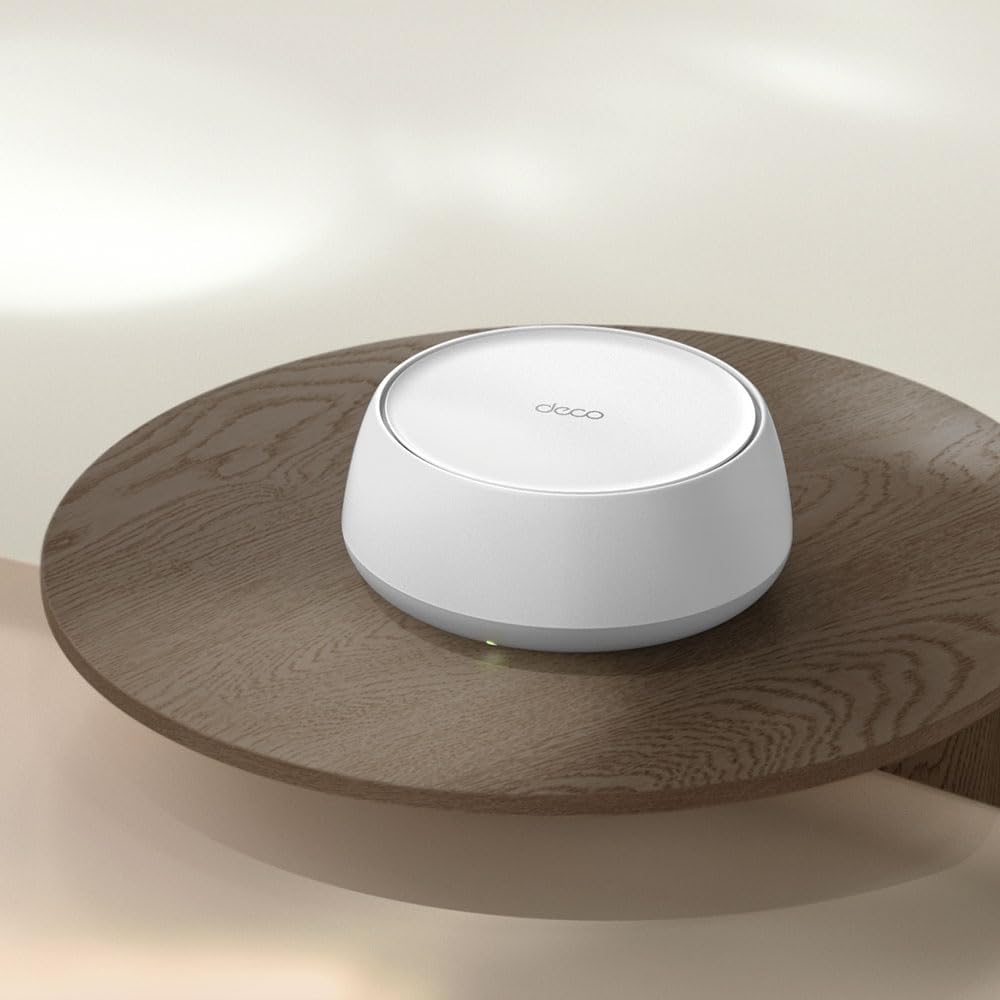
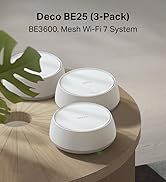
🚀 Elevate Your Home Network to WiFi 7 Supremacy
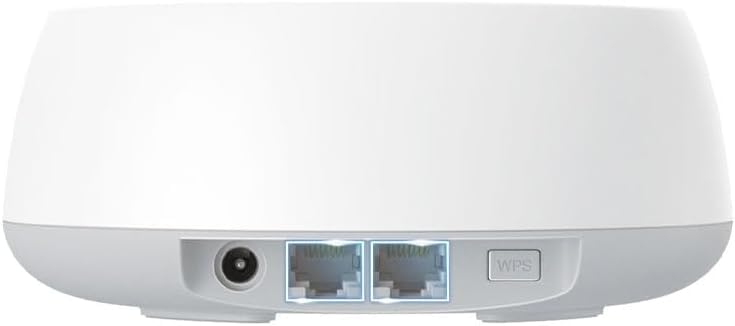
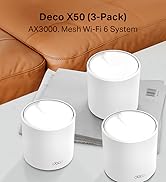
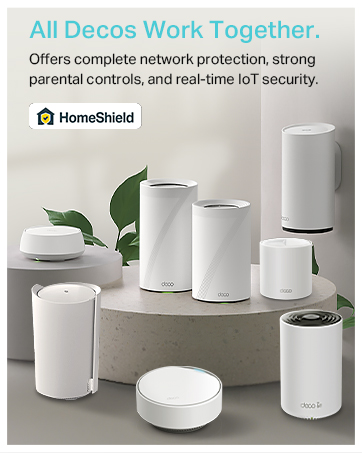
The TP-Link Deco BE25 (3-pack) Mesh WiFi 7 system delivers ultra-fast 3.6 Gbps dual-band wireless speeds combined with dual 2.5 Gbps wired ports for maximum throughput. Featuring AI-driven seamless roaming and multi-link operation, it ensures reliable, low-latency coverage across your entire home. With robust security via TP-Link HomeShield and an easy-to-use app setup, this mesh system is designed for future-ready, secure, and comprehensive WiFi coverage.



| ASIN | B0DD7V8BVC |
| Are Batteries Included | No |
| Best Sellers Rank | 2,938 in Computers & Accessories ( See Top 100 in Computers & Accessories ) 16 in Whole Home & Mesh Wi-Fi Systems |
| Brand | TP-Link |
| Colour | White |
| Customer Reviews | 4.1 4.1 out of 5 stars (114) |
| Date First Available | 6 Jun. 2025 |
| Guaranteed software updates until | unknown |
| Item Weight | 2.56 kg |
| Item model number | Deco BE25(3-pack) |
| Manufacturer | TP-Link |
| Operating System | Proprietary networking operating system (e.g. RouterOS, Junos OS, Cisco IOS, ZyNOS) |
| Package Dimensions | 22.2 x 21.9 x 16.1 cm; 2.56 kg |
| Series | BE3600 Whole Home Mesh WiFi 7 System |
| Voltage | 240 Volts (AC) |
| Wireless Type | 802.11.be, 802.11a, 802.11ac, 802.11ax, 802.11n |
R**2
Great hardware and highly recommended .
⸻ Exceptional Wi-Fi Performance with TP-Link Deco After experiencing poor Wi-Fi signals throughout my home and facing limitations with conventional routers, I decided to take control of my home network. The TP-Link Deco system offers flexibility with both Access Point (AP) and Router modes. Opting for Router Mode, I strategically placed three Deco units in a triangular formation, ensuring comprehensive coverage across my entire house. Easy Setup Process The setup was straightforward and user-friendly. I connected the primary Deco unit to my ISP’s router using the provided Ethernet cable and followed the instructions in the included leaflet. The Deco app guided me through the process, making it accessible even for those with minimal technical expertise.  Enhanced Wi-Fi Performance With this configuration, my home now enjoys robust Wi-Fi coverage, eliminating dead zones and providing consistent speeds throughout. The Deco system intelligently manages connections, ensuring optimal performance as I move between rooms.
S**Y
Reliable, Fast, and Simple to Set Up
This mesh system has significantly improved my home Wi-Fi. I’ve seen much stronger coverage throughout the house and faster speeds overall. Where I used to struggle with weak signal upstairs, I now get consistent and reliable performance. The Deco units are easy to set up using the companion app, and the process only took a few minutes from unboxing to full connection. The design is modern, and each unit includes two Ethernet ports, which has been helpful for wired connections in different rooms. Performance has been very stable. Speeds have remained strong both wirelessly and over Ethernet, and the system handles multiple devices well. It also supports the latest Wi-Fi 7 standard, which adds a level of future-readiness. ⸻ Pros • Consistent, high-speed coverage across the home • Simple, guided setup process, personally took me under 10 minutes. • Useful dual Ethernet ports on each unit ⸻ Things to Improve • Slightly bulky design • A wall-mounting option would enhance flexibility
M**R
Very Disappointing.... Not Worth the Upgrade
I had high hopes for the Deco BE25, but it has been a very disappointing experience. The connection drops out far too often, coverage is weaker than expected, and several of my smart home devices struggle to stay connected. For a product that is meant to improve WiFi performance, it has done the opposite in my home. I expected smoother, stronger, and more reliable coverage, especially at this price point. Instead, I have had constant issues, unstable speeds, and devices disconnecting at random. Overall, I regret the purchase and would not recommend the BE25 to anyone looking for a reliable WiFi upgrade.
M**R
Very Good Mesh System, lacks some Advanced and Normally Accessible Features
I've previously used Powerline Adapter successfully throughout the house, but have now moved to the TP-Link Deco BE25 (3-pack) and I've so far had a positive experience - though there are some things to consider when purchasing. First my setup which is Fibre coming into the house - the Mesh has been connected via Ethernet cable and placed into AP mode (switching of the Mesh DHCP). 1. WiFi signal strength is highly dependent on router placement but I've consistently got about 60% (600 Mbps) out of my 1GBps connection which is connected to the Fibre router. This is for routers and devices place near the satellite Mesh nodes. But this is key to ensuring you can max out the performance. Signal pollution may also be an issue. As I live in an urban area - there is a lot of traffic on the 2.4GHz range (ordinary Wifi standard) and on the 5GHz radio range there is a bit more space. The Mesh predominantly operates here and at least in my lucky situation I don't have as much traffic. Suggest using your mobile phone with WiFi Analyzer to check your radio spectrum available. 2. WiFi 7 (maybe). Monitoring the WiFi 7 space I don't see any traffic on the 6GHz spectrum. The mesh is merging 2.4Ghz and 5Ghz bands together to increase throughput. You should expect fluctuation in latency or ping as communications are over radio vs wire (Ethernet). It would be great if you could manually select the Mesh radio channels to use rather than using the "optimization" option. 3. The app is good, but somewhat limiting in terms of some features found on other TP Link products. There is reduced ability for instance to disable WPS. The WebUI is also limited in comparison with other TP Link products I own. Overall, I'd recommend this Mesh system if you have a 1 Gigabit fibre line. The Mesh is doing some pretty complex things radio wise to wrap signal over an area and these units are good value for money, easy to setup and quite easy to use. I'd recommend if you're in the predicament I'm in where I can't run internal fibre, ethernet or find more performance from Powerline plugs.
P**Y
Great product - very happy
Bought these as my previous extenders were not up to scratch. My previous extenders were giving me less than 1mb in my garage, with these installed I am steadily getting 250+ mb over wifi. I'm very happy with this purchase and would recommend them. Great wifi coverage all over my house - not a single dead spot ! Very easy to set up , the app walks you through setting up all 3 nodes, literally 5 minutes. The app is so easy to understand and very user friendly. The nodes themselves are relatively sleek, I've had other extenders that are quite bulky and intrusive! They may seem expensive, but think of them as an investment for 5 plus years that remove the frustrations of dead wifi spots in your house !!
R**I
Bom
R**N
I've used TP link powerline adapters for a while now. I bought the TP link BE65 router as I wanted to set up a mesh network. The BE65 router is very easy to set up via the app ( I set it up in access point mode). Reading reviews before I bought it, I thought that 2 units will cover my entire house. I was wrong. I have a new built one storey house (ground floor and first floor)... Don't know if my walls are particularly difficult to get through (cement floors) but the signal dropped to less than half in the room just above the ground floor room where the router was located. The adjacent bedroom on the same side of the house (top floor) got next to no signal. I've deducted one star (for the BE65 router) for this because the wifi 6 modem/router combo the ISP sent had the same coverage and it is half the price of the BE65 unit! To cut a long story short I ended up getting 3 of the BE25 units and created a mess network with the BE65 unit.. All well now and the units were very easy to set up via the app.
ترست بايلوت
منذ شهر
منذ شهر