We remain fully operational. Our teams are working around the clock to ensure your deliveries continue safely.

قم بتنزيل التطبيق


معلومات عنا
حقوق الطبع والنشر © 2024 Desertcart Holdings Limited
قم بتنزيل التطبيق

💼 Elevate your data game—because your files deserve first-class storage.
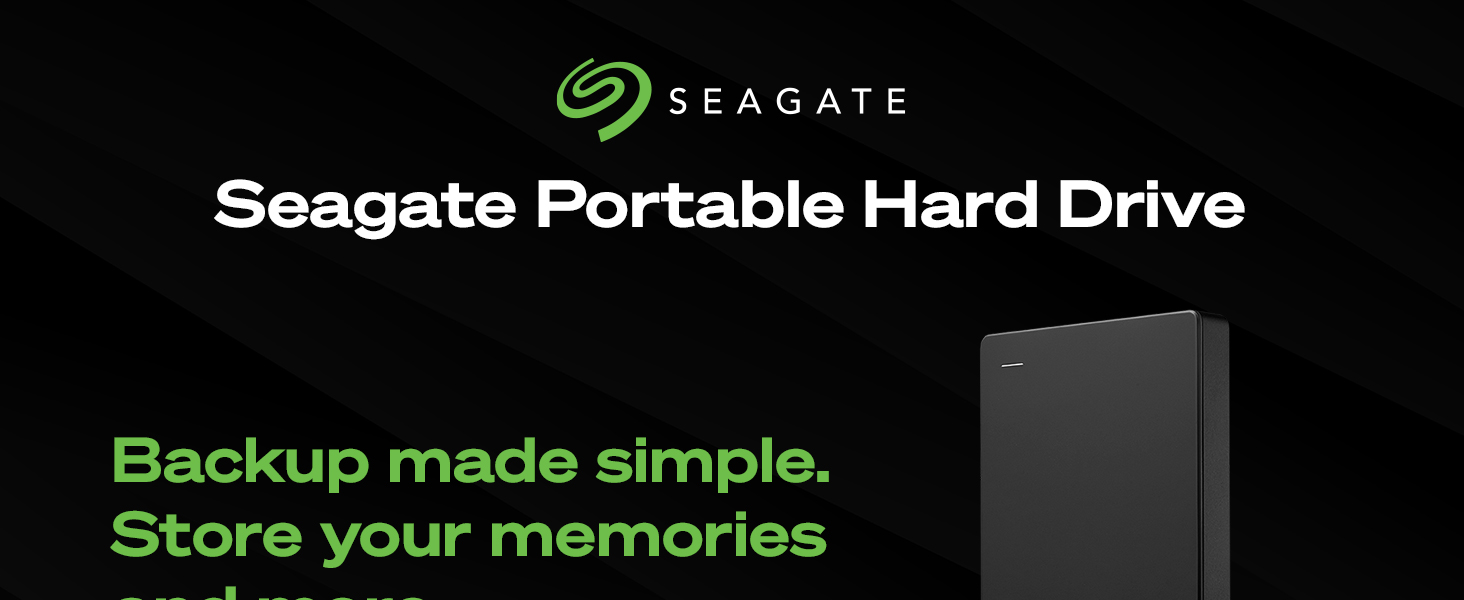
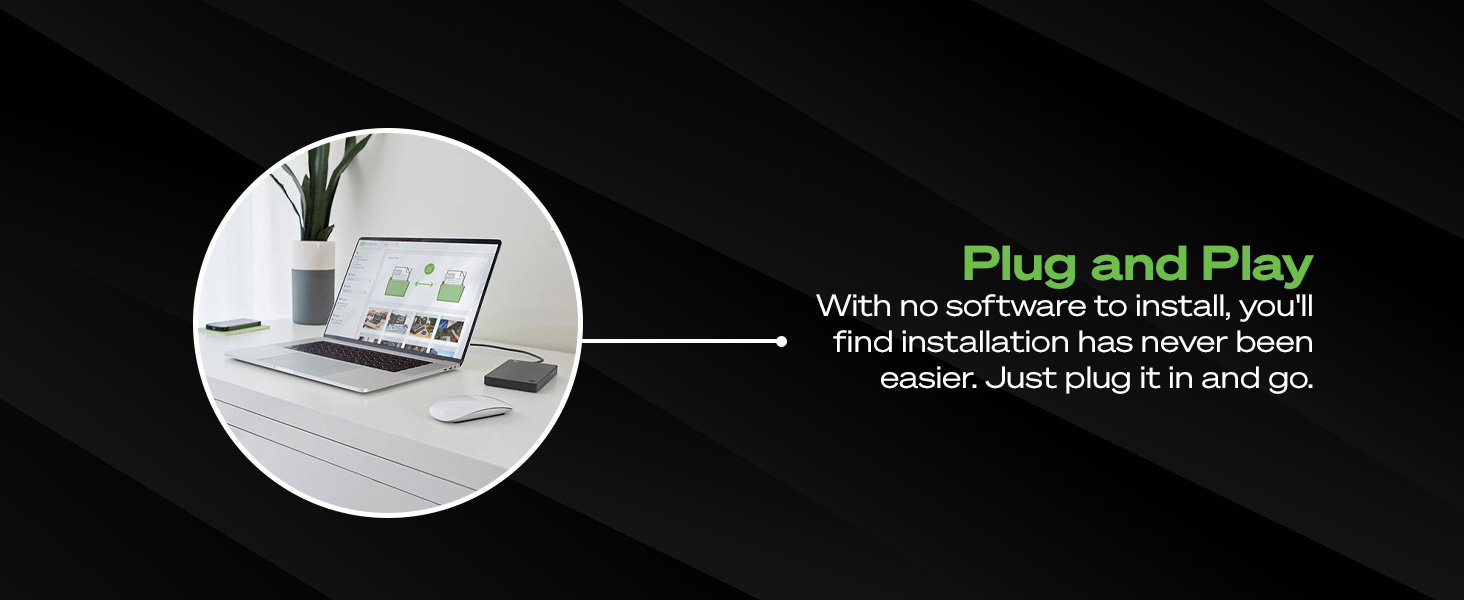
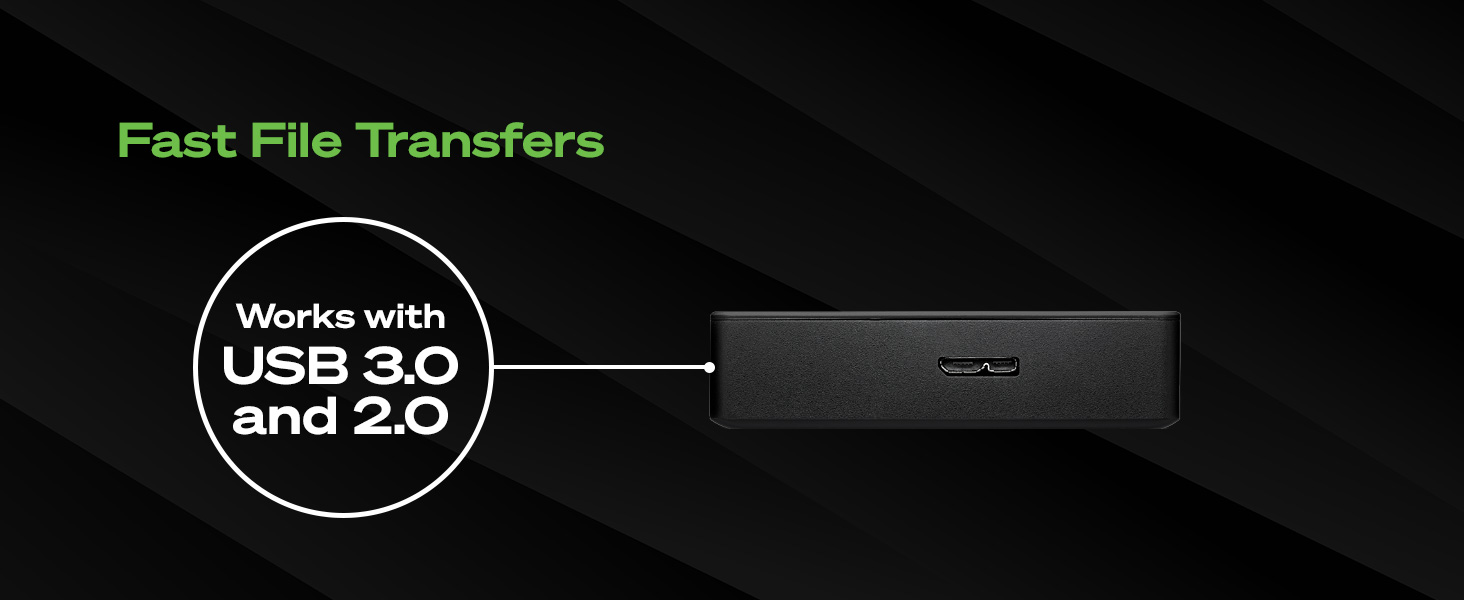
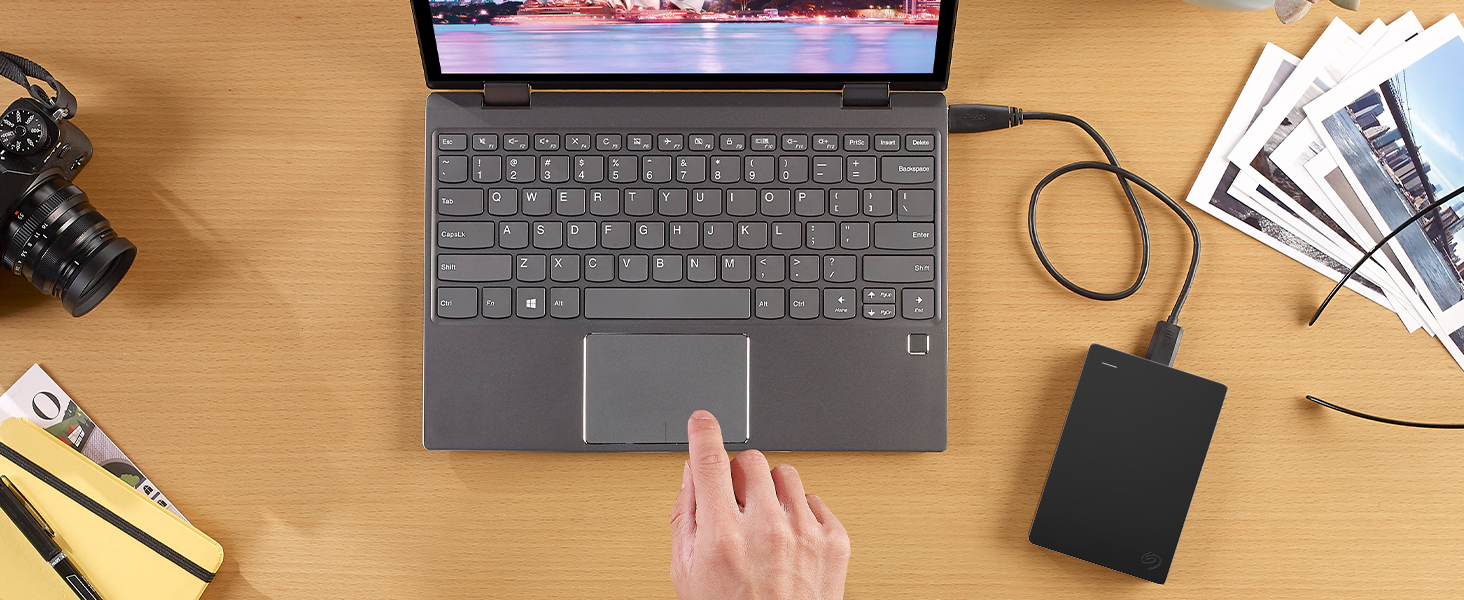
The Seagate Portable 2TB External Hard Drive offers a robust, high-capacity storage solution with USB 3.0 for ultra-fast data transfers. Compatible with Windows and Mac, it features plug-and-play ease and a compact design perfect for professionals on the go. Backed by a 1-year Rescue Service, it ensures your critical data stays safe and accessible anytime, anywhere.

| ASIN | B07CRG94G3 |
| Best Sellers Rank | #1 in External Hard Drives |
| Brand | Seagate |
| Color | PORTABLE |
| Customer Reviews | 4.6 4.6 out of 5 stars (210,164) |
| Flash Memory Size | 2 |
| Hard Drive | 2 TB Mechanical Hard Disk |
| Hard Drive Interface | USB 3.0 |
| Hard Drive Rotational Speed | 7200 |
| Hardware Platform | Mac, PC |
| Is Discontinued By Manufacturer | No |
| Item Dimensions LxWxH | 4.6 x 3.15 x 0.58 inches |
| Item Weight | 6.7 ounces |
| Item model number | STGX2000400 |
| Manufacturer | Seagate |
| Operating System | Windows®10, Windows 8, Windows 9 |
| Product Dimensions | 4.6 x 3.15 x 0.58 inches |
| Series | Basic Portable Drive |
K**.
Seagate Portable 2TB External Hard Drive - Reliable Storage on the Go
My experience with the Seagate Portable 2TB External Hard Drive has been exceptionally positive, and I am delighted to share my review of this reliable and portable storage solution that has seamlessly addressed my data storage needs with efficiency and convenience. Generous Storage Capacity: The standout feature of the Seagate Portable External Hard Drive is its generous 2TB storage capacity. This ample space provides a secure and convenient solution for storing large amounts of data, whether it's documents, photos, videos, or backups. The expansive capacity ensures that I have ample room for all my files, making it a versatile storage solution. Compact and Portable Design: The compact and portable design of this external hard drive makes it an ideal companion for users on the go. The sleek form factor allows it to easily slip into a pocket or bag, making it convenient to carry and ensuring that my important data is always within reach. The portability is a key feature that aligns perfectly with the needs of a mobile lifestyle. Plug-and-Play Simplicity: Setting up the Seagate Portable External Hard Drive is a breeze, thanks to its plug-and-play simplicity. The drive is ready to use right out of the box, and the straightforward setup process ensures that even users with minimal technical expertise can quickly get started. The hassle-free installation makes it a user-friendly option for a wide range of users. High-Speed Data Transfer: The USB 3.0 interface delivers high-speed data transfer, allowing for quick and efficient file transfers. Whether I'm backing up large folders of photos or transferring multimedia files, the Seagate Portable External Hard Drive ensures that the process is swift and seamless. The speed of data transfer enhances the overall user experience and saves valuable time. Reliable Backup Solution: The reliability of Seagate as a brand is reflected in this external hard drive's performance as a trustworthy backup solution. The automatic backup functionality ensures that my important files are regularly and systematically backed up without manual intervention. This feature provides peace of mind, knowing that my data is secure and protected against potential loss. Compatibility Across Platforms: The Seagate Portable External Hard Drive is compatible with both Windows and Mac operating systems, offering versatility for users with different devices. This cross-platform compatibility ensures that the drive seamlessly integrates into various computing environments, making it a versatile choice for users with multiple devices. Durable Build Quality: The durable build quality of the external hard drive instills confidence in its longevity and ability to withstand the rigors of everyday use. The robust construction ensures that the drive can endure the demands of being carried in a bag or pocket, making it a reliable companion for users who are frequently on the move. Value for Money: Considering its generous storage capacity, portability, high-speed data transfer, reliability, and durability, the Seagate Portable 2TB External Hard Drive offers excellent value for money. The combination of features makes it a cost-effective solution for users seeking a reliable external storage option without compromising on performance. Overall Satisfaction: In conclusion, the Seagate Portable 2TB External Hard Drive has exceeded my expectations with its generous storage capacity, compact design, plug-and-play simplicity, high-speed data transfer, reliable backup solution, compatibility across platforms, durable build quality, and value for money. This external hard drive has seamlessly integrated into my digital lifestyle, providing a secure and efficient solution for my storage needs. Highly recommended for anyone in search of a dependable and portable storage device. Elevate your data storage game with the Seagate Portable 2TB External Hard Drive!
P**.
Great, but no Mac/Apple instructions
Setting up a Seagate external hard drive on a Mac can be a bit of a challenge, especially if you're not familiar with how drives work (trust me, I learned this the hard way!). Here’s my experience and a step-by-step guide to help you get started smoothly. My Experience with the Seagate External Hard Drive When I first plugged in my new Seagate external hard drive, it seemed to work like any standard external hard drive. However, being a Mac user, I quickly ran into some issues. The drive came with instructions and an .exe file installer, which I soon discovered is not compatible with Macs (and trying to open it is generally not recommended). After some frustration—about 12 minutes into the process—I was ready to return it. My previous drive setup took just two minutes! ** Step-by-Step Instructions ** To save you from the same headache, here’s how to set up your Seagate drive properly: Plug in the Drive: Connect your Seagate external hard drive to your Mac. You should see the drive icon appear on your desktop shortly after. Open Disk Utility: Press Command + Space to open Spotlight Search (this is super handy for finding apps quickly). Type "Disk Utility" and hit Enter. In Disk Utility, locate your external hard drive in the left sidebar. Erase and Format the Drive: Select your external hard drive and click on the Erase button at the top of the window. Choose a name for your drive (I recommend something simple) and set the format to Mac OS Extended (Journaled). Click Erase. This will prepare the drive for use with your Mac by deleting all existing files. Using Time Machine (if that's your goal): If you only want to use this drive for Time Machine backups, you can skip the formatting step and simply open Time Machine from System Preferences after plugging in the drive. It will prompt you to format it automatically. BTW, don't Partition your drive (one for backups and one for daily use. In case of a failure in the drive, you lose everything in all parts of the drive. It's better to two smaller external drives used for either Time Machine and your daily drive than to partition a big external drive. Important Tips Always remember to EJECT your external hard drive Every Time before unplugging it (this is crucial!). Failing to do so can lead to data corruption. If you notice that the drive turns on and off randomly at night, consider unplugging it when not in use. This saves wear on the unit as your computer does random updates that wake it up now and again. Additional Resources For those who prefer visual aids, I highly recommend checking out this YouTube tutorial by MacMostVideo: "How Should You Format An External Drive For a Mac? "This video provides a clear walkthrough of formatting an external hard drive specifically for Mac usage. Conclusion Overall, while my initial experience with setting up the Seagate external hard drive was frustrating, following these steps made all the difference. Now that I have it set up correctly, it works like any other reliable external drive. I do wish brands should make these processes easier, but SeaGate is a great, trusted brand. Good luck with your setup!
K**O
Great drive, but I don’t like the misleading storage capacity
I bought the 5TB version and so far it has worked very well. It’s fast, easy to use, my computer recognizes it immediately, and it’s perfect for storing my files, photos, and videos. In terms of performance, I have no complaints. Buuut… what really bothers me—and not just with this drive, but with almost every storage device—is that they never come with the full capacity they advertise. This one says 5TB, but in reality you only get around four and a half. And this happens every time I buy a hard drive, a flash drive, or anything meant for storing data. If they already know that the system, formatting, or whatever internal process takes up part of the space, then tell me the real capacity. Don’t sell it as 5TB if I’m not actually receiving that. I don’t like feeling misled. If it truly only has around four and a half because the device needs space for its own internal information, then make that clear in the description! Or at least make the drive slightly bigger so that users really do get the full 5TB. Aside from that, the drive works well. But the real capacity should be communicated more honestly.
A**R
It stopped working 5 years later (with very little use)
I bought two of these external hard drives mid 2020. For the past 5 years, they have been reliable and easy to use. However, both drives are showing dramatic functional issues; instead of taking an hour or two to save, it will now take 22 hours. They pause saving without any direction from me and they are completely unusable now. It seems to me a very big problem since I have only used them once a quarter for the past 5 years. I would not recommend.
M**Y
Fonctionne San arrête depuis 1 an
V**R
Seit Juni 2024 nutze ich die Seagate Portable Drive 4TB externe Festplatte in Kombination mit meiner Fritzbox als NAS-Speicher. Nach mehreren Monaten im 24/7-Betrieb kann ich ein äußerst positives Fazit ziehen. Einrichtung und Konnektivität Die Einrichtung der Seagate Portable Drive 4TB an der Fritzbox war kinderleicht und verlief ohne jegliche Probleme. Die Festplatte wurde sofort erkannt, und die Integration als Netzwerkspeicher funktionierte einwandfrei. Dank der USB 3.0-Schnittstelle ist die Verbindung stabil und die Datenübertragung flott. Leistung und Zuverlässigkeit Für meine Bedürfnisse – hauptsächlich die Sicherung von Daten sowie das Speichern von Fotos und Videos von verschiedenen Smartphones – ist die Geschwindigkeit dieser HDD völlig ausreichend. Die Festplatte arbeitet leise und ohne merkliche Erwärmung, selbst bei Dauereinsatz. Seit Juni läuft sie ohne Unterbrechung und hat bisher keinerlei Ausfälle oder Datenverluste verzeichnet. Die Datenübertragung ist zügig genug, um große Dateimengen effizient zu verwalten, ohne lange Wartezeiten in Kauf nehmen zu müssen. NAS-Betrieb Als NAS-Speicher macht die Seagate Portable Drive 4TB eine hervorragende Figur. Die Schreib- und Lesegeschwindigkeiten sind für den Heimgebrauch mehr als angemessen. Selbst wenn mehrere Geräte gleichzeitig auf die Festplatte zugreifen, bleiben die Übertragungsraten stabil. Dies ist besonders beim Backup von Smartphones und dem Streamen von gespeicherten Medien von Vorteil. Nutzungshinweise und Einschränkungen Für den vorgesehenen Zweck – die Datensicherung und das Speichern von Medien – ist diese HDD bestens geeignet. Sie bietet genügend Speicherplatz, um große Datenmengen zu speichern, und zeigt auch nach mehreren Monaten Dauernutzung keine Anzeichen von Leistungseinbrüchen. Allerdings ist es wichtig zu beachten, dass diese Art von Festplatte für modernes Gaming, insbesondere bei Online-Spielen, nicht geeignet ist. Die Zugriffszeiten einer HDD sind für diesen Zweck schlichtweg zu langsam. Diese Information fließt jedoch nicht in meine Bewertung ein, da sie nicht zu meinen primären Nutzungsanforderungen gehört. Fazit Die Seagate Portable Drive 4TB externe Festplatte ist ein zuverlässiger, kostengünstiger und effizienter Begleiter für alle, die einen großzügigen Speicherplatz benötigen, sei es zur Datensicherung oder als NAS-Speicher. Sie überzeugt durch ihre einfache Handhabung, stabile Leistung und leisen Betrieb. Für meine Zwecke erfüllt sie alle Anforderungen und übertrifft sogar die Erwartungen. Wer eine solide Lösung für die Datenspeicherung im Heimnetzwerk sucht, ist mit dieser Festplatte bestens beraten.
K**D
Value for Money: Considering its generous storage capacity, portability, high-speed data transfer, reliability, and durability, the Seagate Portable 2TB External Hard Drive offers excellent value for money. The combination of features makes it a cost-effective solution for users seeking a reliable external storage option without compromising on performance
A**S
Great service. Order arrived in perfect condition. Highly recommend this seller. I would definitely purchase from here again. Thanks for a successful transaction.
P**B
prima spul werkt opa een iMac 5k
ترست بايلوت
منذ 4 أيام
منذ 3 أسابيع