
🎨 Elevate your creative flow with precision and freedom — don’t just create, dominate.
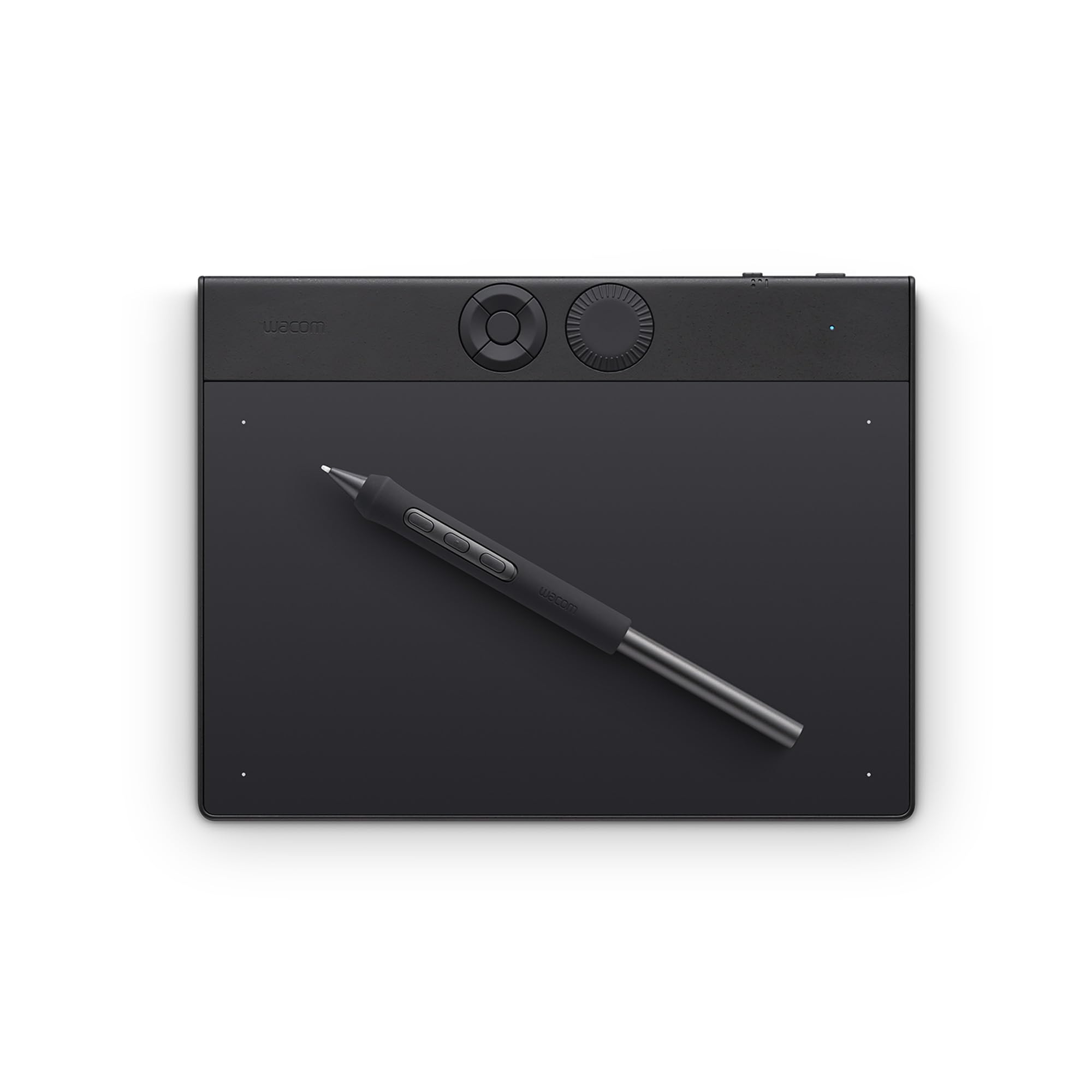
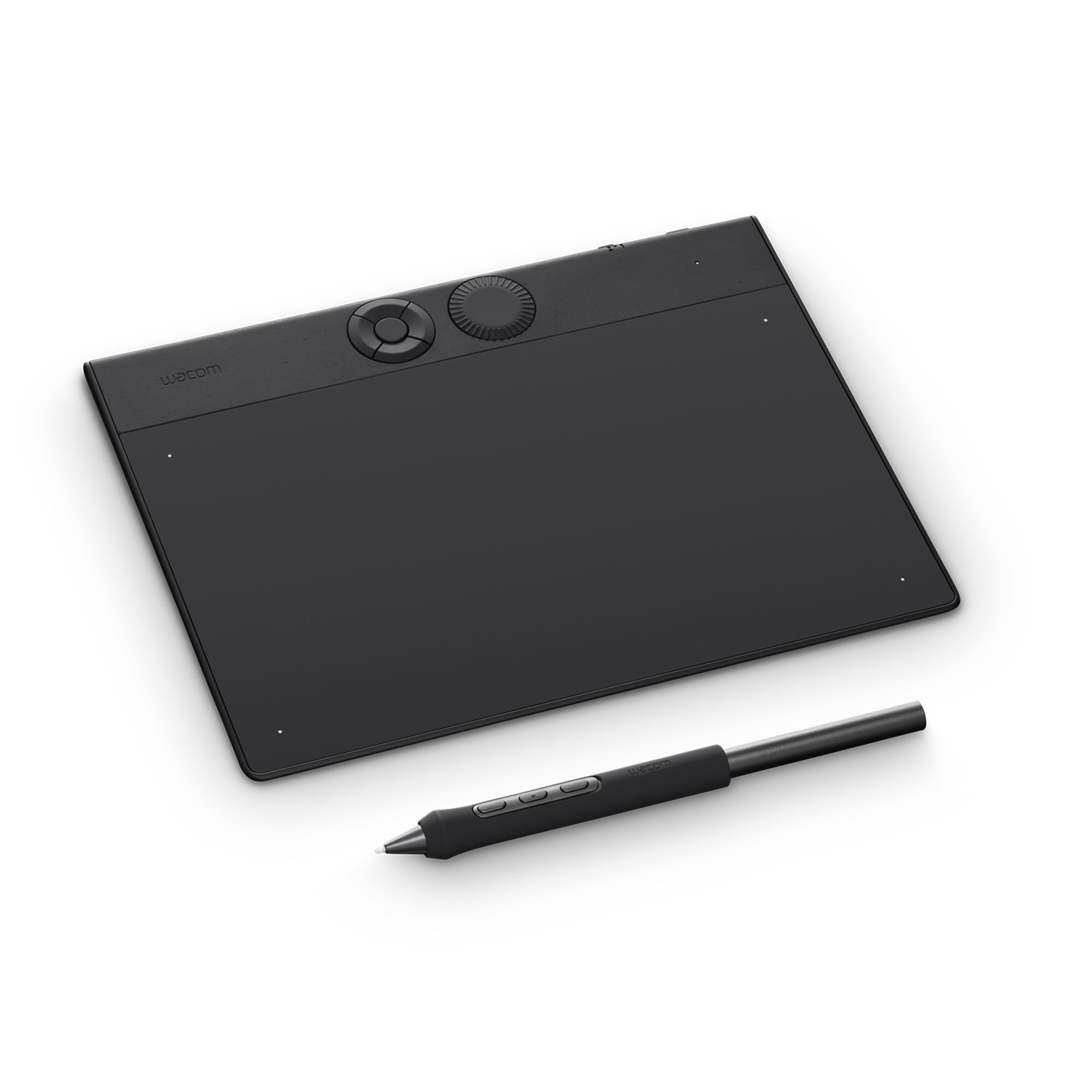
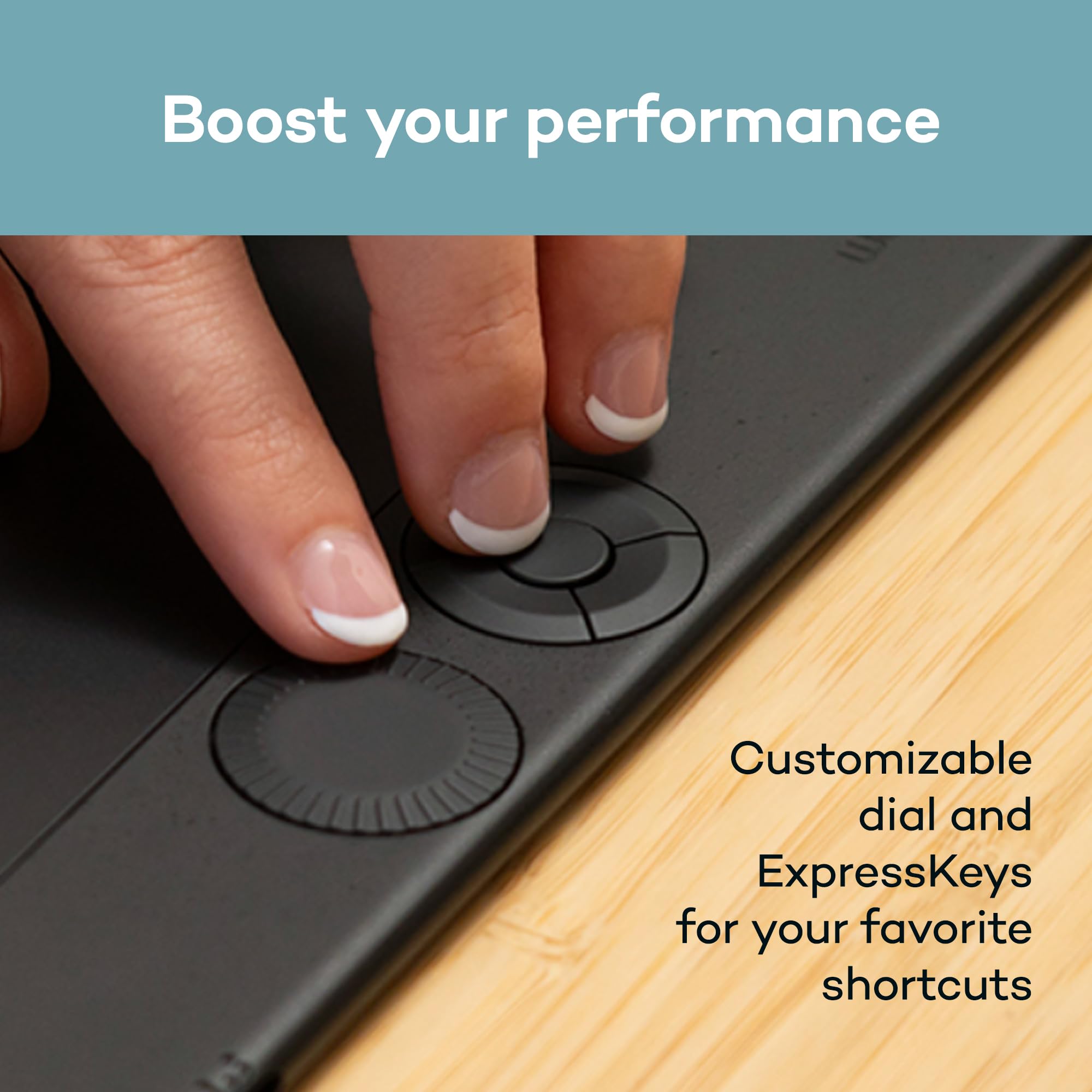
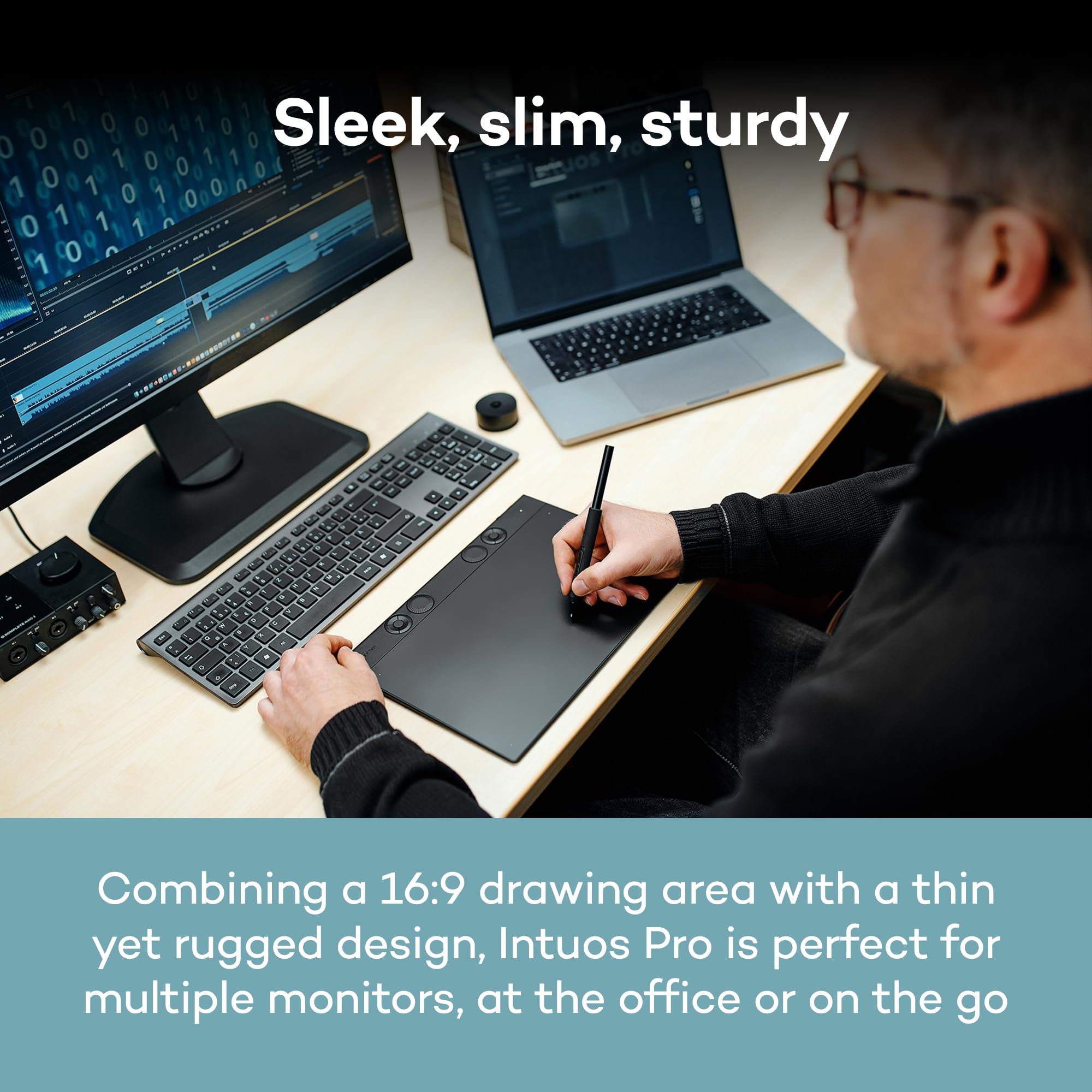
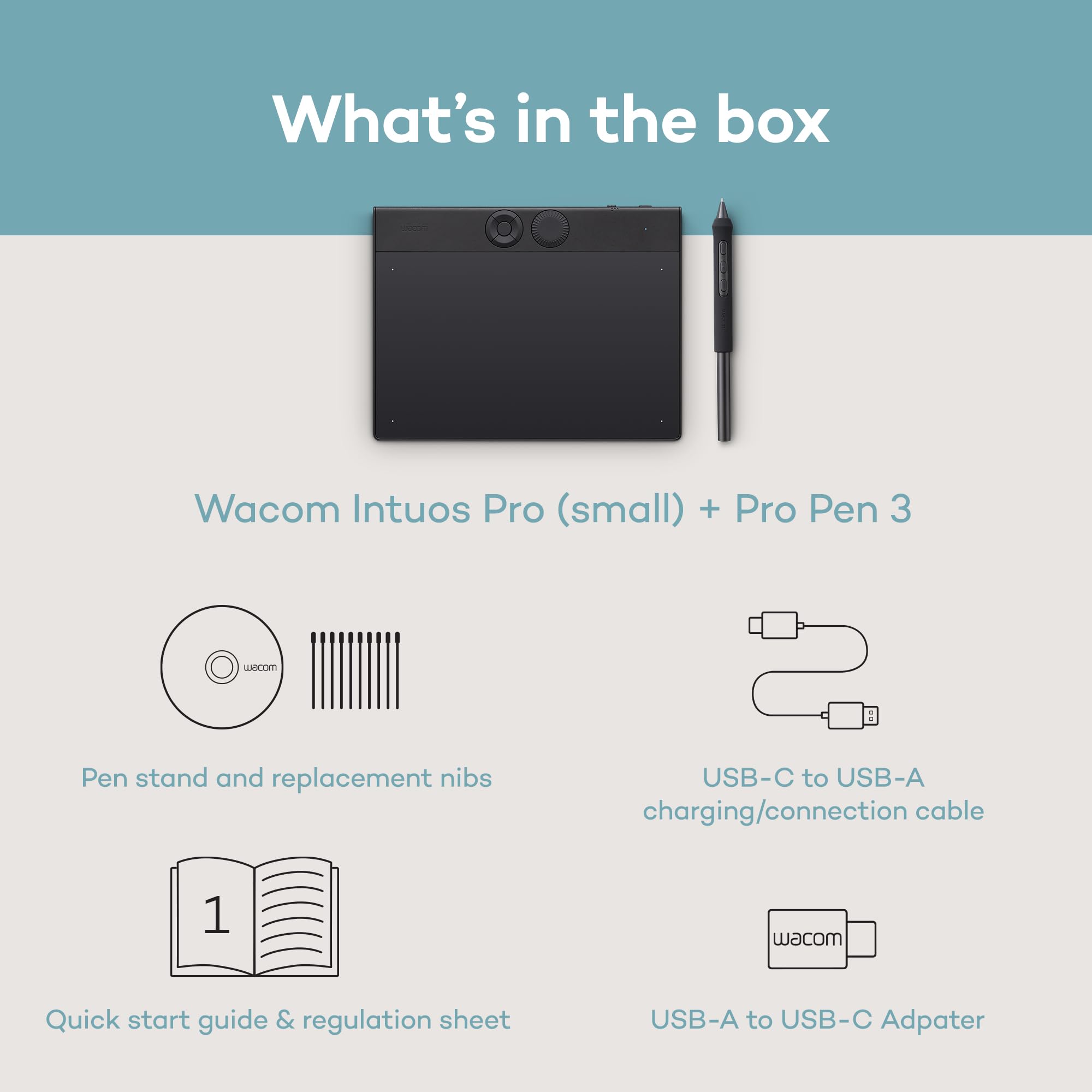
The Wacom Intuos Pro Small (2025 Edition) is a professional-grade graphic drawing tablet featuring the advanced Pro Pen 3 with 8192 pressure levels and tilt support for unparalleled precision. Its ultra-slim 4mm magnesium design offers durability and portability, while customizable ExpressKeys and a mechanical dial streamline your workflow. Compatible with Mac and Windows, it supports both Bluetooth wireless and USB wired connections, making it ideal for multitasking across devices and wide-format monitors.


| ASIN | B0DFZ2385T |
| Are Batteries Included | Yes |
| Batteries | 1 Nonstandard Battery batteries required. (included) |
| Best Sellers Rank | #20,275 in Computers ( See Top 100 in Computers ) #73 in Graphic Tablets |
| Brand | Wacom |
| Color | Black |
| Customer Reviews | 4.6 4.6 out of 5 stars (4,583) |
| Date First Available | 28 May 2025 |
| Hardware Platform | Mac / PC, Windows 10 or later/Mac OS 13 or later |
| Item Weight | 240 g |
| Item model number | PTK470K0A |
| Lithium Battery Energy Content | 4.44 Watt Hours |
| Lithium Battery Packaging | Batteries contained in equipment |
| Manufacturer | Wacom Technology Corporation |
| Number Of Lithium Ion Cells | 1 |
| Operating System | Windows, macOS |
| Product Dimensions | 21.5 x 16.3 x 0.1 cm; 240 g |
| Screen Resolution | 8192 LPI |
| Series | Intuos Pro |
| Standing screen display size | 8.5 Inches |
| Wattage | 4.44 watts |
J**S
Absolutely worth the investment!
One line review: Absolutely worth the investment! . Now for some more length of the review if you would like to read. Battery life is great but based on what I saw online, it was under my expectations. Having said that, take it with a grain of salt since I haven't done any scientific tests for the same. It is certainly above average though. But believe you me, this device makes life so much easier. I can't tell you how great it is to use a laptop with multiple track pads. Love having the assignable keys. Made my life easier during Frequency Separation in Photoshop. (Can't believe I'm one of those guys finally, who knows how to do that.) Zooming into an image is so much more intuitive this way. I spent at least 2-3 hours each day for 2 weeks editing images and that was a great way to break in the device and the pen and also get comfortable with this interface of using a laptop. It has opened up the world of storyboarding for me during writing of my film scripts and I might even get into random drawing. It looks like I'll be learning a lot more stuff this year than expected and that's something I live for. Can't comment much about the nib yet. So far so good. I literally have nothing else to compare this too so, needless to say my review might not be what you're looking for but I'll be making a YouTube video review next month.
C**N
bought this for my boyfriend and he loved it for his work! was very useful and the bluetooth function is especially amazing because there’s no need for cables!
R**O
Atualmente uso Windows 10 e a mesa funciona perfeitamente, mesmo sem atualizar os drivers. Recomendo desativar a função "Windows Ink", tanto nas opções da mesa quanto nas do próprio Windows (para estas últimas, procure no Painel de controle). Sinceramente não sei qual é a função desse Windows Inks: ela é completamente inútil para o desenho, nada afeta nas funções da caneta e da mesa, além de ser irritante.
A**R
The tablet itself is wonderful—sleek, robust milled-aluminum gives the impression of quality. So the structure and durability is to par for regular use. Not sure about travel endurance, this has pretty much sat on the computer desk, but I assume it would hold up quite well. I’ve seen many reviews complaining about the surface of the tablet, however, noting the rough texture eating away at nibs rather quickly. In my experience it took several hours of drawing for a flat surface to become noticeable, but the nib worked enough for me to entirely overlook its presence. If you draw for a living I could see needing to replace these somewhat often, but the nibs are honestly quite cheap. I spend more on average quality drawing paper per month—using one nib per week is two and a half months for ~$10. TL;DR even if the nibs wear away quickly they should be easily replaced at little cost, but on principle this might be a negative for some. Just do some research and know your preferences before you buy. The surface itself is replaceable, which I love to be honest, for when you create smooth friction spots. You can easily peel of the original surface (its attached via adhesive) and replace it—these are somewhat pricy for the large sized tablet. These last much longer than the nibs. No noticeable wear after a month of use in my case. The pen gives the impression of fragility, as it is extremely light due to its battery-free operation. I can’t attest to how durable it actually is though, no accidents (knock on wood). Works well, and confirms to the ergonomic standards Wacom has established. My major complaint with the product is that it doesn’t seem well optimized for windows users. Out of the box, having installed the latest drivers, the $400 (got mine on sale) tablet ceased to function within ~45 minutes of use on a Friday evening. I had to wait an agonizing weekend to receive a response from their customer support. The issue was resolved promptly, and although the call center was clearly outsourced, the representative was knowledgeable, polite, and efficient. After essentially fixing some run files the tablet works like a charm. Keep in mind, having worked in a domestic call center that was supposedly customer support, our main focus was sales metrics. Hideously pressured to the point most reps outright lied to push numbers—not once was I pressured for a purchase. Although I would have enjoyed a native English speaker, US customer service isn’t the best. Mostly due to corporate policies rampant in the industry—at best they offer quick fix solutions like encouraging a return of the product, which is more often than not a waste of time. This product should really work out of the box for its price, but my issue was resolved promptly. So I can’t ding Wacom for having the appropriate resources in place. All in all, I would buy this again and highly recommend it to any artist/educator. Personally I prefer ”regular” tablets to cintiqs which hardly give you an increase in quality for the gratuitous expense. You can expect this tablet to perform if you make a living off such devices.
I**.
المنتج ممتاز جداً ومناسب للمصممين ومعالجين الصور، أنصح به بشدة
B**E
I already had the Wacom Intuos Pro 2017 (and have had all three sizes at various points) and overall was happy with it, but I decided the improvements of the 2025 model made it worth upgrading to: • Smaller physical footprint: I mainly work at my desk at home, but for the times when I take my laptop out to, say, a coffee shop, it's a more comfortable fit for both my laptop and Wacom 2025 Medium on a table versus the wider 2017s. I could fit the 2017 Medium but just barely, and it was a tight fit depending on the table size. With the 2025 that's no longer a problem. • Larger active area. While the active area on a 2017 Medium is adequate, depending on your monitor size it can still feel too crampt, but the 2025 active area is a lot more roomy. (This has the somewhat negative side effect of losing the bevels to rest your hand on, but the device is now thin enough that you get used to it pretty quick when you're on the edges; it's not a problem for me, but if you use it for drawing as opposed to photo editing it could be an issue.) • Third button on pen. I had the Wacom Movink briefly last year and while they included the Wacom Pro Pen 3, it was the barebones pen itself minus the grips, which I disliked. Fortunately for the Intuos Pros, they include all of the pen's accessories and I have the flair grip on the pen, which makes it great to use. I also love the third button (I rarely used the eraser button, so I don't miss that not being included here), as it enables more flexibility and convenience. • Bluetooth 5.3. I've seen multiple reviews, including here, going on about how bad the Bluetooth is, but I've noticed they are all on Windows 11, whereas I'm on a Mac, so I'm guessing the issue lies there. I've had issues with Wacoms drivers in the past on my Mac, so I'm just saying in this instance bluetooth works great; in face I've had ZERO connectivity issues on the 2025, whereas I regularly had problems on the 2017 even when plugged in, and it wasn't rare that I'd have to reboot the computer in order to get the tablet working again. That hasn't been an issue here. However, you can't ignore the complaints from the Windows 11 users, so if that's what you work on, be advised and maybe wait until Wacom fixes it. But on a Mac it's been an underrated bonus for it to "just work" when I power up my computer without having to make a fuss over connecting it, which was common on the 2017 (which has Bluetooth 4.2). Other things: • Photos don't do this device justice. People have complained that it looks "cheap", but when you actually have it in front of you and handle it, it is a premium device that is totally professional. • I use a Tourbox for my shortcut keys so I don't use the quick keys on the tablet itself, so their position at the top now instead of the side is a non-issue for me, and in fact is a net benefit in that it's allowed the device to be narrower (see above). • The 2025s no longer feature touch sensitivity, but I only used that feature as a cursor after I'd set the pen down to type something, so it's not a big loss for me. If touch was something you used extensively for actual editing (rotating the canvas, zooming in, etc), then you'll want to go with the 2017. In closing, this is a great recommendation, although if you feel the price is too steep, you can find great deals on used 2017s on eBay for less than half the price.
ترست بايلوت
منذ 3 أسابيع
منذ أسبوع

