We remain fully operational. Our teams are working around the clock to ensure your deliveries continue safely.

قم بتنزيل التطبيق


معلومات عنا
حقوق الطبع والنشر © 2024 Desertcart Holdings Limited
قم بتنزيل التطبيق
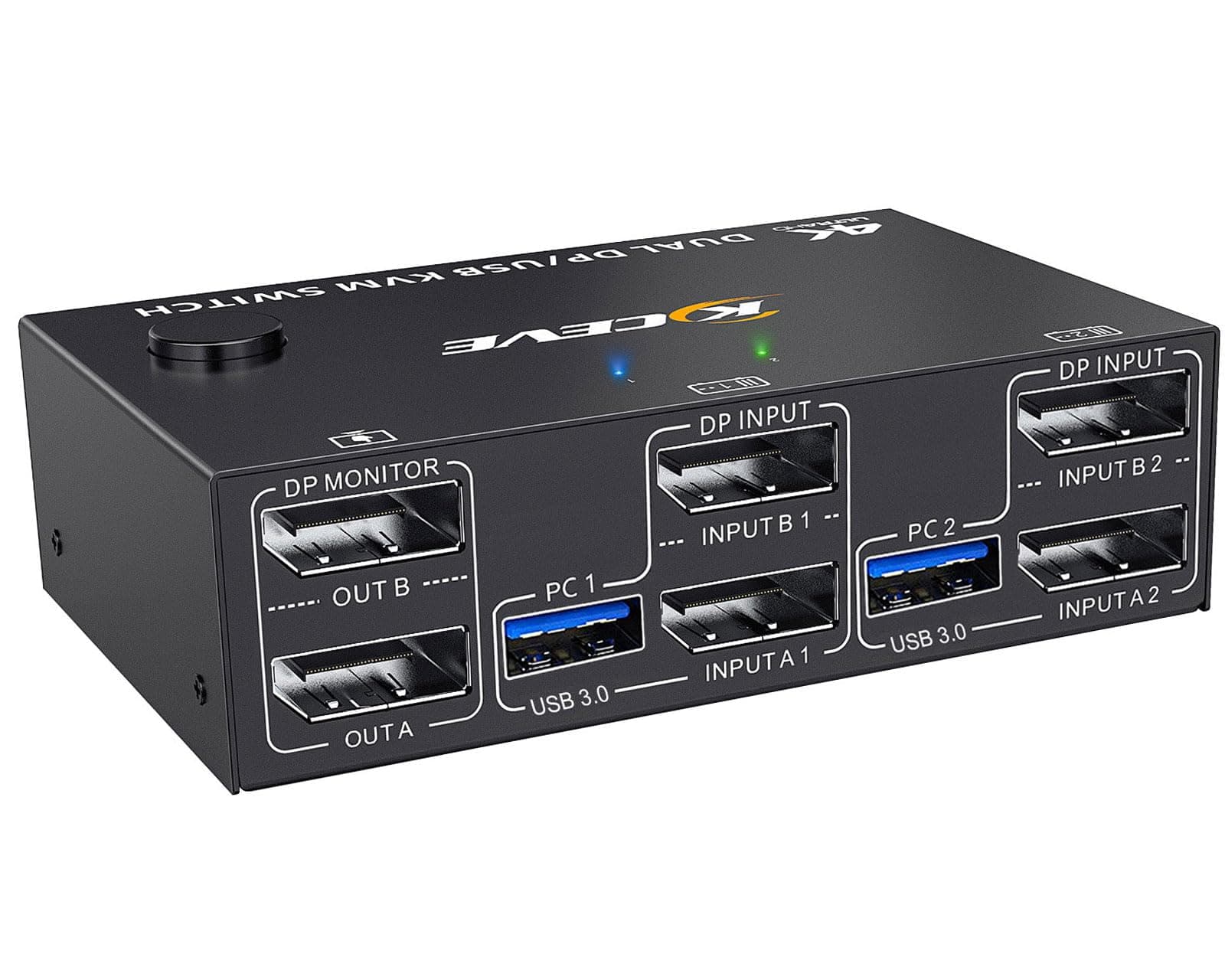
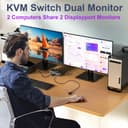
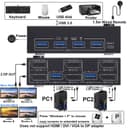
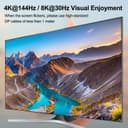
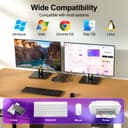
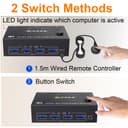
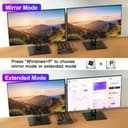
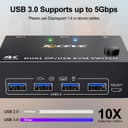
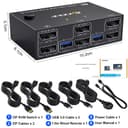
🚀 Elevate your multi-computer setup with lightning-fast 4K switching!
The KCEVE KVM Switch enables professionals to control two computers using one keyboard, mouse, and dual 4K@144Hz DisplayPort monitors. Featuring 4 USB 3.0 ports with 5Gbps speed, plug-and-play operation with wired remote control, and broad OS compatibility including Windows, Mac, Linux, and PS5, it streamlines multitasking and maximizes desktop efficiency in any high-performance environment.


| ASIN | B0F4CV33G5 |
| Best Sellers Rank | #943 in KVM Switches |
| Brand Name | KCEVE |
| Connectivity Protocol | DisplayPort |
| Customer Reviews | 3.1 3.1 out of 5 stars (12) |
| Item Dimensions | 4 x 2.4 x 1.2 inches |
| Manufacturer | KCEVE |
| Model | KC-202DP |
| UPC | 686585114709 |
| Unit Count | 1.0 Count |
A**N
Faulty electrical?
It was fine for a week, then my 2nd monitor started turning on and off whenever I moved my mouse. Sometimes my peripherals would temporarily lose power. I disconnected the 5v power and somehow the KVM is staying on and my issues are gone. Is there an electrical issue? EDIT: the issue was nvidia GeForce app, uninstalled and the problem vanished immediately
M**M
Didn't work at all
Returning it because it didn't work at all... No signal received by either monitor. I give up on the docks and will just rely on one HDMI to VGA cable and one USB converter to VGA cable. Bit of signal interruption with the USB converter but it's good enough for my uses.
M**0
No Power adapter; Won't display BIOS screens
Using the supplied displayport cables, the device would not display BIOS screens on two different computers. It was only after the Windows operating system loaded that anything would display. I pulled my hair out for two days trying to figure this out. Additionally, while it comes with a power cord, no adapter is included. If something needs power, everything it needs for that should be included. Item returned.
M**K
Works like a charm
Great product. Works like a charm. Just what I needed for my laptop and pc. Thank you
T**T
Good, But Annoying
TL;DR: I think this is a good product and worth every penny. The only reason I'm docking points is because of how finicky it is to use. If you're having problems and your monitors can switch between DP 1.4 and 1.2 for output, use 1.2. I bought this because I got tired of swapping 6+ cables from my work PC to my personal PC every day and then back the next morning. I have to run 2 32" monitors for work, so I don't have room for dedicated displays on the personal one. It worked great right out of the box for the work PC, but the screen would go black as soon as windows started booting on the personal one. It took me almost a week of troubleshooting to finally notice a setting inside my monitors' settings(from the monitor interface, not accessible from the PCs) that allowed me to change the output mode. Lowering refresh rate, turning off Freesync, and all the other solutions I could find wouldn't work. Even though the monitors are still pushing the same 1440p at 120hz I had them set to in 1.4 mode, the KVM just couldn't deal with the wrong output mode being selected on the monitors. The confusing part was it worked fine on my work PC with the monitors on 1.4 and I could get it to work if I booted the personal one in safe mode. I assume it had something to do with the GPU driver in my personal PC(work PC doesn't have a dedicated GPU) trying to push too much signal through the KVM even though everything was set to be below DP 1.2 standards.
M**T
Two screens - easy setup - great product
This is a great product. It worked perfect for me to switch between my two computers while still being able to utilize the same two screens, keyboard, and wireless mouse. Easy and fast ti set up, it’s a great product. This is a must!
J**S
Works as expected
Works as expected
M**A
Handles my 2k144hz ultra wide very well, having a setup where I switch between my PC and MacBook Pro easily without issues!
ترست بايلوت
منذ أسبوعين
منذ أسبوعين