We remain fully operational. Our teams are working around the clock to ensure your deliveries continue safely.

قم بتنزيل التطبيق


معلومات عنا
حقوق الطبع والنشر © 2024 Desertcart Holdings Limited
قم بتنزيل التطبيق
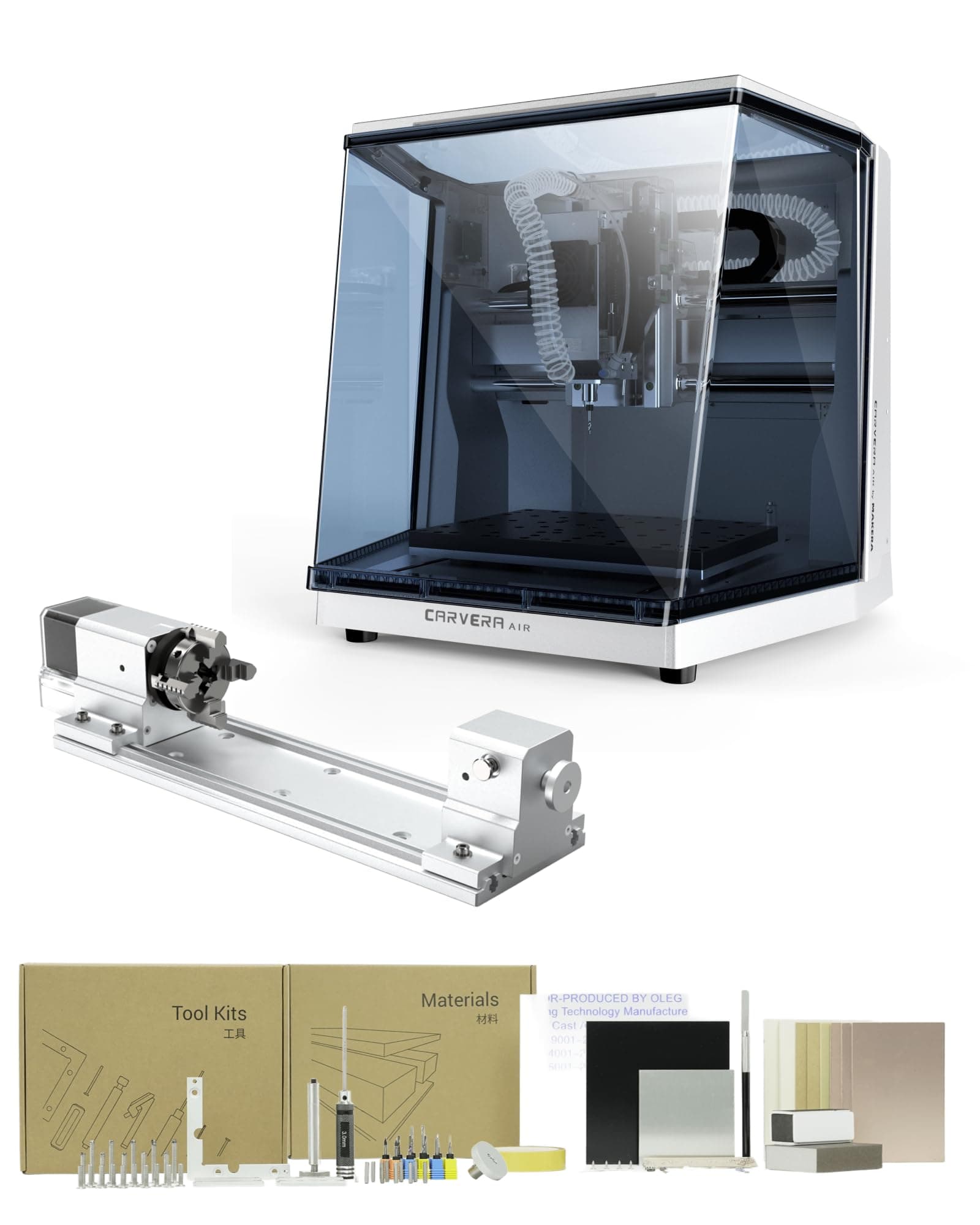
⚡ Carve Your Future: Precision, Power & Possibility in One Compact Machine!
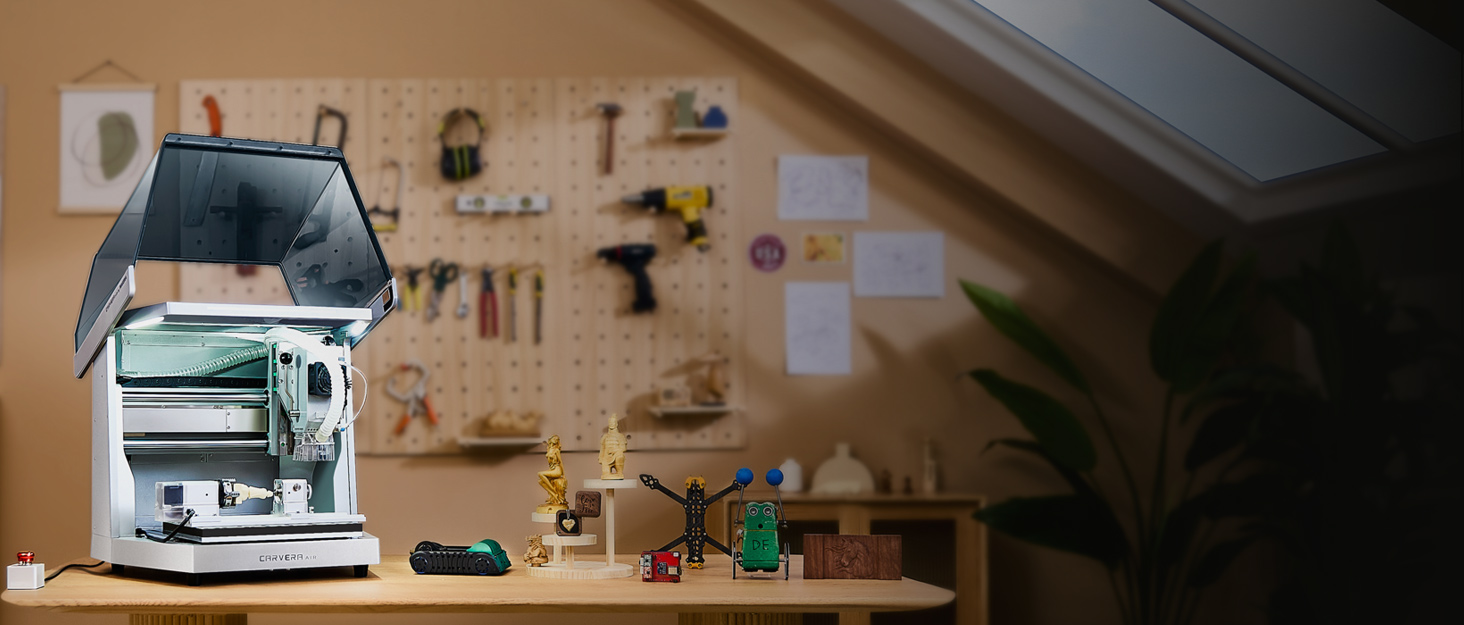
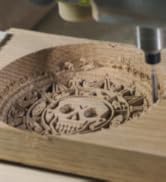
The Carvera Air Desktop CNC Machine is a compact, fully enclosed router featuring a precise 200W spindle with closed-loop control and a versatile 4th rotary axis. It offers a generous 11.8" x 7.9" x 5.1" work area, WiFi connectivity, and beginner-friendly CAM software compatible with major CAD platforms, making it ideal for professionals and hobbyists seeking high-precision milling, cutting, and engraving in wood, metal, and plastics.





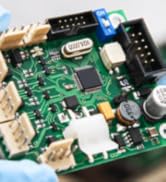



| ASIN | B0F7QXZ8ZM |
| ASIN | B0F7QXZ8ZM |
| Batteries Required? | No |
| Color | Silver |
| Customer Reviews | 4.2 4.2 out of 5 stars (18) |
| Customer reviews | 4.2 4.2 out of 5 stars (18) |
| Date First Available | 31 May 2025 |
| Date First Available | 31 May 2025 |
| Included components | 4th Axis for CARVERA Air, CARVERA AIR Desktop CNC Machine |
| Item Package Quantity | 1 |
| Item Weight | 45.4 Kilograms |
| Item model number | CA1 |
| Item model number | CA1 |
| Manufacturer | Huaibei Makera Technology Co., Ltd |
| Manufacturer | Huaibei Makera Technology Co., Ltd |
| Package Dimensions | 58.42 x 57.15 x 54.61 cm; 45.36 kg |
| Package Dimensions | 58.42 x 57.15 x 54.61 cm; 45.36 kg |
| Part number | CA1 |
| Power source type | ac |
| Size | with 4 Axis |
| Style | 4-Axis Standard Edition |
D**.
the unpacking instruction says I should check and adjust voltage (115 vs. 220 V) before I power it on, using a selecting switch on top of a front beam, but there is nothing on that front beam - no voltage switch, no tag! I don't know if it's preset to 220 or 115 V !!! UPDATE: I emailed [email protected] about this and a few other questions; they responded to me surprisingly promptly. Turns out that the machine can accept the U.S. voltage directly. It is just that their instruction manual was not up to date. I'm adjusting my rating based on the communications so far, although I have not explored the functions of the machine at the moment.
A**S
I've found it tricky to use so far. I needed to thoroughly read the documentation and explore many videos. I was getting many emergency stop errors. I did not realize that the switch, once activated, doesn't come back up by itself. I must say I needed to thoroughly read the documentation. It is not a simple machine, and it has an extraordinary number of capabilities many of which are rather complex. The accuracy is phenomenal! It does many things automatically reducing the cumbersome problem of programming. I'm used to doing many things manually where it does this automatically. One just needs to be patient and study all the documentation. I was able to use FreeCAD to generate files or drawings which it can import. Then, I program the tool paths. It is great!
T**Y
Unfortunately, I got a bad one right out of the box. I set it up. It started giving me alarms. It wouldn’t Home and the gantry seemed very tight as if something was wrong so I sent it back and they refunded me. No questions asked
A**.
I took a bit before writing this to make sure I could recommend this machine without reservations. I can. It is solidly built and has been accurate on everything I have fabricated on it so far. The software is easy to use, and the video tutorials are extensive: (caveat: I would have liked to have a bit more in text format). It is an excellent machine for smaller, light milling perfectly suitable for my use which is robotic parts fabrication. It will mill aluminum, and I presume brass, with no issue, although an add on air-cooling unit is recommended -hint: check on those made for laser etch cooling - Amazon has several of those. It is noisy but not excessively loud. The vacuum I used to pull up wood and plastic chips is quite a bit louder. I bought some additional bits for PCB work directly from Makara since they werent available on Amazon and received the order promptly.
C**G
Edit: I changed to three stars due to software issues mainly. The cam software required a re-verification step during offline use to access the software. Reconnection of the software via internet should never be required after the first authorization steps during the software installation process. So far, a great machine except for the current provided software limiting the machine. If the next software updates fix this, I will update my review. I got the fourth axis for a business. With the software provided, however, the y-axis stays stationary so the machine only ever machines as a 3-axis at most (x, z, and rotate around x in the "4th axis" setup). This limits the undercuts achievable. Sometimes the circumference of a larger bit is not accounted for when cutting near undercuts. I heard a rumor they are trying to true the fourth axis by in-situ using the y-axis, but it is hard to know. Also, the software does not utilize even a quarter of my ram or cpu for the controller so it takes ~40 minutes for calculating finishing operations and cashing gcode (for use in wood so far). My computer is not the average store-bought variety. This makes me extremely nervous for my goal of cutting metal, as metal will require smaller step down and ergo much larger files for computing. I had to change the task affinity and priority status in the task manager which significantly helped with the cam software and stopped it from crashing all the time, but uploading and selecting gcodes in the controller software seems to have some processes limiting its computability drastically and it never hits above 10% cpu or memory except for when running code on the machine. The load speeds are quite annoyingly slow. I do not know if this points to a Windows .exe non-verified program issue or the data communication process via a USB-port with the computer and machine when uploading the gcode. I hope they edit the software in the future to recognize portions of the g-code that have been cut to the limit and can be passed or re-grouped for cutting what didn't get cut, as this will cut down file size and cutting time. I recommend using square stock, as circle stock shifted in the chuck. Overall, it is a great little machine and I am really appreciative to have it. Maintenance things that concern me in the future is little to no protection of the x and y linear rails from debris and no care guide for the machine. The vacuum for this machine (separate purchase) is great for dust collection, but needs did not completely neutralize laser burning or wood milling odors though I taped the lower gap of the machine above my table. Also, dust falls really easily underneath the machine and onto the y-axis, which is difficult to reach due to having to pick up the machine to get to. This can be a potential fire hazard if you mill wood and then metal but forget to clean underneath the machine.
ترست بايلوت
منذ شهر
منذ 3 أسابيع