


Desertcart purchases this item on your behalf and handles shipping, customs, and support to EGYPT.
🚀 Elevate your DIY projects with a touchscreen that’s as smart as you are!
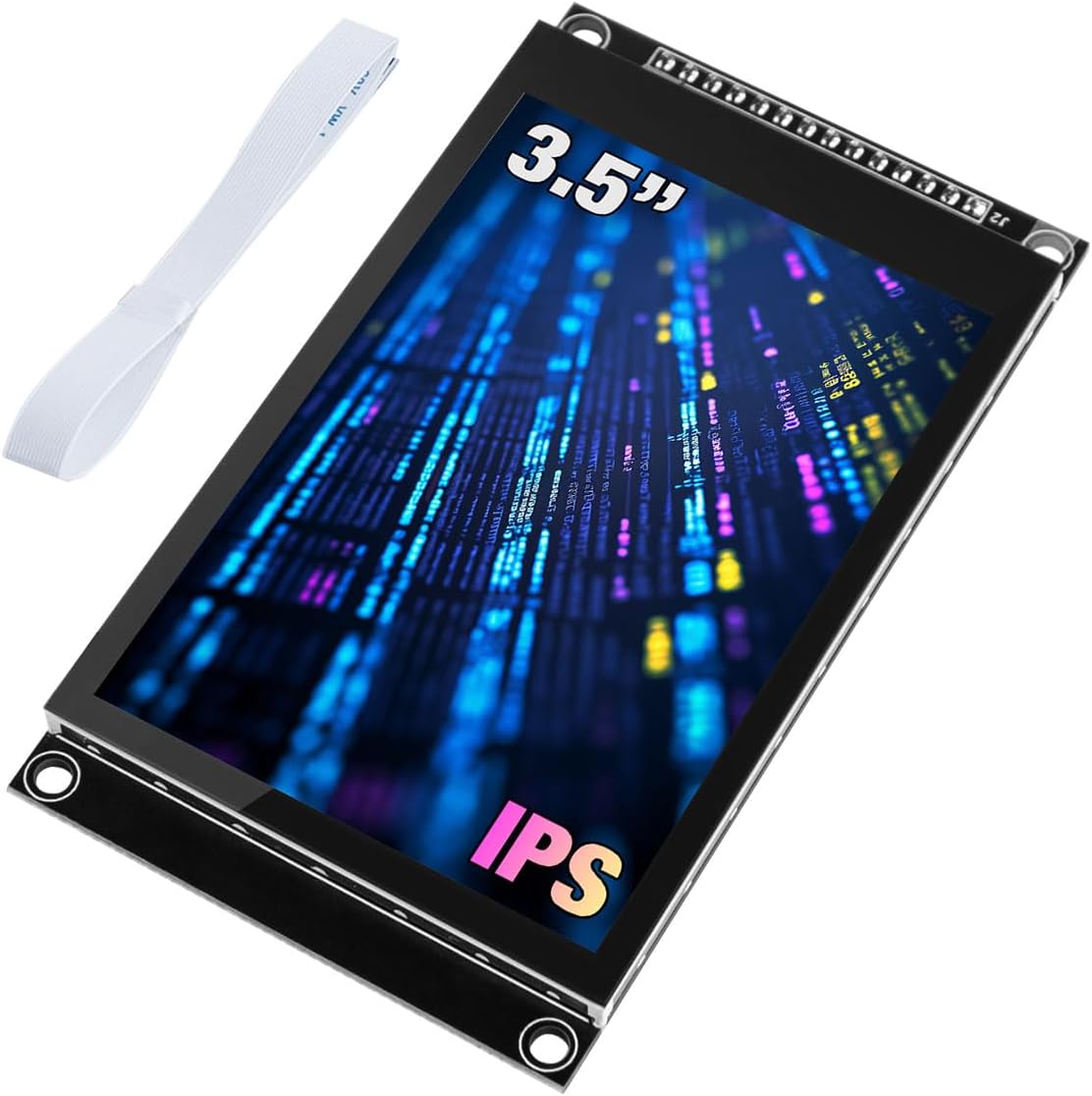
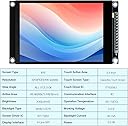
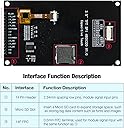
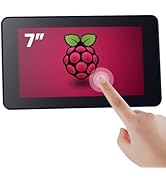
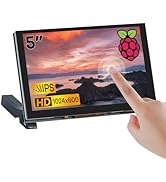
The Hosyond 3.5-inch IPS touchscreen LCD module features a sharp 320x480 resolution with 16.7 million colors, powered by the ST7796U driver and capacitive FT6336U touch controller. Designed for Arduino R3, Mega2560, ESP32, and STM32 compatibility, it uses a 4-wire SPI interface to save I/O pins and includes onboard level shifting for 3.3V/5V MCUs. With 300cd/m² brightness, microTF expansion, and extensive sample code support, it’s a versatile, energy-efficient display solution for professional-grade embedded projects.







| ASIN | B0CMD7Y55M |
| Amazon 売れ筋ランキング | パソコン・周辺機器 - 108,635位 ( パソコン・周辺機器の売れ筋ランキングを見る ) マザーボード - 529位 |
| CPUメーカー | Raspberry Pi |
| OS1 | ESP32 |
| RAMメモリ採用技術 | LPDDR3 |
| UPC | 741421390461 |
| USBポート数 | 1 |
| おすすめ度 | 5つ星のうち3.7 49 レビュー |
| オペレーティングシステム | ESP32 |
| コンピュータCPU製造会社 | Raspberry Pi |
| スマートホーム互換性 | スマートホーム非対応 |
| ブランド | Hosyond |
| ブランド名 | Hosyond |
| プロセッサ数 | 4 |
| メーカー名 | Hosyond |
| メーカー型番 | H029-A |
| ワイヤレス通信規格 | 802.11bgn |
| 互換デバイス | Arduino R3/Mega2560、ESP32、STM32。 |
| 付属コンポーネント | 1 x 3.5インチタッチスクリーン。 |
| 同梱商品 | 1 x 3.5インチタッチスクリーン。 |
| 品目寸法(L x W x H) | 9.8長さ x 5.5幅 x 1.3高さ cm |
| 商品の重量 | 3.5 オンス |
| 接続技術 | I2C |
| 通信・接続インターフェース | I2C |
C**C
Great!
Using this on a teensy 4.1. Had a few problems at first: ST7796 driver didn't work, so used Arduino_ILI9341 - works fine! Runs up to 110mhz spi on my teensy with good clean soldering and short cables. FT6336U didn't work at first - bad driver code from github (aselectroworks/Arduino-FT6336U - don't use this doesn't work - has a 10ms delay in the readbyte code e.t.c. lol), so cobbled together my own from github "strange-v/FT6X36" driver. Had trouble with that as well - had to delay 300ms on power up before using the FT - else it would't init at all. Also had problems with the FT cutting out while SPI display was updating - All these problems were caused because my CPT reset pin wasn't being used - did not connect it and so it was floating and SPI triggered it - just tie it to VCC if not using it. You can also tie the LCD reset to GND and CS to VCC with a 4.7k resistor if your only using 1 display. Now everything is working great - it's a great display with a nice slick and easy CPT touch interface! With LVGL I get 30fps no problem without using the fast t4 code library.
B**Y
Not an ILI19341 this is an ILI19488, Listing needs correcting
Was going crazy trying to figure out why I couldn’t get this thing going. This thing has the newer ILI19488 chipset, eSPI_TFT has a profile for it. Follow the pin mapping in the profile preset, it works. To the seller: Seriously, update the listing, you wasted too much of my time. Screen looks great, documentation exists, the touchscreen seems to be hard to deal with, though i may have gotten a bad unit
S**Y
Nice display panel
Using this with an Arduino Mega 2560. First off, it just works. The display is top notch with black levels nearing OLED levels. The colors are bright and the images are sharp. The documentation is superb. The provided character font is not great. If I could figure out how to load a better font, it would get 5 stars. There is some text in the documentation suggesting it can be done, but I have not found any details on how that is accomplished. For static text, I just use a bitmap with a better font. My perspective is one of an EE with over 50 years of hardware and system software design experience.
P**L
Good screen but bad SD slot
Unfortunately, the SD slot is instable and causing issue on this product. The screen is great though.
N**O
Great Display, just takes tweeking
These are very nice displays. I was able to use the Adafruit ST7789 library on the Mega but had to make a few strange tweeks. -------------------------------------------------------------------------- ISSUE 1) My colors were totally wrong Colors were off so had to: BGR() macro on all colors in my config (like this) // This display swaps R and B channels. Macro corrects all color values. // RGB565 format: RRRRR GGGGGG BBBBB #define BGR(c) ( ((c & 0xF800) >> 11) | (c & 0x07E0) | ((c & 0x001F) << 11) ) // ── Papyrus palette (RGB565, BGR-corrected) ─────────────────────────────────── #define COL_PAPYRUS BGR(0xF5E6) // warm tan background #define COL_INK BGR(0x2A05) // dark brown ink #define COL_GOLD BGR(0xFEA0) // amber/gold accents #define COL_DARKGOLD BGR(0xCA40) // deeper gold for borders #define COL_RED_INK BGR(0x9000) // terracotta red for errors #define COL_SUCCESS BGR(0x0600) // dark green for solved state #define COL_DIMINK BGR(0x8C6B) // faded ink for inactive elements #define COL_STONE BGR(0xC5A3) // mid-tone stone for borders -------------------------------------------------------------------------- ISSUE 2) all my text was inverted (like i was looking in a mirror) I was using tft.setRotation(2); in my startup, so.... in the actual Adafruit_ST7789.cpp file of the library I had to modify case 2 (2 in my case because that was my rotation) and add ST77XX_MADCTL_MX in that setRotation function Like this: case 2: madctl = ST77XX_MADCTL_MX | ST77XX_MADCTL_RGB; _xstart = _colstart2; _ystart = _rowstart2; _width = windowWidth; _height = windowHeight; break; -------------------------------------------------------------------------- I suggest using AI (like Claude) to help you configure. It ultimately helped me sort all this out. Hope this helps someone else. (terrable pic attached, but supper clear in real life)
Trustpilot
1 day ago
5 days ago