

Desert Online General Trading LLC
Dubai, United Arab Emirates
Desert Online General Trading LLC
Dubai, United Arab Emirates
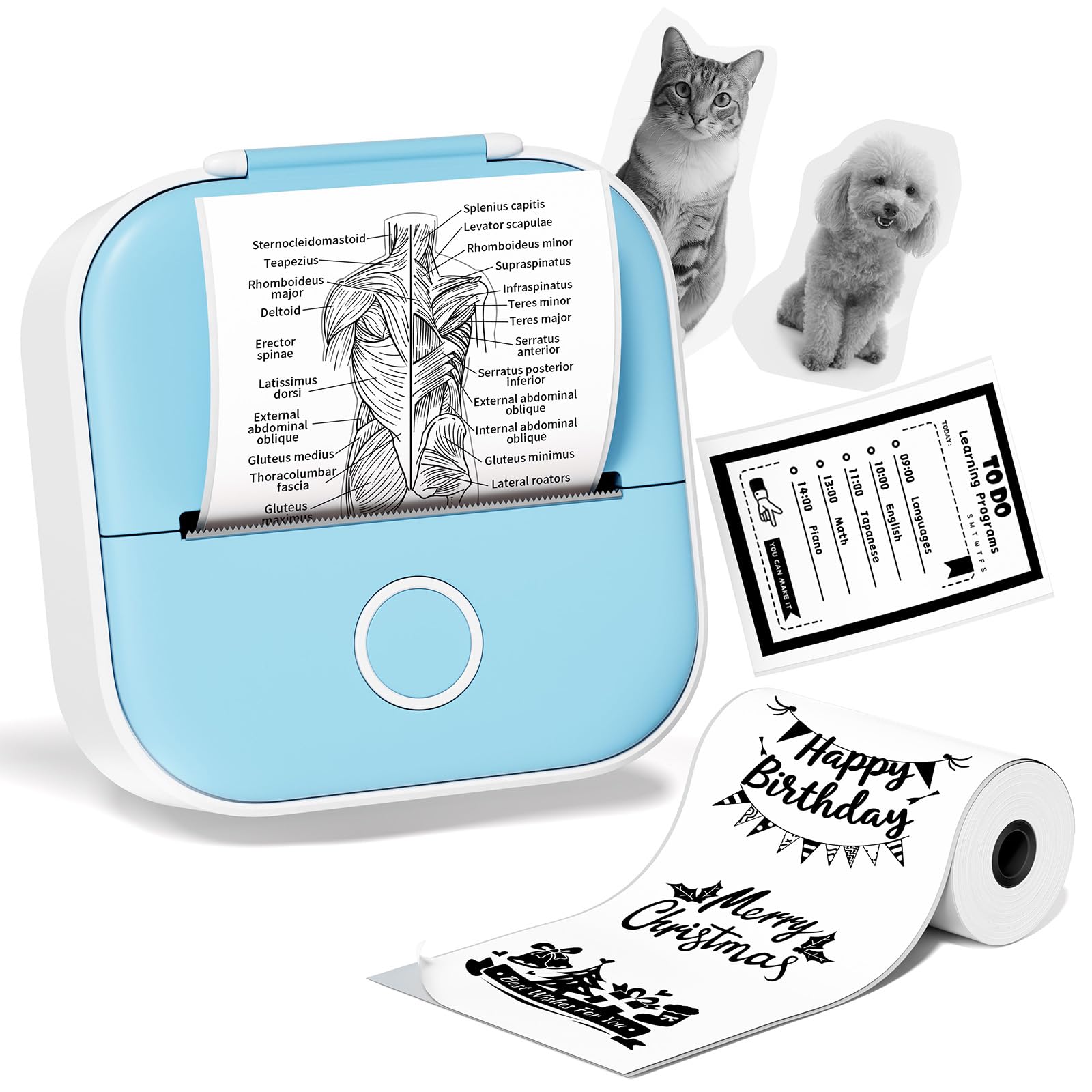




🖨️ Print your world, pocket-sized and inkless—because your creativity deserves freedom!
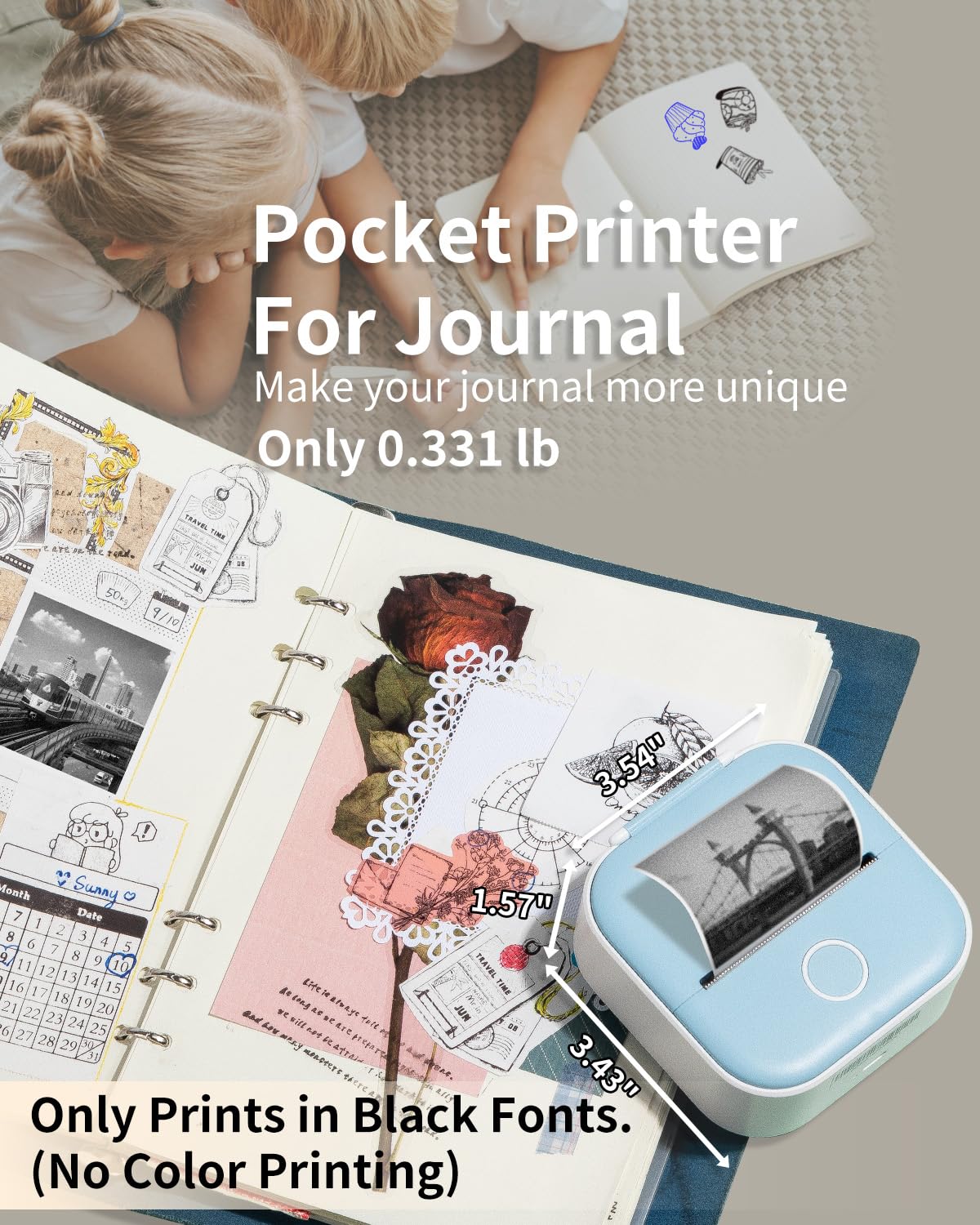
The Print Pods Mini Sticker Printer T02 is a compact, inkless thermal printer designed for iOS and Android users. It delivers sharp 203 dpi black-and-white prints on 50mm glossy photo paper, controlled via a dedicated app with customizable templates and print density. Powered by a rechargeable 1000mAh battery, it offers up to a week of portable printing, making it ideal for journaling, photos, notes, and creative projects without the hassle of ink or toners.
| Controller Type | iOS, Android |
| Printer Media Size Maximum | 50mm |
| Included Components | Packing Box, Portable Printer, Sticker Paper, USB Cable, Paper Holder Baffle, User Manual(English) |
| Print media | Glossy photo paper |
| Scanner Type | Photo |
| Max Input Sheet Capacity | 90 |
| Max Copy Speed (Black & White) | 15 ppm |
| Compatible Devices | iOS, Android |
| Maximum Color Print Resolution | 203dpi |
| Sheet Size | 50 Millimeters |
| Maximum Black and White Print Resolution | 203dpi |
| Warranty Type | Limited Warranty |
| Color Depth | 24 bpp |
| Dual-sided printing | No |
| Wattage | 1000 milliamp_hours |
| Max copy resolution black-white | 203dpi |
| Duplex | simplex |
| Hardware Interface | USB Type C |
| Ink Color | black |
| Resolution | 203dpi |
| Additional Printer functions | Print Only |
| Control Method | App |
| Output sheet capacity | 90 |
| Number of Trays | 1 |
| Processor Count | 1 |
| Series Number | 2 |
| Total USB Ports | 1 |
| Specific Uses For Product | Travel, Journaling, Portability |
| Global Trade Identification Number | 06972231453839 |
| Memory Storage Capacity | 64 MB |
| Manufacturer | Ponek |
| Item Weight | 5.3 ounces |
| Product Dimensions | 4.57 x 3.8 x 2.22 inches |
| Item model number | T02-BU |
| Number of Items | 1 |
| Size | 1 Printer + 1 Roll Paper |
| Manufacturer Part Number | Ponek |
S**Y
The compact size and easy use
I got this in light blue my girl’s fav color last Christmas, now, it’s summer of 2025 and she still has printing sticker paper! She takes pics of her dog and print it and stick it to her room wall. Printed her friends’ pics and stick it on her wrapped present for extra personal touch. The versatility and easy use of this compact tiny little gadget is amazing! Now, her friends got their own as well and they are sending notes with stickers printed from this wonderful gadget ever made!
M**N
Super useful!
Super easy to use, it’s super useful when taking notes in college and you want an image for your notes, only down size is that you can exactly adjust the font so sometimes it takes some reprinting and adjusting to get the desired size
A**.
Don’t let the word mini fool you, this thing packs, a big punch!
OMG! I didn’t even know something like this existed! I’m a total mini fanatic—if it comes in a mini version, I need it. So when I saw this mini printer, I was immediately intrigued. The first thing I did was look for replacement ink, since I’ve had way too many situations where my regular printer ran out right when I needed to print something important.But to my surprise, I couldn’t find any ink info—because it doesn’t use ink at all! Can you imagine a printer without ink? It uses thermal printing technology, like the receipts you get at the grocery store. Mind blown.My kids were absolutely fascinated that they could print their own stickers with any pictures they wanted. It would’ve been amazing if it printed in color, but I guess that hasn’t been invented yet!And the price? Seriously—just look at regular receipt printers. They only print text and cost way more than this, which prints text, photos, notes, messages, and more. I honestly expected this to cost at least $100.The battery life is also surprisingly long. All in all, I’ve been super satisfied with this product. Highly recommend!
S**.
No need for subscription. Works as expected.
I like that these print out stickers. I got the 3 rolls that come with it but one of the rolls isn’t sticker. The subscription is for templates and graphics. I got this for my 5 yo and she likes them. She can color on them.If you just want to print out photos from your phone, or use their ai image generator, you need to exit the app and return back. Just know that if you do exit out, you’ll lose the initial subscription discount. But even with the discount it’s pretty pricey just to have templates and graphics added to your photos. As of today, with discount the subscription is $29.99/year or $8.99/month. Imo, it should be $20 per year or $5/month.I used it for a day and so far it works pretty well.
J**E
Works great
Small but mighty! Works well
M**2
BEWARE, SUBSCRIPTION REQUIRED to use!
I absolutely LOVED this fun little handy printer for about 3 months and used it often. I even bought extra rolls of paper for future use because I liked it so well. Then when I tried to use it again, the Phomemo App water mark was plastered all over my photo I wanted to print. If I touched the print icon, a subscription option window is all that will pop up. I am extremely upset and disappointed! Now I have a perfect working but worthless device that I’m not going to pay an additional subscription for its use. In addition, it’s past the return window. I didn’t read anywhere that it’s required to pay additionally for an app subscription just to use this printer after it’s purchase! I’m not a tech person, but I assumed it specifically connected to a phone via blue tooth so I was already surprised that I had to download an app just to use it. Not happy about the misrepresentation to purchase this and feel like I was tricked. Nothing is pure and simple these days, it seems like there is always an undisclosed “catch” just to push a product and get more money.
M**I
No subscription required but…
While it does work well with the sticker paper it came with, I ran into issues trying to install new ones. Initially I thought you needed a subscription to use also but you DON’T. Just click out of it. But I could not get past trying to place new paper in. I got the right size but somehow it would get stuck part way through printing. I thought maybe the paper roll was too tightly wound up and unwounded to make it loose so the machine can just grab it it still would not print up correctly. Looks like it was having issues grabbing the paper. I thought it has to be the size of roll of paper, so i took off half of it to make it smaller, stuck it back in and still the same. If anyone has any suggestions, can msg me. I would not recommend due to this reason. Prints fine with sample paper it came with, installing new one is where the problem is…
N**S
Great product
It was very easy to set up. The print quality was great for the price. I'm happy with my purchase.
ترست بايلوت
منذ شهر
منذ 5 أيام


