

Desert Online General Trading LLC
Dubai, United Arab Emirates
Desert Online General Trading LLC
Dubai, United Arab Emirates
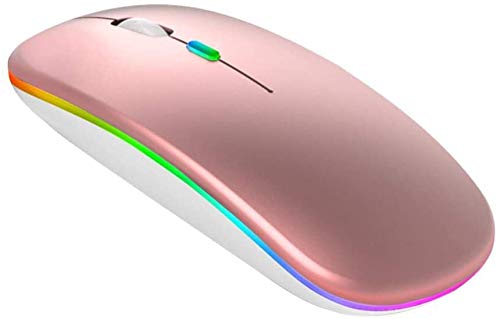
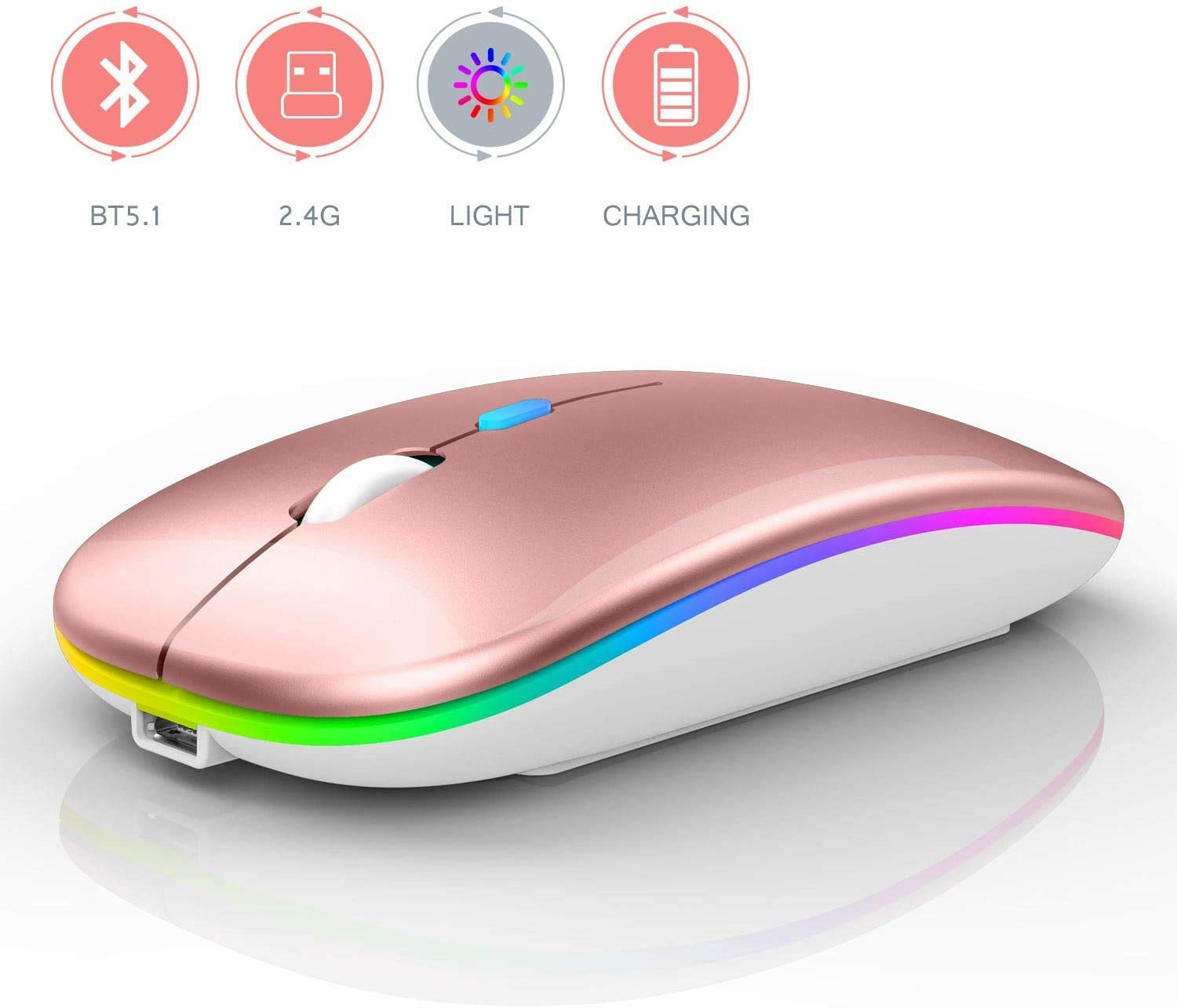

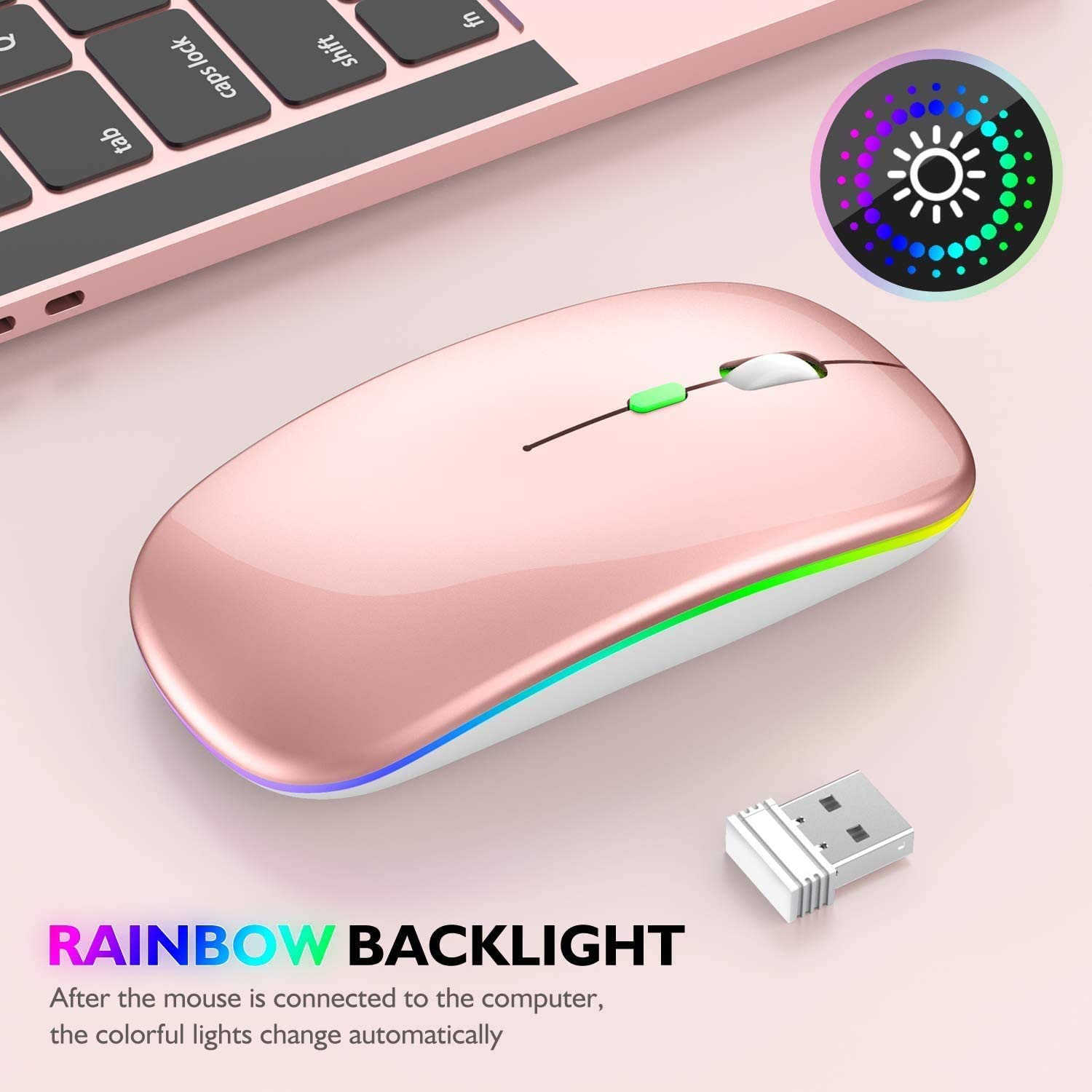
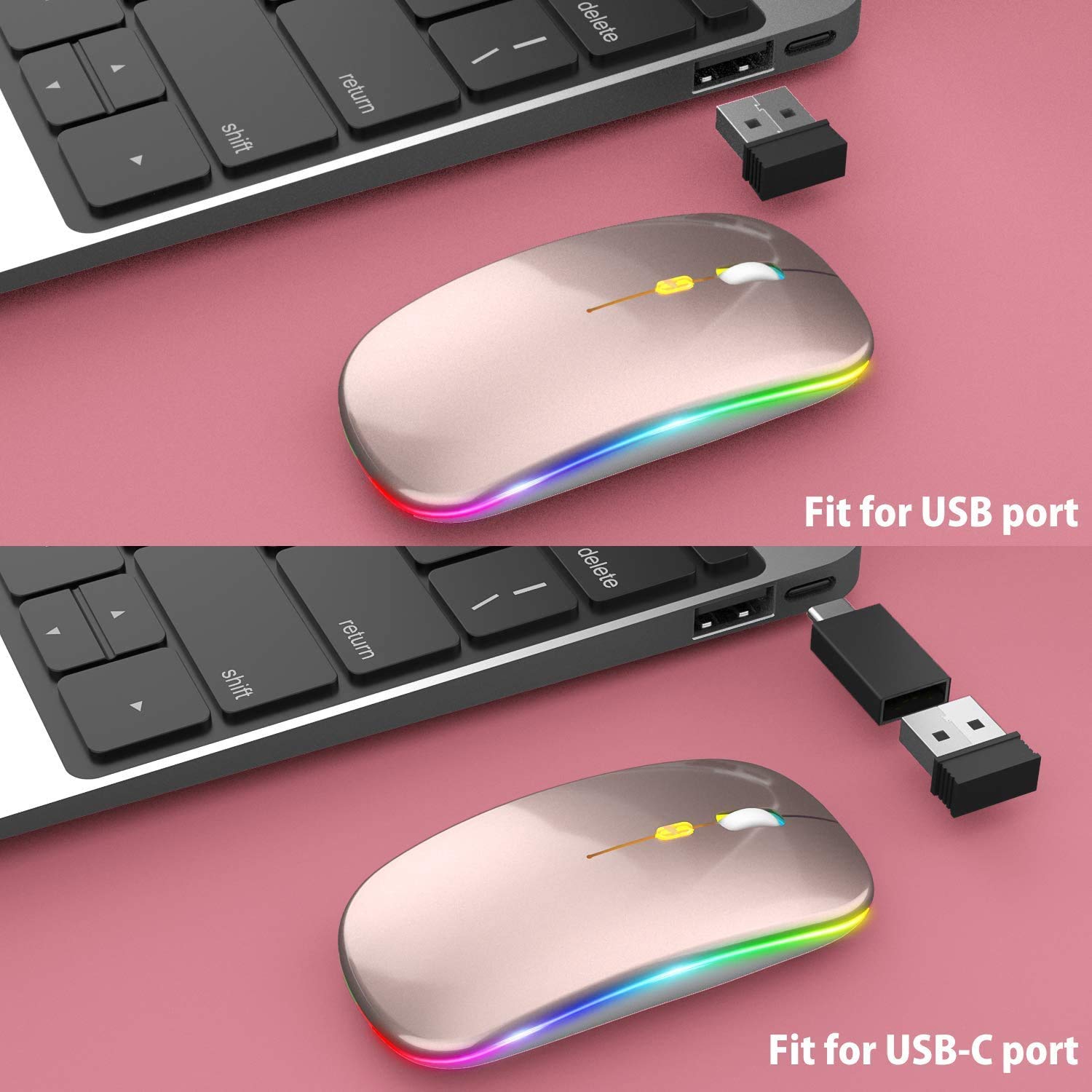
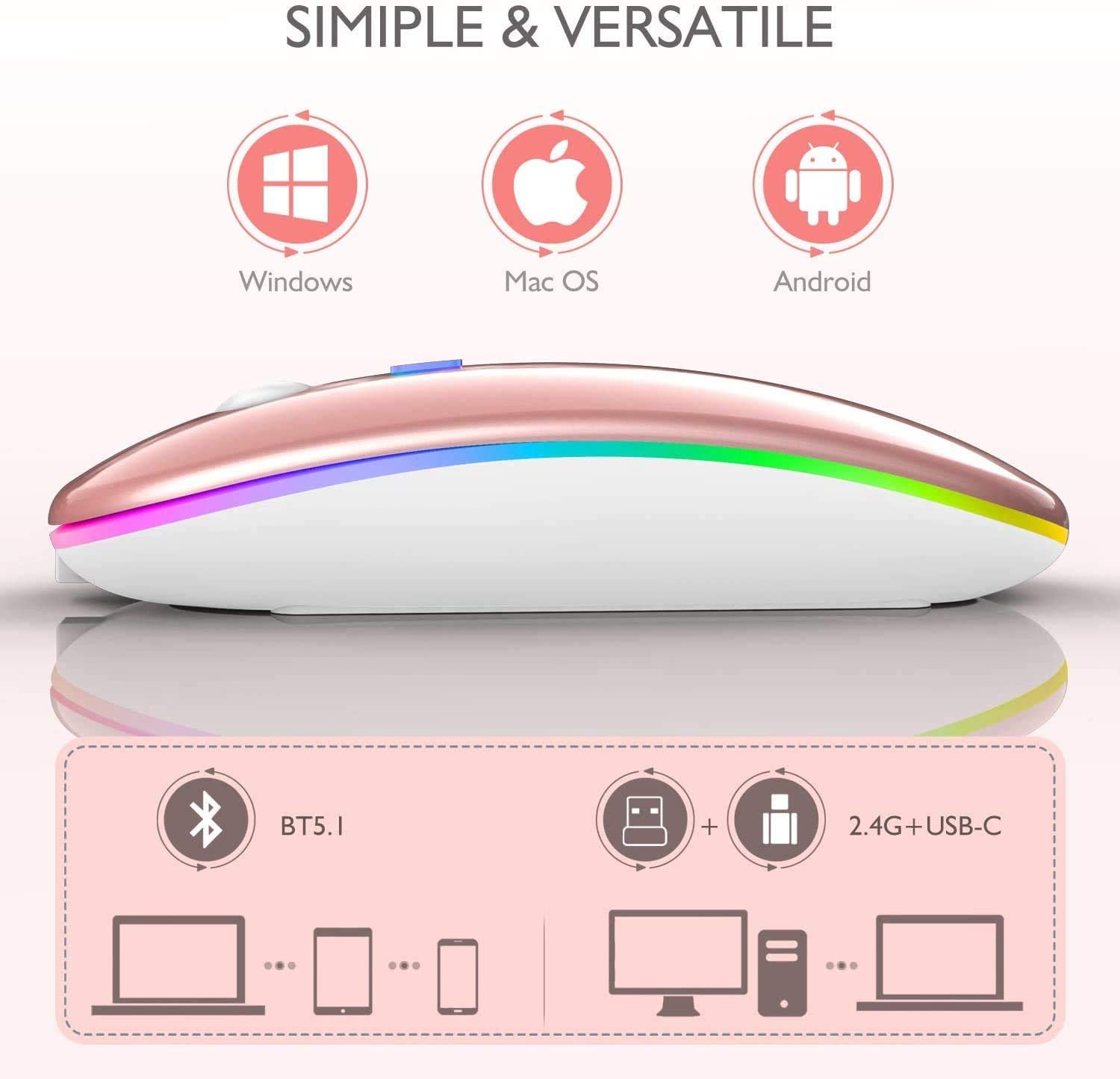
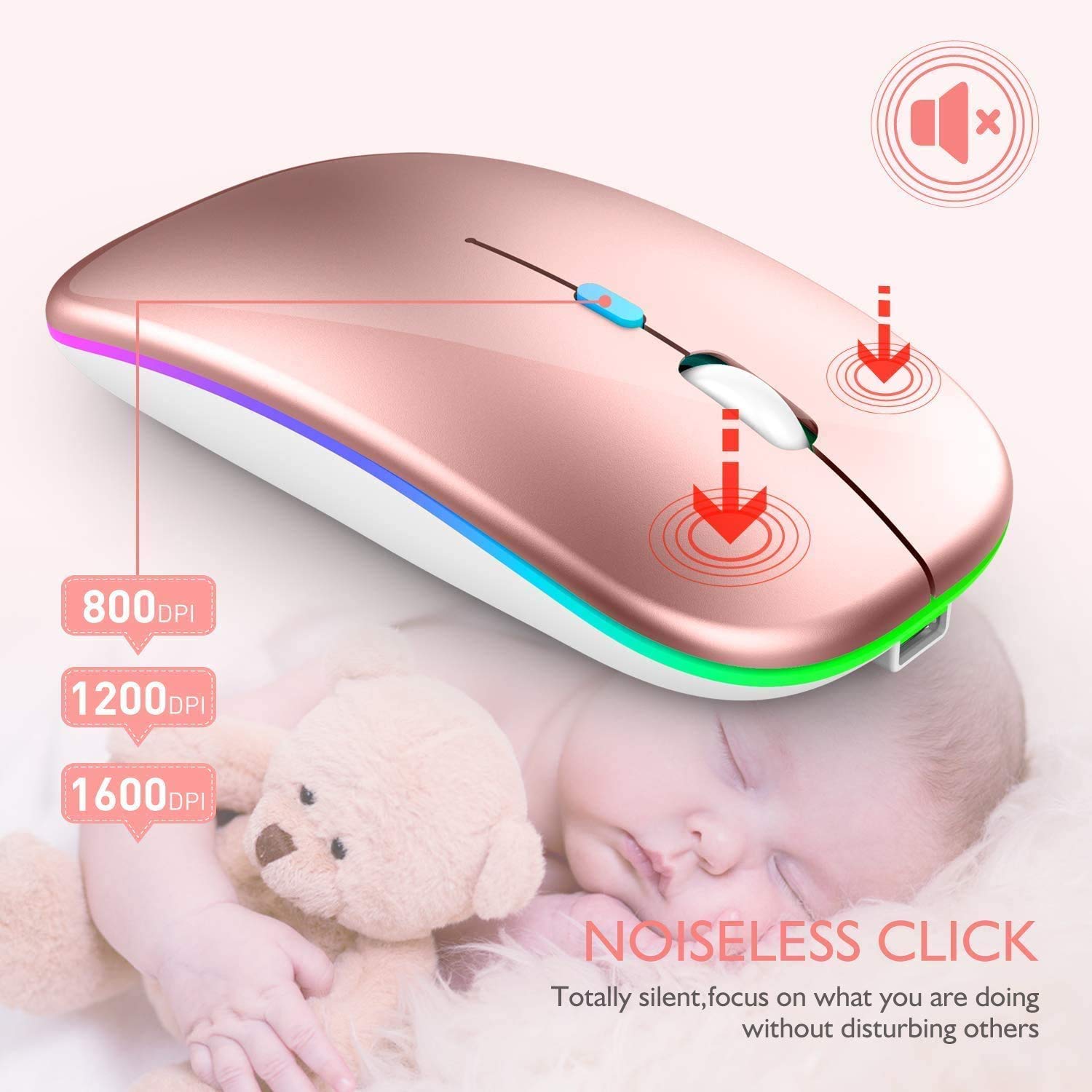
How to use it:A. 2.4Ghz Mode:Switch to "ON/OFF" button to right.And Plug the receiver into the USB port of your computer, Then you can use the mouse in 2.4GHz Mode.B. Bluetooth Mode:Turn on the device's Bluetooth functionSwitch to "ON/OFF" button to left. (Bluetooth mode)Search the product of Bluetooth and find “BT5.1 Mouse” to pair. Then you can use the mouse in Bluetooth Mode.Note:System Requirement: iOS 13 or later, iOS 13 or later, Windows 8/ 10 or later, Mac OS X 10.10 or later, Android 5.0 or later.Package Included:1* Dual Mode Mouse1* Charging Cable1*USB Receiver (under earth the mouse)1*Type C Adapter1* User ManualNote:1. It's out of power if the mouse cursor moves slowly or stop moving. Please recharge it. Note: Please do not charge the mouse with mobile phone charger.2. Please charge the mouse for 2 hours before the first time to use it. The blue light beside the scroll wheel will be on while charging, and then goes off when the mouse is fully charged.3. Not all computers support two modes. For example, Win 7 system does not support Bluetooth mode,
V**S
Does not work with iPad Pro! Even says so in instructions but not the description.
My iPad Pro 10.5”, 2017 model, running 13.2.2 does not recognize this mouse. I bought another one, that absolutely does, so either this is a piece of junk or advertising is incorrect. I had my doubts about it working when reading the above image in the instructions. I smell false advertising, buy at your own risk. It’s going back...
Y**A
Great
1st: this mouse is amazing and easy to use, charge, and hook up to laptops/computer.2nd: I have a rose gold mac so i liked that it matched perfectly3rd: I've also connected it to my work laptop and switch seamlessly between both computers at home and work.4th: Easy to charge using USB, battery lasts for weeks and has an on and off switch.this is my 2nd mouse btw, I purchased one maybe 5 years or years ago and it still works but I've dropped it a million times and my buttons dont click as good as they used too, keep in mind if you drop it as much as i did over a that long period of time it might fall so hard and actually open. I've put that mouse back together like 70 times and figured i might as well just buy a new one at this point because the price is so reasonable.
S**Y
Does not pair with iPad 9.7
Description of product states that this mouse is compatible with 99% of iPad devices, including my model. Apparently, I'm the unfortunate 1% because this is NOT the case.I followed the instructions exactly, made sure it was fully charged prior to pairing and Bluetooth simply will not recognize the device. Interestingly, it paired with my laptop easily, however.Do NOT advise buying to pair with an iPad. Returning, as this is useless to me.
S**M
dead in under 3 months
The mouse's buttons work but the laser for tracking is completely dead. I noticed it getting spotty for a fee days and figured it needed a charge, but since charging the tracking laser has completely died. I only used this mouse, lightly, for under 3 months.
F**L
Battery life is garbage
I am so bummed this hasn't worked out, I will be returning unfortunately. It is very pretty, lightweight, but the "work above 3-4 weeks, stand by for 180 days. (Based on 8 hours average usage per day)" is absolutely false. I get maybe a week of use out of this mouse, I only use it for 30-60 mins a day, and I turn it off between uses! I would be amazed if this lasted 2 days at 8 hours, yikes.
T**R
Very pretty, but not very precise. A very mediocre mouse
I purchased this mouse to match my laptop - not a good decision. I've had much easier bluetooth connections, and the feel was just ok. It was the precision that was a deal breaker . Clicking on something didn't always produce the expected results, sometimes requiring a few tries. Used a couple days, then bought another. Don't waste your time or money.
A**R
Mouse works great, read my review to navigate connection on iPad Pro.
I have the iPad Pro 12.9 with an updated of 13.3. I couldn’t connect this just by trying to add it to a Bluetooth accessory. I found an article on MacWorld that went into more depth about how to connect it and it finally worked! It does have a circle instead of the regular arrow pointer. I went to ‘setting tab’ then ‘accessibility’ tab then the ‘switch’ tab. You’ll see a Bluetooth tab option her and you should connect mouse by pressing the connect button on the mouse. If it asks for a code, try using 0000. Although I mine started to work right away the article said to try making sure your assistive touch option is by opting setting tab, press accessibility, press assistive touch and your mouse should start working. Good Luck, hope this works!
A**S
Best mouse - long battery life, comfy.
Bought this since working at home on my laptop can get a little tiring using the track pad. I forget to charge it all the time, but it’s never died on me. I’ve gone about 2 weeks working 8-10 hr days without a charge. It’s really comfortable and light. Even dropped it once on the patio and it still works like new.
E**A
Excelente producto
Excelente producto, se conecta fácilmente y la batería dura muchísimo.
Trustpilot
1 month ago
2 months ago
2 weeks ago
4 days ago