We remain fully operational. Our teams are working around the clock to ensure your deliveries continue safely.

DOWNLOAD THE APP


Customer Services
Copyright © 2025 Desertcart Holdings Limited
DOWNLOAD THE APP
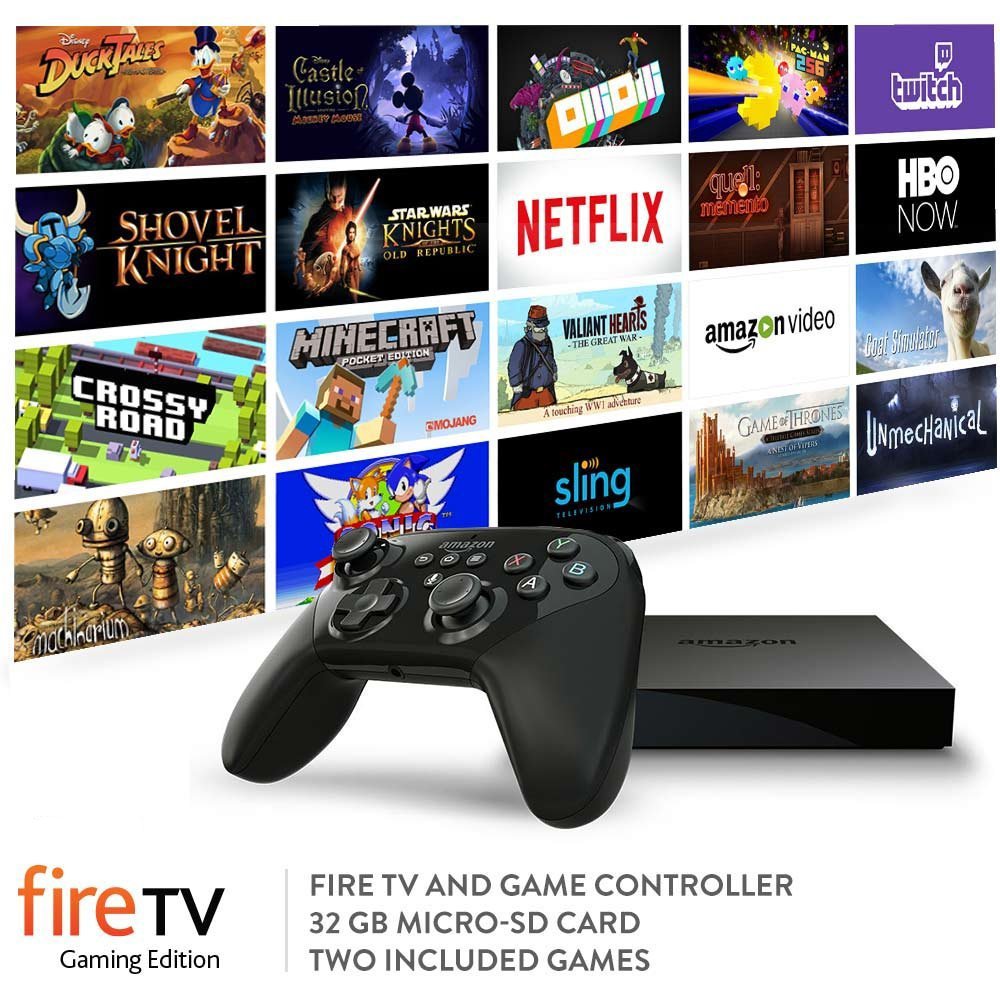
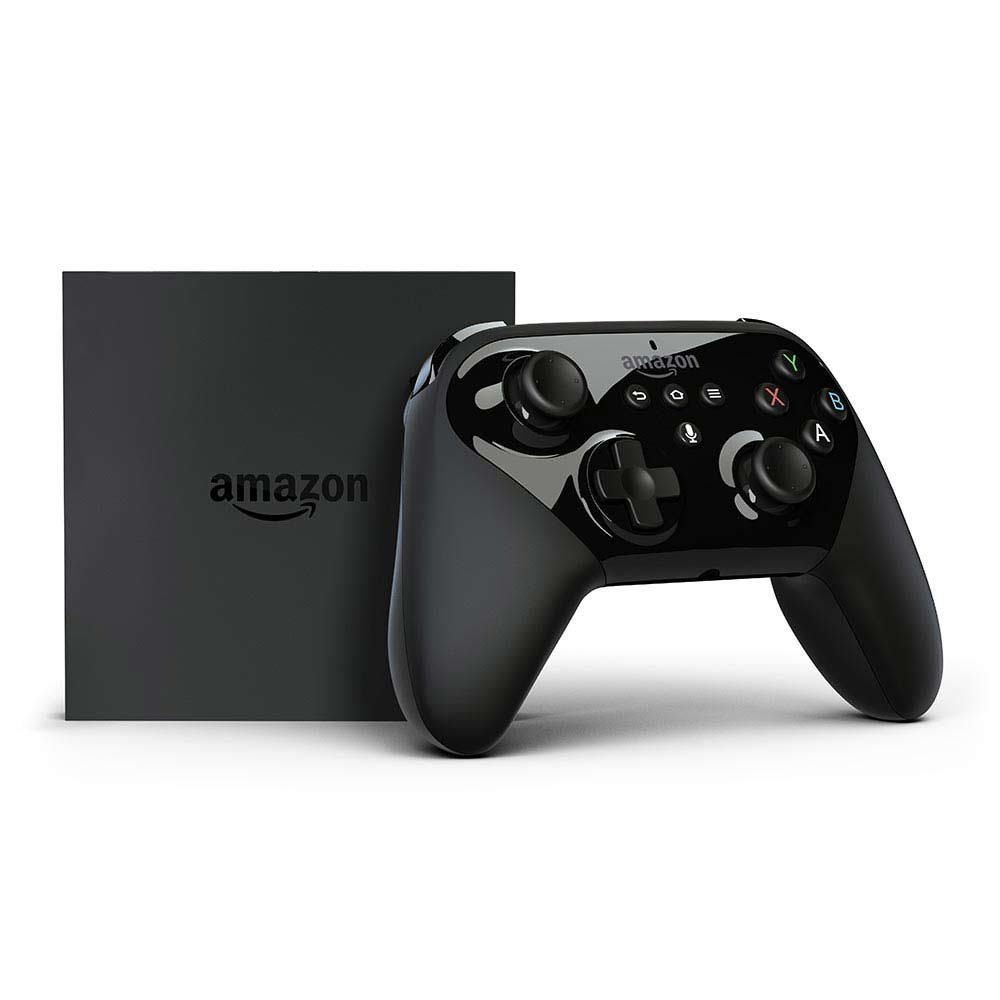
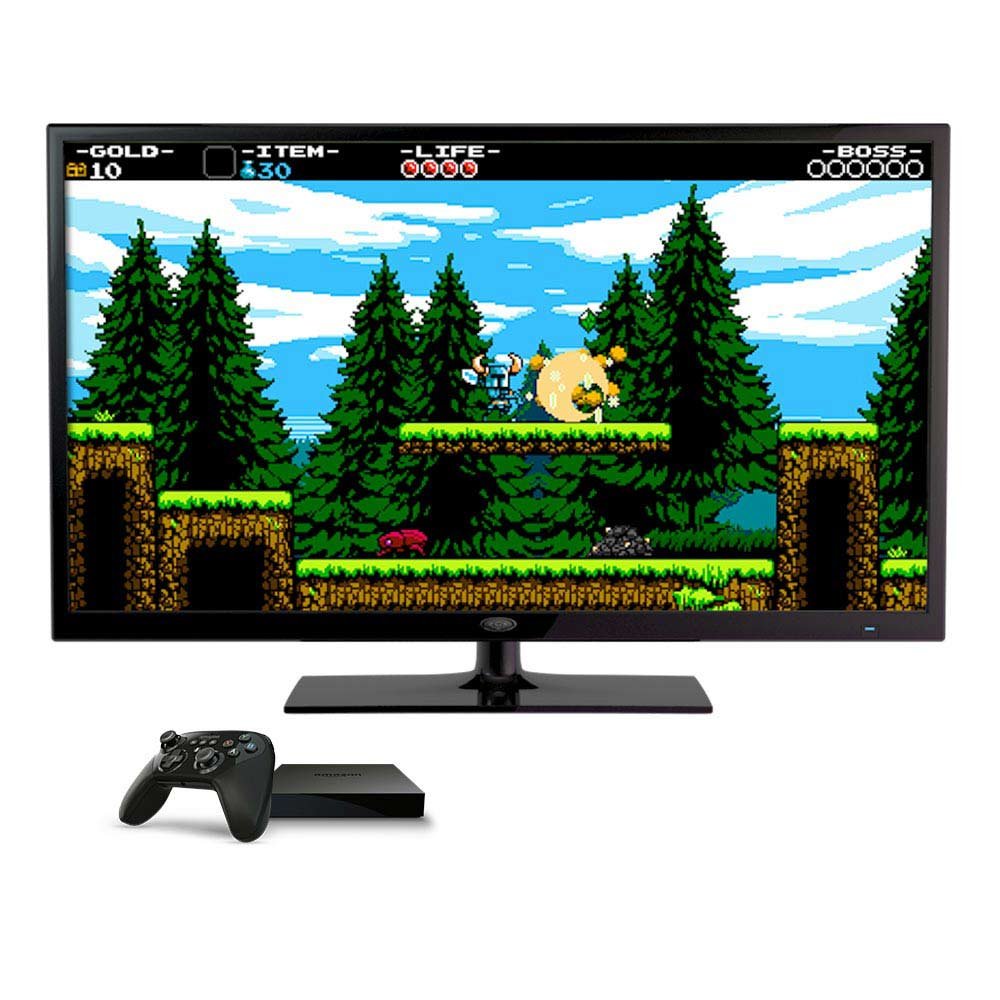
🔥 Level up your living room with Fire TV Gaming Edition — where epic gaming meets streaming brilliance! 🎮
The Amazon Fire TV Gaming Edition combines a powerful 2 GHz quad-core processor, dedicated GPU, and 2 GB RAM to deliver console-quality gaming on your HDTV. It comes bundled with a Fire TV Game Controller, two acclaimed games, and a 32 GB microSD card for expanded storage. Supporting 4K Ultra HD streaming and Alexa voice control, it offers seamless access to over 15,000 apps and 1400+ games, making it the ultimate all-in-one entertainment device for the modern home.
| Amazon Fire TV | - |
| Size | 4.5” x 4.5” x 0.7” (115 mm x 115 mm x 17.8 mm) |
| Weight | 9.5 oz. (270 g) |
| Processor | MediaTek Quad-core up to 2 Ghz Dual-core @ 2.0 GHz + Dual-core @ 1.6 GHz |
| GPU | Power VR GX6250 |
| Storage | 8 GB internal |
| Memory | 2 GB |
| Wi-Fi Connectivity | Dual-band, dual-antenna Wi-Fi (MIMO) for faster streaming and fewer dropped connections than standard Wi-Fi. Supports 802.11a/b/g/n/ac Wi-Fi networks. |
| Bluetooth | Bluetooth 4.1 + LE, with support for HID, HFP, and SPP profiles |
| Voice Support | Yes, with Fire TV Game Controller (included) or free Fire TV Remote App (available for download on Fire, Android, and iOS) |
| Game Controller Support | Yes, optimized for Amazon Fire TV Game Controller and most games are compatible with other Bluetooth controllers |
| Cloud Storage | Free cloud storage for all Amazon content |
| Ports | DC Jack, HDMI output, 10/100 Ethernet, microSD slot, USB 2.0 |
| Audio Support | Dolby Audio, 5.1 surround sound, 2ch stereo, and HDMI audio pass through up to 7.1 |
| Content Formats Supported | Video: H.265, H.264, Audio: AAC-LC, AC3, eAC3 (Dolby Digital Plus), FLAC, MP3, PCM/Wave, Vorbis, Dolby Atmos (EC3_JOC) Photo: JPEG, PNG, GIF, BMP |
| Output Resolution Supported | 2160p up to 30fps; 720p and 1080p up to 60fps |
| System Requirements | Compatible high-definition or ultra high-definition television with available HDMI input, Internet connection, a power outlet |
| TV Compatibility | TV must support minimum HDCP requirements for protected content playback. Learn more about compatibility. Compatible with (1) 4K ultra high-definition TVs with HDMI capable of 2160p at 24/25/30/50/60 Hz and HDCP 2.2, including popular models from LG, Samsung, Sony, Sharp, Toshiba, Vizio, and others or (2) high-definition TVs with HDMI capable of 1080p or 720p at 50/60 Hz, including popular HDCP-compatible models from Hitachi, JVC, LG, Mitsubishi, NEC, Panasonic, Philips, Pioneer, Samsung, Sharp, Sony, Toshiba, Vizio, Westinghouse, and others. |
| Warranty and Service | 1-year Limited Warranty and service included. Optional 2-year and 3-year Extended Warranty available for U.S. customers sold separately. Use of Fire TV is subject to the terms found here. |
| Regional Support | Certain services may not be available outside the U.S. |
| Closed Captioning | Watch videos and TV shows with closed captioning displayed. Captions are not available for all content. |
| Included in the Box | Amazon Fire TV Amazon Fire TV Game Controller Power adapter 2 AA batteries 32 GB microSD card Quick Start Guide |
B**Y
- A True Masterpiece System -
I did read prior reviews that left me on the edge as whether to buy or not. After careful thought I made the decision to buy this. I can tell you that his system is one of the best. After having a Fire Stick, I can really see the difference in features and performance. The Fire TV box and controller is awesome. I didn't truly buy it to play games, since I have an XBOX1, but the ability to do that is a nice feature. This box is absolutely fast and delivers without question. The processor is lightning fast and the controller is effortlessly smooth. Some other reviews down played the controller, but mine works great and is exactly the same type as an XBOX 1 controller as far as handling and style. Amazon got it right with this newest version. Using the Qwerty board, in other add-on apps, with the controller is actually easier than the hand held remote. The addition of extra storage provided by the micro-SD card is very nice. The ability to transfer music, videos, and other movies to this card and then play on the Fire TV is priceless. Purchasing this box it did also come with 2 Free Add-on Games already installed. Most of the Games can be downloaded and most are free. I really enjoy this box. Oh yay, Alexia works well and responds fast to your questions and as advertised, can find music, TV shows, and movies just by asking. I highly recommend this product. The only thing that I would advise is after initial setup and your registration, immediately update the firmware. Go into Amazon system and push the update button. It only takes about 10 minutes, but the newest version OS 5.0.5 is award winning and resolves a lot of issues posted by others. Go get this system!! You won't regret it. I have added many apps for streaming and it delivers. I have the Major player App "K", like the bear, and it runs flawlessly on the ARM 64 bit download. All other Fire Sticks and prior Fire TV Box versions have to run on the 32 bit platform. A big enhancement in the technology world. One platform system for all your streaming needs. As indicated, the specs are great and the capability to either hard wire to your internet or connect via wireless is much better.
E**T
Best of the current crop of streaming boxes.
I've uesd a ton of streaming boxes over the years. Dozens of them. The new Fire TV is quite possibly the best of the latest crop. It's got a powerful CPU and a GPU good enough to play even some of the most demanding games. It has 802.11ac wireless built in. Setup couldn't have been more painless. It even knew who I was and asked if I wanted to use my amazon account right out of the box (I assume they register that on the box before shipping. If not I'm just a little bit scared that Alexa is a bit too smart.) It'll do 4K UHD video, has a micro-sd slot and comes with a 32GB card to get started, and has a usb port for hooking up external media. It does only support 30fps 4K video but that is acceptable as 4K media is still in short supply anyway, let alone 60fps media. It will definitely be needed in the next version of the hardware though. The game controller makes an acceptable remote control, but I ordered the voice remote along with it and actually used that right out of the box. The game controller, interestingly enough, did not pair up immediately and I had to pull the batteries and the power to the firetv in order for it to find the controller. Once it was paired though I never had another issue with it. I had been using Plex on my Xbox One, but that version of the software is so incredibly flaky that merely adding files to the plex libraries required me to kill the app on the XB1 and restart it in order for it to see the changes. Plex on the Fire TV has been perfect. No hiccups, no random disconnects from the server, always detects changes to libraries and updates them... All around amazing piece of kit.
N**L
Good, but could be oh so much better.
I don't think there's anything I can say that others haven't said so I'll get to the nitty gritty of why there's 1 star missing. Now, initially I was to take 2 stars off, but I don't want anyone thinking this is a 3 star device, it truly is top notch and if not for some, probably pretty subjective issues, then it'd be 5 stars. As it is however, I can't in good conscience recommend the system without discussing the few things that nags me about it. So, the good: Excellent system. Precise, fast, great features and a great looking GUI. Amazon has done a great job of pulling things together. Not much more to say on this. The bad: I have mine set up to connect directly to my router through a network cable. For some reason, if there's any kind of internet issue and internet goes down in any way for any amount of time, the device absolutely cannot recover without a reboot. I've never experienced this kind of behaviour on any devices similar to this. Normally everything is plug'n'play and if the network goes down and comes up, the device wouldn't miss a beat. With my Fire TV 4K however, I must reboot the device or unplug and put the cable back in manually for it to work again. This has been going on since I purchased the device in April of this year. I've even tried wiping it clean to no avail. It's currently running the newest firmware from Amazon and still has the issue. Maybe it's just my device? I purchased the system as a hybrid streamer and gaming device, obviously this is why I sprung for the device with the controller. I had a Fire TV previously and it worked great for streaming so I knew this would be no different on that account. On the gaming side however, things sort of, well, suck. There aren't many games for it that are truly free, most include IAP. Even if you buy a game outright, you'll 99% of the time find IAP inside. It seems that Amazon Underground doesn't pertain to Fire TV compatible games at all, whatsoever. So of the 1500 or so games listed as Fire TV Gamepad compatible, you're going to be searching for ones that do not include IAP. For me, I'd rather buy outright than be asked to pay for boosts, etc. Ultimately, it'd be great if Amazon had a section that featured "No In App Purchases" filled with free (that is, truly free) apps and games or apps and games you pay for once. That'd sort of alleviate the whole distaste for me. But, this is just me. Anyway, suffice it to say, I was sorely disappointed but I really should have done some research first. I had/have over 300 apps and games that I'd gotten "free" before Amazon Underground came into play. These are full apps and games, given away for free. I also have a ton of Amazon Underground apps and none of them can be utilized on the Fire TV. A bummer, for sure. In the end, the controller to me isn't quite worth it unless you're an avid gamer and will pay for in app purchases or don't mind wading through stuff to find the diamonds in the rough. So far, I've played maybe 2 or 3 games on the system. Only time can tell if it will become more of a value for me (which could happen if Amazon Underground starts serving Fire TV apps and games as well). The ugly: I don't think many of the devs put their all into these Android apps. In many cases, Roku channels seem to perform way better. In two specific cases, the Disney Junior app and the Playstation Vue app just seem slow and groggy compared to their Roku counterparts. Whether this is symbolic to/of the systems in place, I don't know. Many of the apps I've used perform admirably on both platforms - for example, Netflix is top notch in both systems, but some excel on the Roku. So, that's another thing to think about. If you don't play games at all and would rather purchase a single system, I'd recommend the Roku. Of course, if you want to do any sort of variety gaming then the Roku would lose to the Fire TV 100%. Many a time, apps I've connected to my cable provider just up and forget. I don't know if there's some forced cache clearing going on or what, but several times I've had to re-enter by Vue and CBS app login info because they've somehow wiped. This doesn't happen on my Roku, ever. If I could go back in time, I'd probably just have opted for a Roku 4 (I ended up getting a Roku Ultra)..since I've had to end up getting one anyway for my entertainment system and gotten a refurb Fire TV 4K with Gamepad or something. I just don't feel like I've achieved value for what I spent on the system. Don't get me wrong, as I said, the Fire TV is great but as it is, there's a lot, in fact, too much room for improvement.
Trustpilot
1 week ago
2 weeks ago