
DOWNLOAD THE APP


Customer Services
Copyright © 2025 Desertcart Holdings Limited
DOWNLOAD THE APP

🚀 Elevate your home network—fast, smart, and always connected.
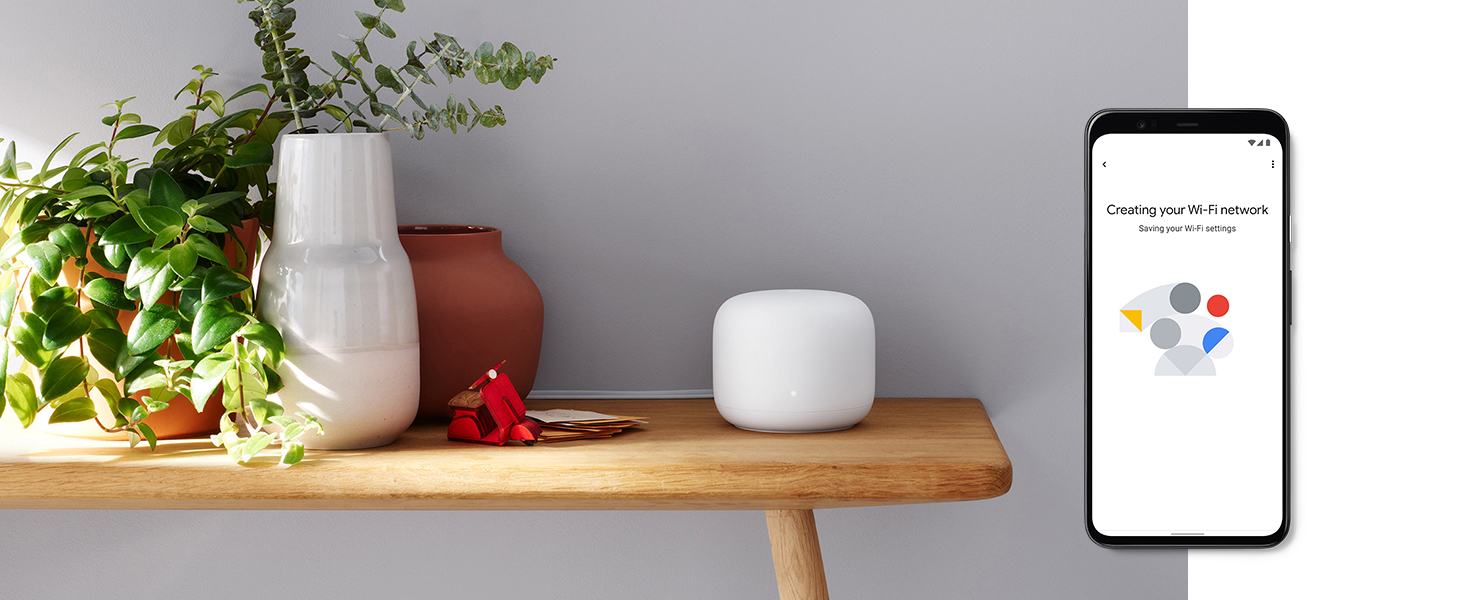
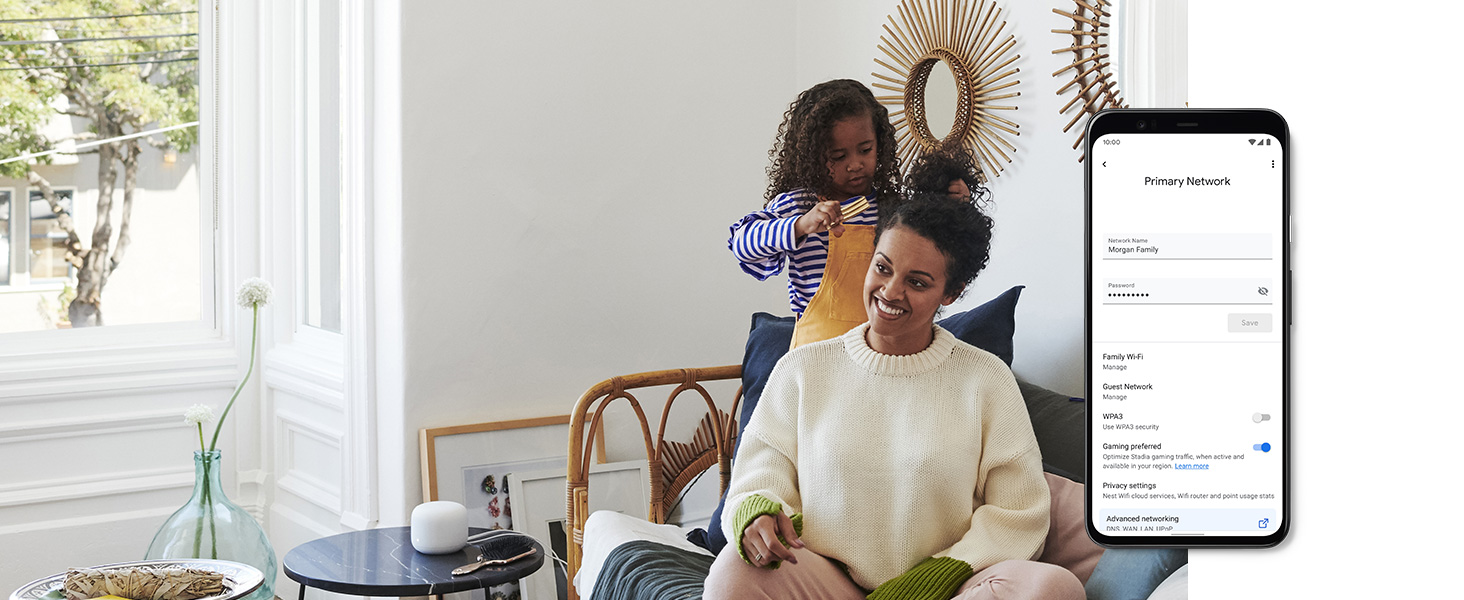
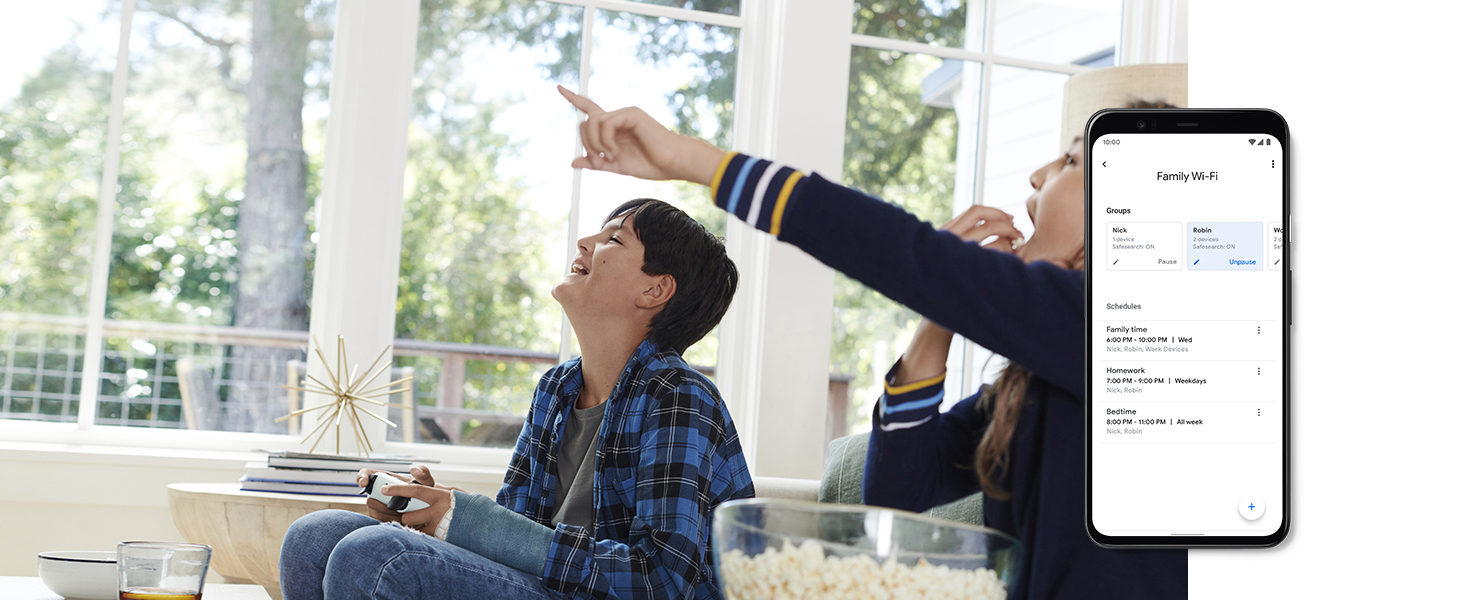
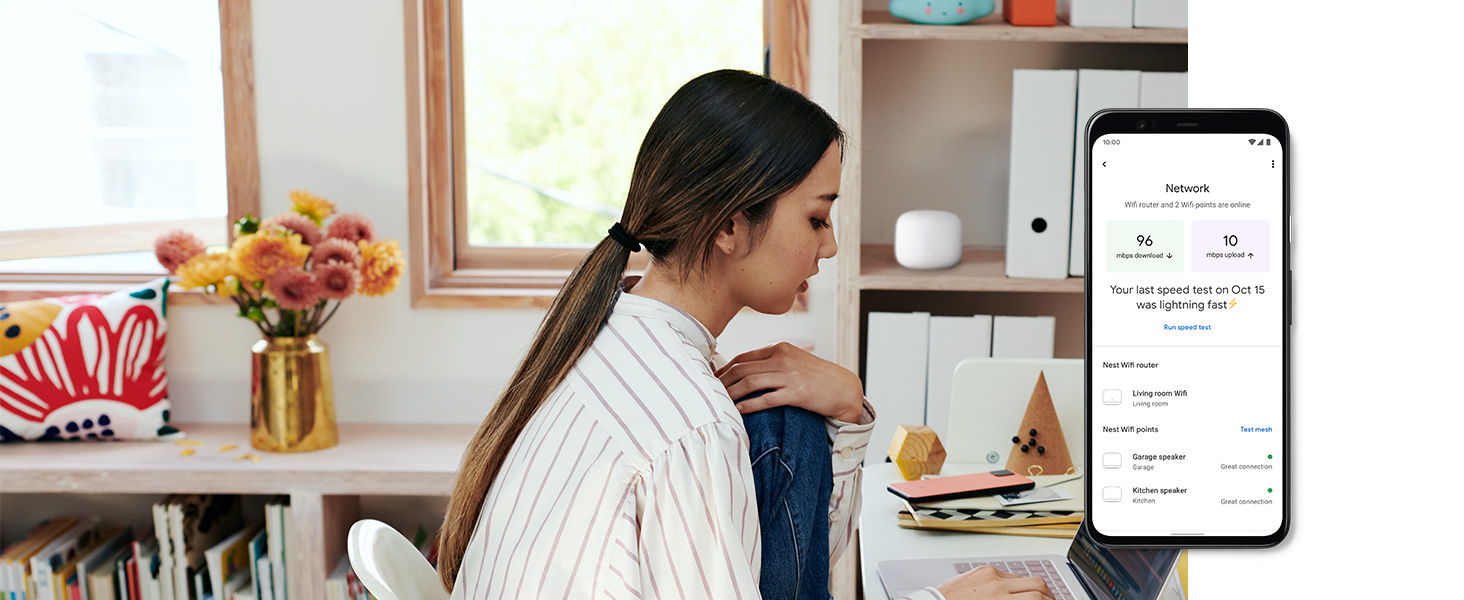
Google Nest Wifi Router with 1 Point is a scalable mesh Wi-Fi system designed to cover up to 3800 sq ft, supporting up to 100 devices simultaneously. It features dual Ethernet ports, automatic updates, and a built-in Google Assistant smart speaker in the Wifi Point. Easy app setup and advanced controls like device prioritization and parental controls make it ideal for modern connected homes.






| ASIN | B084D5PDJT |
| Best Sellers Rank | #2,036 in Electronics ( See Top 100 in Electronics ) #47 in Computer Routers |
| Customer Reviews | 4.3 4.3 out of 5 stars (14,264) |
| Date First Available | May 27, 2022 |
| Department | Unisex-Adult |
| Item Weight | 1.61 pounds |
| Item model number | H2E and H2D |
| Manufacturer | |
| Product Dimensions | 4.33 x 4.33 x 3.56 inches |
M**R
Great Little Router
I purchased this after issues with my Netgear Nighthawk router. Set up was easy, and simple. Speed is excellent and range is great. To note I have an older home built in the 50's roughly total square ft space is 1200. So all I needed is just the router. I love that I can see every thing that is connected to the router (even when your not at home as long as you have the google app on your phone or tablet!! You can controll remotely as well!!) I love I can see how much data any given device is using. I do like that you can give priority to certain things connected to the router. Great for families with kids. Gives you the option to pause internet connectivity at specific times to specific devices! I had to call customer service because when I first installed it I was getting about 65mbps and have 300mbps internet. I spent probably about an hour with tech support trying to figure out why it wasn't getting over at least 150mbps. Finally after all the trouble shooting the issue was that the google router assigns which frequency to connect a device to. So most computers get assigned to a 2ghz frequency not the 5ghz. Cellphones and some tablets get connected to 5ghz. Your smart devices like TV, Android Tv Box will get 5ghz, and small wifi enabled devices connects at 2ghz frequency. Once I understood that it made sense and was working as it should. However, it would have been nice to be told this first before going through trouble shooting steps. It would have been a shorter support call if they had said that first. Hopefully other Google Support staff are more knowledgeable, and I just got a newbie. I do like that you can test the internet speed directly through the google app. Very convenient. One thing I do not like about it is that you can not choose which frequency to connect a device at. It automatically assigns the device to a frequency (2ghz or 5ghz). This is a little inconvenient when downloading a large file to your computer. It takes longer because it's only connecting at the 2ghz frequency. Hopefully they will add that feature with future updates. It's a small inconvenience for me though. All around I am very happy with the purchase.
A**R
Good product
Good product for the price. It has a really good range and was easy installed.
S**E
Seamless Connectivity and Smart Features
I recently upgraded to the Nest WiFi Router and 2 Points, and I couldn’t be happier. Here’s why: Whole-Home Coverage: The system blankets my entire home with fast, reliable Wi-Fi. No more dead spots or frustrating buffering! With coverage of up to 5400 square feet, it ensures a strong signal in every room1. Easy Setup: Setting up the Nest WiFi was a breeze. I plugged in the router, connected it to my modem, and placed the two points strategically around the house. Within minutes, I had seamless connectivity. Smart Speaker Integration: The Nest WiFi points double as smart speakers with Google Assistant. I can play music, control my connected devices, and even manage my Wi-Fi network using voice commands. It’s like having a mini Google Home in every room2. Stable Performance: Whether I’m streaming 4K videos, working from home, or hosting video calls, the Nest WiFi handles it all. It intelligently manages the network behind the scenes, ensuring fast speeds and uninterrupted connections1. Ethernet Ports: Each Nest WiFi router comes with two Ethernet ports, which is great for connecting wired devices like gaming consoles or printers. Automatic Updates: The system keeps itself up-to-date with new features and security enhancements. I appreciate knowing that my network remains safe and efficient without any effort on my part. In summary, the Nest WiFi Router and 2 Points is a reliable, feature-packed solution for anyone seeking seamless Wi-Fi coverage and smart home integration. Highly recommended!
G**N
Almost Perfect System
I came to this product from a mid-range ASUS Router and will be doing most of my comparisons to the privies router. Let me start by saying that this wireless system is a great addition to my growing smart home. I personally and using the google nest system and adding these wifi routers is almost seamless. The routers do have ether own app that you have to use to initially set them up and to do some of the more advanced features however, most of the functions can be controlled from within the central google home app. In terms of inputs and outputs and I slight disappointed. There is a single ethernet port for internet in and single ethernet port for internet out to a computer of gaming system. Coming from the ASUS router which had 4 ethernet ports for local networking was a slight adjustment. I ended up having to purchase a small ethernet hub in order to keep the networking ability that I had previously. For some this may not be an issue if you operate completely wirelessly. The second thing that I am not a fan of is the fact that they do not have a USB port on the device. Previously I would connect my printer to my router to allow for all my devices to connect to it (It is not a wireless printer). Now for the good stuff. The coverage with these routers is absolutely fantastic. For my home I have absolutely no dead spots and I have typically 17-20 various devices and smart home devices connected at any one time. Congestion is never a problem. The only time you may have issues is if your internet speed from your provided is not fast enough to support multiple devices accessing the internet at the same time. The app has a wide selection of features and controls. It even has some more advanced features which you can see in on of the screen shots that I have attached. I love the fact that they include a usage tracker which can display your overall network usage as well as a device by device breakdown. The last thing that I really love is that fact the it does automatically update when needed without having to prompt me. It does so smartly when the network is not being heavily used. Overall I give this 4 stars because of the lacking extra ethernet and USB ports. Also I am a slightly more advance networker and there are some advanced features that I wished they gave you the ability to choose to use. If you are looking for another great addition to your smart home or to increase your wifi coverage and power I can highly recommend this setup!
H**S
1. Ridiculously overpriced for the performance. My Netgear R7000P works much better. 2. "intelligent" switching between 2.4GHz and 5GHz means you *cannot* choose it yourself. 3. Meshing between levels probably works in countries with wooden floors, but with concrete in India, it doesn't work well - horizontal range is less 50 ft between two levels. 4. Doesn't show devices connected unless you agree to the "cloud" option where it will log every single device and probably its activity. 5. No configuration options for power (of the radio), access-control using MAC, etc. Please don't buy this if you're in India.
R**C
Better WiFi than the internet company's router, Great upgrade from combo modem, I've always cheaped out on wifi extenders and decided to pull the plug and upgrade to a quality mesh wifi system, especially since these were on a decent discount. Right into why I love these and you should upgrade: 1.) My old extenders would mean I would have to log out of my main router wifi and connect to the closer wifi extender. This would mean that depending on the location I was in, I would have to disconnect and reconnect to different wifi networks. Because this is a true mesh system, there is only 1 wifi connection point and you will get the same strength throughout the house without having to connect separately to the extender. 2.) WIFI speeds are insanely faster than TP link extenders. I'm getting 150-160 download where I would use to get 50-60 download with my TP link extenders. 3.) easy to control and monitor through the home app. Cons: 1.) Setup was an absolute pain since I have an Arris Modem. How I got this to work without contacting support is for the main router connected to the modem keep disconnecting and resetting both the modem and router until it just magically connects. I know this is a horrible explanation but I couldn't get the router to connect to the Arris Modem until my 4th time resetting the two systems and it just magically worked. 2.) For your mesh extenders or routers that aren't connected to the modem, I had an issue where it just kept telling me "failed to connect". If this occurs for you just take the mesh extender and plug it in directly to the main router and set it up there. Once it connects successfully then unplug and place it where you want in the house. Sometimes there is an issue where these mesh extenders connect with each other perfectly fine but cannot connect to the internet and this resolves it.
A**A
Mesh network stops working several times a day and requires a reboot (while WAN access works perfectly). This is a no go for someone who often works from home and has many Zoom calls. There are many similar complaints on Google forums, but still there is no official fix.
Y**N
Been using this product about a year now. It’s pretty awesome! My apartment wasn’t really set up well for me to run an Ethernet cable to my PC, but this still gives you great speeds for whatever you need it for, without the need to run wires. Very happy with the purchase after a year. Plus troubleshooting is really easy with the google home app. Would recommend!
N**S
The Nest wifi mesh is very easy to set up, works seamlessly with the google home app and the mesh is flawless. The router communicates with the subunit automatically and without any problems. The wifi signal finally fills my house, and the speed is great. Unplugging/rearranging the router and subunit did not cause any disruption. Once they powered back on, connection was immediately restored. Very happy with this item.
Trustpilot
1 month ago
2 days ago