
DOWNLOAD THE APP


Customer Services
Copyright © 2025 Desertcart Holdings Limited
DOWNLOAD THE APP
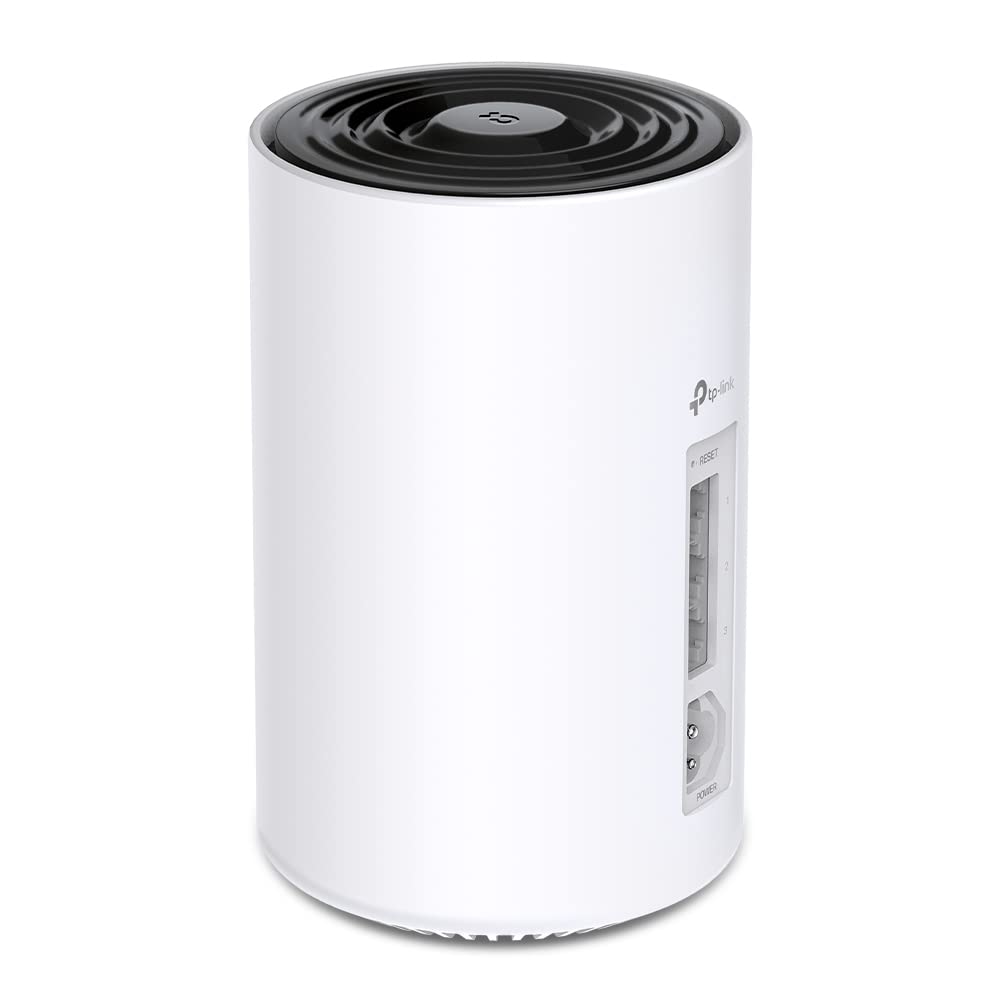
🚀 Power up your home network with the future-ready Deco PX50 Mesh WiFi system!
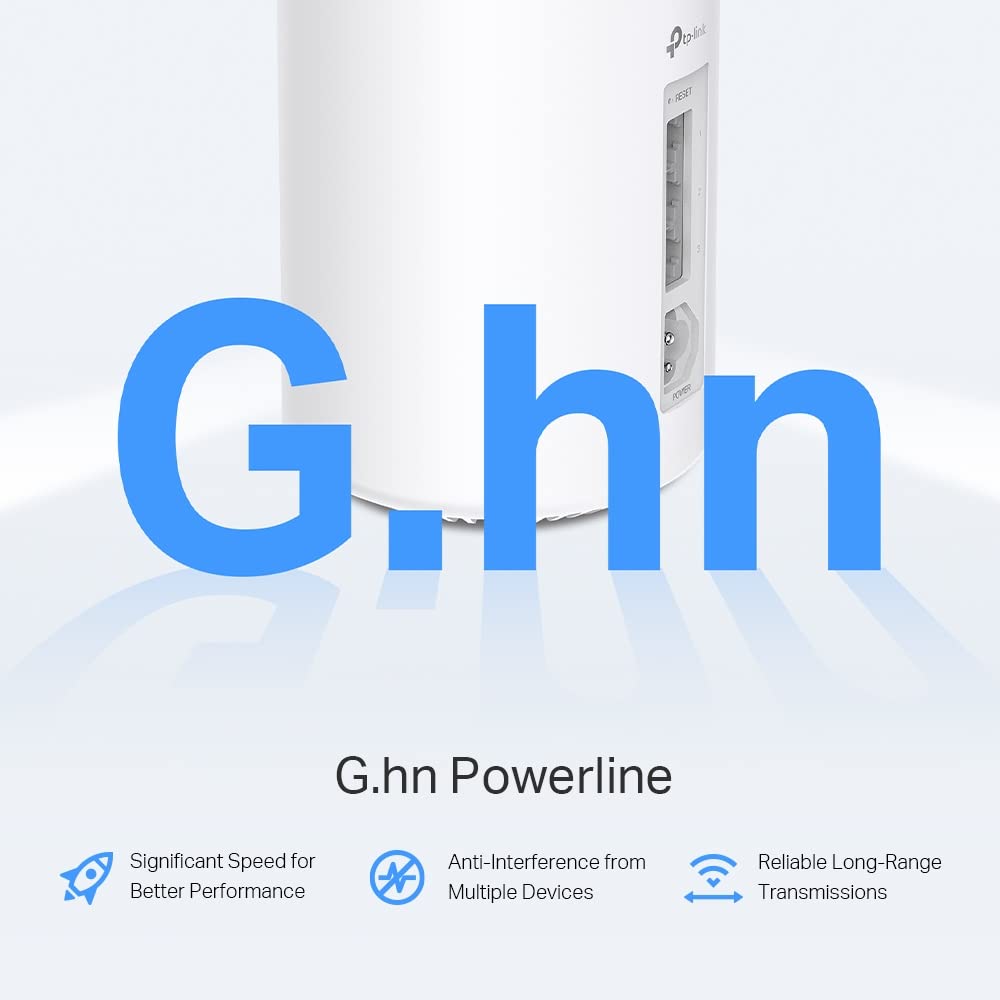
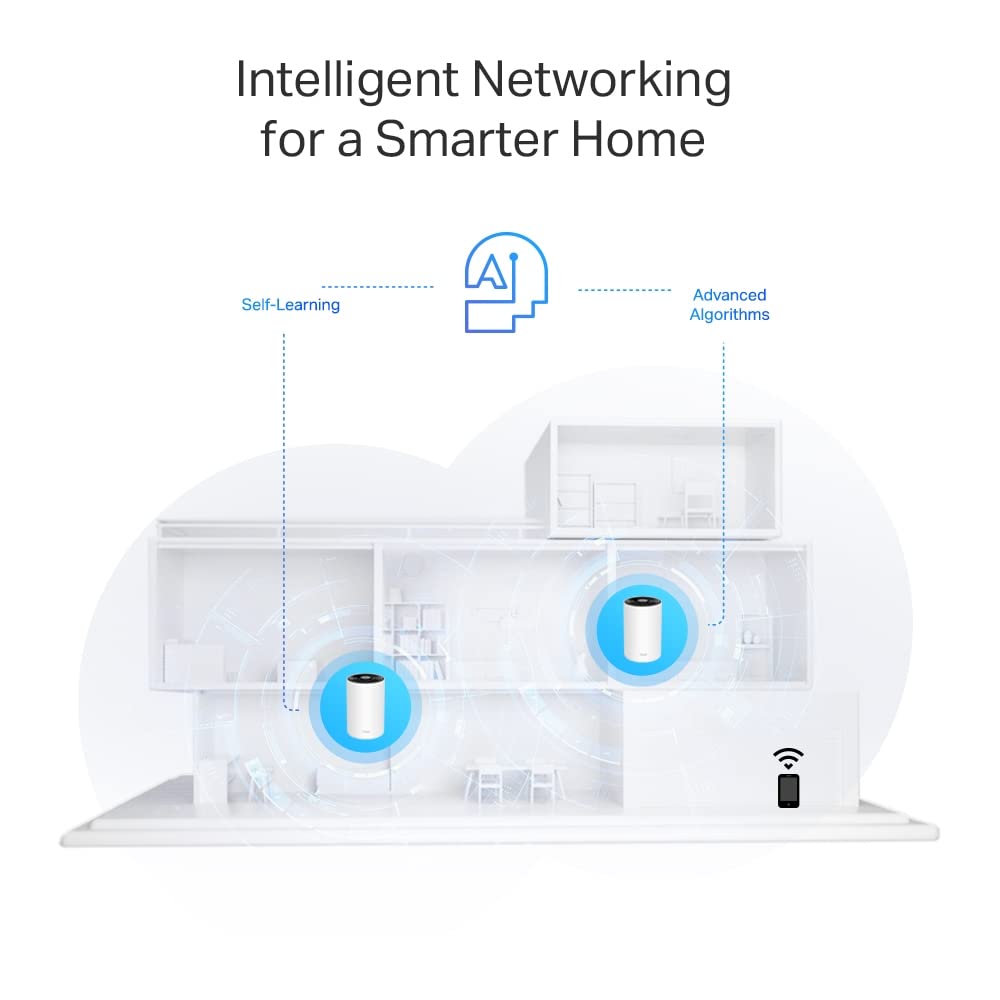
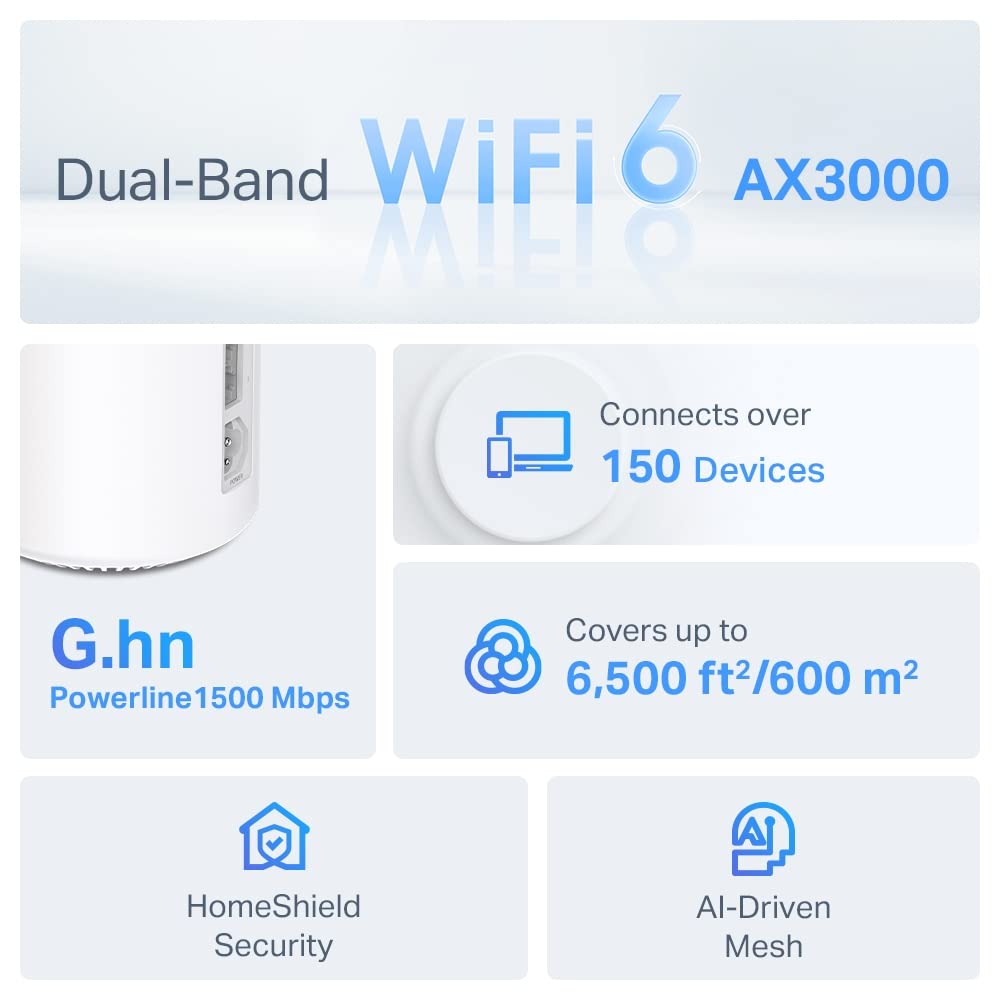
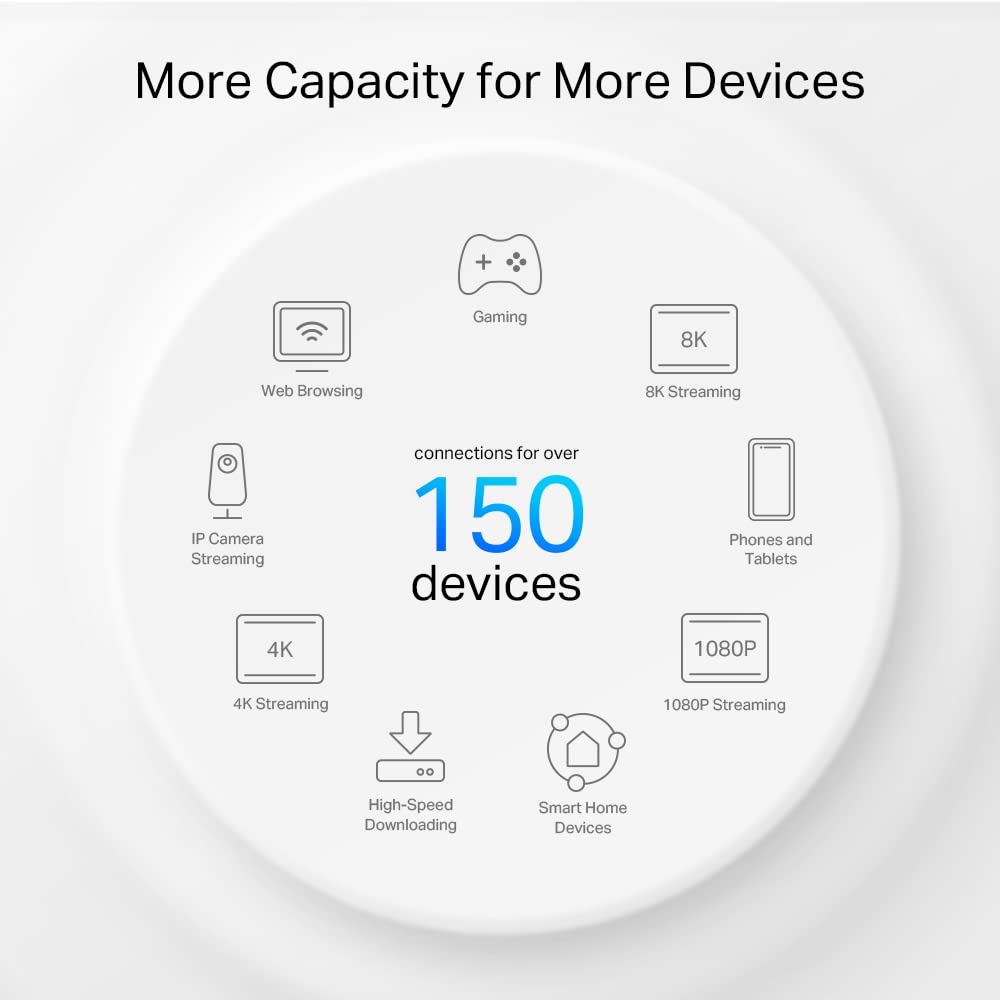
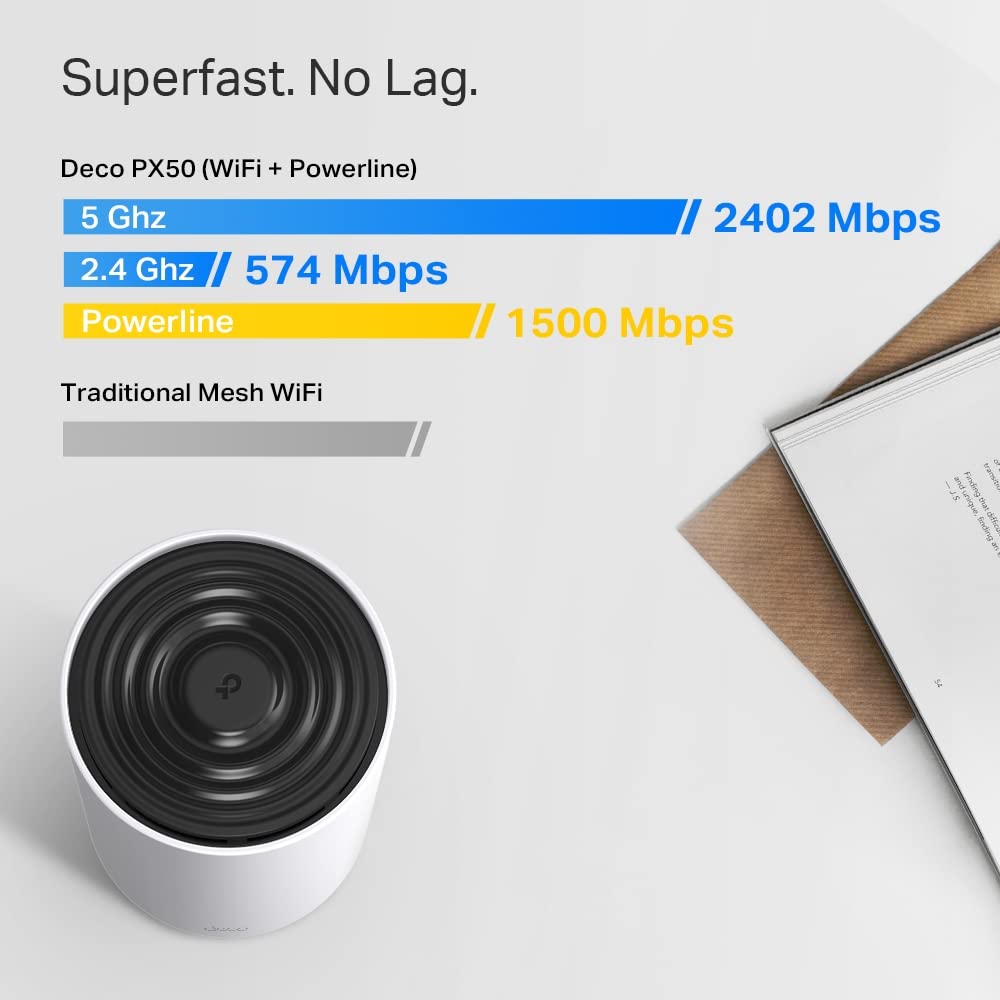
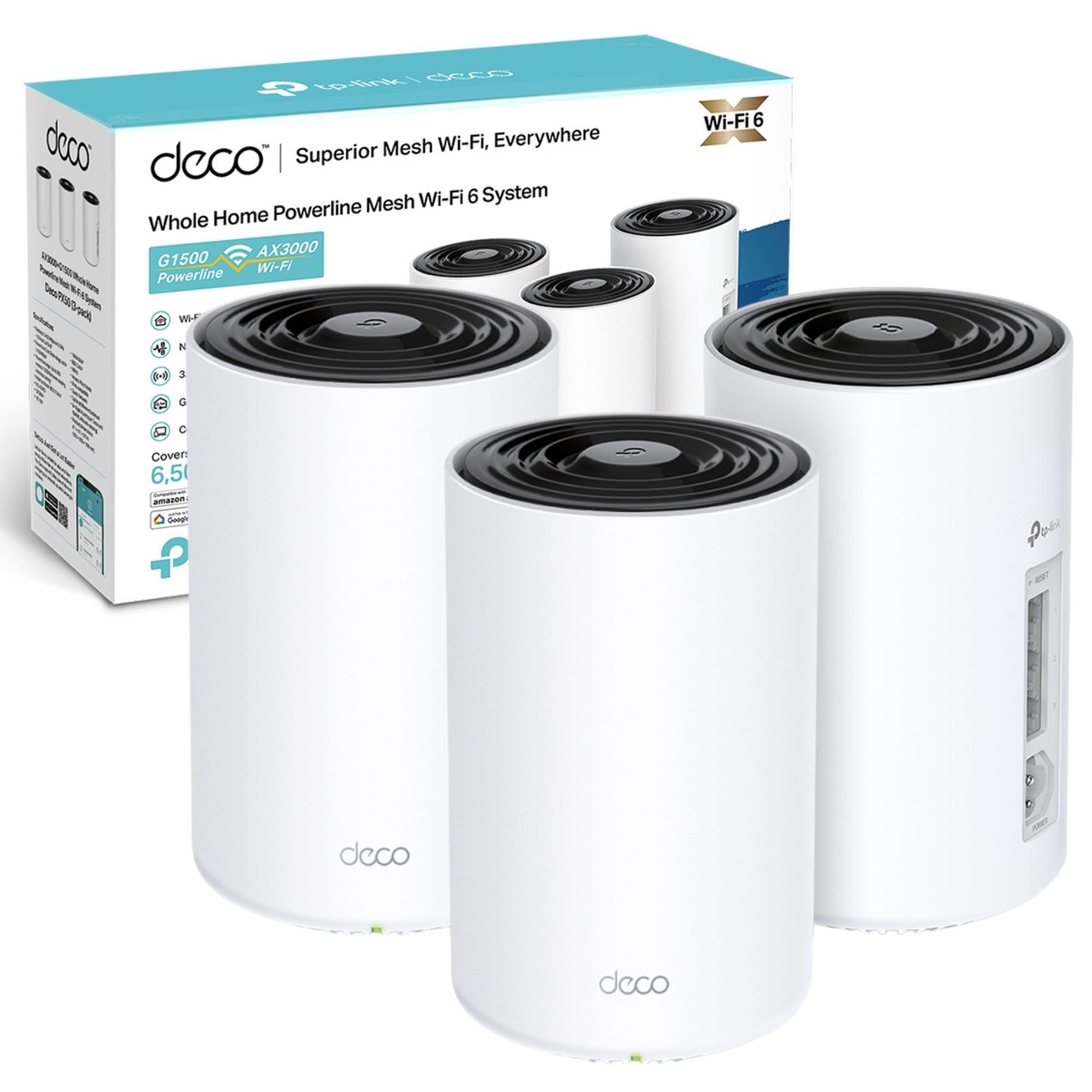
The TP-Link Deco PX50 (3-pack) is a cutting-edge WiFi 6 mesh system combining AX3000 dual-band speeds with innovative G.hn Powerline backhaul technology. Designed to cover up to 6,500 sq ft and support 150 devices, it features 3 Gigabit Ethernet ports per unit and AI-driven mesh optimization for seamless connectivity. Enhanced by HomeShield security and easy app management, it’s perfect for large or challenging homes seeking fast, reliable, and secure WiFi without the hassle of running cables.


| ASIN | B0BKTJVGM5 |
| Best Sellers Rank | 12,093 in Computers & Accessories ( See Top 100 in Computers & Accessories ) 28 in Powerline Network Adapters |
| Box Contents | Deco PX50(3-pack) |
| Brand | TP-Link |
| Brand Name | TP-Link |
| Compatible Devices | Desktop, Laptop, Smart TV, Tablet |
| Compatible devices | Desktop, Laptop, Smart TV, Tablet |
| Country of Origin | China |
| Customer Reviews | 3.9 out of 5 stars 105 Reviews |
| Data Link Protocol | Ethernet |
| Data Transfer Rate | 2402 Megabits Per Second |
| Data link protocol | Ethernet |
| Data transfer rate | 2402 Megabits Per Second |
| Hardware Interface | Ethernet |
| Hardware interface | Ethernet |
| Item Dimensions L x W x H | 10.5L x 10.5W x 16.9H centimetres |
| Item Weight | 3.48 Kilograms |
| Manufacturer | TP-Link |
| Product dimensions | 10.5L x 10.5W x 16.9H centimetres |
M**S
WiFi Mesh with Powerline Backhaul
I purchased the TP-Link Deco PX50 to replace an existing WiFi mesh system that used a combination of WiFi and wired ethernet for backhaul connections between the nodes. Installing ethernet wires between nodes is difficult in an old house and WiFi connections between nodes are difficult with thicker old walls and limits where nodes can be positioned. The combination of a WiFi Mesh system with the option for Powerline backhaul connections between nodes seemed a good innovation and I haven’t found any other WiFi mesh systems that include this feature. Hence my reasons for buying the Deco PX50. Before installing the system I read some of the other posts and TP-Link support information about problems folk had experienced getting the Powerline backhaul working so I was prepared to encounter some problems. Out-of-the-box, the installation process for the PX50 is straightforward. The Deco smartphone app is well designed and works well. On initial set-up I managed to get all the nodes working with WiFi backhaul and for the nodes to complete their Firmware updates. However, I was unable to get a Powerline backhaul connection between the master and slave node working that I needed. TP-Link Support provided helpful advice and after performing a hardware reset on each node, and repeating the installation process, the Powerline connectivity worked fine. My initial experience of Deco system has been good. For my setup, in practice, the speed of Powerline backhaul connectivity appears every bit as good as WiFi connectivity between nodes. I’ve now good WiFi connectivity throughout my house and no more ethernet cables trailing between nodes. The build quality of the Deco units is good and the app provides useful information and includes a helpful feature for turning off the Deco unit status Leds at night if your nodes are installed somewhere you want to keep dark at night. I've used these units on three projects now in larger houses. I'm impressed how effective they are. The powerline communication between nodes works well and is a stand-out feature if you're looking to install mesh wifi in larger houses or old houses with thick walls. I hear that TP-Link may discontinue these units. If so I hope they produce a replacement which includes the powerline feature.
B**N
Serious upgrade to our home networking
As a result of getting better broadband installed, our Internet bandwidth exceeded that of our previous home networking kit, so I ordered this kit as an upgrade. We don't have ethernet cables run all over the house and I have no interest in attempting to retrofit them at this point, so we've previously been using powerline adapters with built-in wifi access points. The powerline bandwidth we achieved was up to 100Mbps which is not to be sniffed at. As a result, the prospect of using that circa-100Mbps for backhaul was appealing, so I went for the PX50 model that mixes wifi and powerline to attempt to get the best of both worlds. The PX50s deliver what I wanted - network bandwidth that exceeds our broadband's 500Mbps. Is the powerline aspect worth it vs. the non-powerline models? The app indicates that the satellites are indeed communicating with the main Deco unit using both wifi and powerline, so presumably the built-in intelligence thinks it's worth bothering with, but I haven't measured the two methods individually. With the previous TP-Link kits, we've had problems with getting good performance on the 2.4Ghz network and with compatibility, causing me to split the SSIDs into 2.4Ghz and 5Ghz variants. Pleased to report no such issue with this kit, and I was able to consolidate SSIDs again. The 3x eth ports on each unit is welcome, though 4 or 5 would have been nice (you know, like basically every other home router in existence having 1x dedicated WAN input and 4x outputs). Luckily it was enough for now at both the main unit and one of the satellites where I plug in a desktop computer via eth. If I need more then I'll have to dig out a 4-port passive hub that I bought years ago. I was sceptical, but ultimately have just plugged this directly into our Fibre ONT/"modem" and removed our (very good) TP-Link router because frankly the Deco setup is good enough, and I've essentially got everything running with very little effort. Now we're fully running on a Deco mesh across the entire house, including wired devices connected directly to the Deco units, and it seems to work well. Time will tell, I suppose. Devices are roaming between access points in the way that you'd hope to achieve with a mesh network. It does mean sometimes devices are connecting to satellites that I wouldn't have expected, but I assume the connection is better, so I'm not going to override those decisions or spend time micromanaging it. I only have a few minor complaints/observations: 1) The very chunky power cable in combination with the placement of the socket on the unit means that you will struggle to find a "nice" placement of the unit where the wires are hidden. By my estimation, I couldn't get the unit closer than 11/12cm from the wall. Maybe if you have a corner table or something you would get away with it. As it happens it's not that important with the placement I've chosen, but if you're fussy about cable management you may want to be aware. 2) For some (apparently designed-in) reason the Philips Hue bridge doesn't show up in the list of devices that are attached. I assume this is because there's some deeper Deco app integration with Hue, but I'm not interested in that and would have preferred to see it as a regular device in the device list with all the other options for managing it available. Why? I don't know, I will probably never find a reason for this to matter, but it strikes me as odd. 3) No eth-based setup via a web interface (like every other router/system on the planet) which means you need a working Internet connection in order to set the thing up. Probably not an issue for most. 4) No way to control individual device LEDs, it's an all-or-nothing setting for the entire network. Just seems like an odd choice. I don't want to have a bright LED in my face on my desk, or in the living room, or a bedroom, etc. But where I've got the main unit set-up alongside all my other hubs/ONT etc, I'd be happy to see the device status LED. Pros: + Easy to set up, really ridiculously easy + Very good performance so far with my testing + No problems bridging wired devices onto the network via the eth ports + App is fine and has nice little features like notifications of new devices joining the network + Wifi signal seems to be very strong/far-reaching, huge improvement on our previous TP-Link kit Cons: - Wires stick straight out the back and the power flex is very chunky, so you won't be able to easily tuck the cable somewhere out of sight - Weird "by design" omission of the Hue hub from the device list - No web interface, so if you have no/bad mobile signal during initial set-up you might struggle - No way to control the individual LEDs of each device separately
P**O
Disappointing in so many ways
On the face of it, this looked simple and ideal. It's not. First problem (and this may not affect everyone): you can't disable DHCP on these. You can switch them to AP-only mode, but then you lose most of the benefits around roaming, reporting, internet access control. I don't need - or want - to change my entire IP scope, but would have done if we hadn't hit the second problem... Second problem: terrible speed performance. With an iPhone and an Android side by side, we did some speed tests. Both devices got typically 25% of the download throughput I'd get from my old wifi network. Couldn't reliably get upload to work. Third problem: one of the selling points is that these also communicate via the electrical system. Putting them on the same ring main, and I couldn't get this to work. One would keep dropping off and flashing red. Fourth problem: these run hot! Even on a warm day, with plenty of air flow, they feel far hotter than I'd be happy with. Put them somewhere where there's no much air movement (perhaps a shelf?) and I'd be concerned. So, disappointed. They went back for a refund, and I'll try something else to replace my aging mesh devices. Can't recommend at all.
M**M
Cannot recommend for large homes with busy network.
Cannot recommend/avoid. Bought 2x 3 pack (6 units) in May 2023 and initially set up as Main Router + Mesh units (mix of cabled, power-line and Wi-Fi back-haul). Routing performance was poor and I set them as Access Points with routing done by old Netgear X10 (R9000). Much better performance in AP mode. However, the last two years have been plagued by random blinking red LEDs and the occasional Satellite node setting itself as the Main node. It has become a routine to factory reset all 6 units every couple of months. Recently, 4 units started emitting a high-pitched squeal (failing capacitors) and then 3 units have failed and are unable to connect or be factory reset. Pros: looks, footprint, Wi-Fi speed, Mesh Wi-Fi roaming works very well, app is good enough Cons: slow set-up, needed reset every few months, limited functionality and poor performance in router mode, runs hot, limited functionality in web UI
B**G
Easy set up but not amazing
Was looking to replace an old mesh system as I wanted a WiFi6 set up. It was very easy to set up and once the three units were located in suitable locations around the house it meshed ok. However as it's not possible to see whether the powerline is actually being used or not it does make me wonder if it even makes a difference. The performance i.e. ping test and speed suggest it's average on the daughter units. It's recommendable but not incredible for its money.
B**A
Works with community fibre
Massive speed boost for me. Plugged one into the community fibre ONT (not router) and the others are round the house. Getting well over 600mbps everywhere in the house now (of gig internet). Obviously it’s much quicker in the room with the base unit. Important note for installation: you must set the base unit up to clone the MAC address of the community fibre router (I guess it’s used for security). Just head to MORE and then ADVANCED and put the address in (the address is printed on the bottom of the community fibre router). Ensure your Deco is in WiFi Router mode, not access point (also in advanced). Interestingly, my old P9s worked without the MAC cloning, but I got half the speed. Work that one out. The reach is also far better than the P9s. No dropouts yet. Powerline backhaul started working after I optimised the network (a few hours later). Optimisation is also in MORE and well worth doing.
P**.
Superb range!
So far so good. I needed something that would get WiFi to a modular home 15 metres from my house but connected to the mains electricity supply and another 6 metres from the router at the front corner. The powerline backhaul system in this was the game changer enabling use of relatively old house wiring to get 1 of the mesh devices placed in my modular home to talk to another unit placed in my kitchen at the window as close as I could get it without going outside. I have speeds of 100mb plus in the modular which I am more than happy with. My speeds inside my house have jumped from 400mb to 800 plus over wifi. Wish I had bought this ages ago.Great system.
A**R
Only useful if you must have ple
This a good and mostly works well but I has one serious flaw it seems to be impossible to tell it not use ple. I have had several examples where ple should not have selected as other connections were better. One example was a wired lan that was not selected another is where I have doubled the bandwidth by replacing a px50 connected ple with an x50 connected WiFi in exactly the same position. Don't buy these unless you're absolutely certain you need ple.
Trustpilot
4 days ago
1 month ago