🔗 Connect More, Do More — Power, Speed, and Style in One Hub
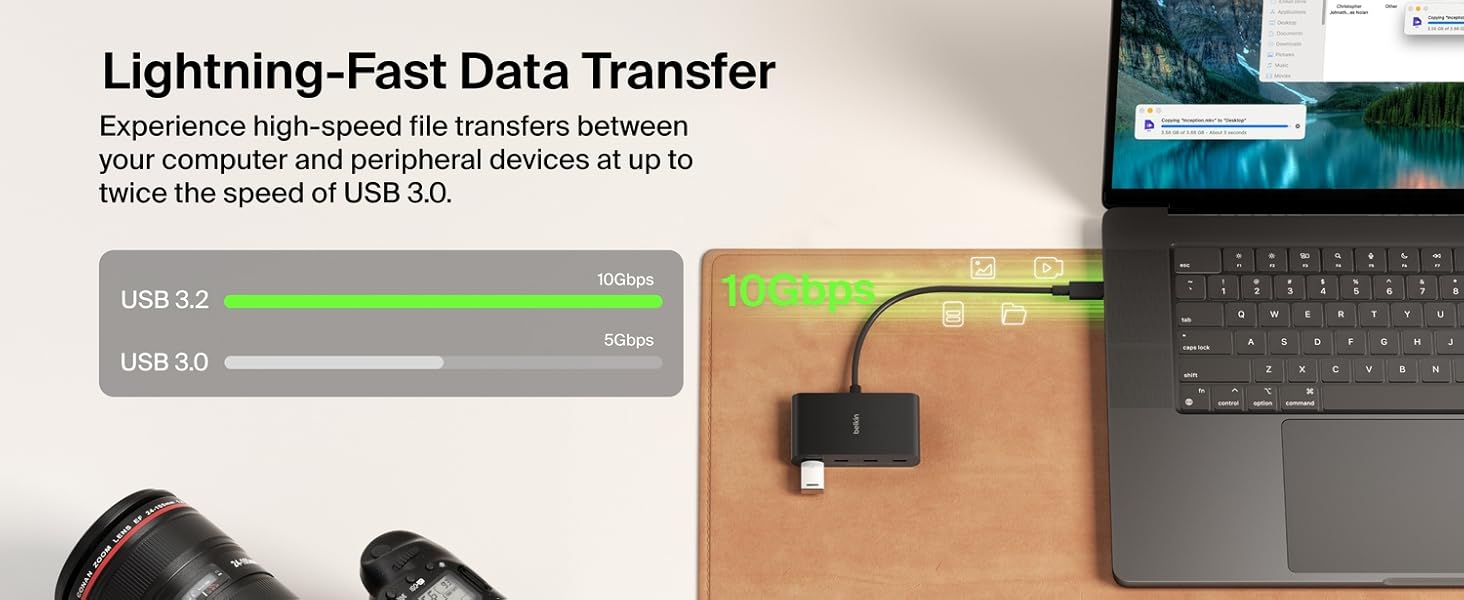
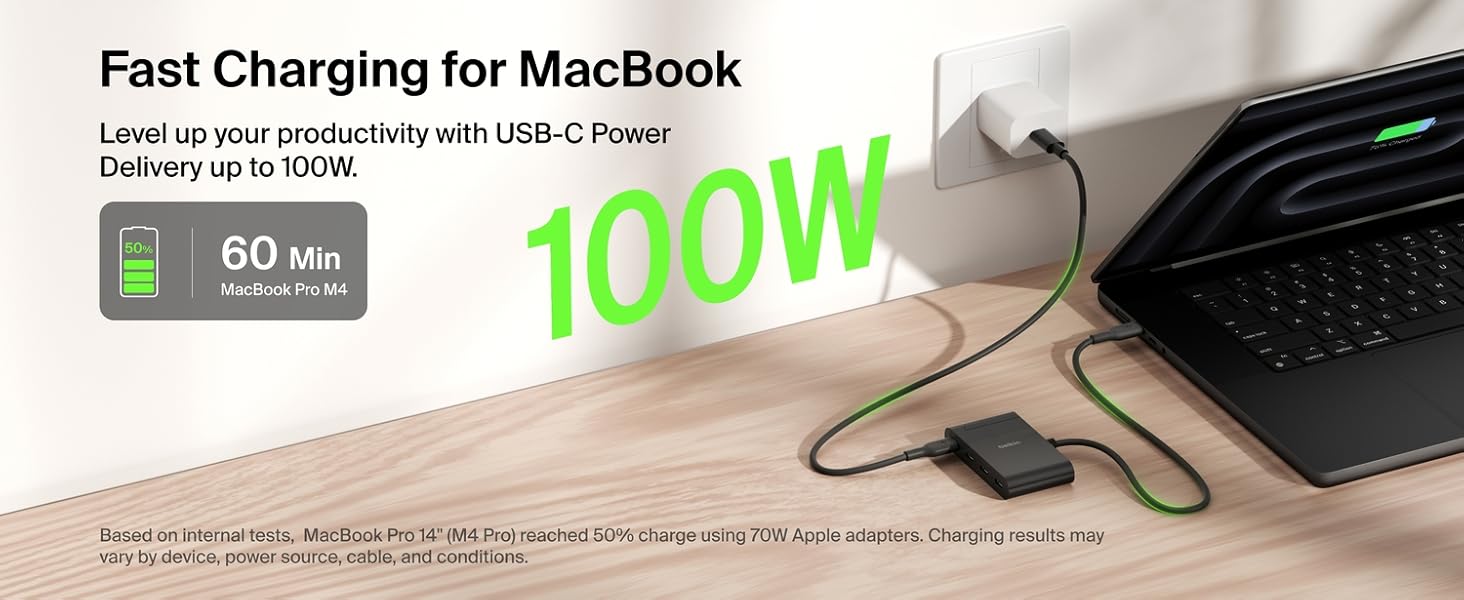
The Belkin Connect 4 Port USB-C Hub is a sleek, compact multiport adapter featuring four USB-C 3.2 Gen 2 ports delivering up to 10Gbps data transfer speeds. It supports pass-through charging up to 100W, ensuring your devices stay powered while connected. Compatible with MacBook, iPad, PC, and Chromebook, it offers universal connectivity with Fast Role Swap technology to prevent data loss. Built with 72% recycled materials and protected by a 2-year warranty, this hub combines high performance, eco-conscious design, and durability for professionals on the go.


| ASIN | B0BY27XSJ3 |
| Additional Features | Compact Design, Pass Through Charge, Plug and Play, Supports Audio, Up to 10 Gbps Data Transfer Speed |
| Best Sellers Rank | #27 in USB Hubs |
| Brand | Belkin |
| Color | Black |
| Compatible Devices | Mac, Windows, and Chrome devices with a USB-C port |
| Customer Reviews | 4.4 out of 5 stars 3,592 Reviews |
| Data Transfer Rate | 10 Gigabits Per Second |
| Enclosure Material | Plastic |
| Global Trade Identification Number | 00745883850181 |
| Hardware Interface | USB Type C |
| Item Dimensions L x W x H | 2.95"L x 1.65"W x 0.55"H |
| Item Height | 4.2 centimeters |
| Item Weight | 50 Grams |
| Manufacturer | Belkin |
| Number of Ports | 4 |
| Operating System | Chrome OS |
| Total Usb Ports | 4 |
| UPC | 745883850181 |
| Warranty Description | 2 year warranty |
N**H
M&M's can't kill it
It is pricy but worth it. I am buying one for my home use and keeping this one for my laptop. It has performed well and survived a leaky bag of peanut butter M&M's in blistering Phoenix heat. It is alive and well today after cleaning everything and the ports with a tooth pick and q tips.
A**N
Need more USB-C ports AND passthrough power?
This hub is very handy if you need to use multiple USB-C peripherals but still need passthrough power for your laptop, 65 watts in my case. I have not experienced any noticeable difference in transfer speeds or heat. Typical Belkin high quality, all the ports are tight and connections feel secure. I want to note that this unit will NOT allow HDMI functions via USB-C. I still need to plug my external display directly into the other USB-C port on my laptop. The only downside is that the surface of the hub is a high gloss black, which will scuff like crazy the first time you toss it into your backpack or set it on the table. Does not at all effect functionality but can be annoying for some. Otherwise, this is now one of my essential daily tech accessories.
P**S
Absolutely Reliable Workhorse For Years
I've got 4 SSDs hooked up to this 100% of the time while I'm using my Macbook Pro. I've been using it for 2 years. It has been 100% reliable. Not a single glitch. My SSDs range from Samsung 4TB to Crucial 8TB. Flawless performance for years. I'm not sure why this type of product doesn't have much competition. Seems like having pure USB C ports-a-plenty would be a very popular need. My SSDs have my photography, my videography, movies, TV shows, etc. All ports work the same...excellent. I have less knowledge about performance with 4K quality video. My Belkin does benefit from the use of a laptop cooling pad. I think this May add to the health/durability. Meaning, I'm not sure if it gets warm without the cooling pad.
A**E
Not Perfect, But Useful
Bought it to pair with my Macbook Pro 2023 and Wacom One since the macbook lacks regular usb ports. Unfortunately, the HDMI port doesn't work but the usb ports worked out okay. Hub doesn't feel hot, but it does get a little warm even if it just 1-2 ports in use. Hub was brand new and sealed but had a tiny cosmetic scratch on the aluminum. Edit (August 12th, 2023): Hub does in fact get hot! Plugged in 1 flash drive or 1 Ilok on separate occasions and the hub instantly heated up within an hour.
K**.
A hub is not a dock. This is a very good USB-C hub
Does what a hub ought to do - which is to say, you can plug it into one USB-C port and it will make power and data connectivity available to four downstream USB-C devices. The big caveats are that the host cable is extremely short and the power made available to downstream devices is significantly reduced from what the host provides. It's still a five star device because these short cables are universally present on all USB-C hubs, and the power limitations are less severe than other similar products that I have tested. Most importantly, the data connectivity offered by this unit is excellent, and it's extremely portable, being barely larger than the connectors it contains. I would still very much prefer a version of this device with a USB-C female connector on the back instead of the permanently attached short cable but apparently there are valid technical reasons that USB-C hubs are not made in this way. Devices that offer more power and better cabling options are now classified as docks rather than hubs, they tend to be based on Thunderbolt rather than plain old USB-C, and some of these docks are quite excellent, but they are comparatively very expensive. This particular device is just a hub, it is very affordable compared to a dock, and it's as good as USB-C hubs get.
R**H
Perfect for data transfer or other uses!
This Belkin multipurpose hub was really the device I needed! I bought a cheap version of this and it failed horribly. Whenever I tried to get my data transferred from one phone to the other it would act up and make the devices disconnect and reconnect randomly. However with this Belkin one I've been able to use it for data or media transfers without a problem! I do recommend you also find Belkin cables to connect to your devices because some of the cables your phones come with aren't capable of transferring data at the rate this Hub can reach. I know saving money it the first thing people think of when shopping, at least that's what I thought, but I realized that spending more for the quality and reliability is much better than going back to return cheap knock offs.
G**G
Wont charge my Ipad or Iphone 15
I purchased one of this hub. I used the device instructions (see photo). Plugged it into the wall outlet using an iphone charger and an apple usb-c cable. Plugged the attached black cable into my ipad Plugged a WD external HDD in one of the 3 remaining ports The ipad connects to the HDD, no issues. But my Ipad does not charged. Tried with an iphone 15. Same issue. Tried different wall chargers. Same issue. The power pass through does not charge the ipad or iphone 15 Humm.. deffective unit? Contacted belkin support. They confirmed my setup was ok. I returned the device to Amazon and ordered a new one thinking the one i received was deffective. Received the new hub. Used the same setup. Same issue. Wont charge my ipad or iphone 15. I reversed the connection (black cable connected to wall charger and power port to ipad). Now this charges my ipad, but ipad does not see the HDD. This is not what i need. A usb hub to charge my ipad and power a HDD drive at the same time. Not sure if the second unit is faulty. Was a out to return it too, when i came across a review with the same problem indicating that it works well with a 45W wall charger. The typical Ipad/ Iphone charger is too weak to power the hub. I purchased a 45W wall charger and the usb hub works as planned. Belkin should clearly indicate this in the written product instructions and in the product desctiption on their website and on Amazon. Buyer beware!
R**A
If you just need power …
Docks are expensive because they provide both power and clean, high-speed signal. If you mainly need more USB-C ports for power, this will free up those needed ports for what they are best at.
Trustpilot
2 weeks ago
3 weeks ago