

Desert Online General Trading LLC
Dubai, United Arab Emirates
Desert Online General Trading LLC
Dubai, United Arab Emirates
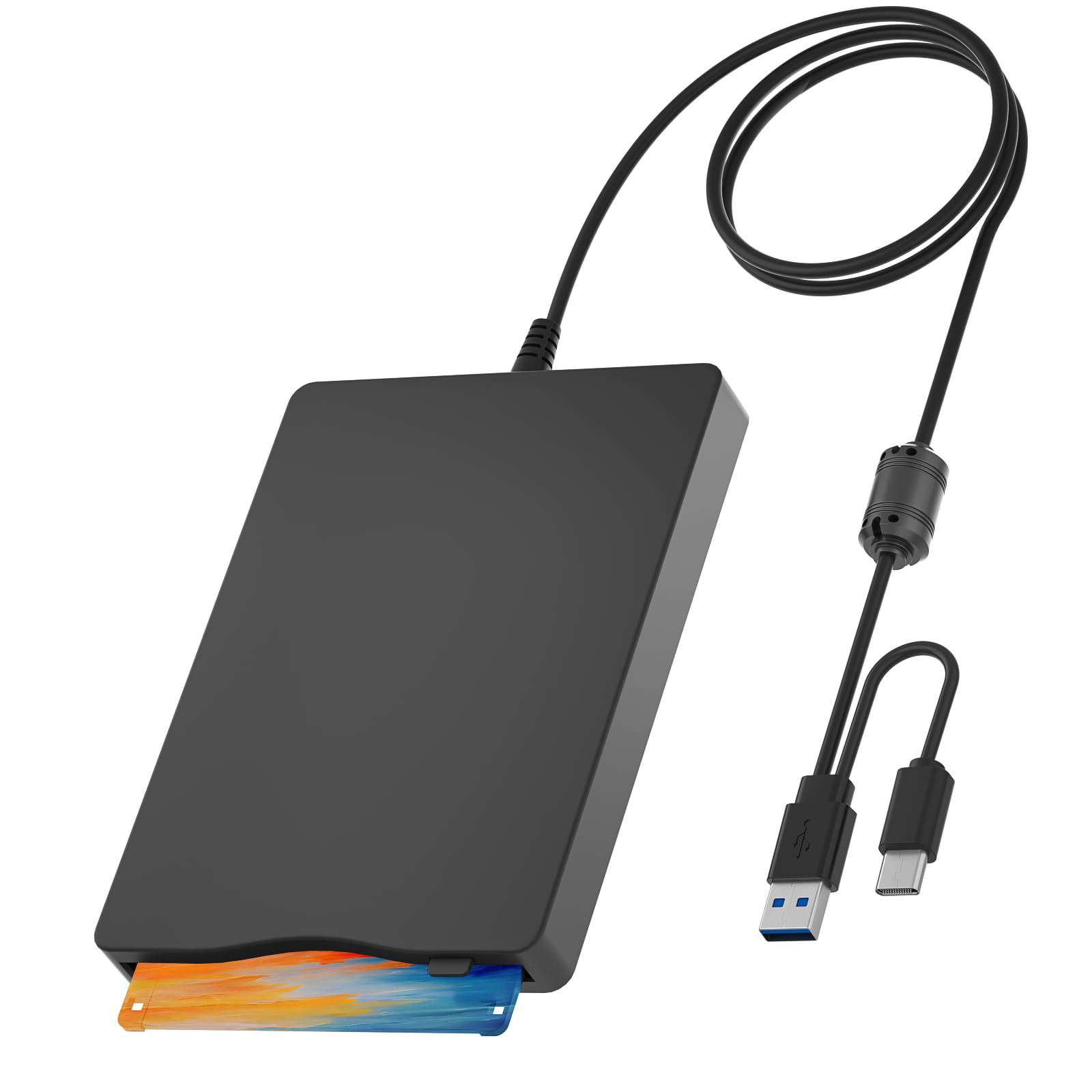

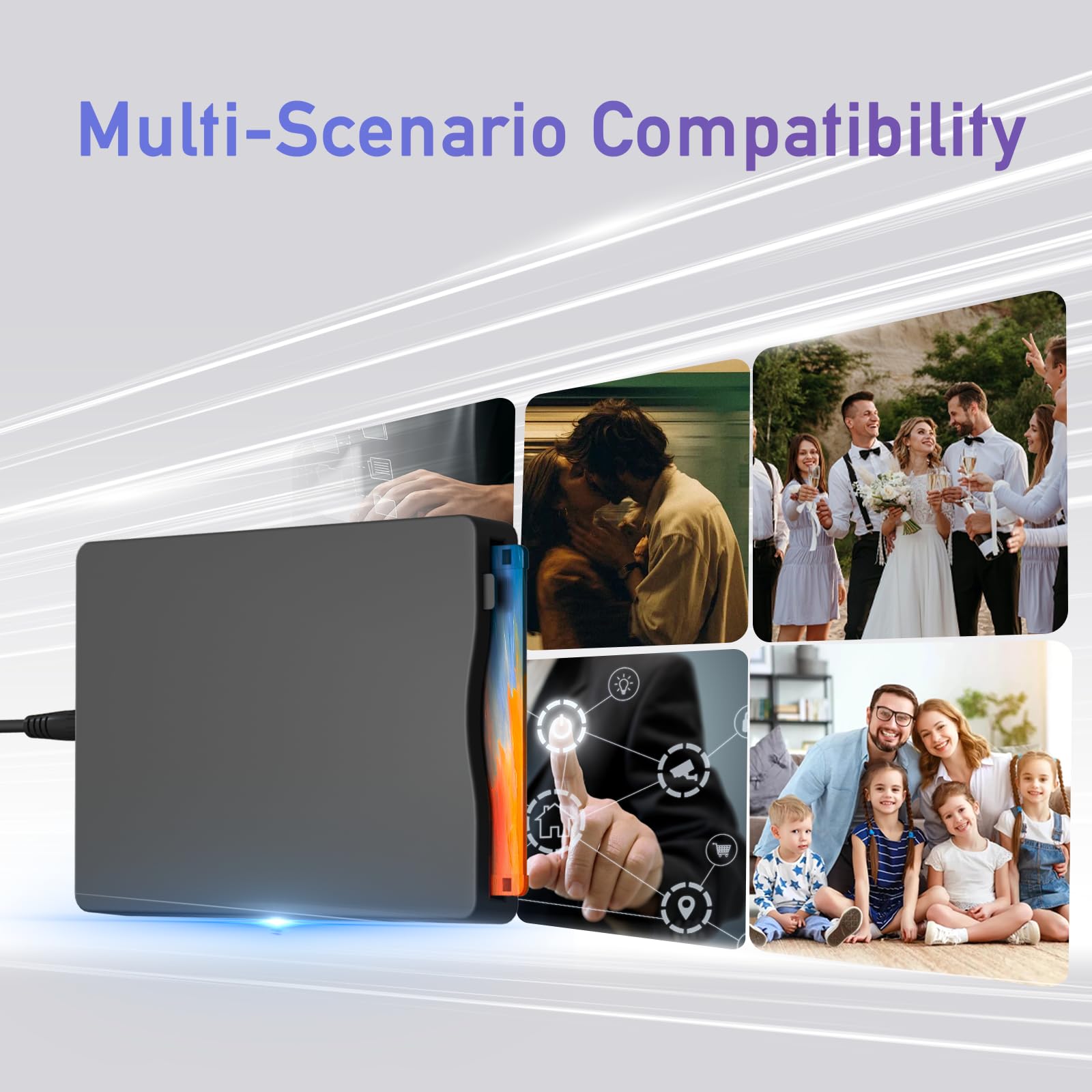

💾 Unlock your digital past with modern ease!
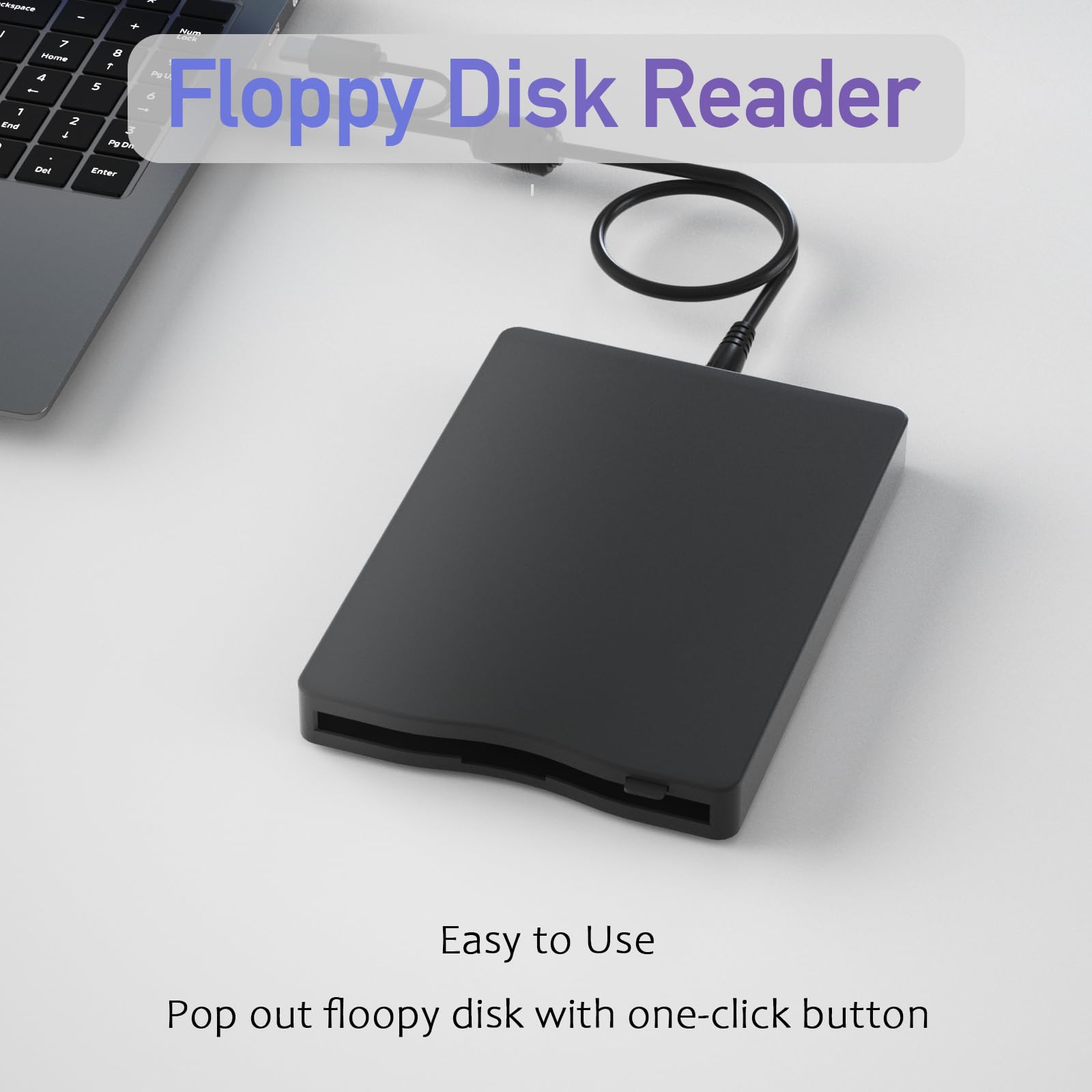
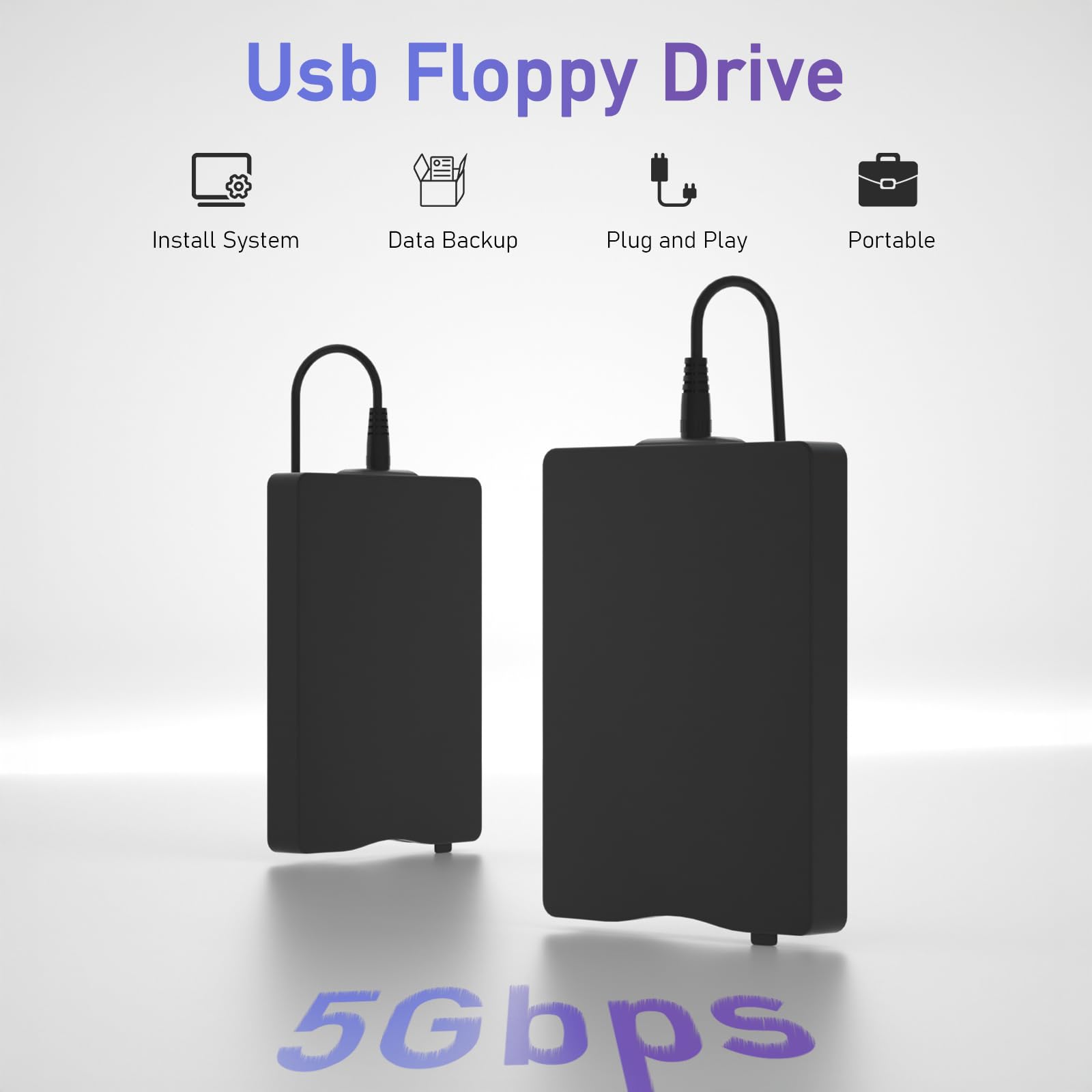
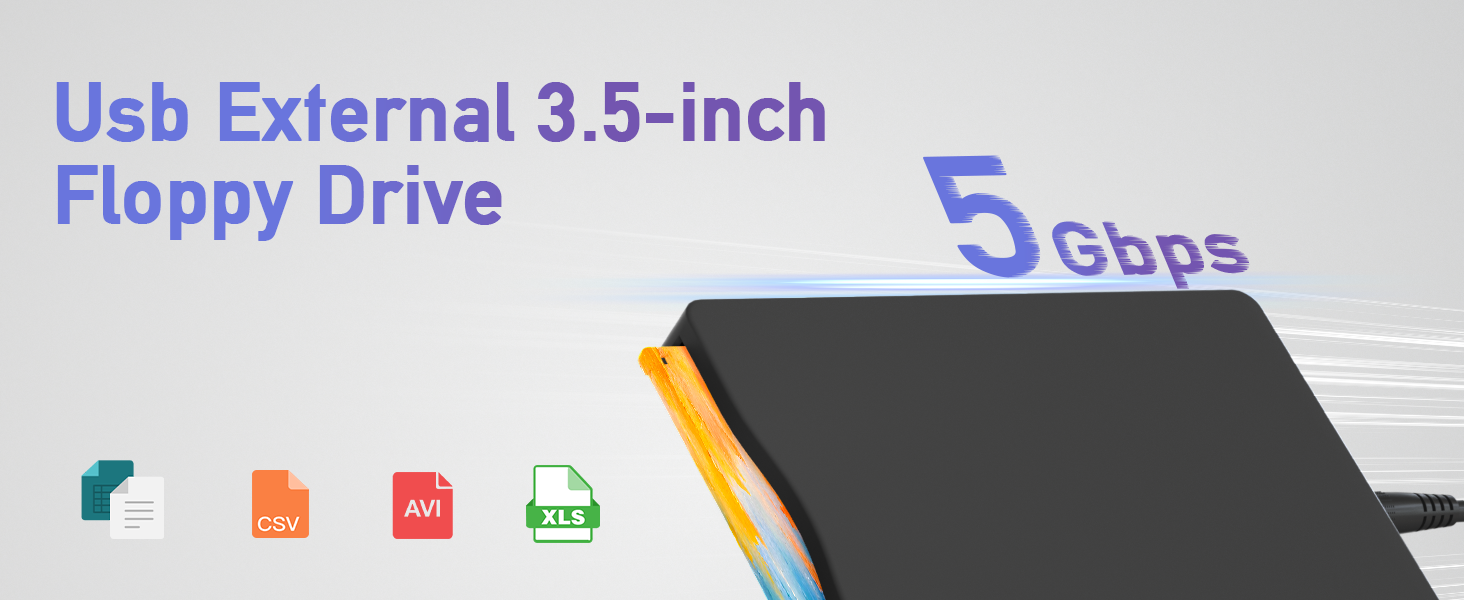
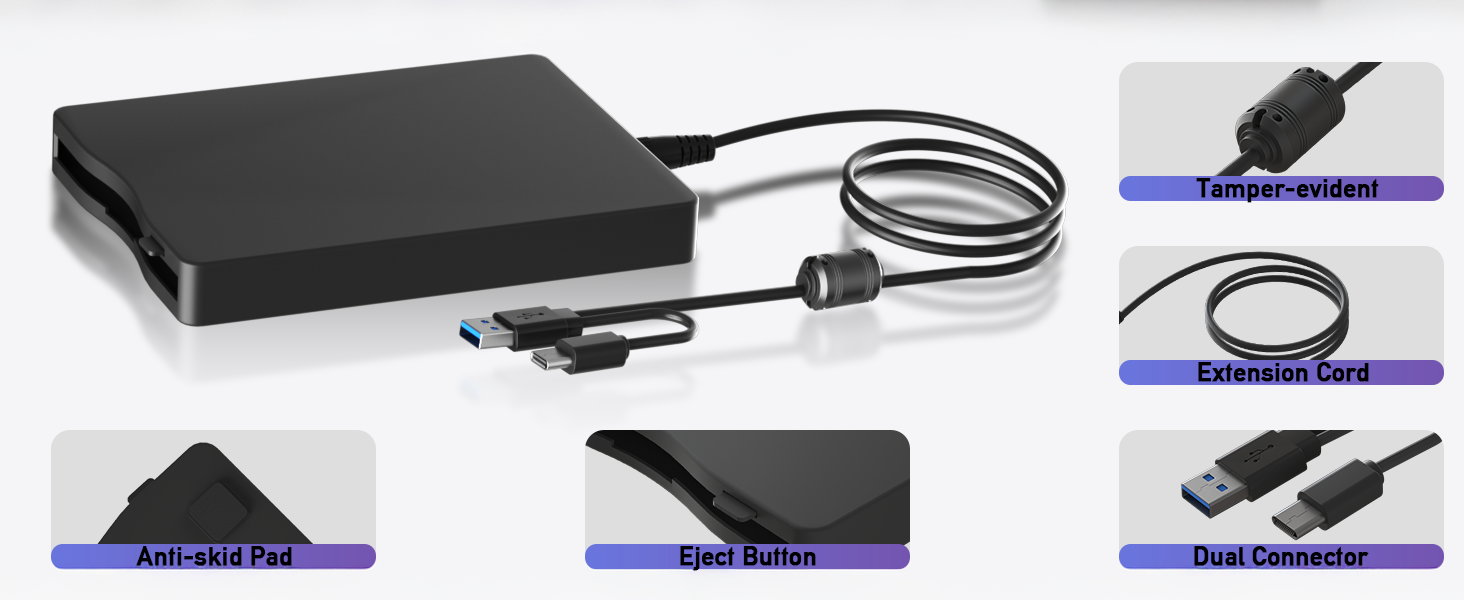
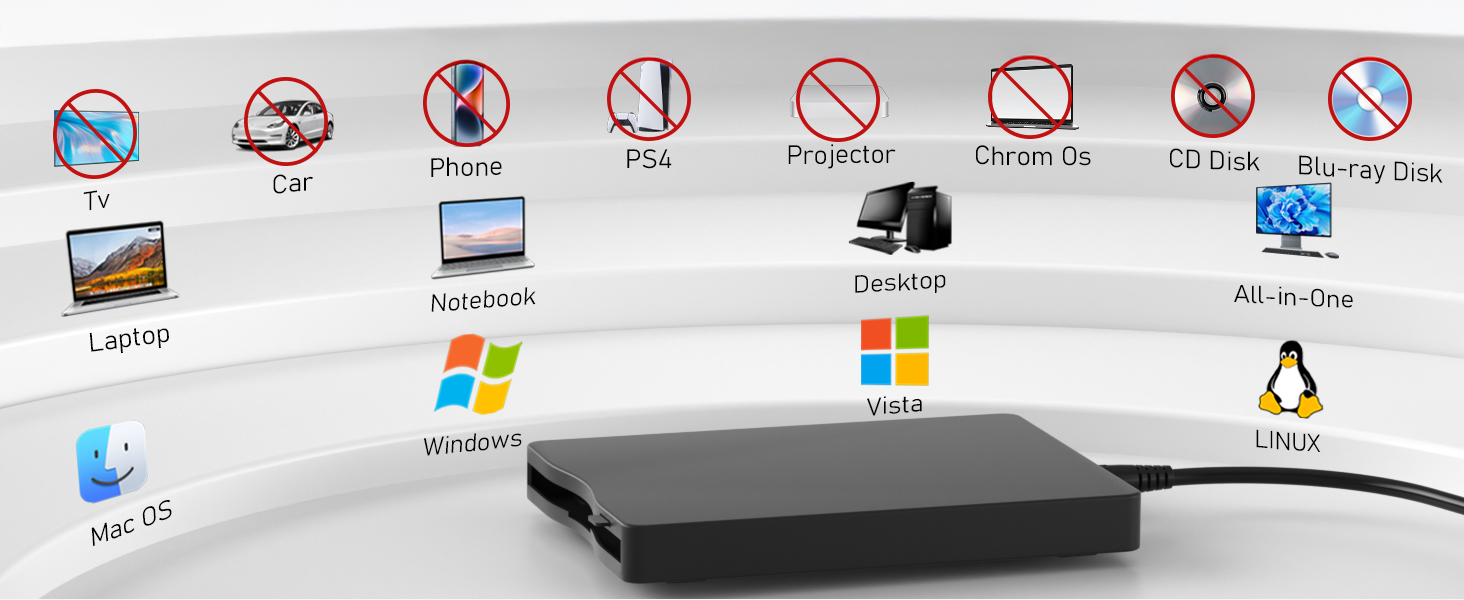
The Wintale 3.5-inch external floppy disk drive offers a sleek, portable solution to access 1.44 MB floppy disks via USB 2.0 plug-and-play connectivity. Compatible across multiple Windows versions and major PC brands, it combines vintage data retrieval with modern speed and durability, making it an essential tool for professionals needing quick, reliable access to legacy files.

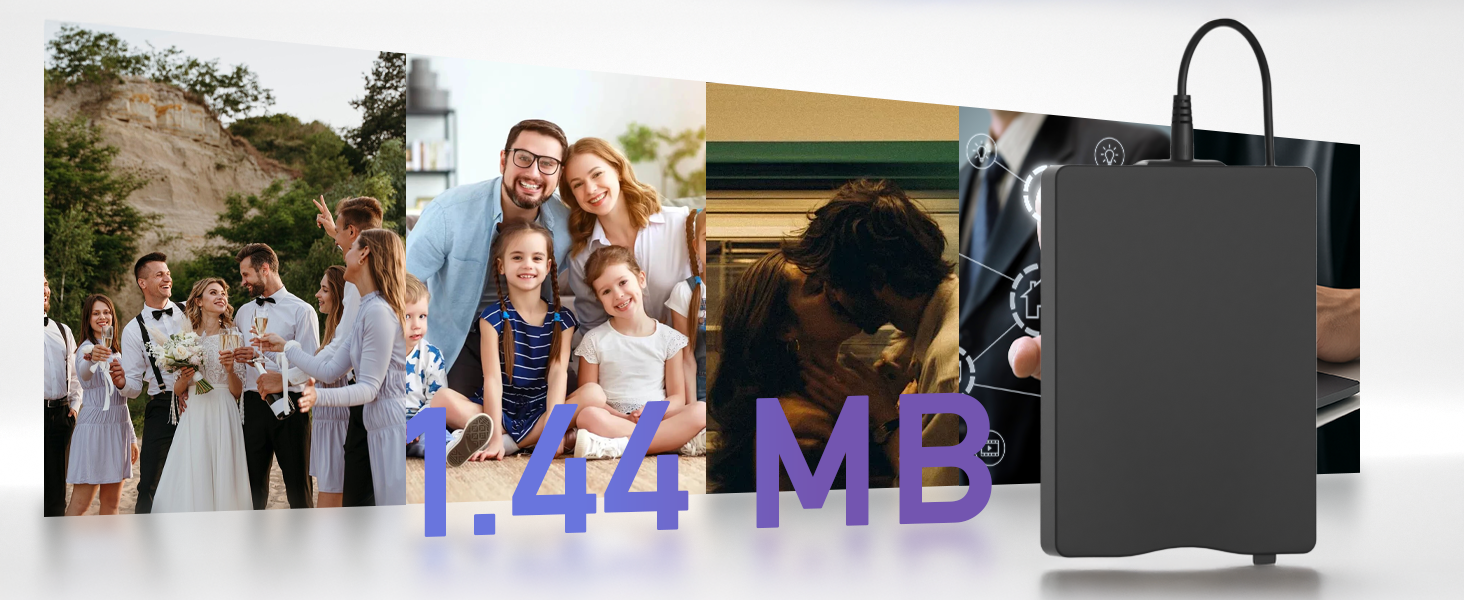
| Hard Drive | 1.44 MB Floppy |
| Brand | wintale |
| Series | USB Floppy Drive |
| Item model number | Wintale-350 |
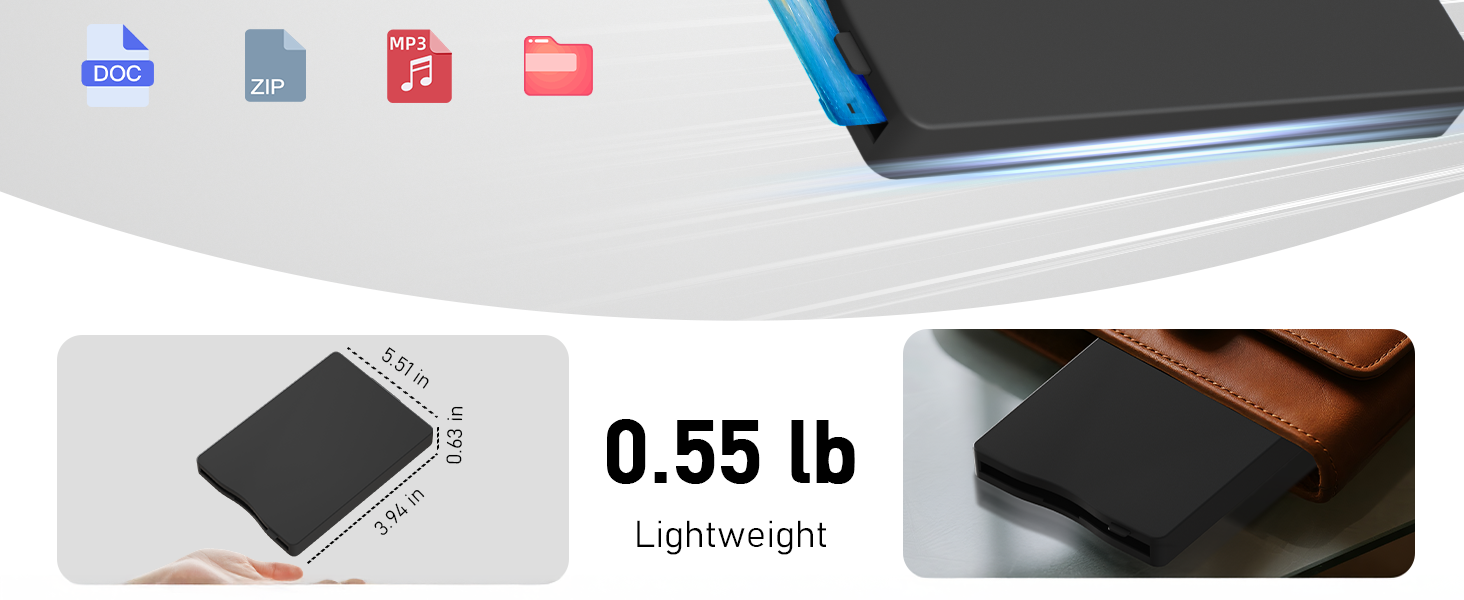
| Item Weight | 11.3 ounces |
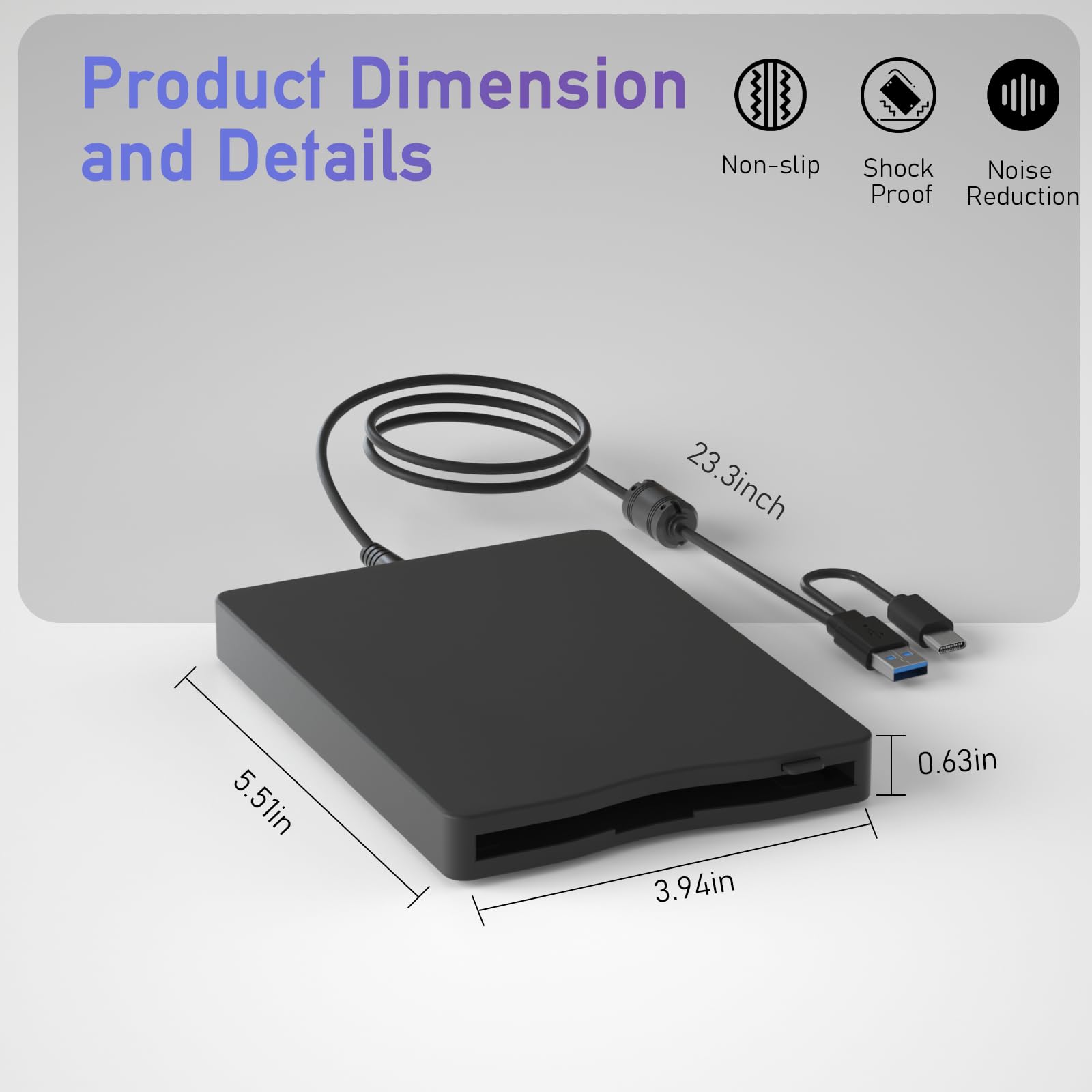
| Product Dimensions | 8.07 x 5.7 x 1.06 inches |
| Item Dimensions LxWxH | 8.07 x 5.7 x 1.06 inches |
| Color | Black |
| Hard Drive Interface | USB 1.1 |
| Hard Drive Rotational Speed | 3.6E+2 RPM |
| Manufacturer | wintale |
| ASIN | B0BYJVJGM7 |
| Date First Available | March 15, 2023 |
R**C
Received in a timely manner.
Worked as described.
D**T
Plug and Play!? I don't think so.
This device sucks. At least for me. I was hoping to transfer vintage DOS/Windows 3.1 software to floppies from my laptop to my DOS/Windows 3.1 computer. Not happening... Not only does the laptop not recognize the USB floppy drive, it makes a terrible, extremely loud grinding noise when I put a disk in it.
J**F
How it works
Here is what you need to know on how to use this. Some PC's BIOS may not have "Recognize Floppy" turned on or as an option. However, if you look in Device manager in your control panel under "Floppy Drive", you will see it there. You will not need to seek a driver.The drive will default to drive "A". So, open windows explorer and click C:\. Replace "C" with "A". It will look like this, A:\. Make sure a disk is inserted. As you rotate thru your disk collection, press "F5" to refresh the folders.Some people may refer to this as "Old School" but this was common operating knowledge back in the day and cutting edge 23 years ago.Enjoy.
H**E
Helped me save a lot of money
I had a large amount of floppy disks which I thought contained photos. I contacted one of the services that transfer files from disks to CDs. They wanted more than the cost of this drive to migrate the files from one disk. When I got the drive I was able to copy all of the jpg files to my hard drive and I will be able to selectively store some of the files in the cloud. I also determined that many of the disks were blank. I do not know if the service would have charged me to find out there were no files to save.I had previously ordered a different external drive which was not compatible with my Windows 11 machine. This drive worked without a problem. I rate it a great buy.
C**T
Works great on Windows 11
I found a bunch of old disks and wanted to check what was on them, the device works perfectly in a USB-3 slot so it has enough power to run. It also has a handy USB-C connector. I was able to read and format a bunch of old disks, no problem.
M**O
Works OK, not great. Better than nothing.
Plug the drive into a USB and it works. Need to browse under My Computer to find the drive. Reads 3.5" floppies reliably enough, but not any faster than an original drive on a DOS PC. One annoyance is that when you change floppies the drive doesn't always read the new floppy, in which case you have to unplug the drive and re-plug it in to the USB. Not great, but better than nothing.
J**B
Recovered old family pictures
I had a few floppy desks marked photos, so I was happy to find this device that allowed me to retrieve them.Easy to use. I just inserted the USB end into my computer, put the floppy drive in the device, opened the drive, reviewed the photos, and downloaded my pictures into my photo software.
A**R
Did not work
Did not work with my computer, I thought it would load the drivers but it did not. I am running Windows 10 on my computer. Instructions were vague.
Trustpilot
1 month ago
2 months ago