Desertcart purchases this item on your behalf and handles shipping, customs, and support to EGYPT.
🚀 Elevate your display game with 8K clarity and rock-solid connections!
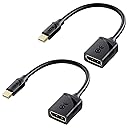
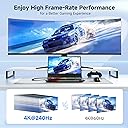
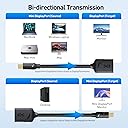
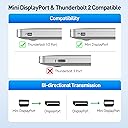
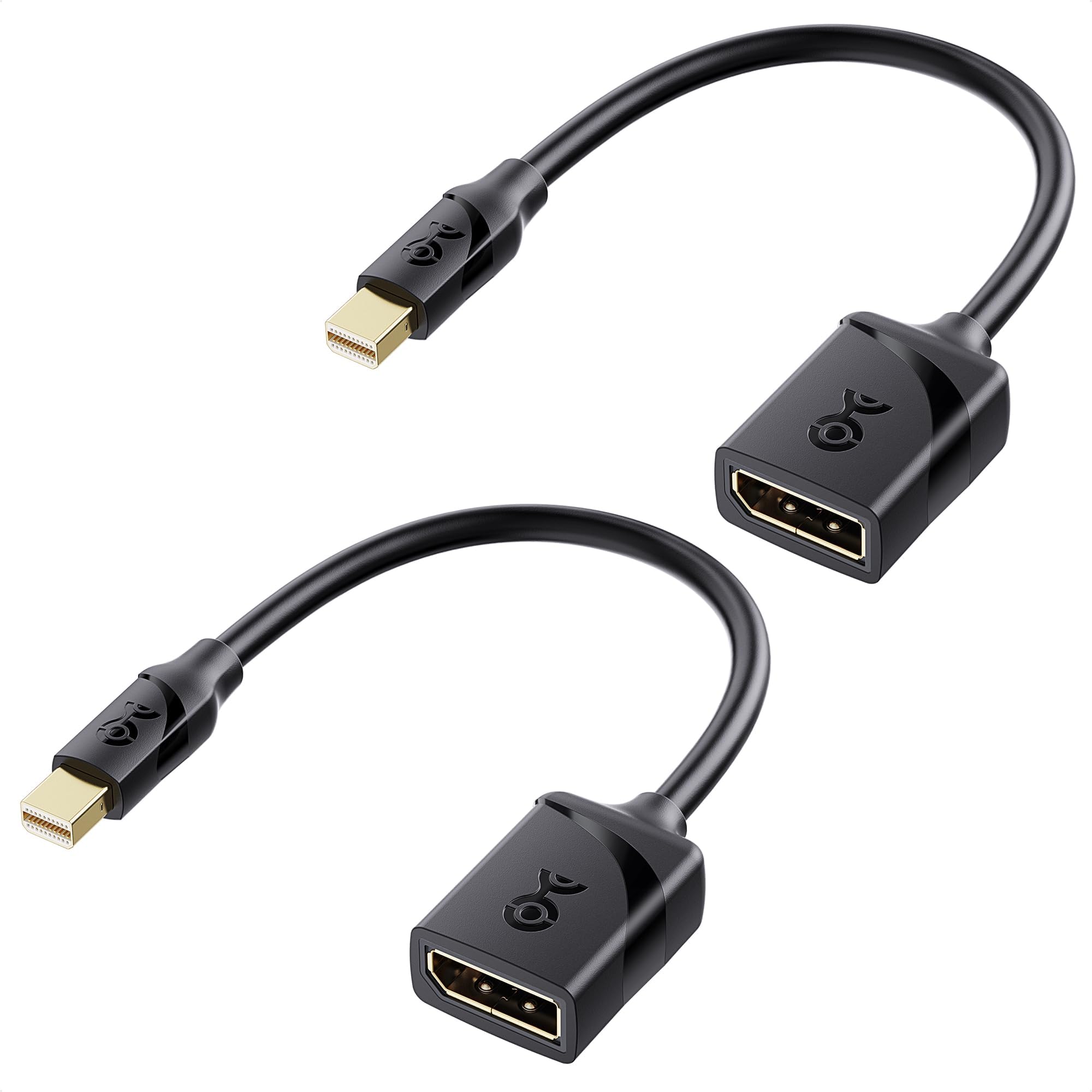
The Cable Matters 2-Pack 8K Mini DisplayPort to DisplayPort 1.4 Adapter delivers ultra-high resolution support up to 8K@60Hz and 4K@240Hz with 32.4Gbps bandwidth. Featuring gold-plated connectors for enhanced durability and corrosion resistance, it supports uncompressed multi-channel audio and fits snugly in tight spaces thanks to its low-profile design. Compatible with a wide range of professional laptops and monitors, this adapter is perfect for gamers, creatives, and professionals demanding flawless video and audio transmission.


| ASIN | B0BNW4VZB1 |
| Best Sellers Rank | #67 in Thunderbolt Cables |
| Brand | Cable Matters |
| Color | Black |
| Compatible Devices | Laptop, Monitor, PC, Projector, Tablet |
| Connector Type | DisplayPort |
| Customer Reviews | 4.6 out of 5 stars 3,050 Reviews |
| Finish | Projector |
| Finish Type | Projector |
| Item Weight | 0.04 kg |
| Manufacturer | Cable Matters |
| Mfr Part Number | 101004-BLKx2 |
| Model Number | 101004-BLKx2 |
| Number of Items | 2 |
| Number of Ports | 2 |
| Package Quantity | 1 |
| Power Plug Type | No Plug |
| Specific Uses For Product | Monitor,Projector |
| UPC | 810115181644 |
| Unit Count | 2 Count |
E**P
Very easy to use, well made, and great value.
Very easy to use, well made, and great value. I have purchased these multiple times now over the past couple of years, and they perform well and I have never had a problem with any of them. Signal is clear, no issues with refresh rate. Picture quality is outstanding.
M**Y
Does the job with good picture quality
Plug is a snug fit into the mini-Display Port on the Dell laptop computer & workstation (64 GB RAM, two Graphics Cards each with own dedicated RAM, 17 inch diagonal monitor, thick case with built in HDMI and mini-Display Ports, and heavy enough to also be used for weight training when traveling on the road). Make sure you are inserting the adaptor plug correctly and fully !!! Same goes for the full size Display Port cable from this adaptor to your monitor (you must provide your own Display Port cable). I use desktop cable clips, tie wraps, or electrical tape for all my cable connections - so I do not have display jitter due to the cables moving around or getting loose on my L-Shaped corner desk, with three different computers (Windows 11, Mac OS, and Unix) - which also share in various ways three different monitors. This adaptor provides an excellent and stable signal for fast changing / rotating graphics with the new Dell 32 inch diagonal curved monitor in highest resolution at 120 Hz refresh rate (an action gaming or 3-D drafting / molecule modeling setup). I bought an extra adaptor to take on the road with the Dell laptop computer & workstation, since Display Port is displacing HDMI on new monitors and projectors.
S**E
Works well
Works well.
J**N
Reliable and Functional Adapter
It does its job. It feels of decent quality and hasn't given me any issues the times I've used it. If you need an adapter, this one will work without problems and gets the job done.
J**B
Flawless
Flawless so far on many HP Z2 Towers with NVIDIA RTX™ A1000
S**R
Perfect mini dp to dp cable
These work great for old mac minis and macbooks that use this style thunderbolt/DP connector. Works perfectly to connect an external monitor. Brand name too
C**Y
Works
Works fine. I used when I changed video cards and the need card min displayport outputs. I prefer cables to adapters to reduce the strain on card port.
E**N
Solved a problem with my new Dell monitor.
Recently bought a Dell monitor that has a Display Port (not a mini display port) and a VGA (does anyone still use those) as well as a DVI-D. I had been using a Mini Port to DVI adapter for connection to my Surface Pro 3 docking station. The trouble was that when starting up the Surface Pro 3 with it docked the monitor would come up with a distorted image. I'd have to cycle the power to get it to work. If the Surface Pro 3 was in Tablet Mode when booted up, when the monitor was turned on, the image would be crisp and clear. But the problem was always when booted into desktop mode. I had a reason to use the miniport to DVI-D adapter for a MacBook Pro I am also using with an external monitor, so I bought this adapter as a somewhat better interface between the monitor and the Surface Pro 3 - since the translation from Mini DIsplay Port to Display Port is has less potential for distortion. The surprise is that problem I have been having at starting up in desktop mode has not gone away. Obviously the problem was in the way the monitor synchs the initial signal from the computer. For anyone having a similar problem, this is a solution.
A**ー
便利です
Low-ProfileのミニDPポート出力グラフィックカードからの映像を確認する必要があり購入しました。DPへ変換され、全く問題なく動作しました。8K対応については環境が無いので言及出来ません。
M**L
Muy buena calidad de conexión
Ideal para pantallas 4k grandes
R**H
Recommended
Works as intended great quality
E**O
El mejor por el precio
Es muy útil y ofrece lo que promete, pude conectar un monitor 4k desde mi surface pro 6. Lo llevo usando unos 5 días hasta el momento. Esperemos siga funcionando igual con el pasar del tiempo.
H**Z
1A
Adapter funktioniert einwandfrei an einer A2000, der Monitor lässt sich mit voller Bandbreite betreiben.
Trustpilot
3 weeks ago
2 weeks ago