Desertcart purchases this item on your behalf and handles shipping, customs, and support to EGYPT.
🔄 Swap drives like a pro—fast, secure, and effortless.
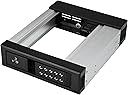
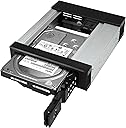
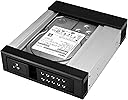
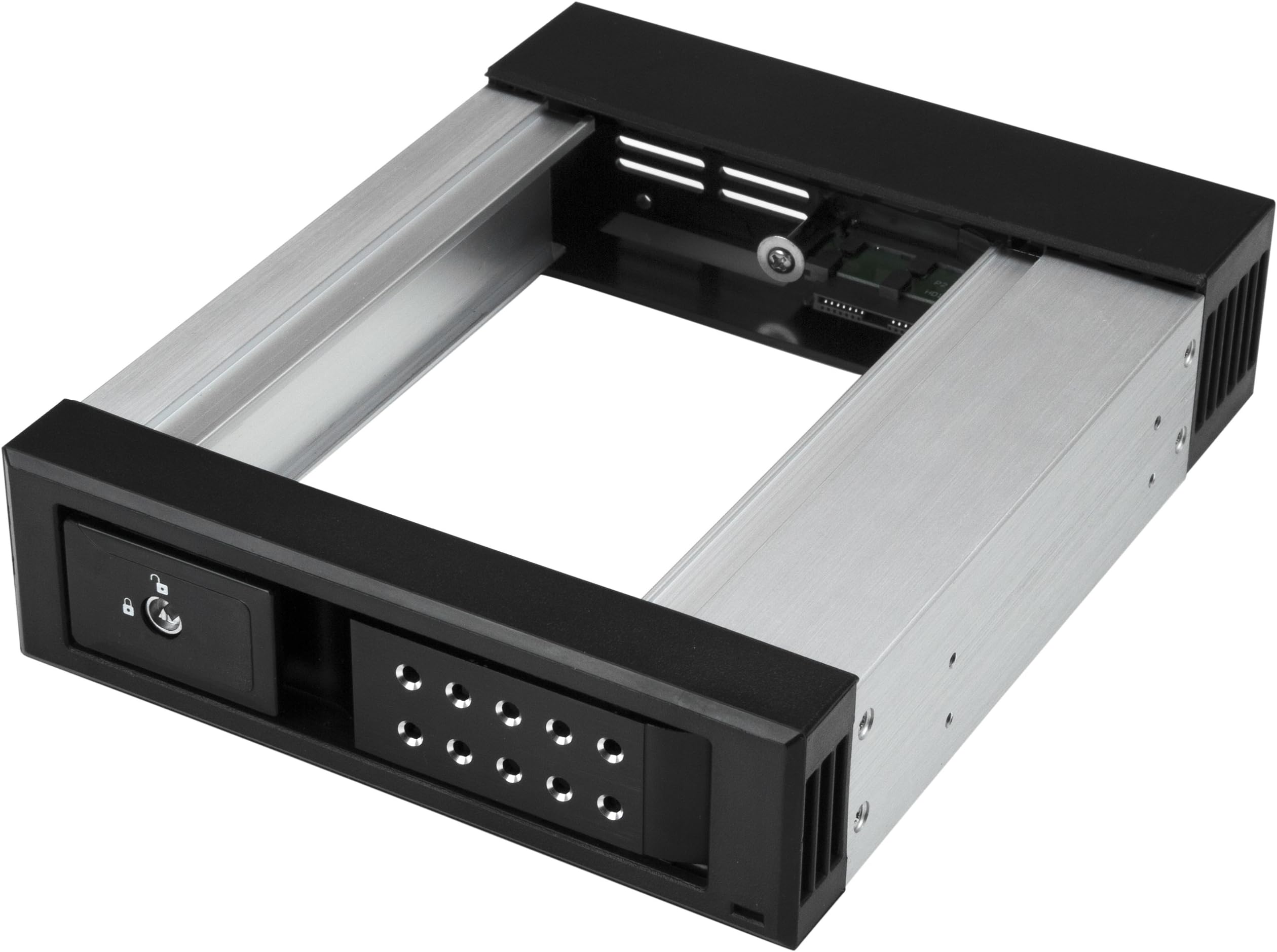
The StarTech.com 5.25" to 3.5" Trayless Hard Drive Hot Swap Bay is a premium aluminum enclosure designed for IT professionals to quickly and securely swap 3.5" SATA and SAS drives. Featuring a trayless design, lockable door, and support for up to 6Gbps data transfer speeds, it ensures efficient maintenance and data interchange across systems. With built-in ventilation and a durable build, it’s optimized for high-performance environments and backed by a 2-year warranty with lifetime technical support.


| ASIN | B073JJ2FVR |
| Best Sellers Rank | 48,980 in Computers & Accessories ( See Top 100 in Computers & Accessories ) 236 in Internal Hard Drives 558 in Hard Drive Accessories |
| Box Contents | SATA data cable (1), backplane (1), keys (2), quick-start guide (1), screws (4) |
| Brand | StarTech |
| Brand Name | StarTech |
| Colour | Aluminum |
| Compatible Devices | Desktop, Laptop |
| Customer Reviews | 4.3 out of 5 stars 164 Reviews |
| Data Transfer Rate | 6 Gigabits Per Second |
| EU Spare Part Availability Duration | 2 Years |
| Enclosure Material | Aluminium |
| Global Trade Identification Number | 00065030872317 |
| Hardware Interface | SAS |
| Hardware Platform | Universal |
| Hardware interface | SAS |
| Hardware platform | Universal |
| Item Dimensions L x W x H | 13.3L x 13.3W x 13.3H centimetres |
| Item Type Name | Startech Aluminum - Trayless - Vented - Front Mount - 5.25 Hard Drive Backplane - HSB1SATSASBA |
| Item Weight | 0.34 Kilograms |
| Manufacturer | StarTech |
| Manufacturer Part Number | HSB1SATSASBA |
| Material | Aluminium |
| Memory Storage Capacity | 3.5 GB |
| Model Number | HSB1SATSASBA |
| Network Connectivity Technology | SATA |
| Product dimensions | 13.3L x 13.3W x 13.3H centimetres |
| Supported Devices Quantity | 1 |
| The Standard Size of the Hard Drive or the Bay the Hard Drive Is Compatible With (in inches) | 3.5 Inches |
| UPC | 065030872317 |
| Unit Count | 1.0 count |
J**K
Excellent unit ideal if you have several SATA spare dives.
Excellent unit, far better than the cheap one I purchased which cost more. This one works on all hard drives, but if you want to use it to run an SSD drive then you have to purchase an additional unit which mirrors an SATA hard disk. I would recommend this unit. Just connect it up and away it goes, no messing.
K**N
Really handy
Works a treat and can change the cheaper HDDs as a plug and play for archiving movie making projects I am involved with
S**N
Pc addition
The power switch is very handy.
J**.
Latch on the front is made from plastic and broke with light use!
Latch on the front is made from plastic and broke with light use. This is a terrible design flaw and is almost guaranteed to break. Not reliable enough to use long term use and poor quality.
J**N
Works very well! It makes it easy to swap in a drive for a project or a backup!
I recently built a new system and one of the requirements was a "Hot Swap" bay so that I can swap in a drive temporarily for a project, or put a backup drive in the bay, make the backup, then remove the backup drive. My old case (a Thermaltake MK1 Cruiser) had a hot swap drive bay built into the top of the case, and it has been used extensively, as that hot swap drive bay has been used to make backups - insert the first 14 TB drive, start the "A" part of the backup, remove the first drive and insert the second 14 TB drive, start the "B" part of the backup, etc. That process has worked extremely well over years and I was very disappointed to not be able to find a case with a built-in hot swap drive bay. I found a case that has two 5.25" external drive bays (Thermaltake Core V71) and bought the StarTek Trayless Hard Drive Hot Swap Bay for one of the two 5.25" external drive bays. Before I continue, I should pass along some reminders regarding "Hot Swap" and Windows and drive letters. First, generally you need to go into the motherboard BIOS settings and enable "Hot Swap". In my experience every BIOS likes to call the setting something different, so read your BIOS manual until you find it. Also, sometimes it is a "SATA" setting, sometimes it is a PCI-E setting, so read the BIOS manual cover to cover. Second, in Windows 10 (I'm avoiding Windows 11) you will need to enable "Hot Swap" in Device manager. As Microsoft like to change things, and if I provide instructions today, Microsoft will change things by tomorrow, I'm just going to suggest you do a search for the "current" way to enable "Hot Swap" on a drive. Third, in Windows Microsoft likes to put "Hot Swap" devices in the list of drive letters depending upon which other devices exist. For example, all of my M.2 SSDs have low letters (C, E, F), and my mechanical 14 TB hard drive started out as drive "G", but I had to move it to "L" because when I plugged in a USB flash drive, or a camera's flash memory card, or inserted a hard drive into the "Hot Swap" drive bay, Windows decided to "change" the drive letter assigned to the 14 TB hard drive and put the USB flash drive, or memory card, or "Hot Swap" drive bay's drive where the 14 TB hard drive was, and give it a new drive letter like "H" or "J" or ... The net result was that the 14 TB internal hard drive became drive "L" (for now) and Windows assigns whatever it wants to the drive letters G, H, I, J, and K. What I'll probably do is assign a new drive letter to the 14 TB drive (which started out as "G", then became "L", and will probably end up as "S" or something like that). Thus, a word of caution... Make sure there are PLENTY of drive letters left unused between where Windows decides it wants to place your USB Flash drives, camera memory cards, and the "Hot Swap" drive when inserted into the dock, so that you don't have "drive letter chaos" where a program using your "G" drive suddenly finds "G" points to a different drive that doesn't have the directory tree structure and files it expects (been there, got clobbered by that). Just to be clear, the StarTech Hot Swap drive bay WORKS GREAT! if you have any problems it will probably be with how Windows assigns drive letters.
M**O
Awesome Drive Tray
Worked perfectly with my SFF server
J**E
Works great
A few minutes to install and configure. Inserted and secured into one of my bays and hooked sata and power in, then enabled port to hot swap in BIOS. Worked like a charm! Great for backups and transfers, much quicker than USB. Note: Most systems require the sata port be enabled for hot swap in BIOS. If you don't, it will still work, but you'll have to reboot every time you put a different hard drive in.
P**L
hinge came apart after 1 week of extremely gentle use
I generally like this product which is largely well made, but the latch hinge is a very bad design. It just came off after 1 week of use and very gentle use at that, during which time I maybe used it half a dozen times. It is badly secured as nothing broke (but imagine it will come out again), the hinge axle just slide out with the only retaining mechanism being the metal on the hinge axle being just slightly serrated on only one side and that being insufficient to retain the hinge particularly well.
A**R
Been working great with weekly swap outs.
I wanted a solution to rotate out backup drives. USB docks with 3.5" slots kept on either breaking or every once in awhile causing errors. Not reliable. This is way more convenient and robust. I've been swapping out a drive every week for awhile without issues. The plastic/metal combo of things seems robust enough that I can't imagine it wearing out that quickly.
Trustpilot
3 weeks ago
1 day ago