
DOWNLOAD THE APP


Customer Services
Copyright © 2025 Desertcart Holdings Limited
DOWNLOAD THE APP
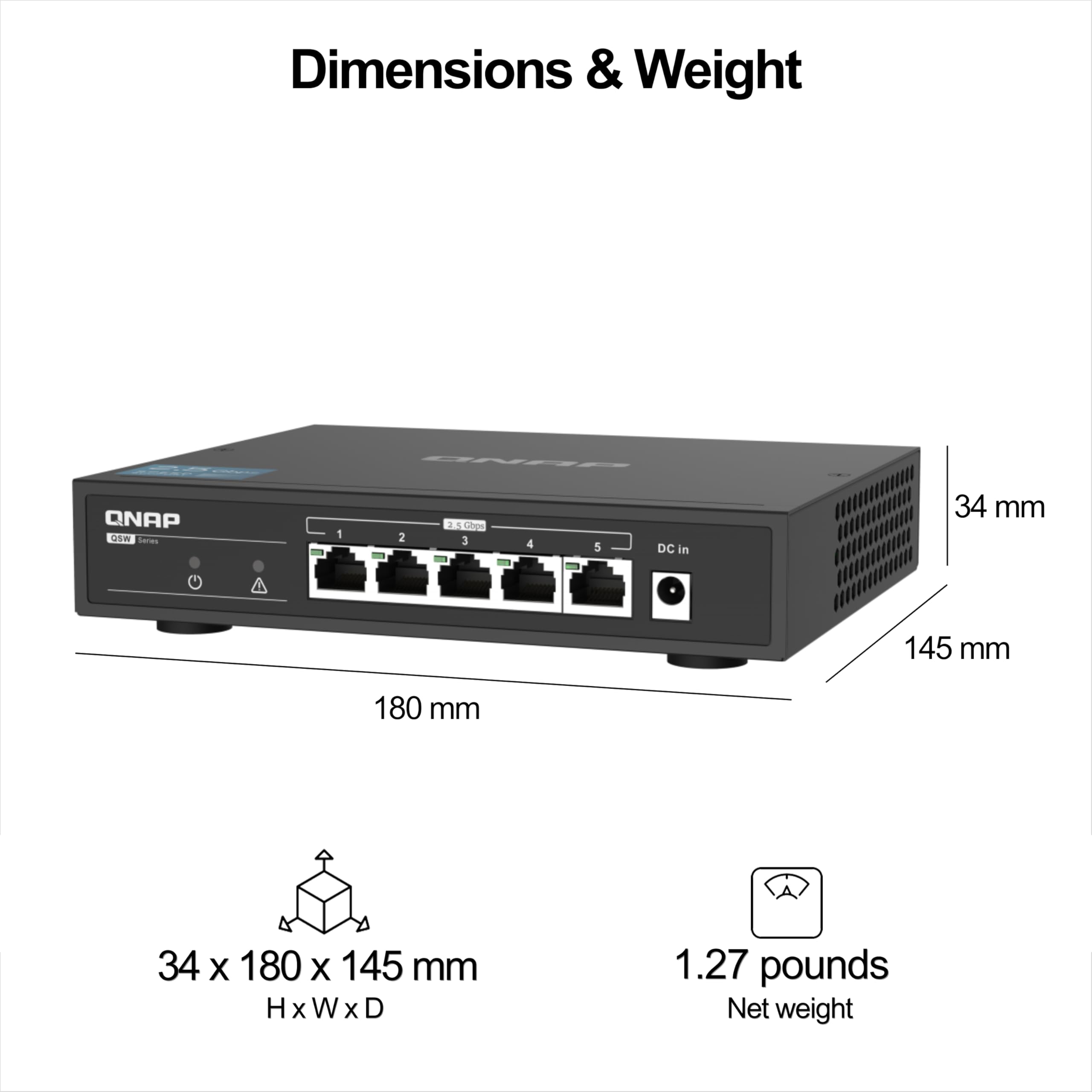
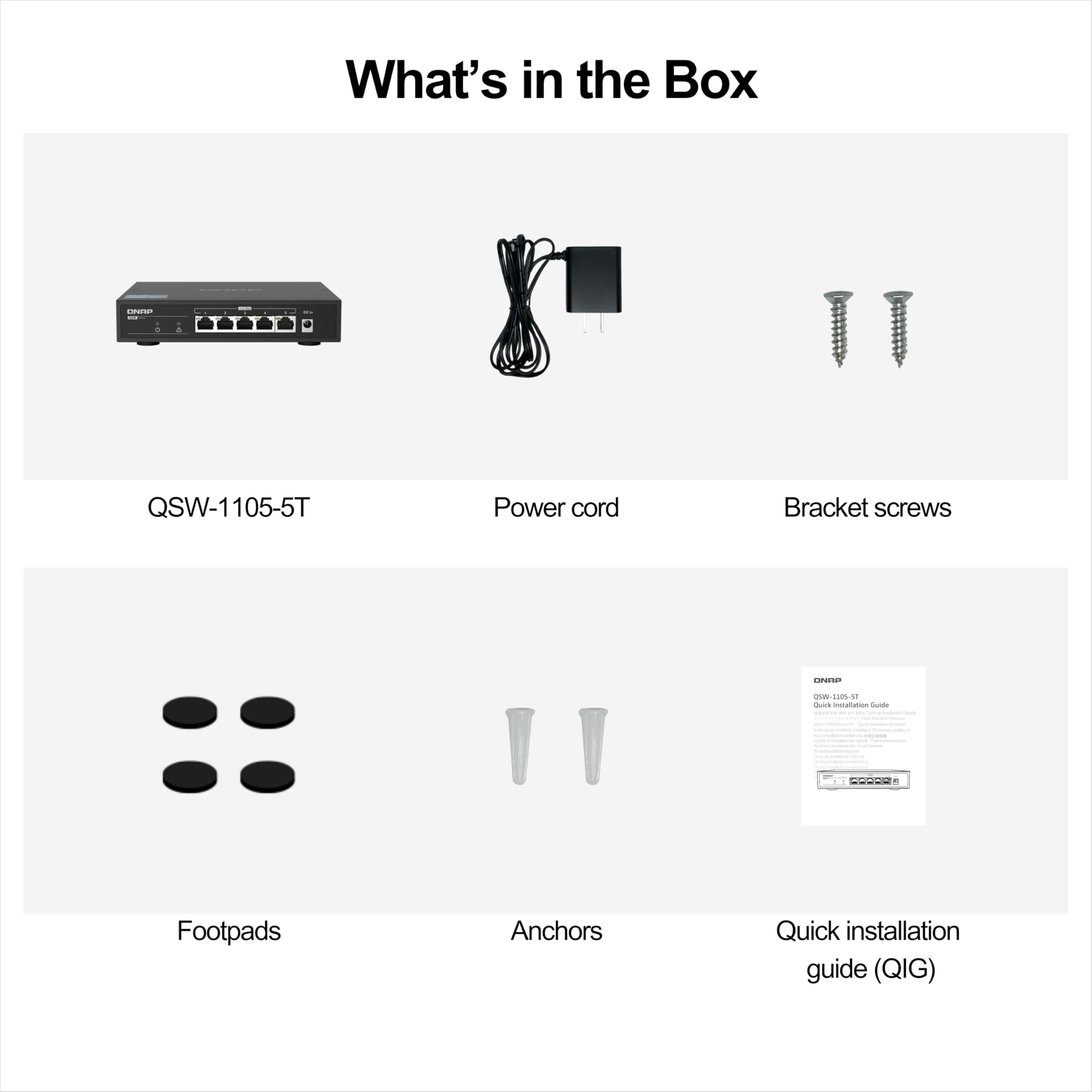

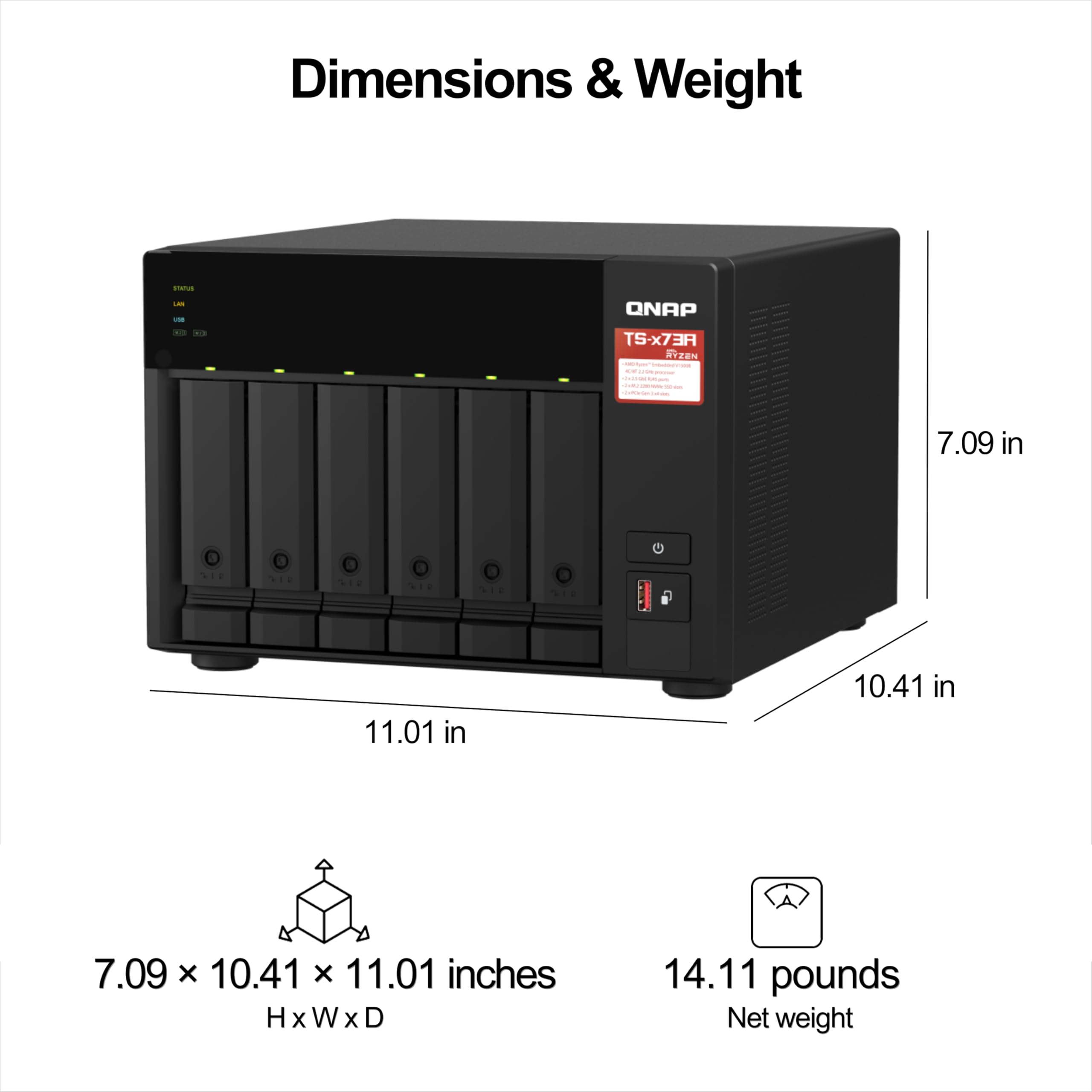

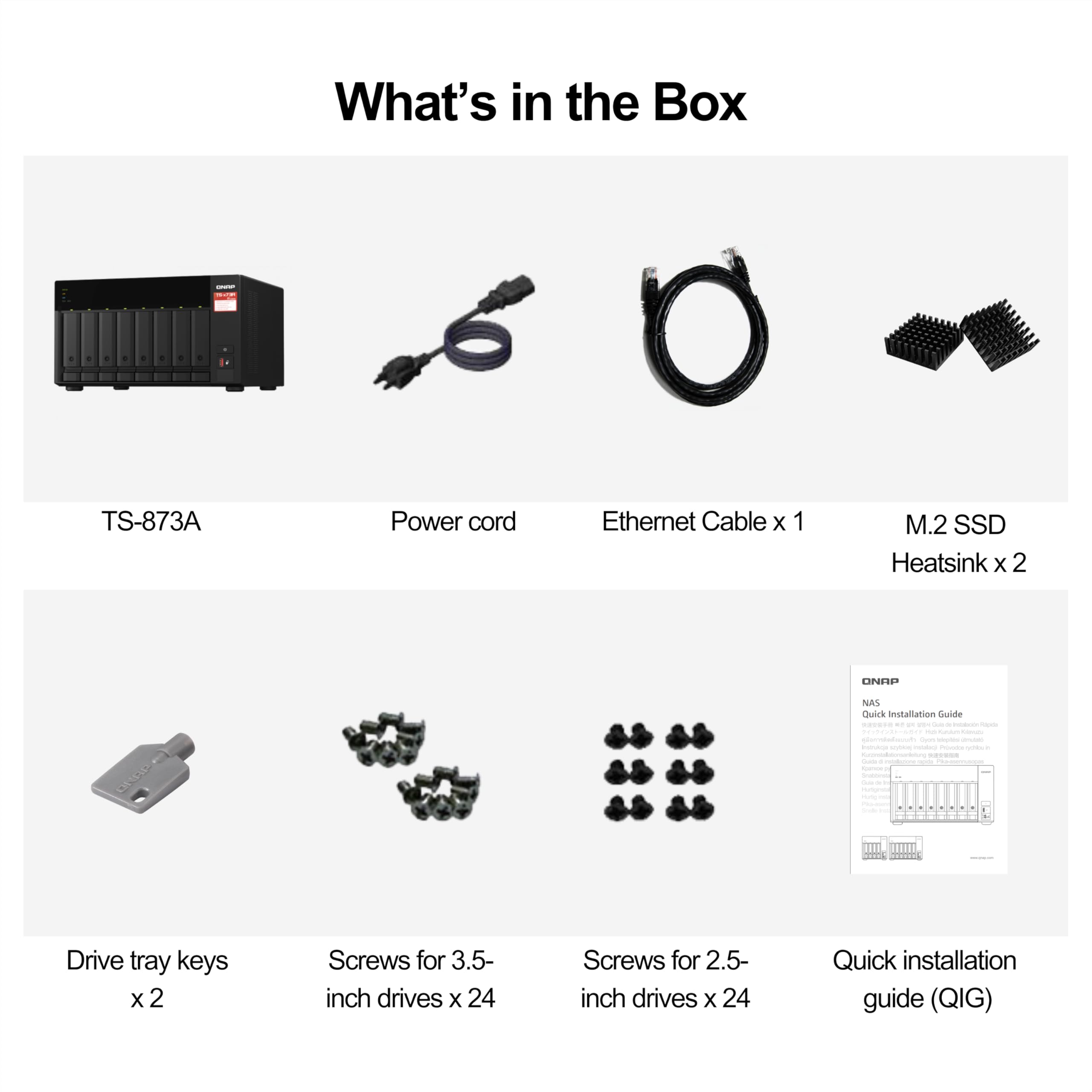


🚀 Elevate your workspace with lightning-fast storage and networking — don’t get left behind!
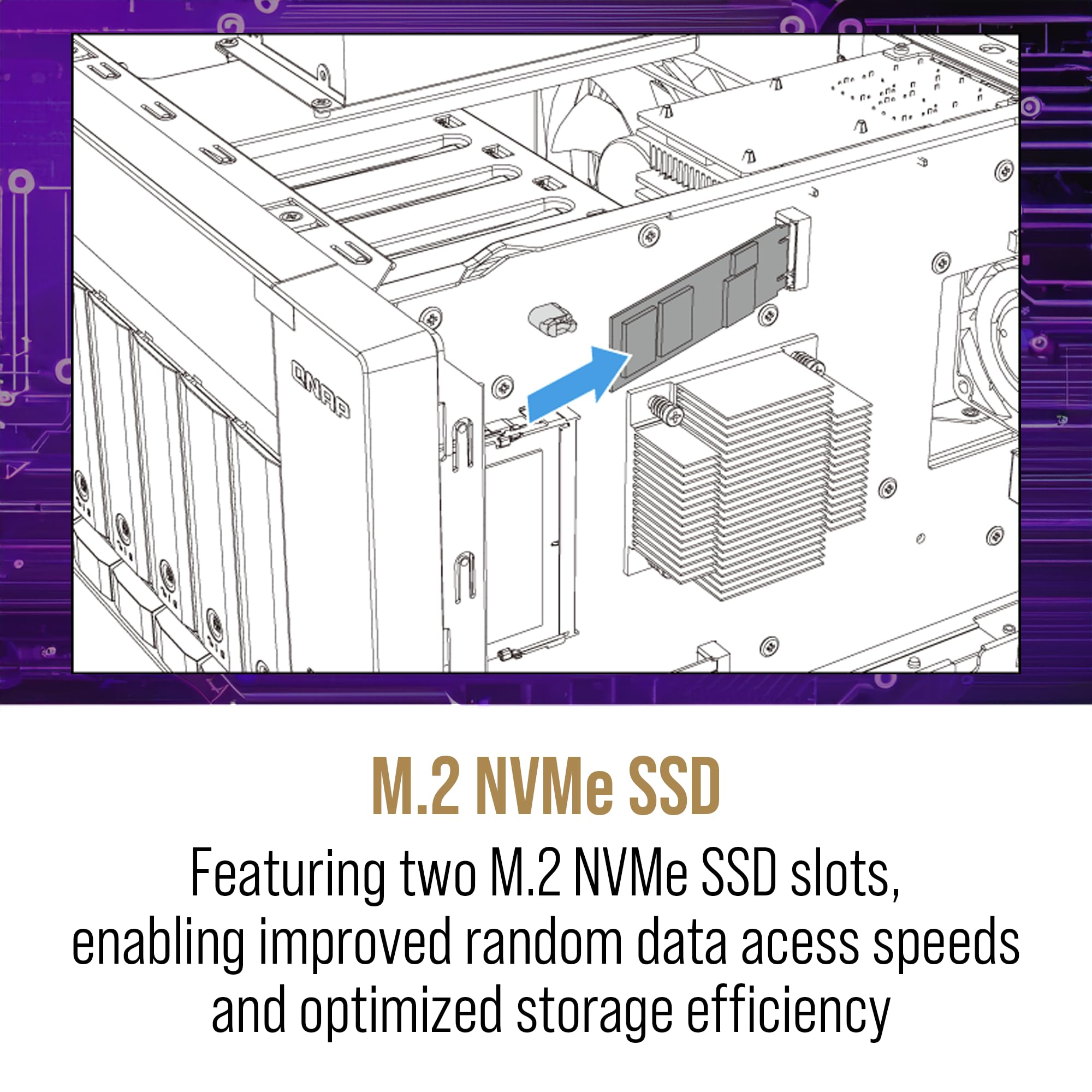
The QNAP TS-673A combines a powerful AMD Ryzen quad-core processor with dual M.2 NVMe SSD slots and dual 2.5GbE ports, paired with the QSW-1105-5T 5-port 2.5GbE fanless switch. This setup delivers high-speed, reliable, and silent multi-device connectivity and storage acceleration, perfect for professional teams demanding seamless file sharing, VM hosting, and future-ready expansion.


| ASIN | B0CQKM2GN3 |
| Are Batteries Included | No |
| Best Sellers Rank | #50,205 in Computers ( See Top 100 in Computers ) #41 in Network Attached Storage (NAS) Devices |
| Brand | QNAP |
| Color | Black |
| Customer Reviews | 4.4 4.4 out of 5 stars (230) |
| Date First Available | 15 July 2024 |
| Form Factor | Tower |
| Hard Disk Description | Solid State Drive |
| Item Weight | 8.12 Kilograms |
| Item model number | TS-673A-SW5T-US |
| Manufacturer | QNAP |
| Product Dimensions | 2.54 x 35.56 x 27.94 cm; 8.12 kg |
水**之
QNAPとSynologyを使っていますが、QNAP NASは保存データファイルのアイコンをカスタマイズできるので気に入っている。
J**L
This unit replace my dead TVS-672X who die after connecting a faulty USB device in the front usb port. The sensitive chipset problem is a widespread problem with x72 model. Hopefully, this AMD base motherboard will last more than 2 years. At least, it come with a basic 3 years waranty.
J**B
This is an Important decision so I'm spending a bit more time on it. I upgraded this to 64GB of memory and I put in a 1TB SSD card to run VM's primarily. It's running the VM's well after watching a couple of Youtube channels on optimizing the drivers. I have it set as a file server with snapshots. I'm syncing them to a USB drive I have plugged in for a scheduled backup. I also sync them to Microsoft Azure cold storage for an offsite backup. This is all done with HBS Backup which is part of QNAP's os. (FREE) This also runs QuTS Hero as an operating system which is the latest platform. Be sure to choose it during setup. Once you pick the operating system, I don't think you can switch. By default it's QTS which is older. Note: QuTS Hero is a bit more memory intensive so you may want to upgrade that, especially if you are going to want to run a bunch of VM's. Mine is also functioning as a Plex Media Server. It works very well. I installed a a graphics card. it does hardware transcoding to lower resolutions if you want to stream it to your phone remotely. (You need to purchase a "plex pass" from plex to do hardware transcoding or remote viewing. But it's not that expensive.) Lots of videos to help you. I recommend the YouTube channels QNAP UK and NASCompares for some good overviews and how to's. You really can get a lot out of the device if you watch good channels. For example last week, I learned that you can build a shutdown plan if the power fails. I plugged my ups usb in, and it was unbelievably simple to configure. This could handle a medium sized business no problem at all. Extensive raid options, "hot standby" drives, and TONS of features important to a business. For example you can have it be a domain controller or even scan your files for viruses/malware. There's a great app store (all apps appear to be free) and you can also extend the app store to a use community one called QNAP Club. Additionally, you can create these "little" applications called containers which are like little mini servers. There's a tool called container station that let's you quickly install them from a huge array of "docker containers" that are available. The warranty is 3 years! You can purchase 2 more within 60 days (it may be 90, not sure.) Support on the operating system is "lifetime". If you just need disk space this might be overkill. But if you want a platform to help you manage your infrastructure it's amazing. If you have/want a serious home lab -- this is for you. My Installed SSD: Crucial P5 1TB 3D NAND NVMe Internal Gaming SSD, up to 3400MB/s - CT1000P5SSD8 My Installed Memory: TEAMGROUP Elite DDR4 64GB Kit (2 x 32GB) 2666MHz PC4-21300 CL19 Unbuffered Non-ECC 1.2V SODIMM 260-Pin Laptop Notebook PC Computer Memory Module Ram Upgrade - TED464G2666C19DC-S01 My Installed Graphics Card: ASUS PH-GTX1050TI-4G GeForce GTX 1050 Ti 4GB My Installed Drives: Seagate 16TB HDD Exos X16 7200 RPM 512e/4Kn SATA 6Gb/s 256MB Cache 3.5-Inch Enterprise Hard Drive (ST16000NM001G) (You need to know what your raid configuration will be. You need a minimum amount of drives for different levels of raid. I used raid 6 which tolerates a 2 drive failure so you need a minimum of 4 drives. They should all be the same size (and speed.) Google "raid calculator" for some good web tools. I have 4 of the drives mentioned. I have room to grow 4 more, but the capacity is like 2 drives now, because of the raid 6 config. Larger drives are no problem but the cost per TB is higher when you get to the top of the available drive sizes. That's why I choose 16TB. Larger ones were much more expensive as of this writing.
R**E
Works great out of the box. Upgraded RAM to 64Gb and will transition to QuTS soon. Replaced an older QNAP that is no longer supported but still working.
R**Z
El equipo te permite múltiples configuraciones, y si bien no te consideras un experto en el tema, hay millones de videos que te explican como llegar a la configuración que deseas. Con esta nueva actualización del SO se muestra una mayor estabilidad en el NAS. Este NAS presenta mucha escalabilidad, rapidez, pero sobre todo es sumamente robusto para la generación de ambientes virtuales, ya sea con máquinas virtuales o mediante el uso de contenedores con lo cual podrás tener un NAS pero igualmente un servidor WEB, de correo, ambiente de desarrollo, etc.
Trustpilot
1 month ago
1 month ago