
DOWNLOAD THE APP


Customer Services
Copyright © 2025 Desertcart Holdings Limited
DOWNLOAD THE APP

🚀 Elevate your home network to WiFi 7 — because buffering is so last decade!
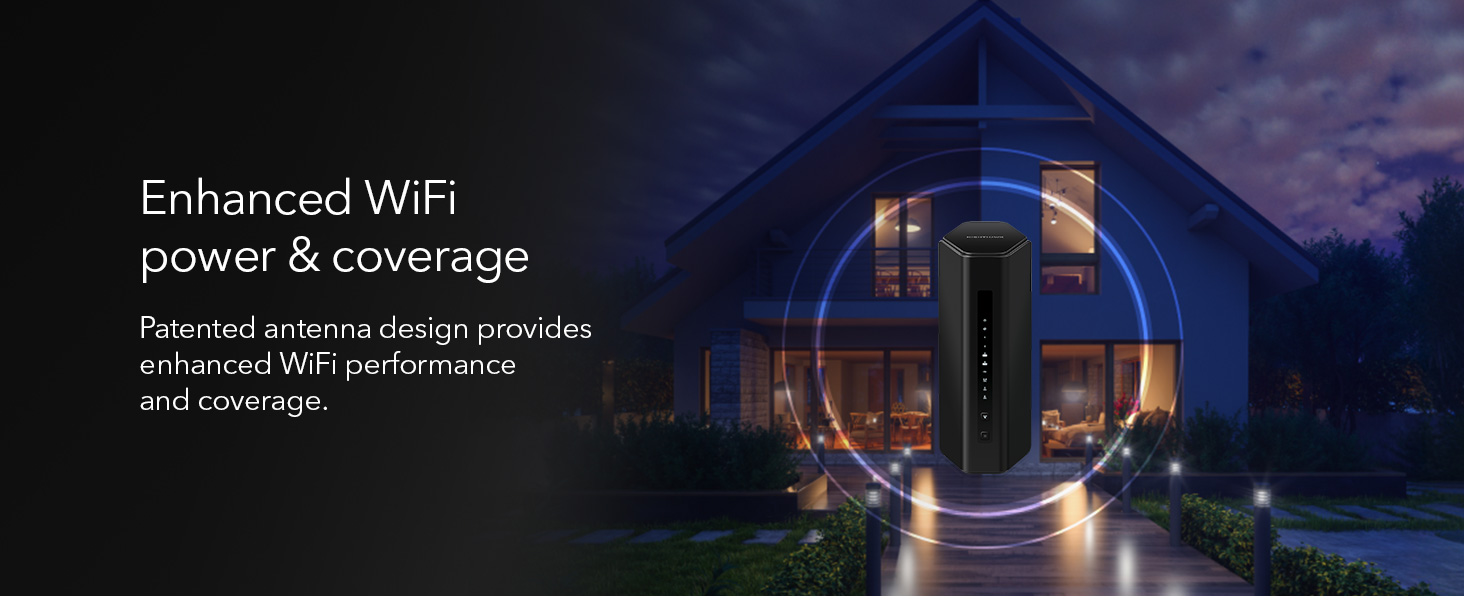
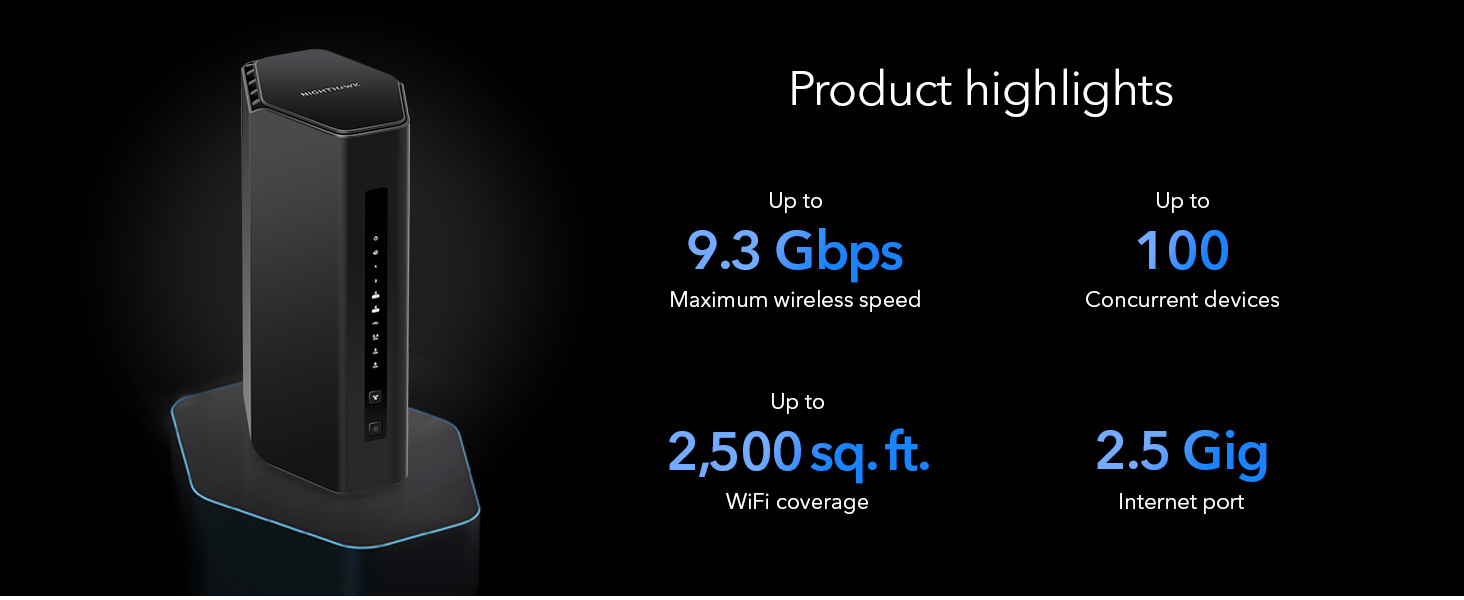
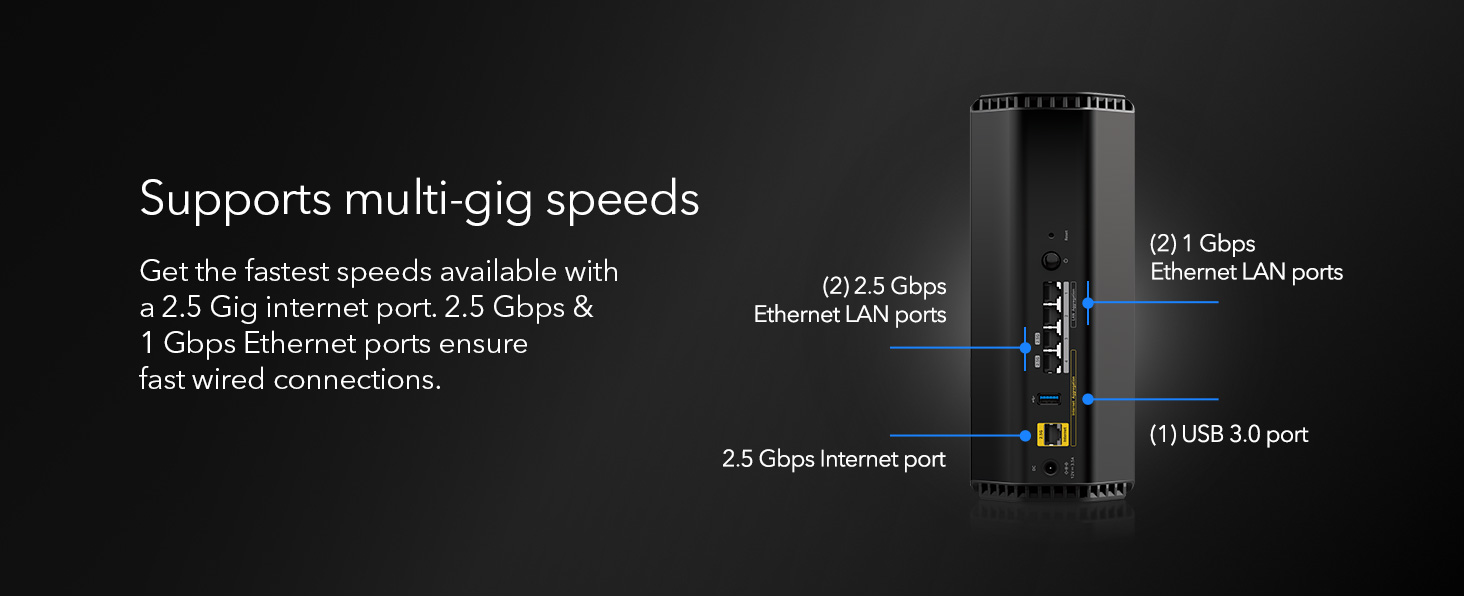
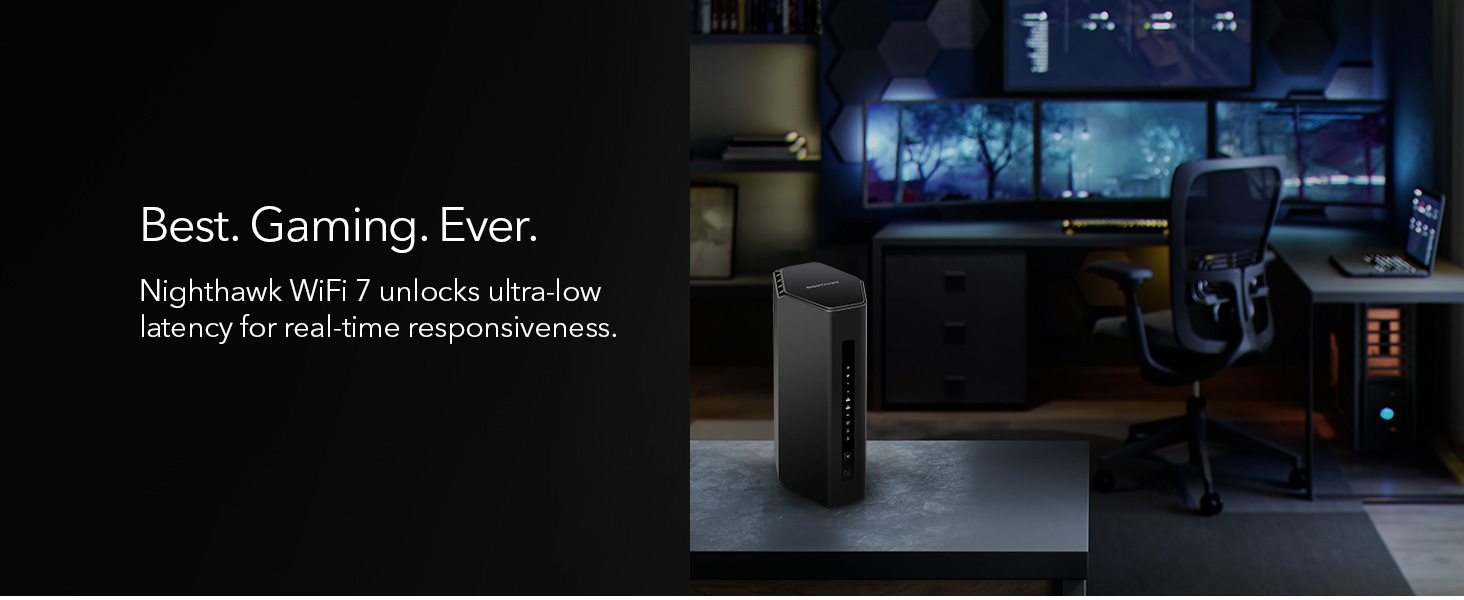
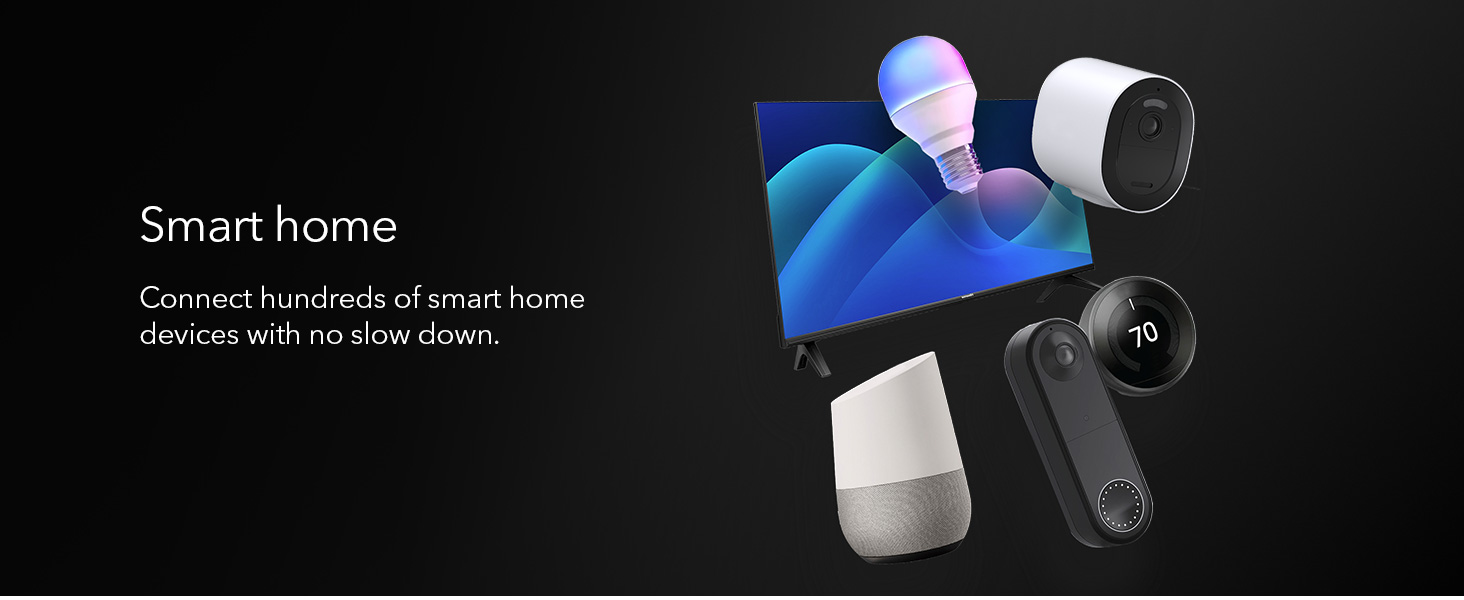
The NETGEAR Nighthawk BE9300 WiFi 7 Router delivers cutting-edge 9.3Gbps tri-band wireless speeds with coverage up to 2,500 sq. ft., supporting 100 devices simultaneously. Featuring a 2.5 Gigabit Ethernet port for multi-gig wired connections and advanced security with NETGEAR Armor, it’s designed for professionals and gamers seeking top-tier performance and robust protection in a sleek, compact design.








| ASIN | B0DK7Q5SCN |
| Best Sellers Rank | #1,245 in Electronics ( See Top 100 in Electronics ) #13 in Computer Routers |
| Customer Reviews | 4.4 4.4 out of 5 stars (1,948) |
| Date First Available | January 28, 2025 |
| Item Weight | 3.74 pounds |
| Item model number | BE9300-1AZPAS |
| Manufacturer | NETGEAR |
| Product Dimensions | 10.79 x 7.17 x 7.13 inches |
V**D
Fast WiFi 7 router with a strong, stable signal
The NETGEAR Nighthawk BE9300 is quick, reliable, and easy to set up. Coverage is strong and stays stable throughout my home, even with lots of devices streaming and gaming at once. It’s pricey, but the performance upgrade is worth it if you want top-tier WiFi 7.
B**D
Very fast and secure router
I am really enjoying this router with its speed and built in security. Once I setup my network using spectrums cable modem, I found out that my home network was receiving DoS attacks left and right from Botnets. Could have been from other countries. Regardless this router was blocking them like a pro. And it’s much faster than my latest Linksys routers. I turned the better Linksys router into an access point connected to Nighthawk router and I’m getting incredible speeds. I’m also able to segment my security system and wifi connectivity on separate VLANS. That right there was worth hooking this router up. And I was also able to connect my wired network through the VPN that comes with the router. Overall I’m amazed at the quality of this router. We’ll see how it continues to work in the future. Hopefully I won’t have to update my review with bad issues. But so far I’m impressed with this unit.
C**L
So worth it.
This was such a good purchase. I've had this router over a year now. Everything connects to it seamlessly with the exception of one device. That one device was a WiFi enable birdhouse which I wouldn't recommend to anyone. But this router keeps all our devices safe. It blocks links that are spam or suspicious. We have had zero account compromised while running this. And it's super simple to setup. We have all the typical devices in our house, gaming devices, computer, smart TVs, phones, ipad, Kindles and have zero issues. It's fast and devices connect on all 3 floors as well as the garage and outside. I have zero complaints. The NetGear Armor is great and I will pay to renew it. Not like the old days of Norton. You don't even know it's running. I purchased it when it was well over $700 and I still feel that was a value.
D**U
Good router. Annoying limitations of NightHawk mobile app. Older Wifi appliances may have Issues.
So far so good, but not without compatibility issues and annoyances. 1. Basic setup was very easy, but you have to have an active cable modem or other digital service internet connection to setup the router. 2.5 Gb Ethernet RJ-45 interface is there. There are also 2 additional 2.5 Gb RJ-45 internet interfaces plus 2 1 Gb RJ-45 internet interfaces. Annoyance: The Nighthawk phone/ipad app only supports basic setup. If you want to do something like disable SSID broadcast, you need to manually login directly to the router via laptop from a browser. Other routers can be setup without the connection, and then plugged into a live internet connection like a cable router. 2. Some older networked appliance type devices may have WiFi compatibility issues. Example: Older Apple TV boxes like the Generation 2 Apple TV A1469 will hang on initial connection request to the network. You will get to the screen where you can select a network SSID for AppleTV to choose, but it will bomb out with a message: "There was a problem connecting to the internet. The WIFI password entered is not correct. Try Again. (-3900)" - or - "There was a problem connecting to the internet. The WIFI password entered is not correct. Try Again. (-100)" Often this happens before the system has even prompted you to enter in a password. You have only selected the network. This is a modem chip type communications issue which is actually somewhat common with older WiFi devices built to older WiFi specs and newer WiFi6/WiFi6E/WiFi7 routers, not just Apple and not just NETGEAR. One workaround in my case was to DISABLE Access Control on the router and retry setup of the old Apple TV device. This did not work. Another workaround of changing authentication to downgrade WPA2/WPA3 back to WPA2 on the router and retry setup. WPA2 is apparently not always reliably detected by the NETGEAR Router. This did not work, either. Annoyance: The Nighthawk app also is too basic to handle this as well, and info on the WPA settings is not under the SECURITY tab, but under the INFO on the wireless network - but not changeable there. Again, you have to login. Another workaround of disabling all router security also did not work. With some routers it will work, but the older Apple TV boxes will return to an error state of (-100) or (-3900) once security is turned back on. Before you return your router, consider replacing the older devices unless you have no option. In my instance, the Gen 2 Apple TV 1469 box is the only device I have that had connection issues. The device is very old and getting a new one is not that expensive. You may run into similar problems with older Home WiFi appliances adhering to older WiFi specs, even if you replace the router with a different brand. Search their knowledge bases before deciding to return the router and getting something else. Do your research on the device and the specific routers you are looking at, and don’t blindly trust what the router vendor tells you.. Keep in mind that WiFi7 is also still an interim draft specification at this time (January 2025), but it has backwards compatibility. WiFi7 is faster than WiFi6 or 6E, but not much can take advantage of the speed yet. WiFi6 is a released spec. WiFi6E is somewhat proprietary and has no backwards compatibility or limited backwards compatibility, but it is faster than 6. I did, however, still notice a definite improvement in my Internet TV devices on the new NETGEAR RS300 Router.
A**A
Rendimiento: Tenía un AP Unifi AP AC Pro y todo mejoró estrepitosamente, rango en la misma planta, velocidad de respuesta de conexión de todos los dispositivos. La cámara que tengo en la entrada emite de inmediato la imagen, antes demoraba unos segundos, pese a que es de 2.4ghz Estabilidad: No es necesario reiniciar el router, trabaja sin problemas todo el tiempo. Sólo recomiendo que en los celulares se deshabilite la opción de MAC address aleatoria, tal como lo indica Netgear. Estética: Es un poco grande, pero es muy bonito, combina con cualquier decoración, eso en comparación con las arañas gamer que tienen las antenas externas. Precio: Si vale la pena si quieres lo mejor del momento, por lo menos debería ser útil la tecnología hasta dentro de 5 años, sin embargo, creo que hay opciones nuevas con rendimiento aceptable a menos por menos de la mitad de precio. Conclusión: Actualizando firmware y configurando todo debidamente es un excelente router.
J**Z
funciono solamente por cerca de dos horas y su cobertura y velociddad, sobresaliente. Después, simplemente se apago para no volver a encender. Iniciamos la devolución por tal motivo.
Trustpilot
1 month ago
2 weeks ago