We remain fully operational. Our teams are working around the clock to ensure your deliveries continue safely.

DOWNLOAD THE APP


Customer Services
Copyright © 2025 Desertcart Holdings Limited
DOWNLOAD THE APP
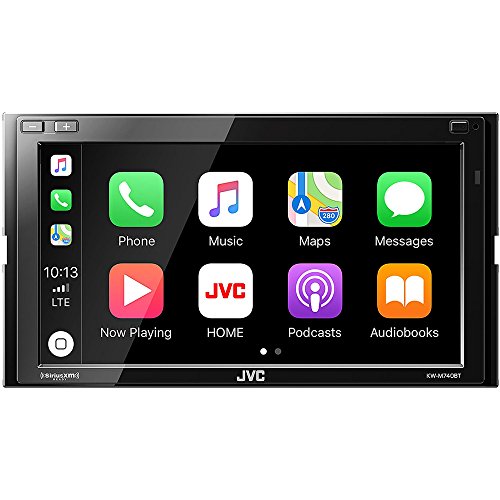
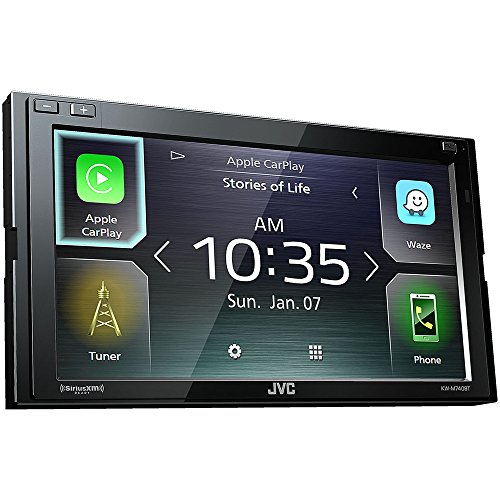
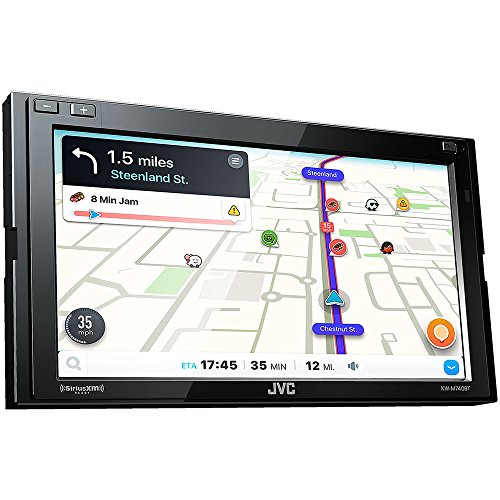
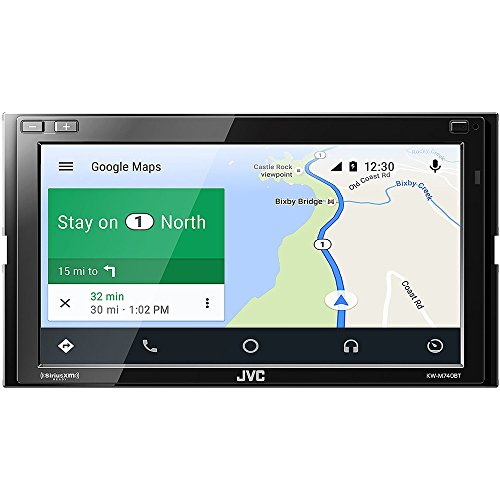
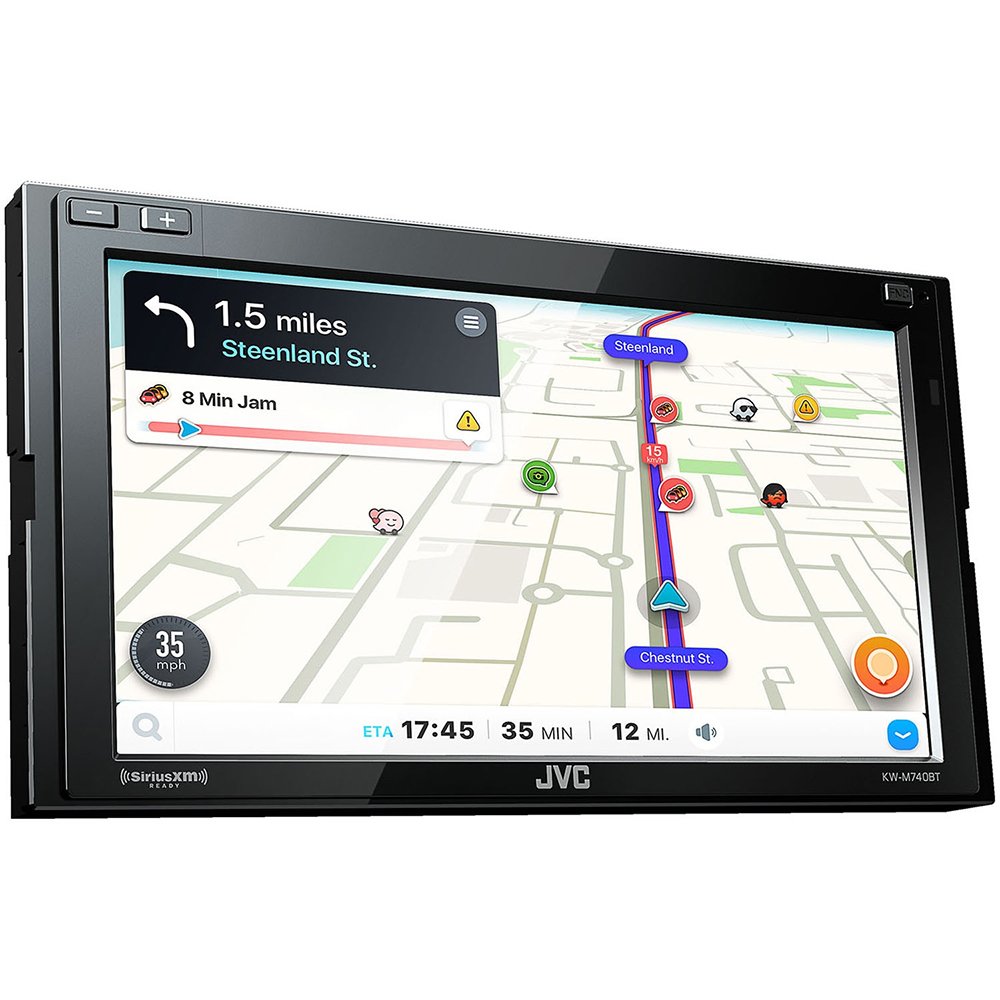
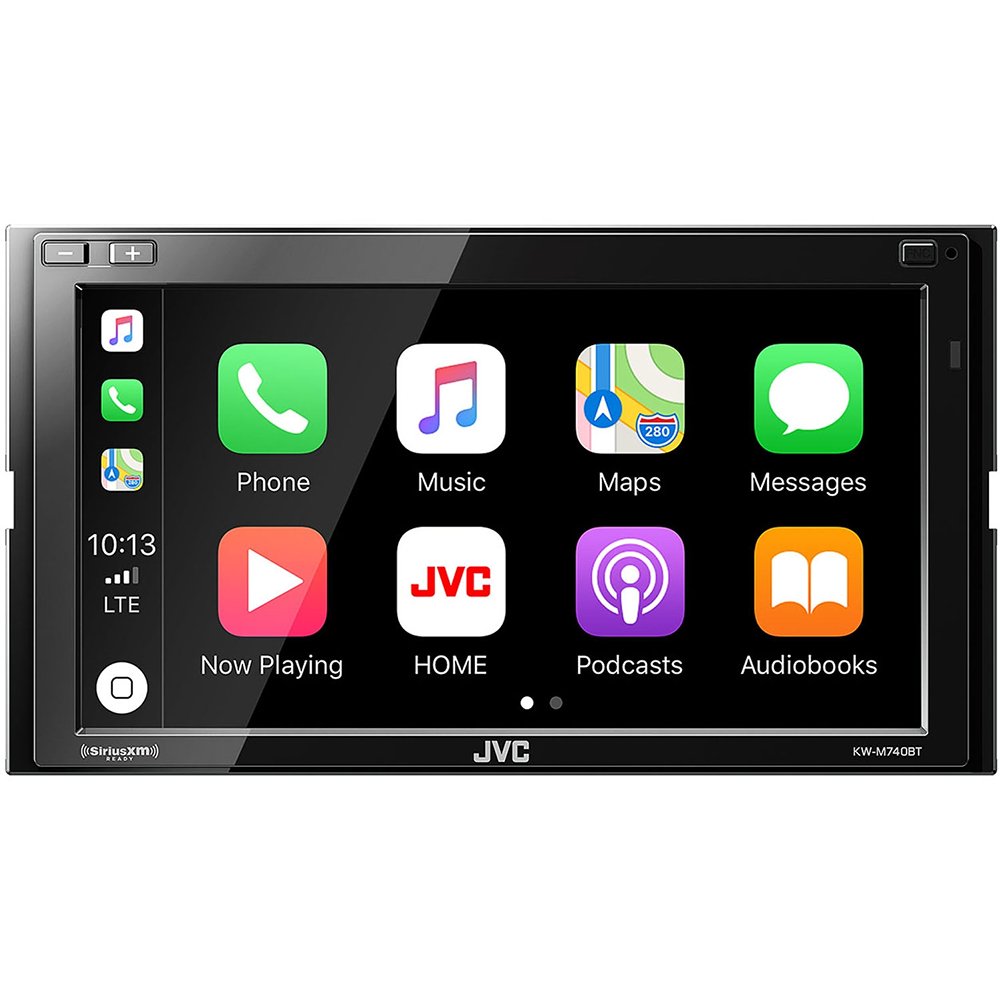
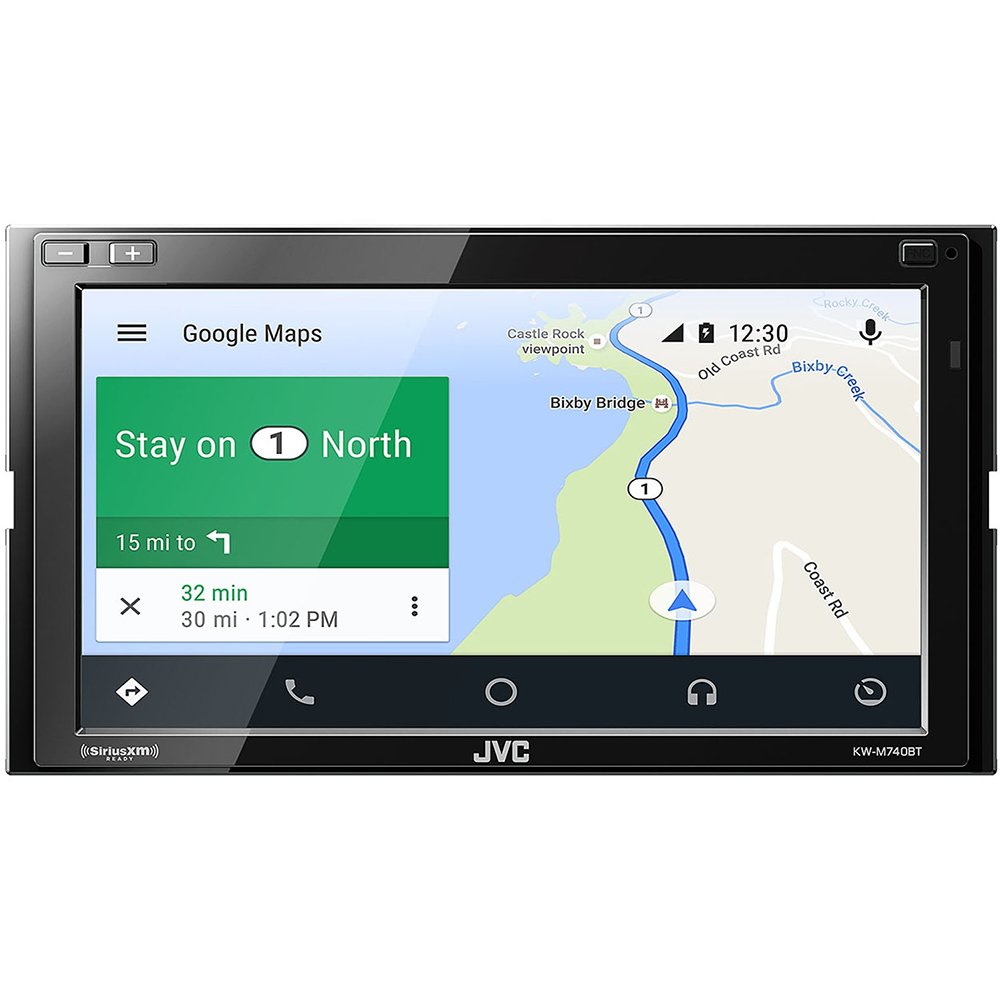
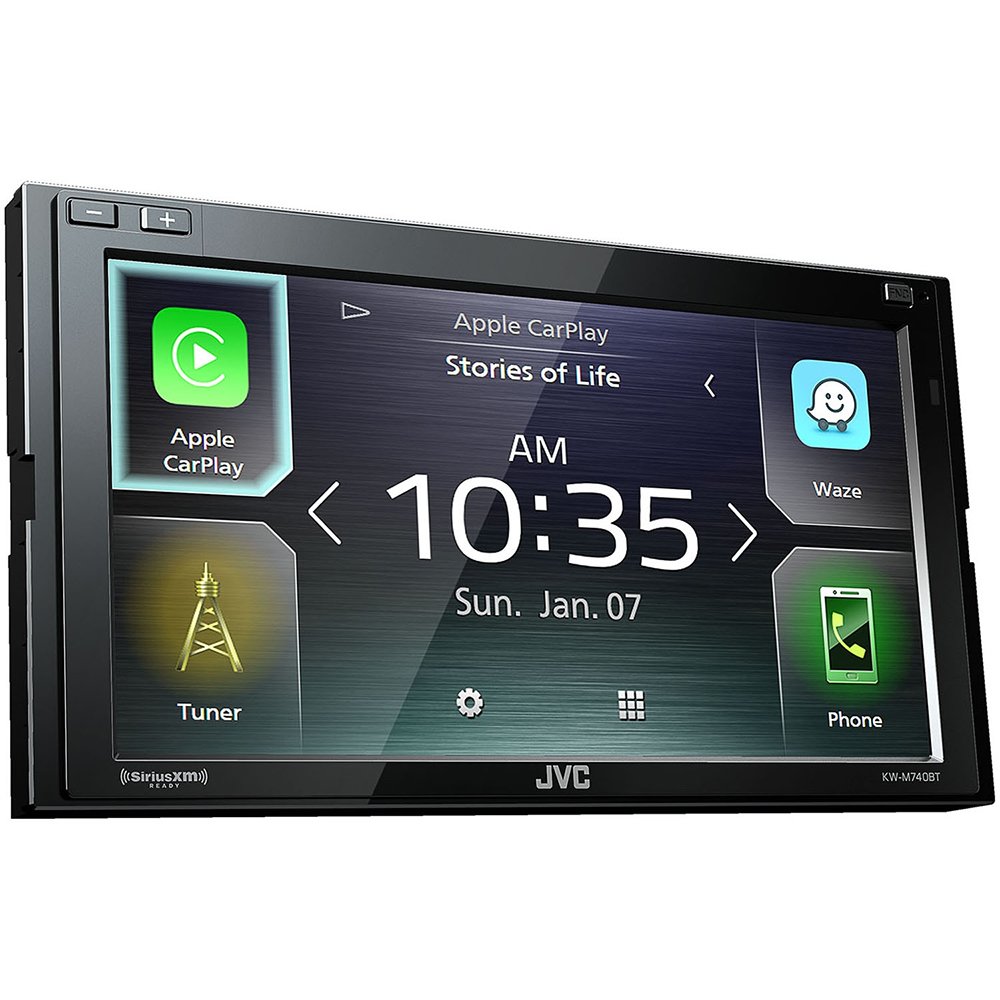
🚗 Drive smarter, sound better, connect faster.
The JVC KW-M740BT is a 2-DIN AV receiver featuring a 6.8-inch clear resistive touchscreen, built-in Bluetooth, and full Apple CarPlay and Android Auto compatibility. Designed for seamless smartphone integration and superior sound customization, it offers quick startup, intuitive gesture controls, and instant backup camera activation, making it a top choice for modern drivers seeking a sleek, connected in-car entertainment upgrade.
| ASIN | B079MGC44Q |
| Best Sellers Rank | #600,317 in Electronics ( See Top 100 in Electronics ) #11,230 in Car Audio Receivers |
| Color | Black |
| Connectivity technologies | Bluetooth |
| Customer Reviews | 4.0 4.0 out of 5 stars (89) |
| Date First Available | February 10, 2018 |
| Is Discontinued By Manufacturer | No |
| Item Weight | 5.3 pounds |
| Item model number | KWM740BT |
| Manufacturer | JVC |
| Other display features | Wireless |
| Product Dimensions | 15 x 12 x 10 inches |
| Special features | Touchscreen |
| Whats in the box | CABLES |
| Wireless communication technologies | Bluetooth |
D**U
I thought Alpines had the best sound quality
This was the fourth head unit in my car, after Kenwood DDX9904S, Alpine ILX-207, Pioneer MVH-2300NEX. Each of these had pros and cons, but the JVC has the most pros least cons. The quickest to boot up (7-8 seconds), JVC has a minimalistic home screen, and only three buttons. Although the screen is resistive, it is very responsive and close to the feel of a capacive touch screen. You can seek up/down by swiping right/left on any screen. Similarly you can go next/previous by swiping up/down, and adjust volume with circular gestures clockwise/counter clockwise. Sound quality is amazing, DSP options are similar to the Kenwood. Great equalizer and crossover customization. When reversing right after starting, backup camera comes on instantly, though the guidelines take a couple of seconds to show up. Otherwise, the guidelines show up instantly. After startup, the annoying safety warning pops up, where you can either ok it out or wait 10 seconds for it to time out. I was able to upgrade firmware with no issues. I also changed the default JVC splash screen to my car’s logo by following the same procedure as with the newer Kenwood units. Integration with bluetooth, CarPlay, WebLink, and Waze is excellent with no problems to report. I was able to adjust Bluetooth echo and noise canceling to a very clean voice on both ends of phone calls.
K**E
Well worth it
Awesome unit does what it’s suppose to and has a great sound. Android auto works flawlessly. Like the fact I can integrate it not only to older vehicles but also newer vehicles has the options for vehicle software for climate control and all that. Only thing is the web link kind of sucks and gets stuck on YouTube. Stopped using it. Wasn’t worth using that feature.
R**8
A great value, but update your firmware!
Blown away by the feature set and audio quality of this unit for the price; installation is easy; included harness is adequate, has correctly color-coded wiring and the manual is easy to understand and includes a great wiring diagram. Touchscreen is Resistive but you'd hardly know it; it is incredibly responsive, and the interface is fairly intuitive. As I've seen with most head units, some of the phone-integrative features can be hit-or-miss and performance can vary depending on phone type and OS version, but the meat-and-potatoes features like bluetooth audio, Pandora functionality, etc. work great. Some spotty performance on first install concerned be, before I checked and noticed the installed firmware version for the unit was several revisions old; a quick search led me to JVC's page for firmware downloads, and within minutes I had the latest revision, downloaded to a USB drive, and the update process was quick and painless; performance improvement was immediately noticeable; it is nice to see a company showing efforts on this end. Pros: Great Audio Performance, Great Screen, Good Interface, Can have two active phones at once Cons: Some flaky app behavior, lack of standard Aux input (utilizes AV-IN instead)
M**D
Great head unit for 2015 Ford F250
Great price for what you get. There is a little learning curve with using my phone with it. Android Auto works the best for my purpose, my phone does have to be connected via USB but I'm ok with it. MT wife's IPhone connected itself via Bluetooth but my LG G7 was more finicky. I used the maestro Rr for steering wheel controls and their wire harness for it all. I am having a little issue with the truck's sync voice commands but I think I need a separate harness for that...still researching. The fit and finish are very nice, looks factory in a lot of ways. If you get the module and harness to make it work all together you can splice 99% of it on a workbench and the put in the vehicle. Install time was about 4 hrs for everything including a factory style backup camera. Once I learn the rest
A**R
Poor Car play function
I was excited about this unit at first, but after installing each firmware update the carplay function prompted a one star review. I've had this unit for a year, and continuously struggle with connecting my phone to the unit. I use an iphone cord through the USB connection (the reason I bought the unit) and each time I plug it in the screen goes blank. I have to disconnect my phone, plug it in again each time. when the JVC home screen appears after re connecting the phone, you have to press the car play button to get yet another black screen. wait 10 seconds, then select car play a second time after it reappears. I've updated my phone software, updated firmware, reinstalled the firmware, initialized the stereo, used different cords and nothing is fixing the issue. I would not recommend this unit as it seems the firmware update have not addressed functionality issues with car play. The best I can do to fix the problem is re install the previous firmware version which seems to run a little smoother. Probably not a problem with the unit itself, more on JVC's end for keeping a slightly older head unit up to date. I can imagine that's a real challenge. I also can not get Blue tooth to pair with my iphone, when it does it is random, and at times when I'm not trying to connect via Bluetooth, even if I have bluetooth in "OFF" on both my phone and head unit. It seems like it has a mind of it's own. After it does pair then I have to go through the carplay connect/ disconnect operation describe above. Do yourself a favor and don't buy this unit. JVC's customer service is unreachable at best and I am simply going to pull the unit, and re create the office space printer scene in my front yard as soon as it's out.
C**.
Great Headunit
Had this installed and have used for a few days. Pretty impressed so far. Sounds great with my factory JBL speakers. The apple car play functionality is great and I like the weblink capability. The weblink capability is a little slow to respond but I hope with future firmware updates it will get better.
S**.
Lots of bugs. 2 bluetooths not really fonctionnal. Weblink application has a lot of problems, screen not well centered when mirroring Waze.... Android auto cannot connect 2 phones at the same time, so if you want to have 2 bluetooth and use Android Auto for google maps.. forget it... When contacting JVC support about these problems, they dont care about your problems, dont want to help you, and tell you to use Android Auto waze apps... even if you tell them you need the weblink because you really need both of the Bluetooth connections...
Trustpilot
2 months ago
1 month ago